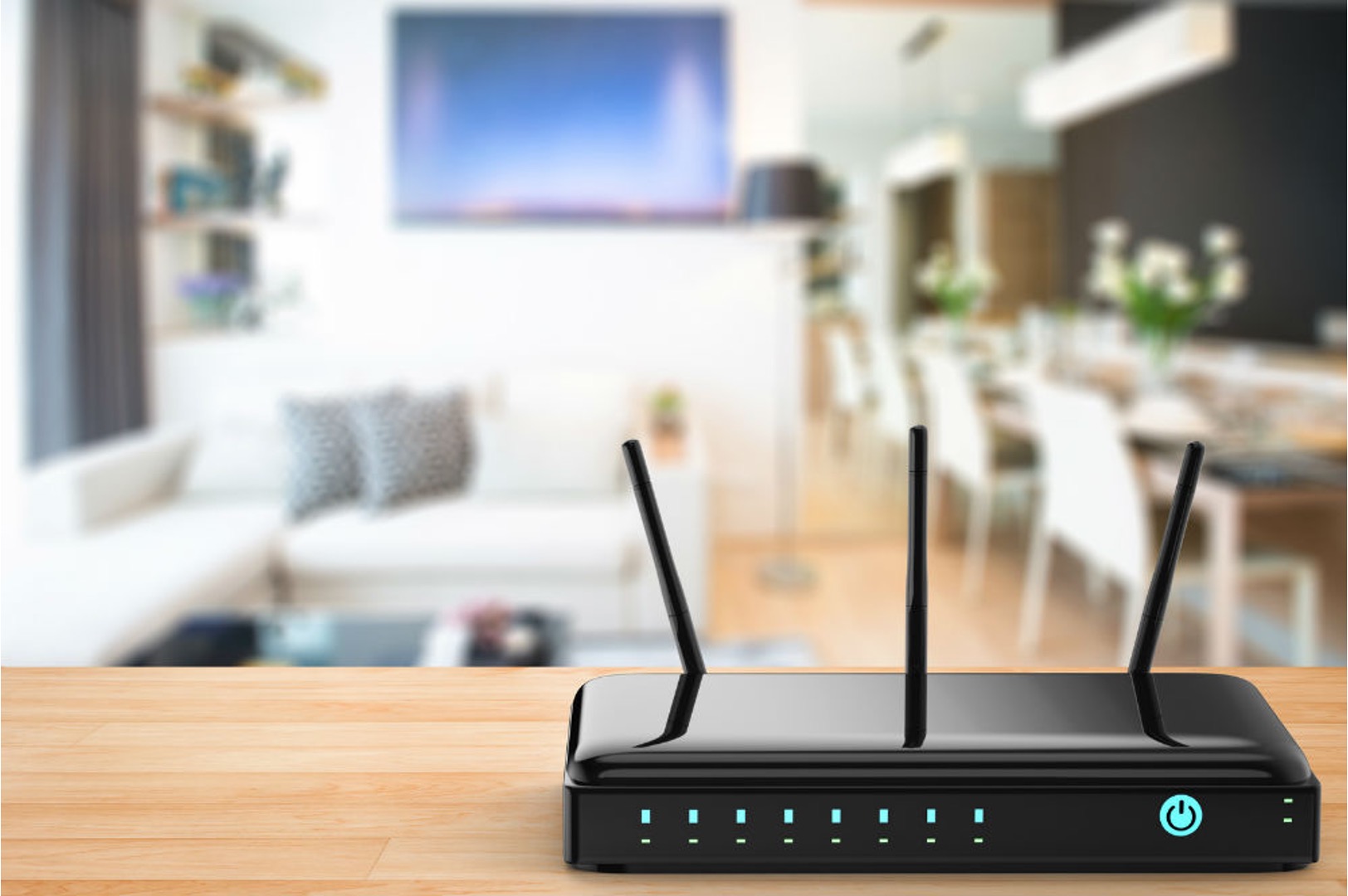
The Wi-Fi Protected Setup (WPS) feature, a method for connecting devices to wireless networks using a button or PIN. This content is specifically for anyone who owns a wireless printer, router, or network extender and needs practical help getting those devices onto their home or office Wi-Fi. The articles here solve two main types of connection problems: linking printers to a network and setting up wireless extenders.
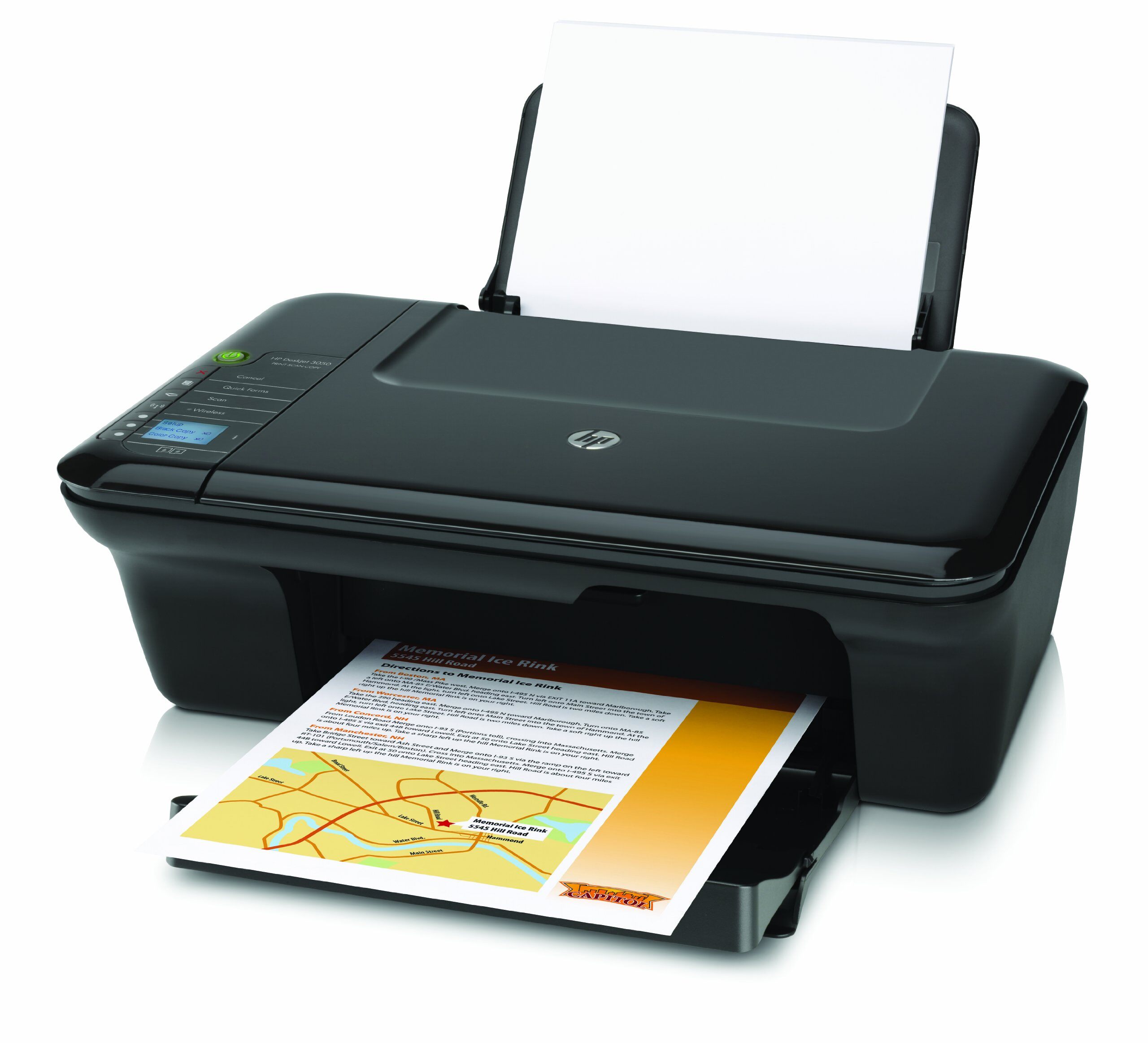
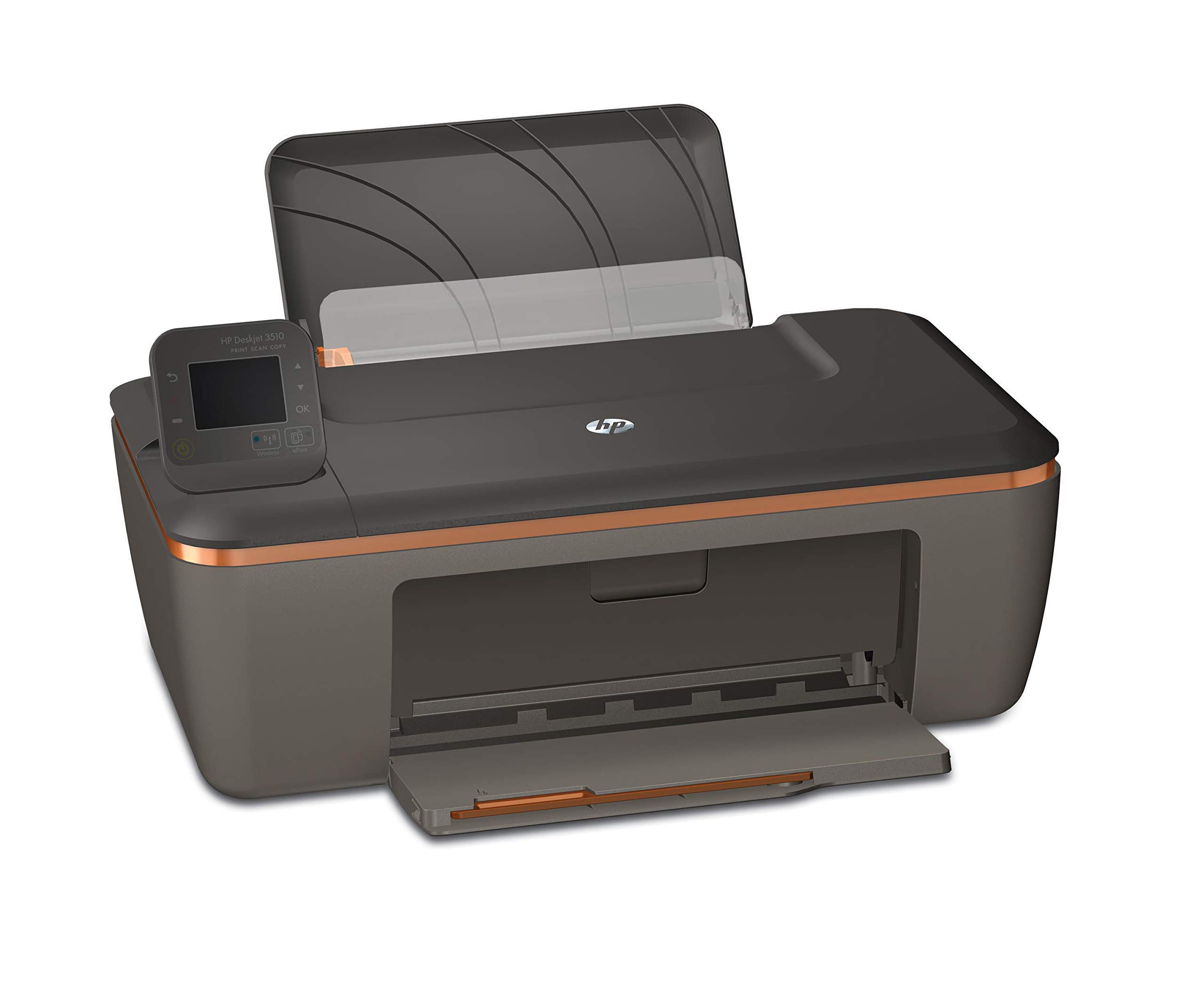
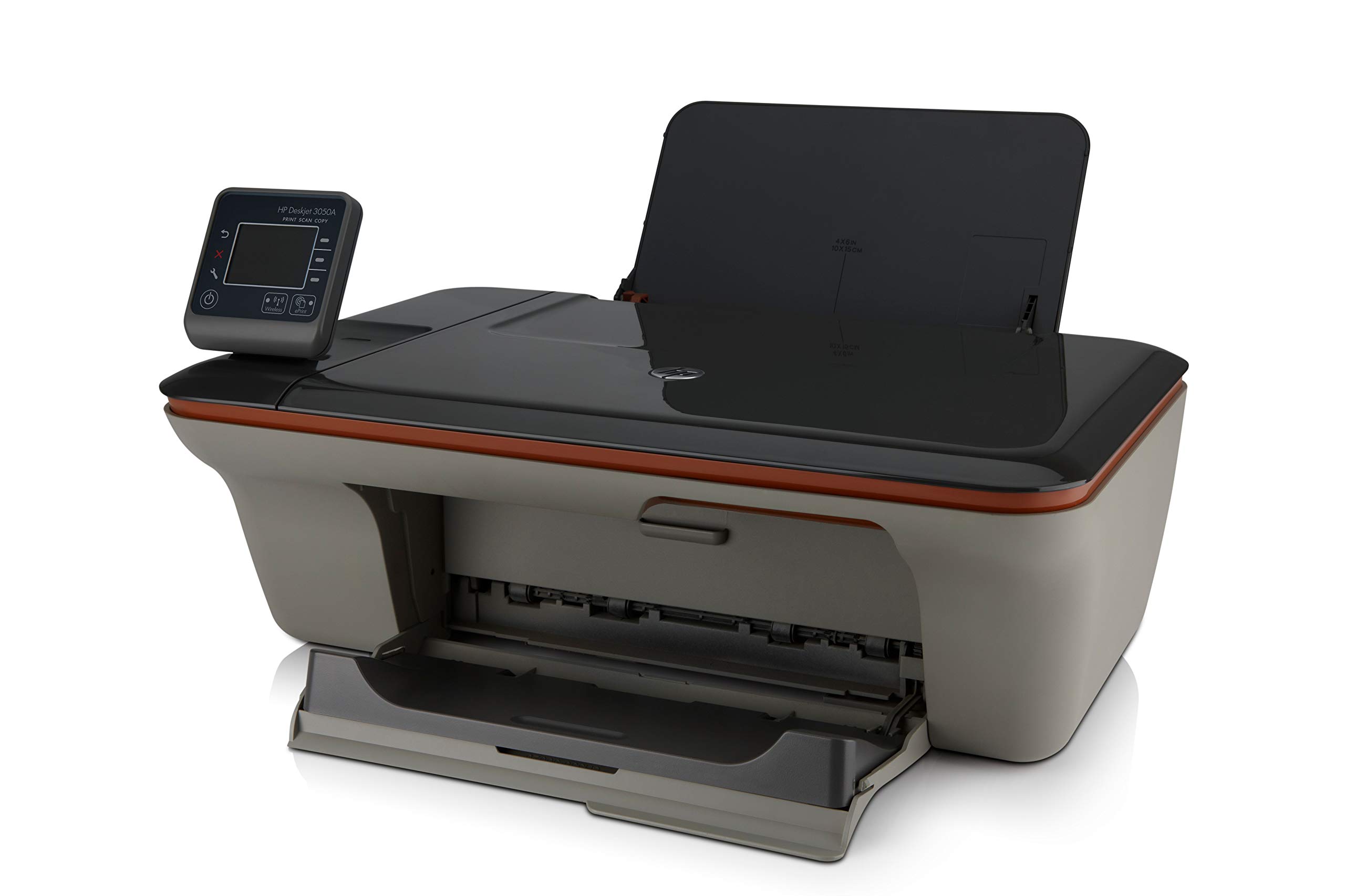
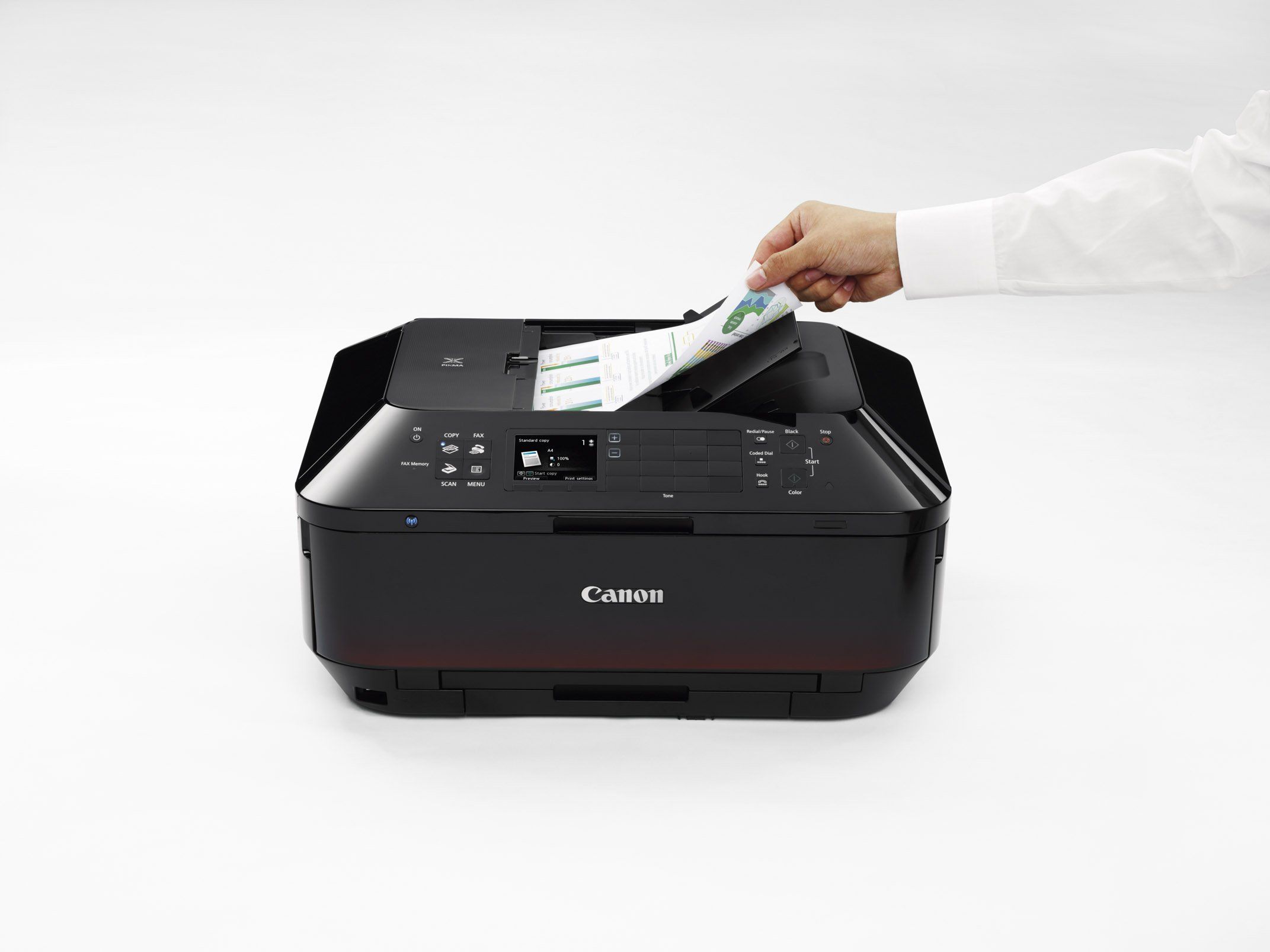
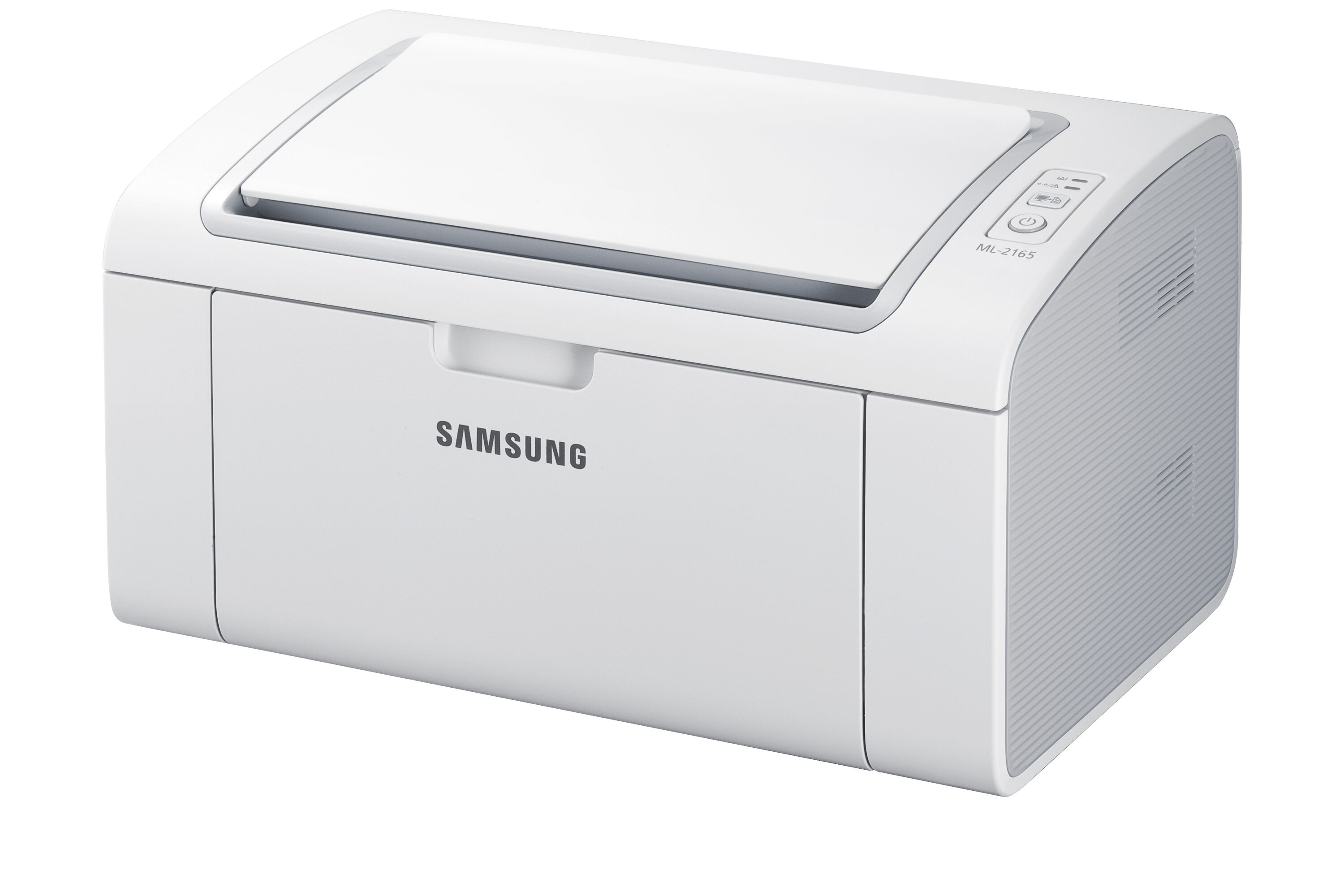
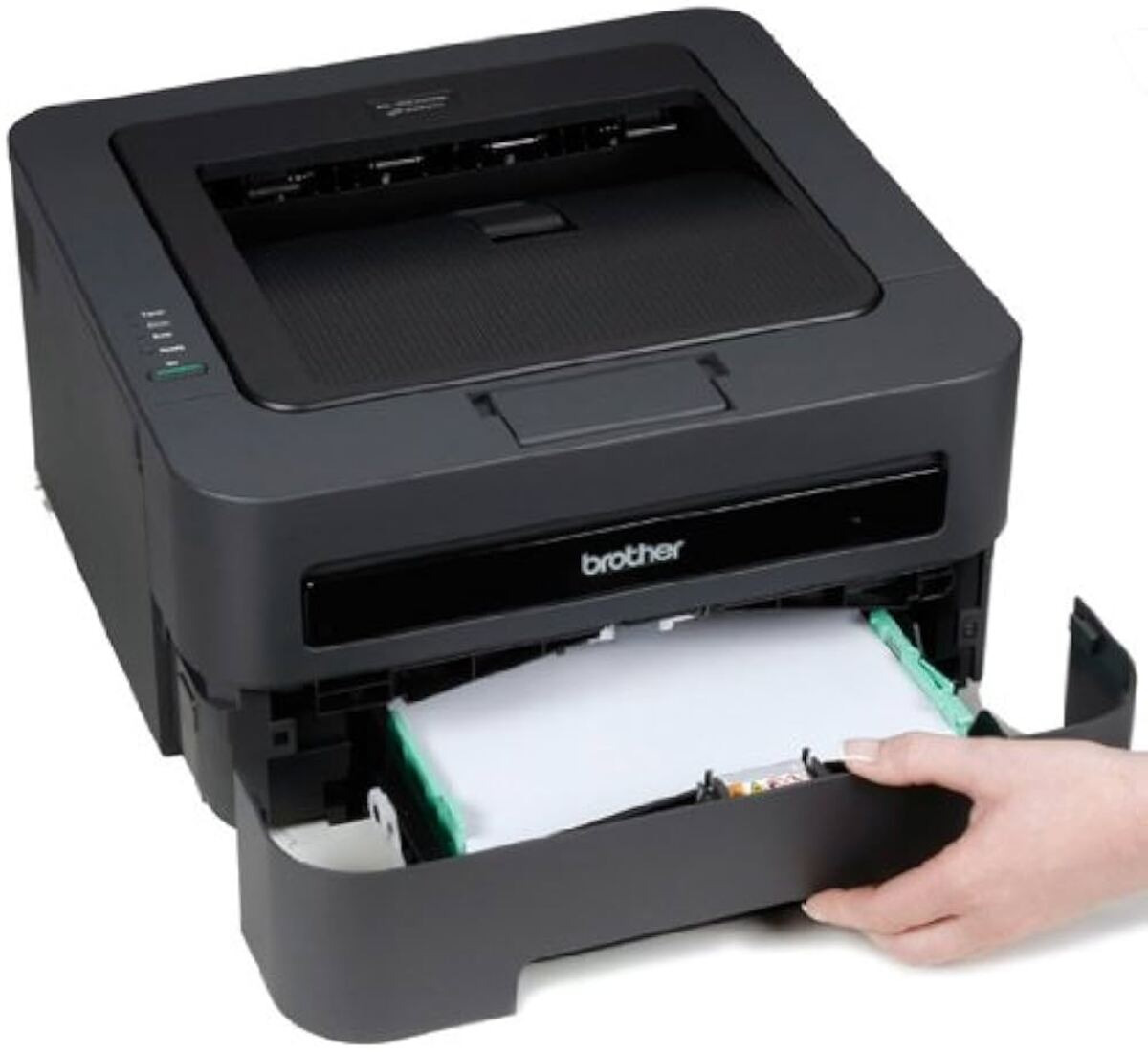
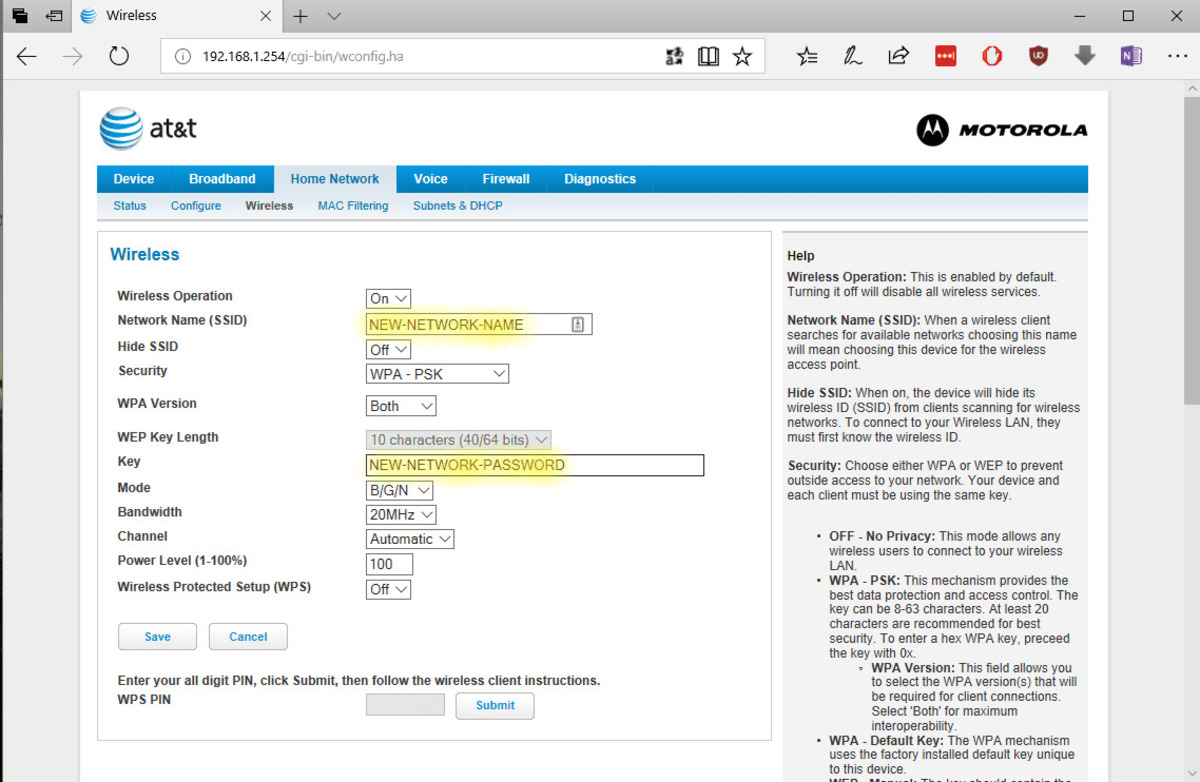
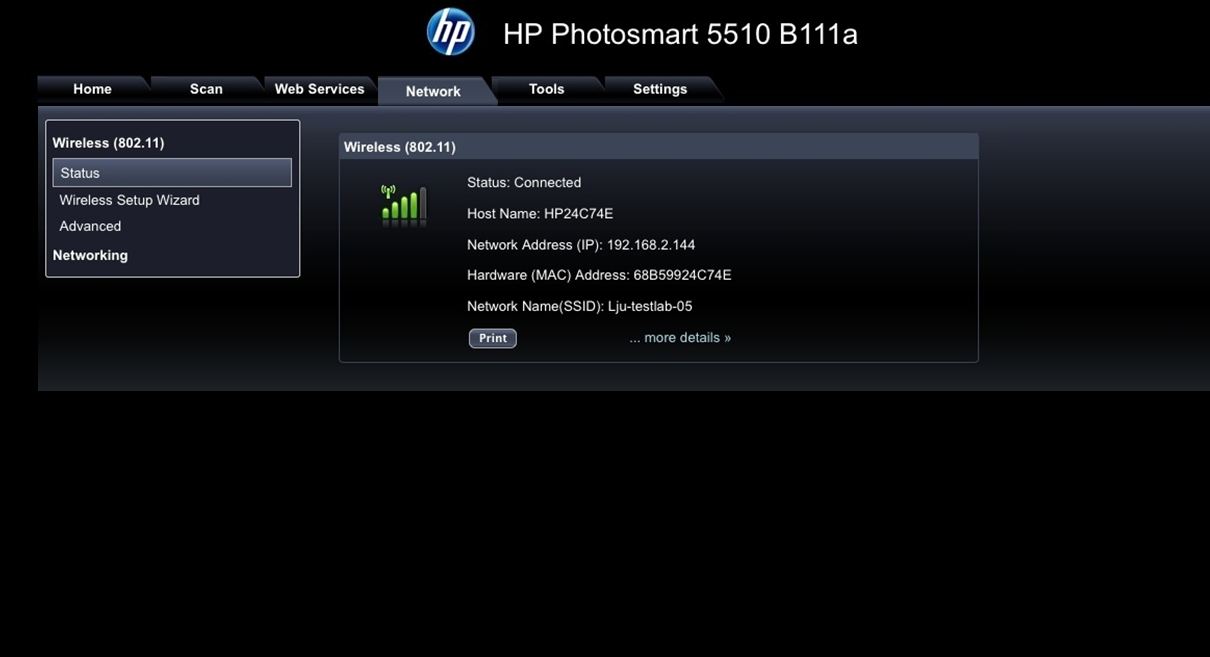
For printer owners, the guides tackle the common frustration of getting a machine to talk to a router. You will find step-by-step instructions for connecting specific models like the HP Deskjet 3050A, the Brother HL-2270DW, and the Canon MX922. Other articles cover how to set up the Samsung ML-2165W and the HP Deskjet 3510, all using the WPS method. A separate piece explains how to enter a PIN in the router settings, which is another WPS option for devices without a physical button.
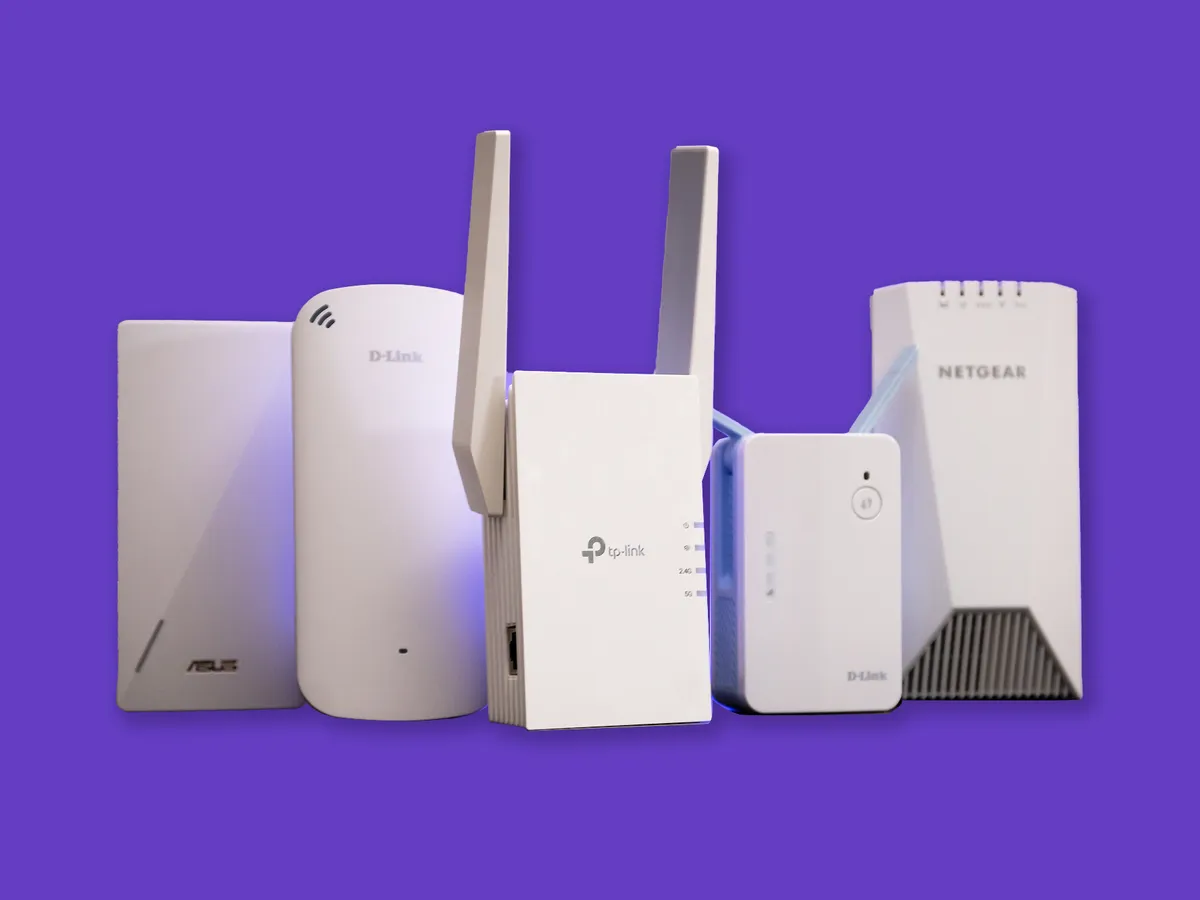
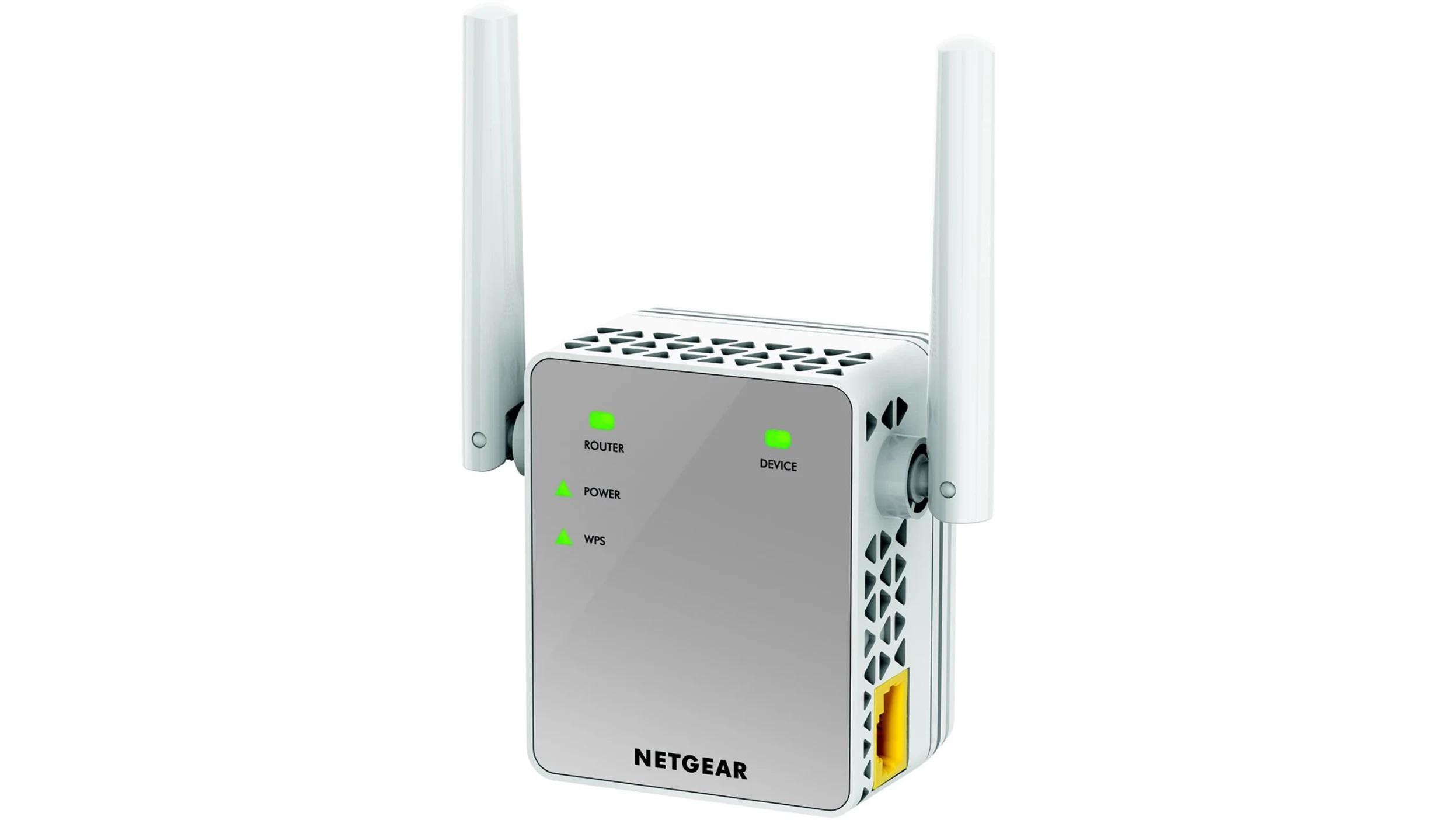
For network hardware, the tag addresses extending your Wi-Fi coverage. Articles show you how to connect to a Netgear wireless extender and a TP-Link wireless extender using WPS. Finally, a practical guide helps you locate the WPS button on a T-Mobile router, solving the simple but common problem of finding the right button to press. Each article helps the reader complete a specific wireless connection task without needing advanced technical knowledge.