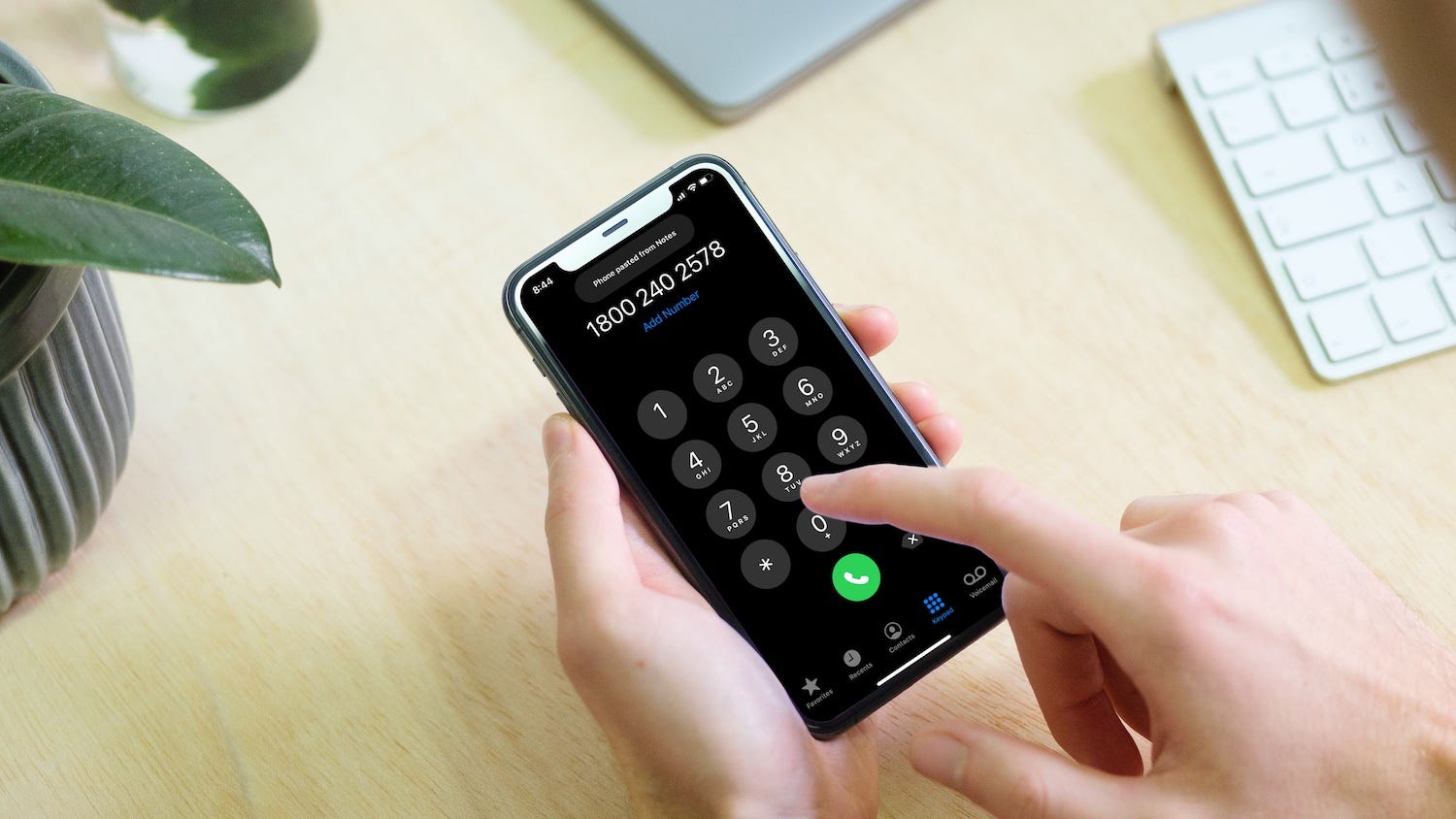
To add letters in a phone number, simply open your phone's dial pad and press the digit keys that correspond to the letters you want to dial.
How to add letters in a phone number on iPhone
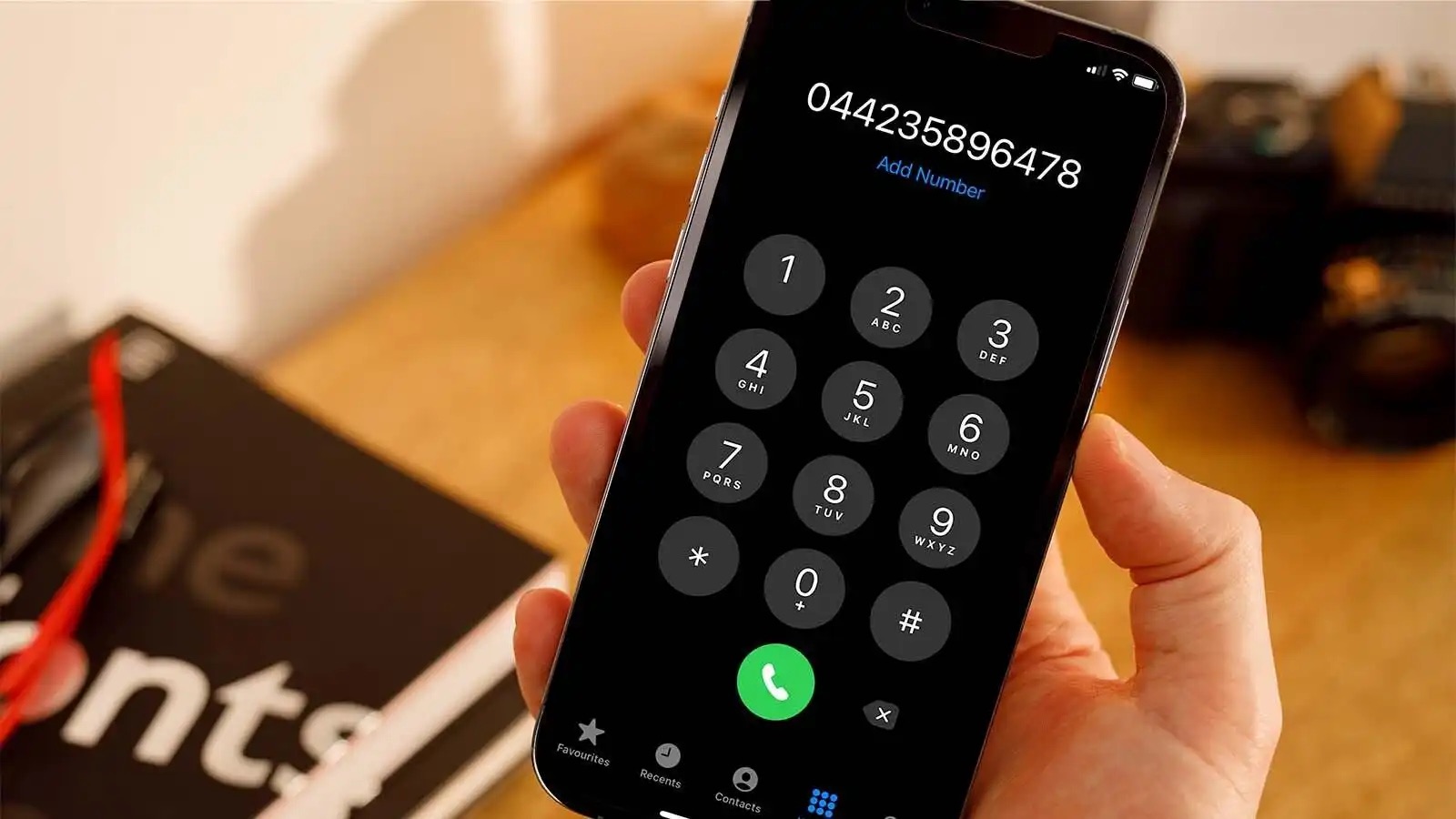
- Open the Phone app and tap the Keypad tab.
- Press the digit keys that map to the letters you want to dial, using the standard telephone keypad mapping (2=ABC, 3=DEF, 4=GHI, 5=JKL, 6=MNO, 7=PQRS, 8=TUV, 9=WXYZ).
- After entering the full number, tap the green call button to dial.
Apple's support pages document that you can add a phone number in a contact by going to Contacts, tapping a contact, tapping Edit, entering or updating the contact's information, then tapping Done. On iPhone, Apple documents creating a contact by going to Contacts, tapping the add button, entering details such as name and phone number, then tapping Save/Done.
How to add letters in a phone number on Android
- Open the Phone app and tap the dial pad.
- Press the corresponding digit keys, the same letter-to-number mapping applies across all smartphones.
- Tap the call button to dial.
Google's Android help pages document adding a contact by opening Contacts, tapping Add, and entering the contact's name plus an email or phone number.
Letter to number mapping on a phone keypad
Every smartphone uses the same standard telephone keypad mapping. This is the quick reference you need when you want to understand how to add letters in a phone number:
- 2 = ABC
- 3 = DEF
- 4 = GHI
- 5 = JKL
- 6 = MNO
- 7 = PQRS
- 8 = TUV
- 9 = WXYZ
- 0 and 1 have no letters
Understanding this mapping is essential for working with different phone number formats and digits, as it allows you to convert any vanity number into the digits you actually dial.
What about saving letters in a contact?
In the returned source set, no official carrier or app help page documented a dedicated "letters in a phone number" feature, nor any carrier-specific path, supported models, versions, or limits for alphanumeric phone numbers.
Frequently Asked Questions
Can I add letters to any phone number?
You can dial letters on any smartphone keypad using the standard letter-to-number mapping, but the number you are calling must support alphanumeric dialing, typically toll-free or vanity numbers. Regular local or mobile numbers do not accept letters.
Are there restrictions when adding letters to a phone number?
Some phone systems or applications may not support alphanumeric characters, so verify compatibility before relying on a lettered number.
Do international numbers support letters?
International phone numbers typically follow specific formats set by each country's telecommunications regulations. While some countries allow alphanumeric characters in phone numbers, it is essential to verify the guidelines for the specific region in question.
Can I save a contact with letters in the phone number field?
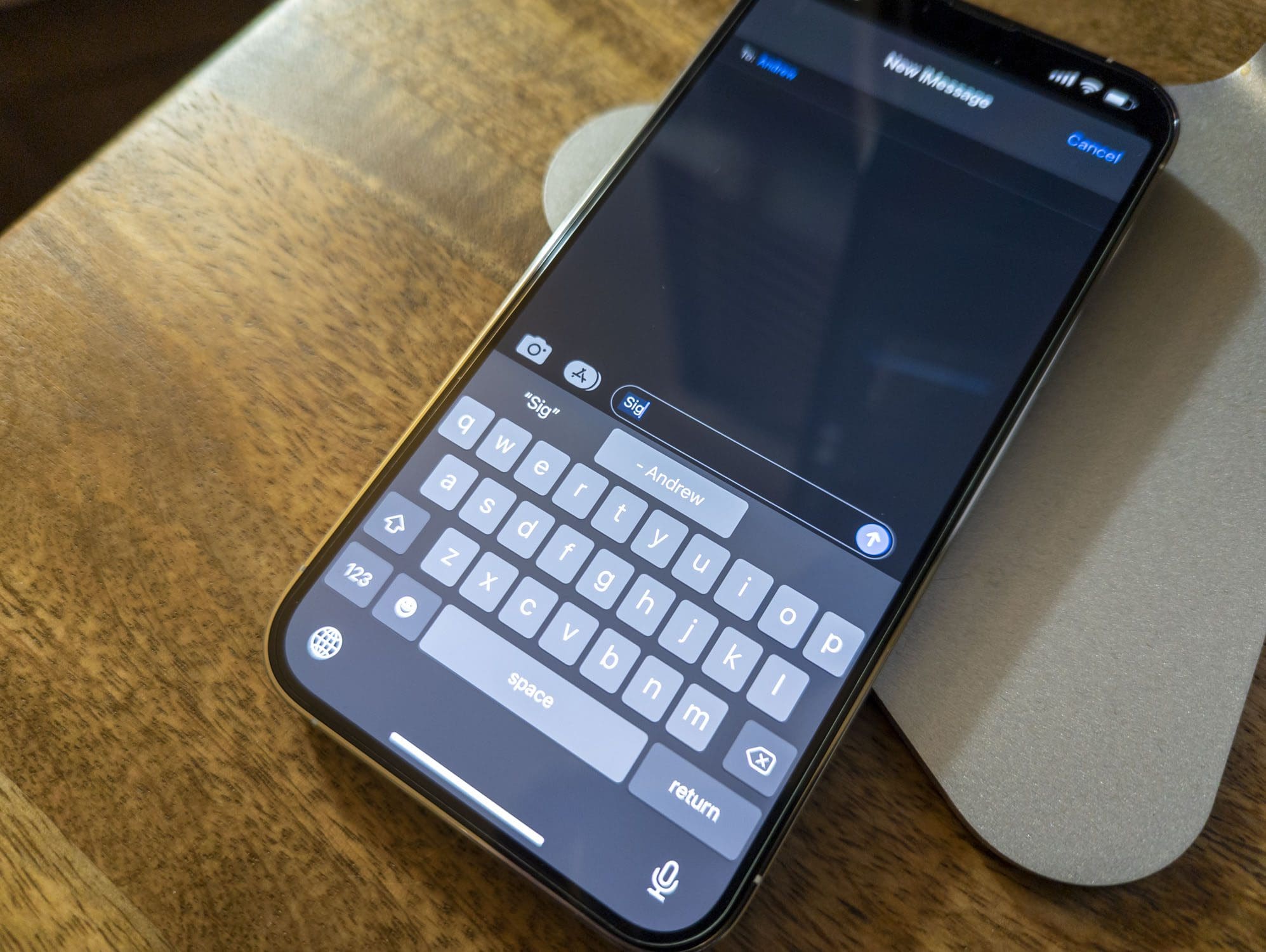
While you can enter letters into the phone number field, official support pages do not confirm that this works reliably across all devices or iOS/Android versions.
Why do phone keypads have letters on the numbers?
Letters were originally placed on telephone keypads to help people remember phone numbers using words.
Can I use letters in international phone numbers?
For the wider topic, see phone number formats and digits.
Related reading: What Does "Ext" Mean In A Phone Number.