To track a phone number for free, you can only reliably locate a device that belongs to you or a family member using the built-in tools from Google or Apple. These services, like Find My Device and Find My, work by tracking the phone itself, not an arbitrary phone number, and they require the device to be set up beforehand.
How to track a phone number for free: what you can actually do
Free phone tracking is limited to your own lost or stolen devices. It does not let you look up an unknown number's real-time location. The methods described here use the free, pre-installed services from Google and Apple that rely on the phone's Google or Apple ID account, not its phone number. For a family member's device, you need their account credentials or to be part of a family sharing group.
Specialized platforms and directories designed for phone number lookup can provide more detailed results than general search engines, including owner details and location.
Some mobile apps for phone number tracking offer integration with contact lists for convenient identification directly from existing contacts.
Before you lose your phone: essential setup
Tracking only works if you configure the settings before the device goes missing. For both Android and Apple devices, these steps are critical.
Android prerequisites
- Sign into the phone with a Google account.
- Turn on Location Services in the device settings.
- Enable "Find My Device" in Settings > Security & privacy > Find My Device (or Settings > Google > Find My Device).
- Ensure the device is visible on Google Play.
Apple prerequisites
- Sign into the device with an Apple ID.
- Turn on Location Services.
- Enable the "Find My" app (formerly Find My iPhone) in Settings > [your name] > Find My.
Track an Android phone with Find My Device
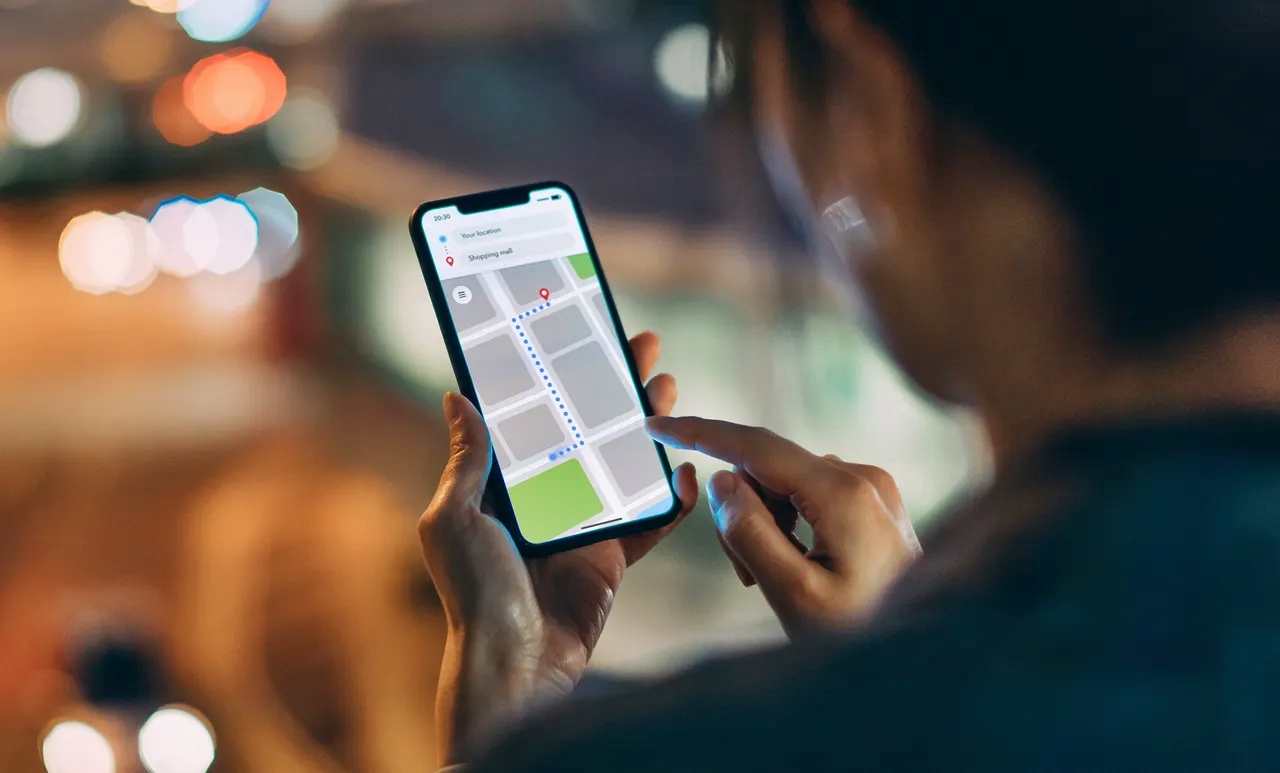
If your Android phone is lost, use another device or a web browser to access android.com/find and sign in with the same Google account. The service shows the phone's location on a map. You can then perform these actions:
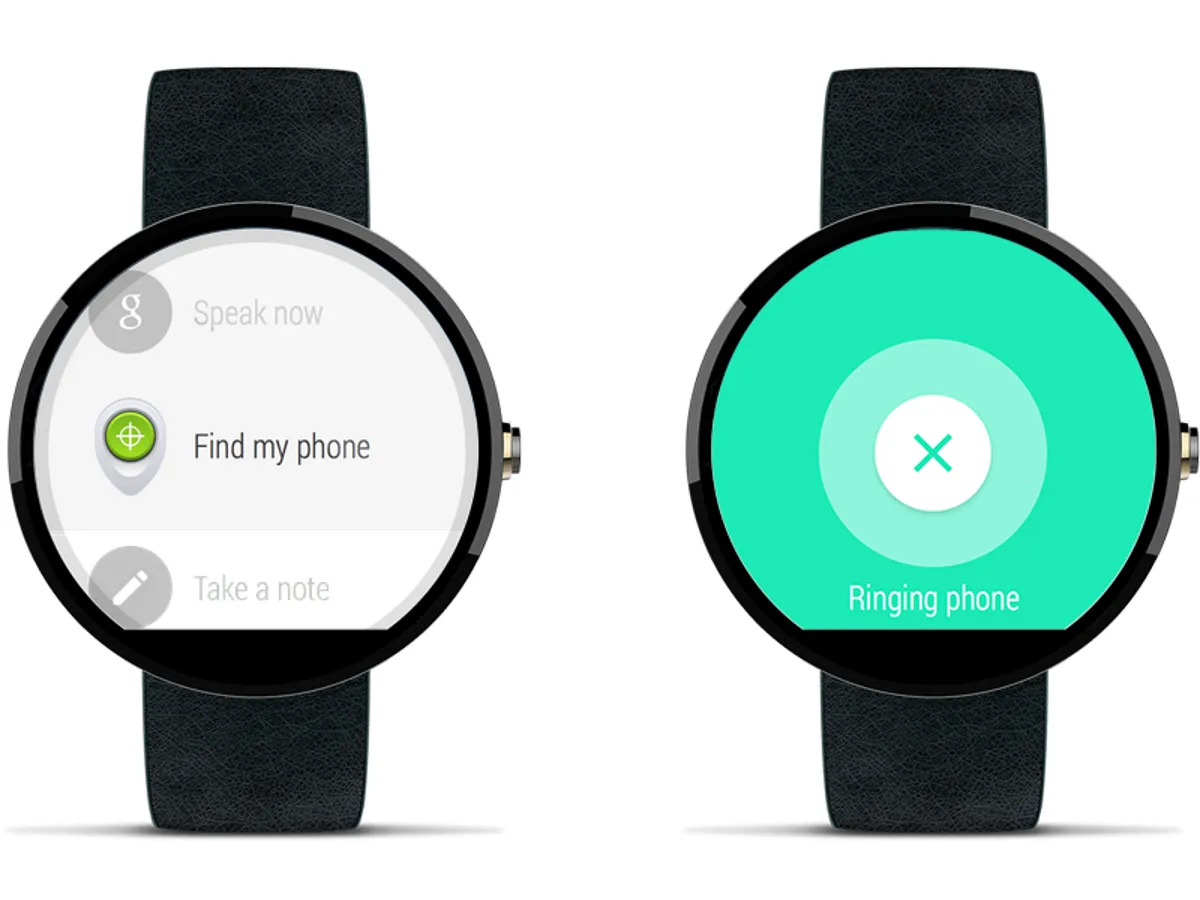
- Play a sound: Rings the phone at full volume for five minutes, even if it is on silent.
- Lock the device: Locks the screen with a custom message and contact number.
- Erase the device: Removes all data; this is permanent and stops tracking.
For Pixel 8 and 8 Pro owners, the new Find My Device network can locate the phone even when it is offline or powered off, using nearby Android devices.
Track an iPhone with Find My
Use another Apple device or go to iCloud.com/find and sign in with the Apple ID. The Find My app shows the device on a map and offers these options:
- Play Sound: Plays a loud tone to help you find it nearby.
- Lost Mode: Locks the device with a passcode and displays a custom message and contact number. It also tracks its location.
- Erase iPhone: Removes all personal data permanently.
The Find My network can locate devices even when they are offline by anonymously using other nearby Apple devices, making tracking a phone location possible without a cellular or Wi-Fi connection.
What to do if you can't track your phone
If the device does not appear in Find My Device or Find My, it may be offline, powered off, or the prerequisites were not met. Take these steps immediately:
- Contact your mobile carrier: They can block the SIM card and sometimes help locate the device using its IMEI number.
- File a police report: Provide the IMEI number so law enforcement can flag the device as stolen.
- Change your account passwords: Update your Google or Apple ID password, and any other accounts linked to the device, to prevent unauthorized access.
For a complete data erase using the IMEI, see the related guide on that topic.
Frequently Asked Questions
Is it legal to track someone else's phone number for free?
Tracking another person's device without their consent is illegal in most jurisdictions. The free tools described here are intended only for locating your own or a family member's device with their knowledge.
Can I track a phone in real time using just its number?
No. Services that claim to provide real-time location using only a phone number are almost always scams. Legitimate free tracking requires the device to be signed into your account and have location services enabled.
What privacy risks exist with free tracking methods?
Using official tools like Find My Device or Find My is secure because they require your account login. Third-party apps that ask for permissions to track numbers often misuse data and should be avoided.
Can I track a phone that is turned off or offline?
Yes, for newer Pixel 8 and 8 Pro models using Google's Find My Device network, and for all Apple devices using the Find My network, offline tracking is possible by leveraging nearby devices to relay the location.
What information can I get from tracking my own phone?
You can see the device's approximate location on a map, play a sound, lock it with a message, or erase its data. You cannot see call history or other personal data through these tools.
Are there risks associated with using free phone number tracking services?
Potential risks include privacy concerns, inaccurate information, and fraudulent or malicious services.
For the wider topic, see tracking a phone location.