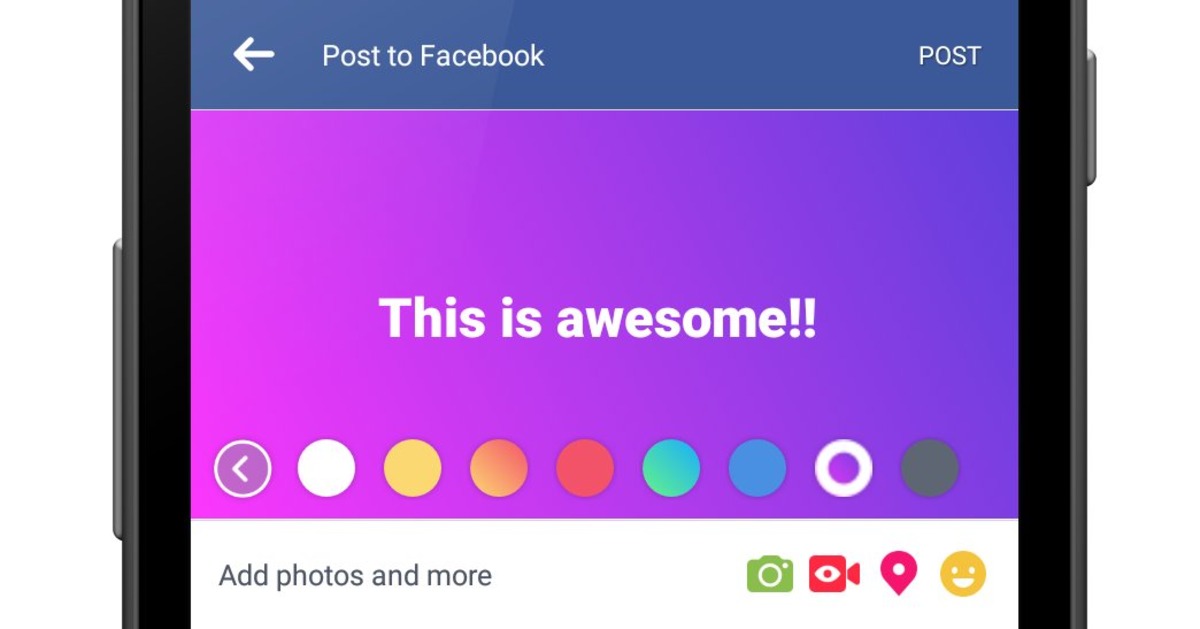
A Facebook status is a post you share on your Feed, Timeline, or in an event or group composer. It can be a text update with optional additions like a photo, video, feeling, activity, check-in, tag, GIF, or Live Video, and you can add one feeling or activity to a status update.
What is a Facebook status?
A Facebook status is a short message or update that lets you share what you are doing or feeling with your friends and followers. You can post it from your Feed, your Timeline, or a group or event page. The status can include text, media, and one feeling or activity to show your current mood or action. This feature helps you keep your network updated and start conversations about your interests and experiences. Facebook documents separate help pages for iPhone App Help and Android App Help for this feature.
How to post a Facebook status with a feeling or activity on iPhone
- Open the Facebook app and tap What's on your mind? on your Feed or Timeline, or tap Write Something... in an event or group.
- Tap Feeling/activity.
- Choose a feeling or activity from the list, or search for one by typing.
- If your feeling or activity is not listed, type your own and tap it when it appears in the list.
- To remove a feeling or activity, tap Feeling/activity and then tap the X at the top.
- To change the icon, tap the icon in your status update and choose a new one from the dropdown menu.
- Tap Next, then tap Share.
How to post a Facebook status with a feeling or activity on Android
- Tap Feeling/activity.
- Choose a feeling or activity from the menu, or start typing to find one.
- If your feeling or activity is not listed, fill in your own and tap it when it appears in the dropdown menu.
- To remove it, tap Feeling/activity, then tap the X at the top.
- To change the icon, tap Feeling/activity and choose a new one from the menu.
- Fill in your status update and tap POST.
Tips for using the Facebook status feature
You can only add one feeling or activity to a status update, so choose the one that best matches your mood or action. Find the composer by tapping What's on your mind? on your Feed or Timeline, or Write Something... in a group or event. To customize the icon, tap the icon in your status and pick a different one from the menu. Remember that you can also add photos, videos, check-ins, tags, GIFs, or Live Video to make your status more engaging. Managing your Facebook privacy and notifications helps you control who sees your status and how you get updates on replies.
Frequently Asked Questions
Can I add more than one feeling or activity to a single status?
No, Facebook only allows one feeling or activity per status update. You must choose the one that fits best.
Can I edit a Facebook status after I post it?
Yes, you can edit the text of a status after posting, but you cannot change the feeling or activity once it is shared.
Can I post a status without adding a feeling or activity?
Yes, a feeling or activity is optional. You can post a simple text update, photo, video, or other content without selecting one.
Does the feeling or activity appear differently on desktop and mobile?
The icon and text for a feeling or activity appear similarly across devices, but the process to add it varies slightly between the iPhone and Android apps.
Related reading: How To Unfollow Facebook Friends and How To Check Pokes On Facebook Mobile.