Second generation wireless (2G) is the digital mobile network standard that replaced analog 1G, adding digital voice, text messaging, and basic data services. On modern phones, 2G is not a user-facing feature you can freely select; instead, whether it appears as an option is controlled by the carrier profile installed on your device, and the exact behavior varies between iPhone and Android.
What is second generation wireless (2G) on your phone today?
In practical terms, 2G is a legacy cellular mode that your phone may or may not be allowed to use. Carriers decide which network modes to expose through the carrier settings they push to your device. Most modern phones default to newer networks like 4G or 5G, and 2G is only available if your carrier still supports it and includes it in those settings. This means you cannot simply turn 2G on or off from a universal phone menu; the option depends on your carrier, region, and device model.
How 2G appears on iPhone
iPhone does not have a universal toggle to enable or disable 2G. The network options you see are determined by the carrier settings installed on your device. To update these carrier settings, go to Settings > General > About. If an update is available, a prompt will appear. The current carrier version is listed next to Carrier on that same screen. Apple’s support pages document Dual SIM management under Settings > Cellular, not a general 2G toggle. For Dual SIM models, you manage line and data switching by tapping a line, then choosing Turn On this Line, setting Cellular Data, enabling Allow Cellular Data Switching, and selecting a Default Voice Line. iPhone Dual SIM is available on specific models: iPhone SE (2nd generation), iPhone XR, iPhone XS, iPhone 11, iPhone 12, iPhone 13, iPhone 14 and later for one physical SIM plus one eSIM; iPhone SE (3rd generation), iPhone 13 and later for two eSIMs. Physical SIM isn't supported on iPhone 14 and later models purchased in the U.S. eSIM isn't available in all countries or regions.
How 2G appears on Android
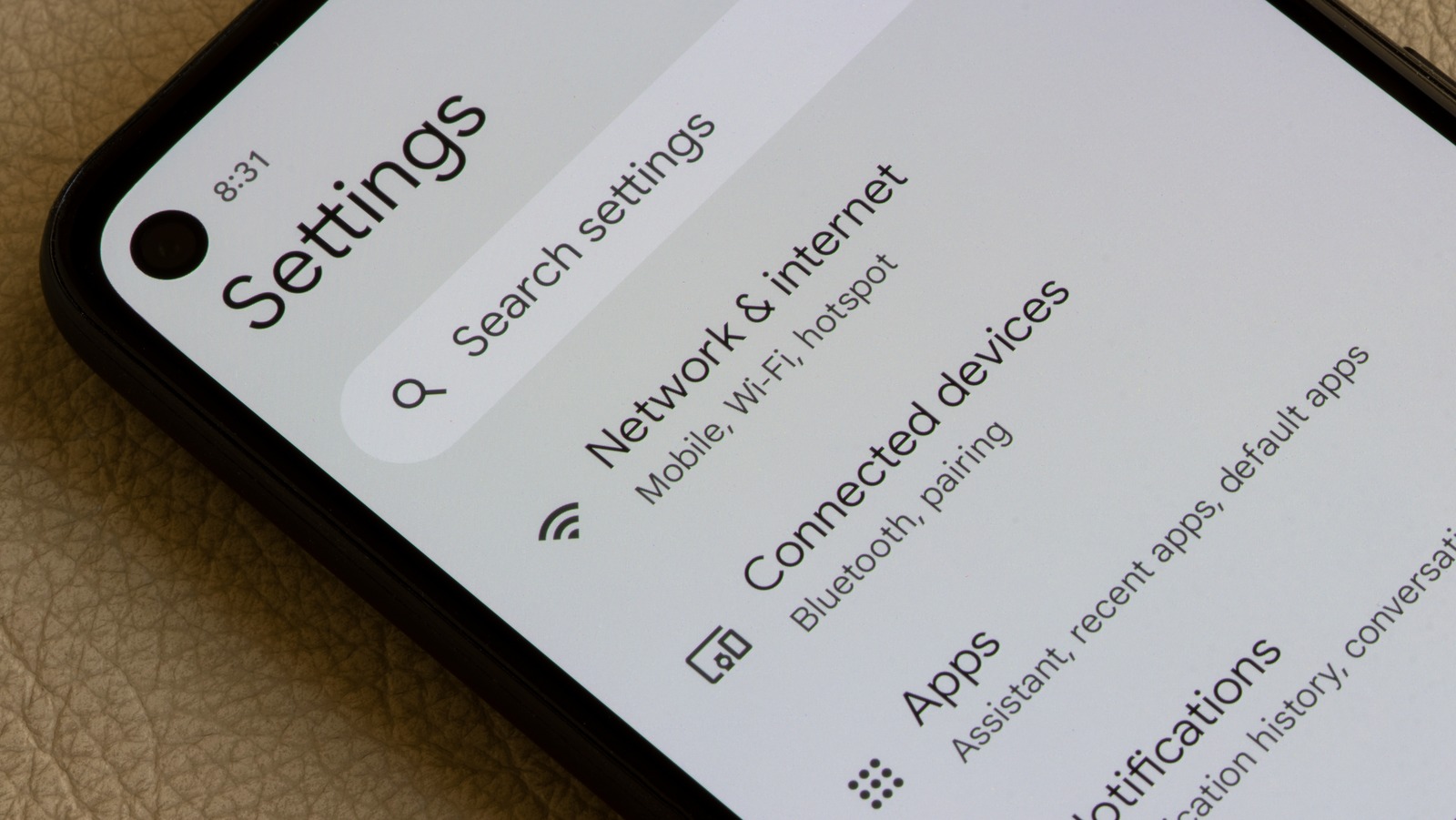
On Android, Google provides a documented toggle to block 2G connectivity, but the exact path depends on the OS version and device support. For Android 12, the path is Settings > Network & Internet > SIMs > Allow 2G. For Android 13, the path is Settings > Network & Internet > SIMs > [select SIM] > Allow 2G. Note that the menu location may vary by manufacturer or custom Android skin, and not all devices support this setting.
Why you might still see 2G as an option
You may see 2G as a selectable network mode for several documented reasons. Carriers in some regions still expose 2G in their carrier profiles for compatibility with older devices or rural coverage. Dual SIM models may restrict which network modes are available on each line. Additionally, 2G can appear as a security-related setting, some Android versions let you block 2G to prevent attacks that exploit its weaker encryption.
Frequently Asked Questions
Is 2G still used today?
Yes, 2G networks remain active in many regions, primarily for legacy voice calls, text messaging, and machine-to-machine communication like older alarm systems or utility meters. However, many carriers are phasing out 2G to repurpose spectrum for newer technologies.
Can I force my phone to use 2G only?
On Android, you may be able to select 2G as a preferred network type if your carrier exposes it, but this is not guaranteed. On iPhone, there is no user-facing option to force 2G; the phone follows the carrier’s allowed network modes.
Why would someone want to block 2G?
Blocking 2G can improve security because 2G uses older encryption that is easier to crack. Attackers can use a device called a "stingray" to force a phone down to 2G and intercept calls or texts. The Android Allow 2G toggle is designed to let users block this risk.
Does 2G affect battery life?
Using 2G can sometimes extend battery life in areas with weak 4G or 5G signals, because the phone does not have to work as hard to maintain a connection. However, in most modern use cases, the difference is minimal and not a primary reason to switch.
Are all phones compatible with 2G?
No. For example, iPhone 14 and later models purchased in the US do not support a physical SIM, and some models drop 2G bands entirely. Check your device specifications for supported bands.
For the wider topic, see mobile phone basics.
Related reading: What Is A Smart Key? and How To Tell What Band Your Phone Is Using.