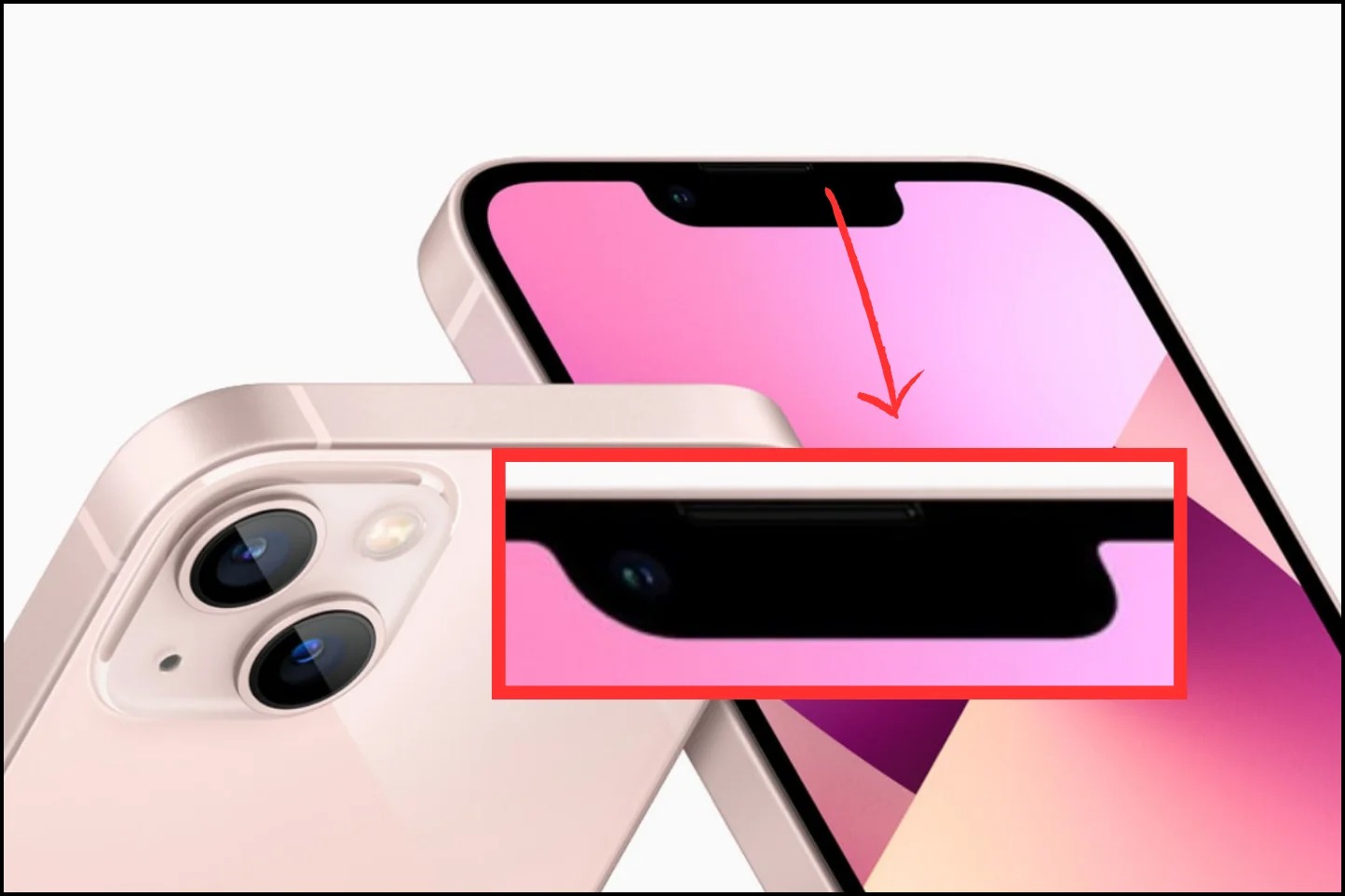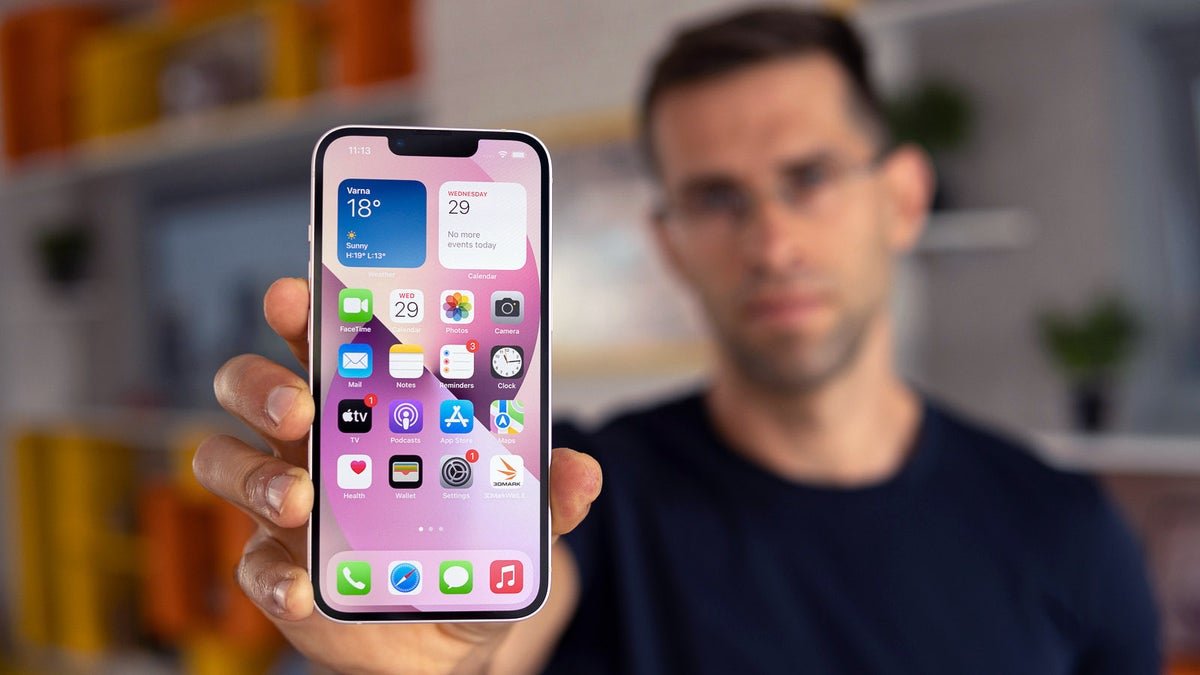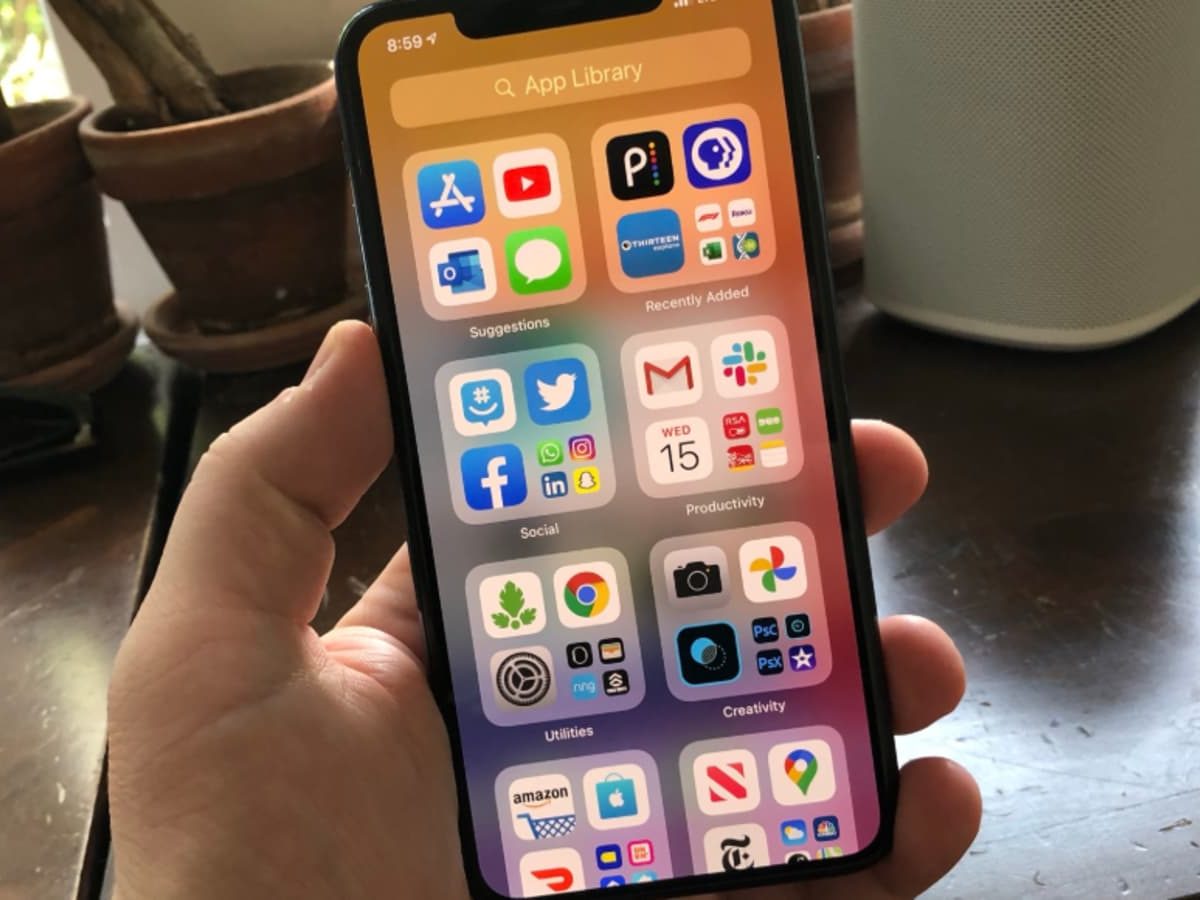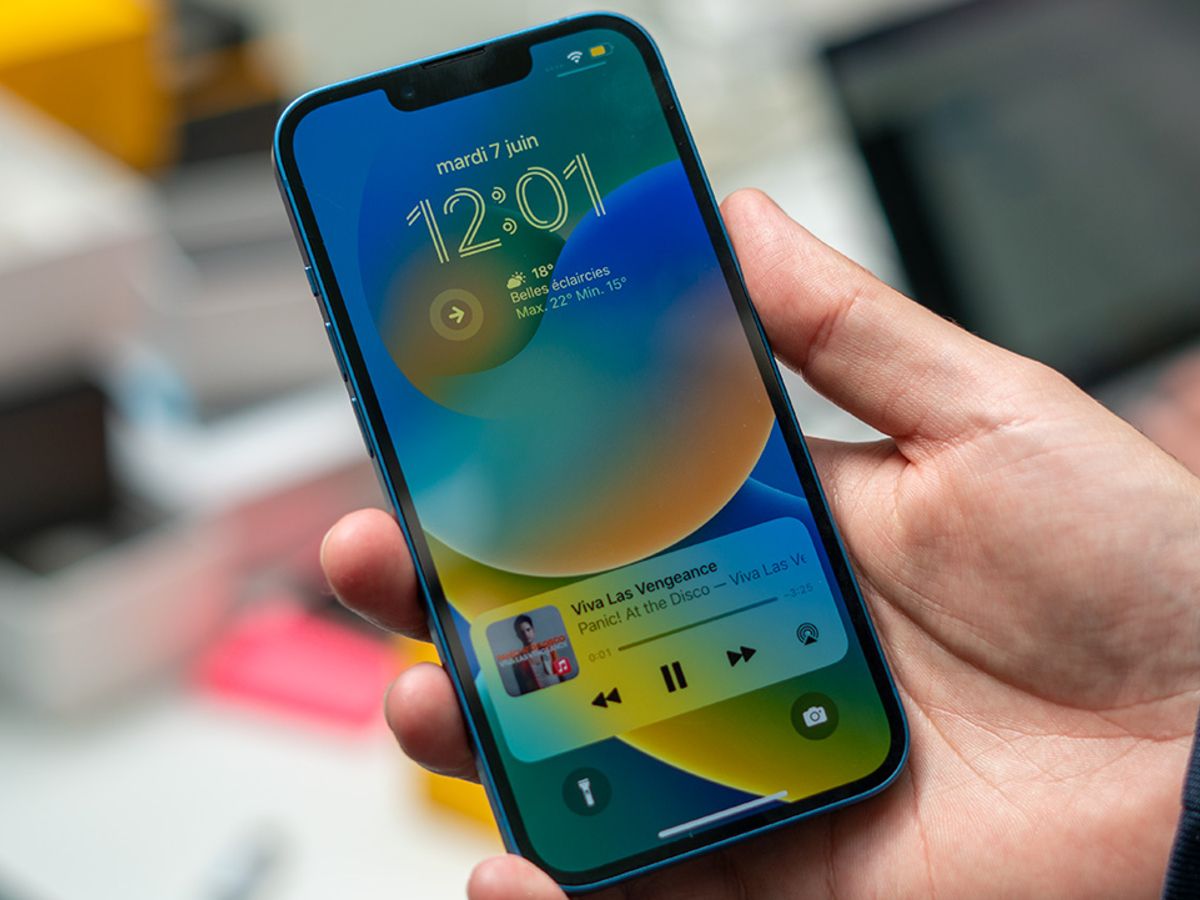
The black oval on top of an iPhone 14 is the Dynamic Island, an interactive area that blends hardware and software to show alerts and ongoing activities. However, this feature is exclusive to the iPhone 14 Pro and iPhone 14 Pro Max; the standard iPhone 14 and iPhone 14 Plus still use the older notch design.
What the black oval on iPhone 14 actually is
The black oval is the Dynamic Island, a display cutout that replaces the notch on supported models. It is not a separate menu or setting. Apple redesigned the TrueDepth camera to take up less display area in the iPhone 14 Pro models, creating this pill-shaped cutout that adapts in real time to show important information. The black oval is the earpiece speaker, a crucial component for phone calls, voice messages, and FaceTime conversations.
What Dynamic Island does
Dynamic Island shows alerts and current activities in progress at the top of the Home Screen or the active app when your iPhone is unlocked. Apple documents that it displays ongoing background activities such as Voice Memos recording, AirDrop connection, Maps directions, Music playback, timers, and Live Activities from third-party apps in iOS 16. It is designed to keep you informed without interrupting your workflow, blending hardware and software to adapt in real time.
How to interact with Dynamic Island
Apple documents these interactions on supported models:
- Expand the activity: Touch and hold the activity, or swipe from the center to the right or left side.
- Collapse the activity: Swipe from the right or left side toward the center.
- Switch between two activities: Swipe from one side or the other.
These gestures let you quickly check details, control playback, or switch between multiple ongoing tasks without leaving your current app. Understanding how to use these gestures helps you get the most out of your phone icon symbols and indicators that appear in Dynamic Island.
Which iPhone models have Dynamic Island
Dynamic Island is supported on iPhone 14 Pro, iPhone 14 Pro Max, and later supported models listed by Apple on the Dynamic Island help page. The feature is available on supported models only. The regular iPhone 14 and iPhone 14 Plus do not have Dynamic Island and instead retain the notch design from previous generations.
Can you turn Dynamic Island off?
Apple does not provide a user setting to turn Dynamic Island on or off. The feature is always active on supported models and appears when the iPhone is unlocked. There are no carrier-specific controls, Android steps, or app-specific configuration for this feature in Apple's documentation. The Dynamic Island is an integral part of the hardware and software design, not a toggleable option.
Frequently Asked Questions
Does Dynamic Island drain battery faster?
Dynamic Island uses minimal power because it relies on the same display pixels that would otherwise be black. Apple designed it to be efficient, and it does not significantly impact battery life compared to the notch.
Can third-party apps use Dynamic Island?
Yes. Apple provides APIs that allow third-party apps to display Live Activities and ongoing tasks in Dynamic Island. Apps like sports scores, food delivery, and ride-sharing services can show real-time updates there.
Is Dynamic Island the same as the notch?
No. The notch is a static cutout that only houses the front camera and sensors. Dynamic Island is an interactive area that expands and contracts to show information, making it a functional part of the interface rather than a fixed black bar.
Does Dynamic Island work with the screen off?
No. Apple documents that Dynamic Island appears only when the iPhone is unlocked. When the screen is off or locked, it does not display any information.
Can I hide Dynamic Island with a wallpaper or case?
No. Dynamic Island is a hardware cutout in the display, so it cannot be hidden by wallpapers or cases. Apple does not provide any software option to conceal it.
Can the black oval on the iPhone 14 be removed or covered?
It should not be removed or covered, as it houses essential components; altering or obstructing this area may affect the performance of Face ID and other features.
Why is the black oval on the iPhone 14 larger than previous models?
May appear larger due to advancements in the TrueDepth camera system and improvements in facial recognition technology, accommodating enhanced sensors.
Are there any accessories or modifications available for the black oval on the iPhone 14?
Apple and third-party manufacturers offer protective cases and screen protectors designed to complement it without obstructing functionality; choose accessories compatible with the TrueDepth camera system.
Related reading: What Is The Black Bar At The Top Of IPhone 14.