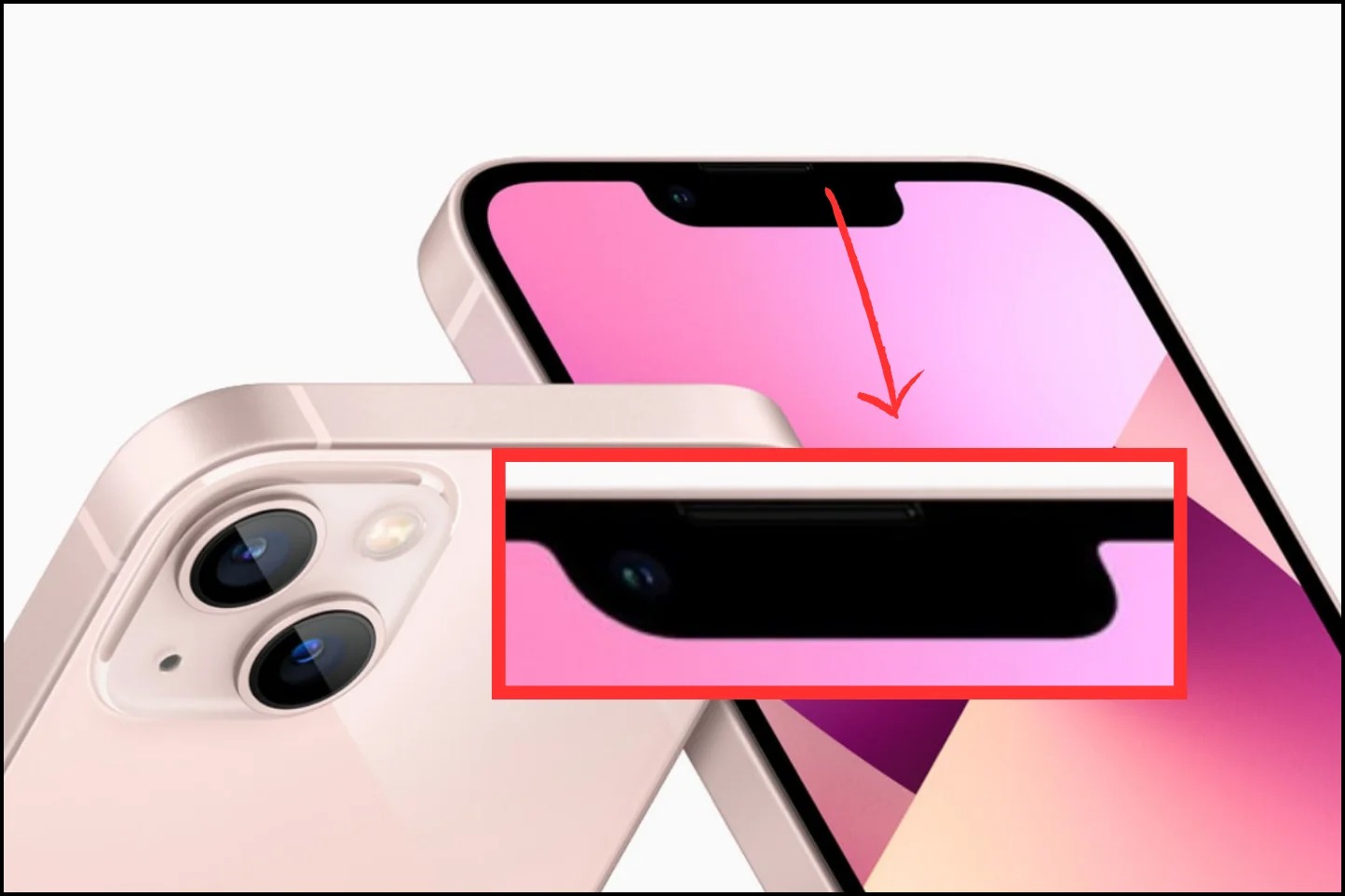
The black bar on iPhone 14 is called the Dynamic Island, a pill-shaped cutout exclusive to the iPhone 14 Pro and iPhone 14 Pro Max that replaces the traditional notch. Its core purpose is to surface alerts and background activities, transforming a hardware cutout into a dynamic part of the interface.
What is the black bar on iPhone 14?
The black bar you see at the top of the display is the Dynamic Island, a hardware and software feature that blends the front-facing camera and sensor cutout into an interactive display element. Unlike the static notch on older iPhones, the Dynamic Island expands and contracts to show information like incoming calls, timers, and music controls. It is designed to make the cutout feel like a natural, useful part of the screen rather than an obstruction.
How to use the Dynamic Island
Interacting with the Dynamic Island is straightforward and requires no special settings. There are two primary gestures you can use:
- Tap the Dynamic Island to open the app that is currently active in the background. For example, if a timer is running, tapping the island opens the Clock app directly to the timer.
- Long-press the Dynamic Island to access expanded controls or more information without leaving your current app. This gesture reveals a small widget, such as playback controls for music or the remaining time on a timer.
What the Dynamic Island can display
The Dynamic Island can show a wide range of information from apps running in the background. Common examples include a live timer countdown, music or podcast playback status, turn-by-turn directions from Maps, and incoming phone calls. It can also display phone icon symbols and indicators, such as the green or orange dot that indicates when the microphone or camera is in use. A key feature is its ability to display up to two background activities simultaneously: one appears as a larger pill-shaped area, while the other appears as a smaller circular bubble next to it. This allows you to keep track of multiple tasks, like a timer and a music track, at a glance.
Does the Dynamic Island affect my screen?
No, the Dynamic Island is designed to integrate with the display and does not obstruct content. Apple has built the interface so that the island shifts and adapts to the content around it, ensuring that notifications and controls appear in the cutout area rather than covering up video, text, or other on-screen elements. You can use the full display without losing any usable screen real estate to the hardware cutout.
Frequently Asked Questions
Which iPhone models have the Dynamic Island?
The Dynamic Island is exclusive to the iPhone 14 Pro and iPhone 14 Pro Max. It is not available on the standard iPhone 14 or iPhone 14 Plus, which retain the traditional notch.
Can I turn off the Dynamic Island?
No, the Dynamic Island cannot be turned off. It is a hardware feature of the display cutout, and the software animations are built into iOS. You cannot hide or disable it.
What hardware is housed within the Dynamic Island?
The Dynamic Island houses the front-facing TrueDepth camera system, including the camera lens, the Face ID sensor array, the ambient light sensor, and the proximity sensor. This is the same hardware that was previously contained in the notch.
Does the Dynamic Island show phone icon symbols and indicators?
This makes it easy to understand phone icon symbols and indicator meanings without them cluttering the main screen.
Will the Dynamic Island get bigger if I have multiple activities?
Yes, when two background activities are active, the Dynamic Island splits into a larger pill shape and a smaller circular shape. This allows it to show both activities at once without overlapping or hiding content.