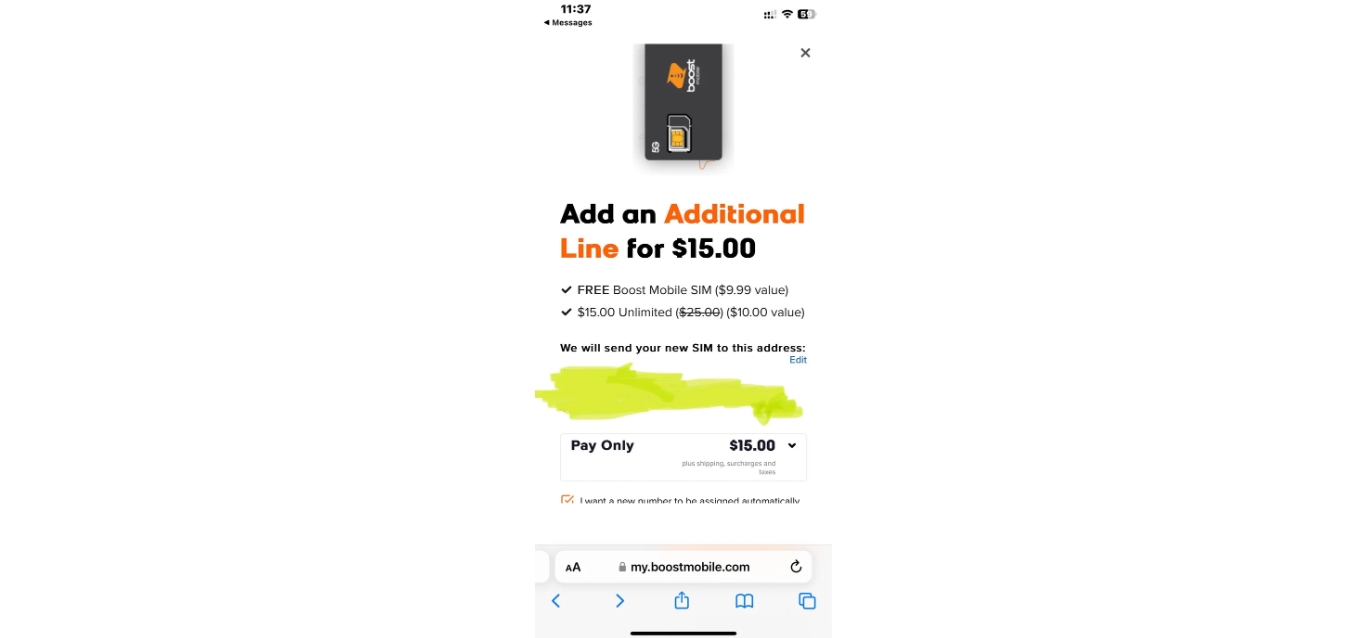
To change number on Boost Mobile, open the Boost Mobile app and navigate to your Profile, then tap Account Settings and edit your Mobile Details; you will need to enter a one-time passcode (OTP) and complete face verification to select a new number from the available pool. This self-service method is the fastest way to get a fresh number for privacy or a fresh start without leaving home.
How to change your number on Boost Mobile using the app
- Launch the Boost Mobile app on your phone.
- Go to your Profile.
- Tap Account Settings.
- Tap the edit icon under Mobile Details.
- Enter the OTP sent to your current device.
- Complete face verification as prompted.
- Select a new phone number from the list provided and confirm the change.
This process updates your number immediately on your existing device and plan. It is the primary self-service method recommended by Boost Mobile for most customers who simply want a new number without upgrading their phone.
Alternative way to change your number during a phone upgrade
If you are activating a new device with Boost Mobile, you can change your number as part of that process. This is a secondary path available inside the same app.
- Open the Boost Mobile app.
- Tap Settings.
- Navigate to Device Setup.
- Select Manage.
- Tap Change Phone.
- Follow the prompts to activate the new device. During activation, you will be given the option to keep your current number or choose a new one.
This method is useful when you are already upgrading your phone and want to pair it with a fresh number at the same time. It saves you from having to run two separate processes.
Getting help from Boost Mobile Customer Care
If you cannot use the app or prefer personal assistance, call Boost Mobile Customer Care at (833) 502-6678. Customer Care is available every day from 8 a.m. to midnight ET. A representative can verify your account, process the number change, and help you select a new number. You can also visit a Boost Mobile store for assistance or contact support via online chat. Boost Mobile may have specific eligibility criteria that customers must meet to qualify for a number change, such as account tenure, payment history, and account status. This is the fallback option when self-service fails or if you have account restrictions that prevent an in-app change.
What to do after you change your Boost number
After your number is active, test it by making a call and sending a text to confirm everything works. Then update your number on every linked account and service, including bank accounts, two-factor authentication settings, messaging apps, and social media profiles. Boost Mobile services such as Boost Mobile Plans, Payments and Account Services will continue to work normally with the new number, but any third-party service tied to your old number will need manual updating. For a complete checklist of accounts to update, see the detailed guide on post-change steps (linked separately).
Frequently Asked Questions
Is there a fee for changing my phone number on Boost Mobile?
Boost Mobile may charge a fee for a number change. Check your account terms or contact Customer Care at (833) 502-6678 to confirm whether your plan includes a one-time free change or if a fee applies.
Will changing my number affect my existing plan or service?
Changing your number does not alter your current plan, data allotment, or billing cycle. All Boost Mobile services, including your plan features, remain exactly the same after the switch.
Can I Choose My New Phone Number When Changing It on Boost Mobile?
When you change your number through the app or Customer Care, you select from a pool of available numbers. You may be able to select a number that is easy to remember or meaningful to you. Boost Mobile does not guarantee that you can request a specific custom number, but you can browse the options and pick one that suits you.
How many times can I change my number?
Boost Mobile imposes limits on how often you can change your number to prevent misuse. Contact Customer Care to learn the specific frequency restrictions tied to your account.
What happens to my old number after I change it?
Your old number is released back into Boost Mobile's number pool and may be assigned to another customer. You cannot recover it once the change is completed, so be sure you want the new number before confirming.
Related reading: How To Change My Number On T-Mobile and How To Change Phone Number On AT&T.