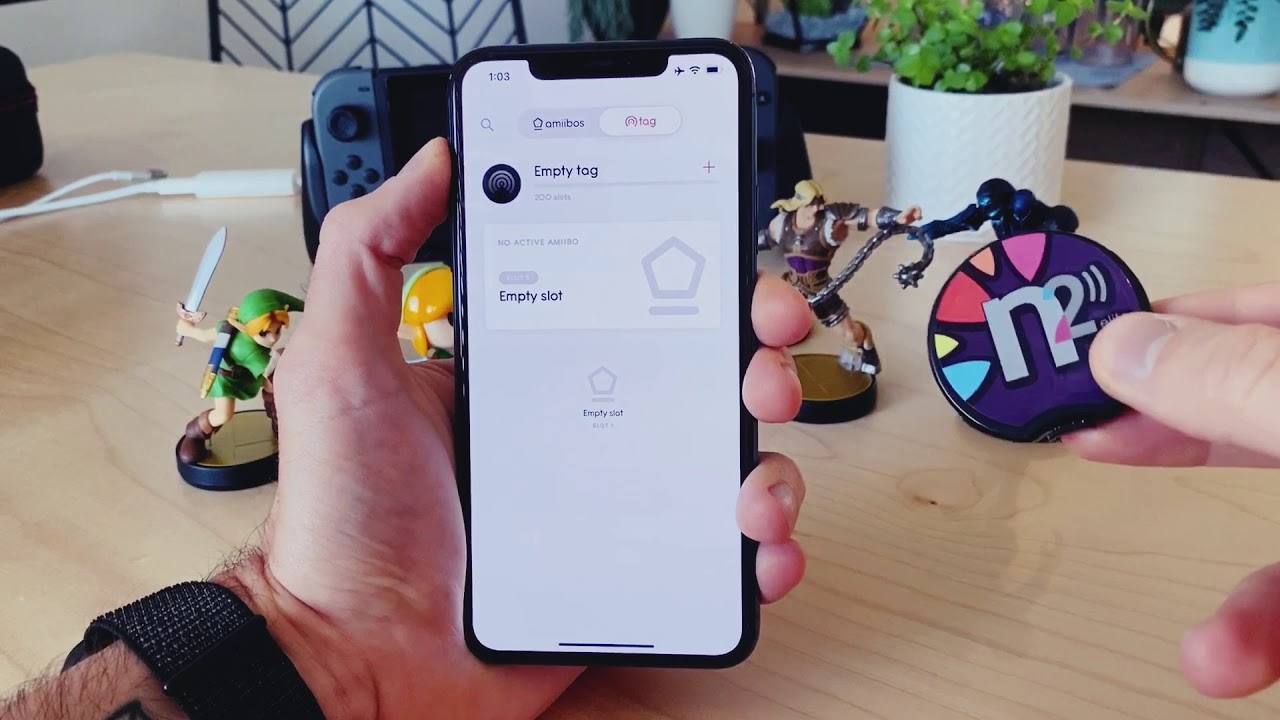
To write Amiibo NFC tags on iPhone, you need a compatible iPhone model, blank NTAG215 NFC tags, and a tag-writing app from the App Store. This lets you unlock in-game content by storing Amiibo data onto blank tags, bypassing the need to buy physical figurines.
What you need to write Amiibo NFC tags on iPhone
The specific iPhone model depends on which app you select, but all documented apps require at least an iPhone 7 or newer for reading and writing tags.
Which iPhones support Amiibo NFC writing
App compatibility determines which iPhone models work. Tagmiibo specifically requires iPhone XR or newer to write NFC items (not just read). Amiibomb works on iPhone 7 or newer and requires iOS 17.0 or later. Amii NFC also works on iPhone 7 or newer and requires iOS 15.6 or later.
Choosing and downloading a tag-writing app
Four apps from the App Store let you write Amiibo data: Tagmiibo (iOS 15.0 or later, iPhone XR or newer), Amiibomb (iOS 17.0 or later, iPhone 7 or newer, iPhone-only), Amii NFC (iOS 15.6 or later, iPhone 7 or newer), and Amiibox (iOS 17.0 or later). Key features include .bin file import in Amiibomb, Files app and ZIP file import in Amii NFC, and the ability to scan existing Amiibo for backup in Tagmiibo and Amiibox. Tagmiibo can identify and back up Amiibo. Amiibox can add Amiibo to a collection by scanning NFC tags. No carrier plans are required beyond a standard App Store account.
How to write Amiibo data to an NTAG215 tag
The documented writing flow follows these general steps, though exact menu names vary by app:
- Obtain Amiibo .bin files from a trusted source, or scan an existing Amiibo using your app to back it up.
- Open your tag-writing app on the iPhone.
- Import the .bin file using the app’s import function, often through the Files app or by scanning the existing Amiibo directly.
- Hold a blank NTAG215 NFC tag against the iPhone’s NFC reader area (typically near the top or back of the device).
- Confirm the write operation when the app prompts you.
Amii NFC explicitly documents “Fast import with Files App” and “Import ZIP file” as supported methods. Amiibomb states you must use NTAG215 tags and import your own .bin files. Amiibox can scan an Amiibo from an existing NFC tag to back it up, then write that data to a different NTAG215 tag.
Why NTAG215 is the tag type you need
NTAG215 is the documented compatible blank tag across all major Amiibo-writing apps. Amiibomb, Amii NFC, and Amiibox each explicitly mention NTAG215 as the supported tag type for writing. Other NFC tag types may not work with Nintendo devices, as the data format and memory size of NTAG215 match what Nintendo hardware expects.
Frequently Asked Questions
Can any iPhone write Amiibo NFC tags?
No. The app pages restrict NFC writing to specific iPhone models: Tagmiibo requires iPhone XR or newer, while Amiibomb and Amii NFC work on iPhone 7 or newer. Older iPhones or models without NFC hardware cannot write tags.
What tag type is required for writing Amiibo data?
NTAG215 is the main documented tag type. All three major Amiibo-writing apps, Amiibomb, Amii NFC, and Amiibox, explicitly support NTAG215 for writing operations.
Is there an official Apple app for writing Amiibo NFC tags?
No. No Apple support page documents Amiibo NFC tag writing. All writing capabilities come from third-party apps available on the App Store, such as Tagmiibo, Amiibomb, Amii NFC, and Amiibox.
Do I need a special carrier plan to write Amiibo tags?
No. A standard cellular or Wi‑Fi connection and an App Store account are all that is needed.
Can I write data to any Amiibo NFC tag, or only blank ones?
Only blank NTAG215 tags can be written with new Amiibo data. Pre-programmed Amiibo figurines or cards typically cannot be overwritten, as their data is locked by the manufacturer.
For the wider topic, see NFC tags and readers explained.