






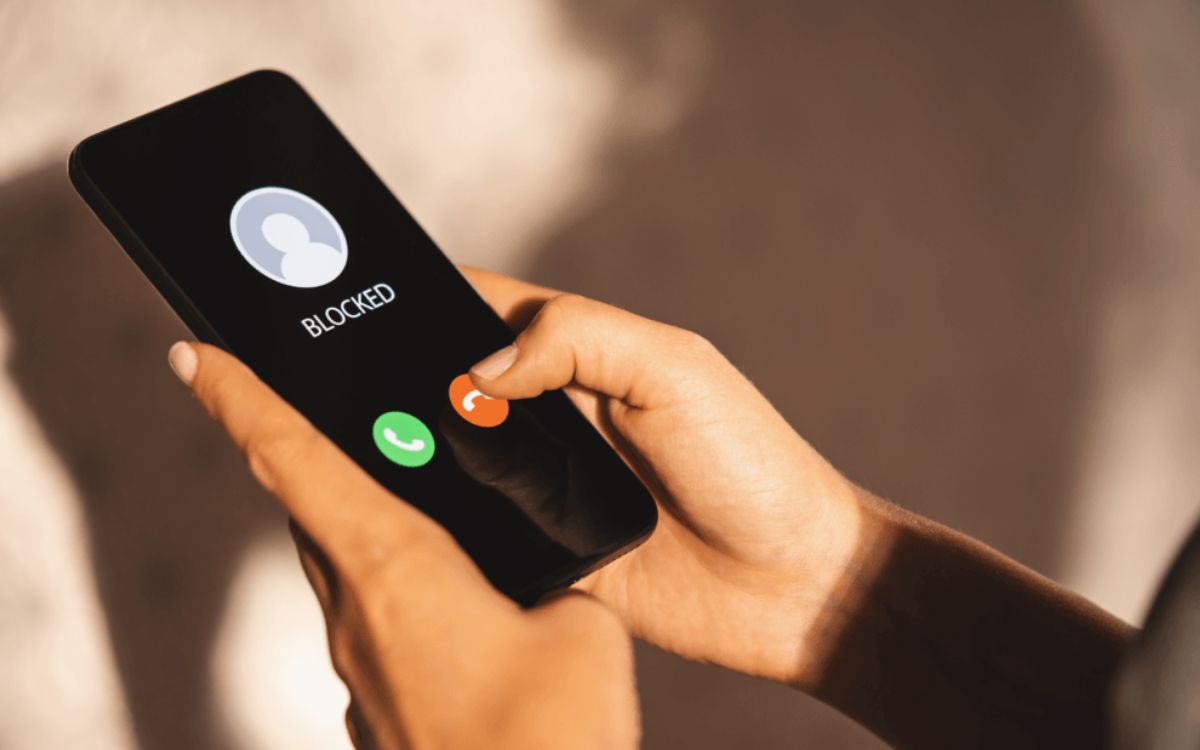
When you're blocked, does a phone ring on the recipient's end? No, so you may hear normal ringing and then be sent to voicemail, but the person you called will never know you tried to reach them.
What the caller hears: does a phone ring when you're blocked
When you call someone who has blocked you, your phone will typically ring as if the call is going through. You may hear a normal ringtone for several rings before the call is sent to voicemail. There is no universal ring count; the number of rings you hear depends on your carrier and the recipient's device setup. The call is silently handled as rejected or unanswered on the blocked person's end, so you will not receive any message telling you that you are blocked.
What the blocked person experiences
The person who blocked you will not see any notification, hear a ring, or see a missed call alert. Their phone treats your call as if it never happened. The call is simply ignored by the phone's blocking mechanism, and no record of the call appears in their recent calls list unless they specifically check their blocked call log (if their device offers one).
How blocking works on iPhone
Apple provides several ways to block a contact on iPhone. The blocked person will not receive any calls, FaceTime calls, messages, or emails from the blocked number.
- Open Settings, then tap Privacy & Security, then Blocked Contacts, then Add Blocked Contact, and select the contact to block.
- Open the Phone app, tap Recents, tap the number or contact, scroll down, tap Block Caller, then tap Block Contact.
- Open the Messages app, open the conversation, tap the contact at the top, scroll down, and tap Block Caller.
- Open the FaceTime app, tap the number, contact, or email address, scroll down, and tap Block Caller.
These paths work on iOS 26, iPadOS 26, and macOS 26. Apple's support documentation does not state that the blocked caller is told they are blocked, and the behavior of sending a caller to voicemail means blocked calls are handled as unanswered calls rather than giving a clear block alert. Apple's Phone app on Mac includes a separate "Send unknown callers to voicemail" option under Phone > Settings > Calls > Unknown Callers.
How blocking works on Android
Google's Phone app on Android lets you block a number from your call history. This is the standard method for blocking calls and numbers on any phone running the Google Phone app.
- Open the Phone app.
- Tap More.
- Tap Call history.
- Tap a call from the number you want to block.
- Tap Block / report spam.
If you use Google Voice on Android, you can block a number by opening the Voice app, then tapping Messages, Calls, or Voicemail, then More options, then People & options, then Block number, and finally Block.
What happens to voicemail and text messages
When you are blocked, your calls can still go to voicemail on iPhone. The blocked person can listen to the voicemail later, even though their phone never rang. On Android, the exact voicemail outcome varies by carrier and device. Text messages you send to someone who has blocked you are not delivered. On iPhone, Apple documents that blocking covers messages as well as calls. On Android, Google's Phone app blocks the number from call history, and Google Voice allows blocking that applies to both calls and messages. You will not receive a delivery receipt or any indication that the message was not delivered. Blocking can also remove the ability for you to see if your messages have been read by the person who blocked you. Some phone settings or messaging apps have the option to automatically delete blocked contact's text messages.
Frequently Asked Questions
Can you tell if you're blocked?
There is no definitive way to know for sure, but common signs include your calls always going straight to voicemail, never receiving responses to text messages, and no longer seeing the person's online status or profile picture on messaging apps. These signs can also be caused by the person's phone being off or having poor signal.
Can a blocked number leave a voicemail?
Yes, a blocked number can still leave a voicemail on iPhone. The voicemail will appear in the recipient's voicemail box, but they will not receive a notification that a new voicemail was left by a blocked contact. On Android, this varies by carrier and device.
Can you unblock a number?
Yes, you can unblock a number on both iPhone and Android. On iPhone, go to Settings > Privacy & Security > Blocked Contacts, then swipe left on the number or tap Edit to remove it. On Android, open the Phone app, tap More, then Settings, then Blocked numbers, and remove the number from the list.















