DT Ignite is a system app on your Android phone that silently installs apps and displays ads without your permission, often consuming your mobile data in the process. This is why you should disable DT Ignite to stop unwanted apps from appearing and to regain control over your phone data and storage management.
What is DT Ignite on your Android phone?
DT Ignite is Digital Turbine's Dynamic Preload Platform (DPP) for Android OS. It is proprietary on-device technology that allows mobile network operators (carriers) and original equipment manufacturers (OEMs) to dynamically deliver and install applications over-the-air, bypassing the standard download process through Google Play. DT Ignite connects to the server and gathers data from the background when a new smartphone is activated via an internet connection; it already has a set of apps and games ready to install as soon as it runs. This platform enables direct-to-consumer app installs, monetization solutions, and app updates. DT Ignite works in both web and app environments and can be used to enhance app install campaigns across channels including web smart banners, paid user acquisition, SMS, email, and push messaging. DT Ignite adds more apps and games based on your online activities and mobile behavior. Digital Turbine provides developers with an Ignite Client Services SDK to interact with Ignite on a device, allowing host apps to check for apps, retrieve app metadata, install apps from the Ignite ecosystem, and launch apps after installation.
Why you should disable DT Ignite
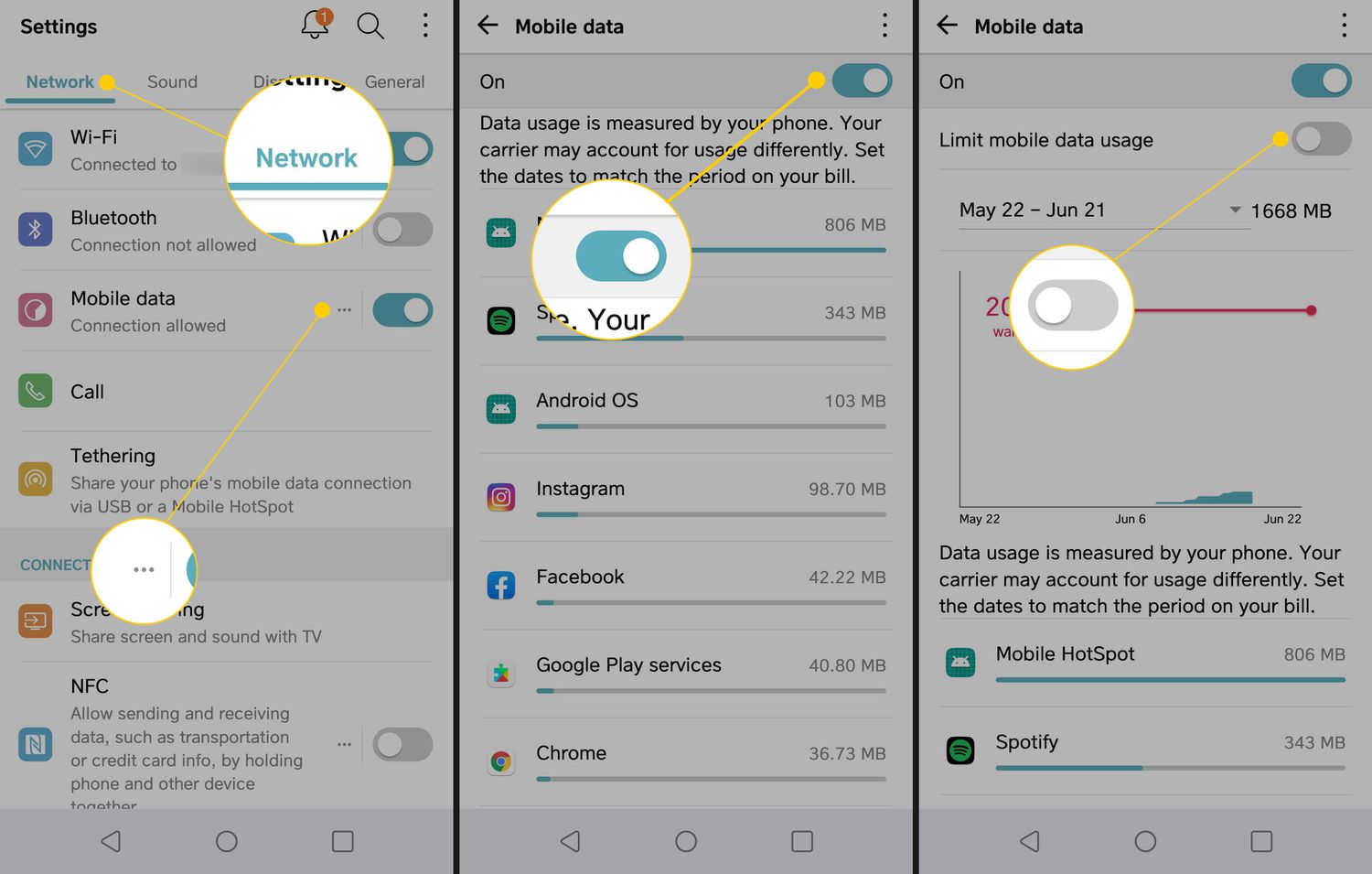
DT Ignite creates two main problems for users. First, it installs unrequested apps and games on your phone without your consent. Second, it consumes your mobile data in the background, running up your bill or eating into your data allowance. DT Ignite is responsible for spamming ads to your notification area and other parts of the smartphone settings. Carriers use DT Ignite for paid advertisements, app sponsorship (where app developers pay to have their apps installed on your phone), and extra data fees, meaning you pay for the data used to download ads and apps you never asked for. The extra data fee scheme means you can exceed your monthly data cap (e.g., 1 GB on Verizon) and be charged extra because DT Ignite uses your data to download ads and apps. Some games installed by DT Ignite need more than 1 GB of data to download.

How to find DT Ignite (it might be called Mobile Services Manager)
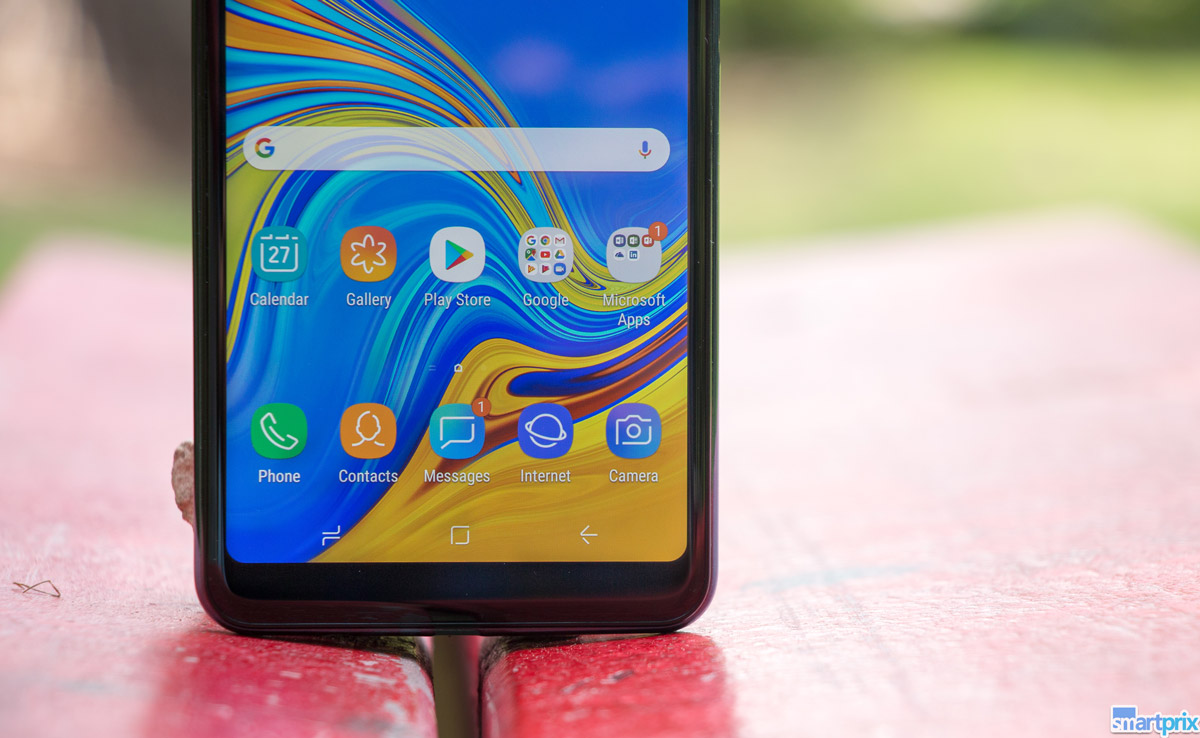
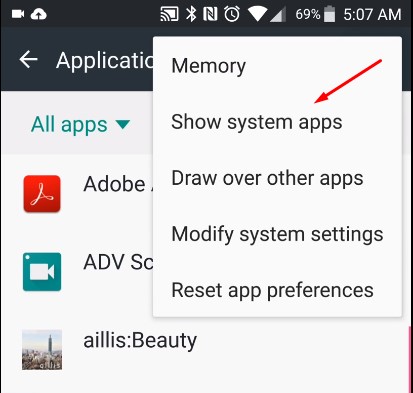
Finding DT Ignite can be a challenge because it has different package names associated with it. Some known package names include com.dti.att for AT&T and com.dti.folderlauncher for Games Hub. If you cannot find it under "DT Ignite," look for "Mobile Services Manager" instead, some brands have renamed the app to avoid consumer feedback. If neither name appears, access the "Show System Apps" option by tapping the three dots in the top-right corner of your Settings page. This will display both regular apps and system apps, where DT Ignite or Mobile Services Manager will be listed.
How to disable DT Ignite step-by-step
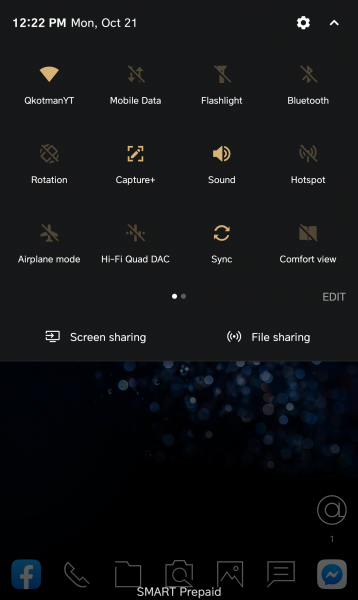
- Access the notification area by swiping down from the top of your smartphone screen.
- Tap on the Settings icon.
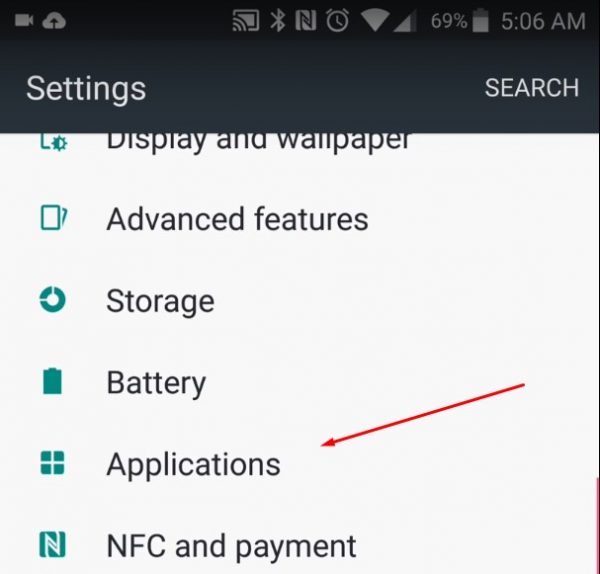
- On the Settings page, scroll down to find the Applications Manager or Apps.
- Find DT Ignite or Mobile Services Manager in the app list.
- Tap on DT Ignite or Mobile Services Manager to show the options available for the app.
- Tap the Disable button. This will clear some data and disable DT Ignite.
Note: Disabling DT Ignite will stop its services from running and downloading anything from the background. However, if you perform a factory reset or install a major Android update, DT Ignite will be re-enabled. If you upgrade the phone to another Android version, DT Ignite will be re-enabled. You will need to repeat these steps to disable it again.
Frequently Asked Questions
Can I completely delete DT Ignite?
No, DT Ignite cannot be completely removed from your smartphone because it is a system app installed in the system partition. It will persist through factory resets. The only option is to disable it as described above.
Is DT Ignite a virus?
No, DT Ignite is not a virus. It is legitimate but unwanted bloatware developed by Digital Turbine and installed by carriers. While it is not malicious, it can be annoying and consume your data without permission.
Which carriers use DT Ignite?
DT Ignite is used by many carriers and companies including Verizon, AT&T, T-Mobile, Vodafone, US Cellular, Singtel, Deutsche Telecom, Cloudphone, America Movi, MTS, Uber, HTC, ASUS, Pandora, Sony, Claro, Telcel, Milicom, Optus, Target, Domino's, Allstate, Booking.com, Facebook, Acer, Hotels.com, Lenovo, and Nokia.
Will disabling DT Ignite affect other apps on my phone?
Disabling DT Ignite will stop it from installing apps and displaying ads, but it will not affect normal system functions or other apps you use. It simply prevents the app from running in the background.
Related reading: How To Make A Fnf Mod On Mobile, What Are The Negative Impact Of Mobile Phones?, and Why Is My Mms Not Working On Android?.