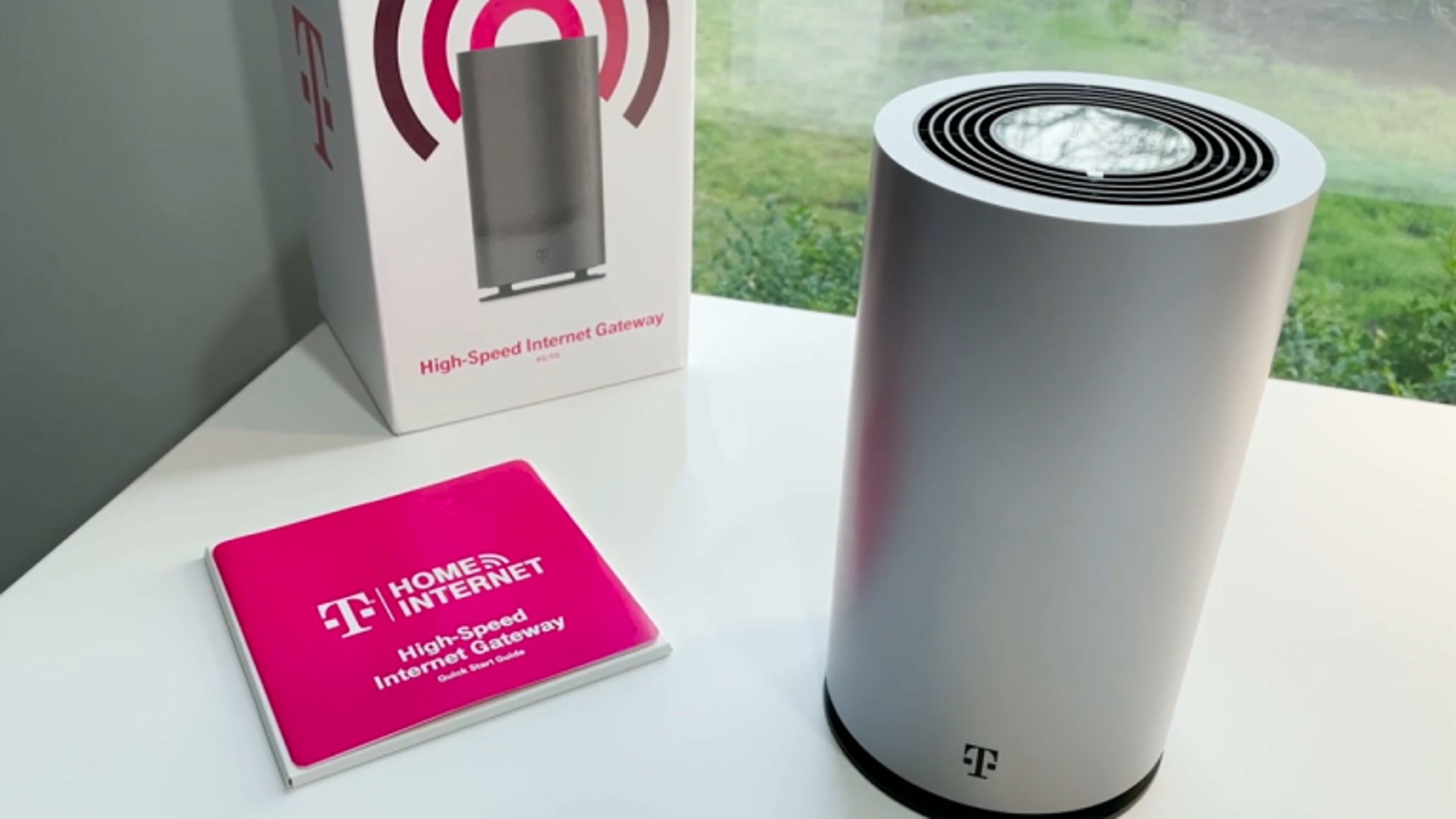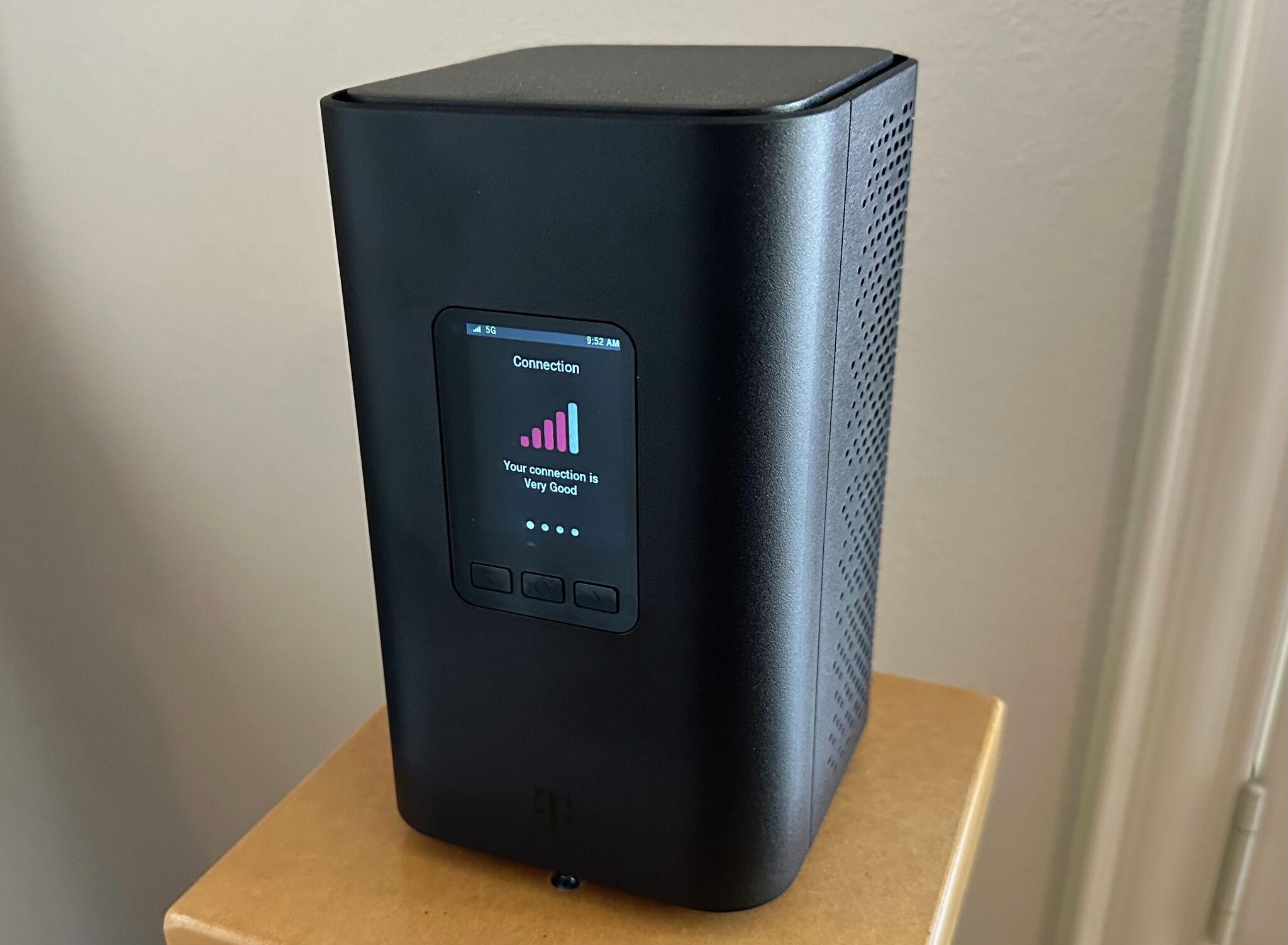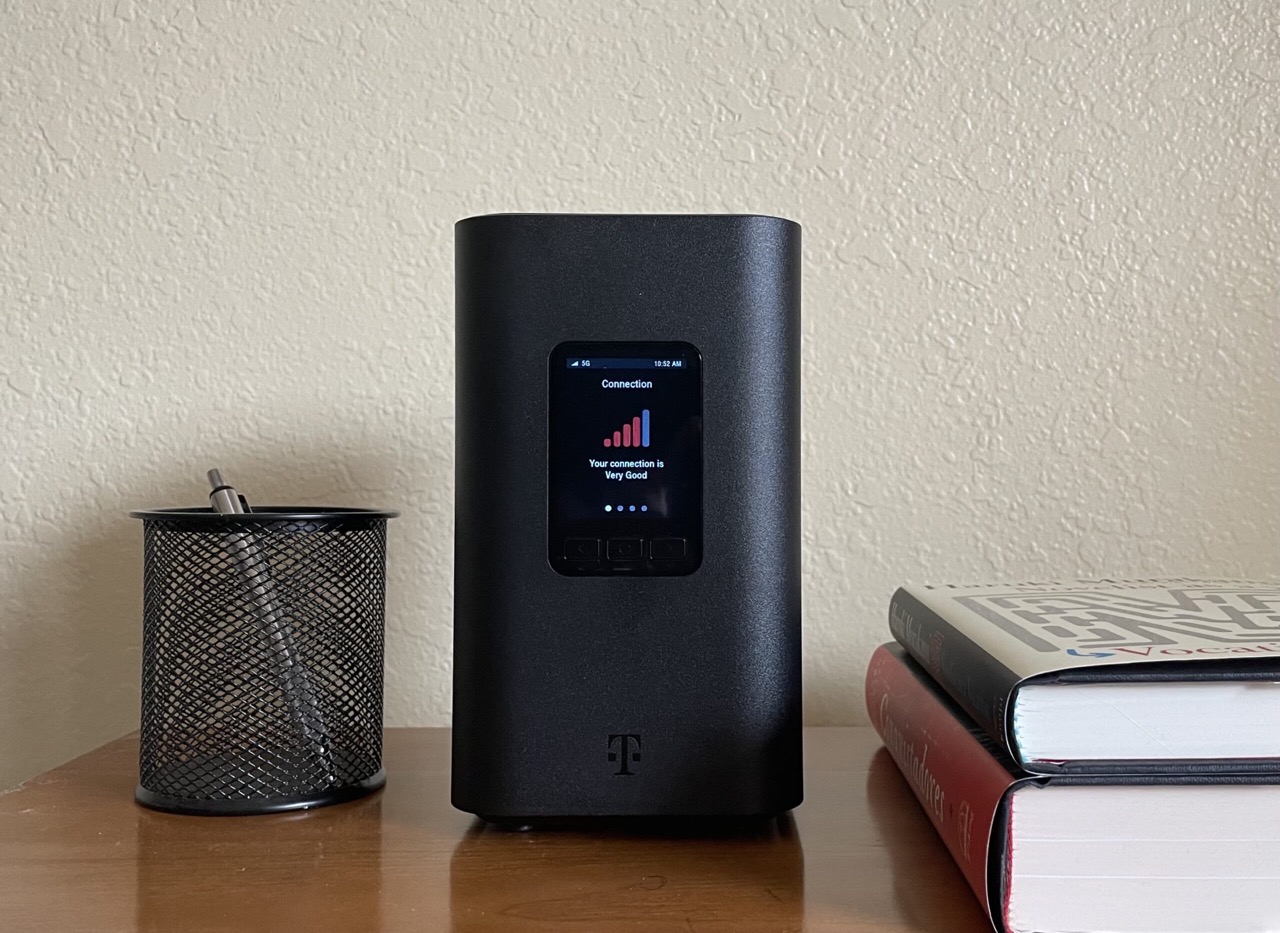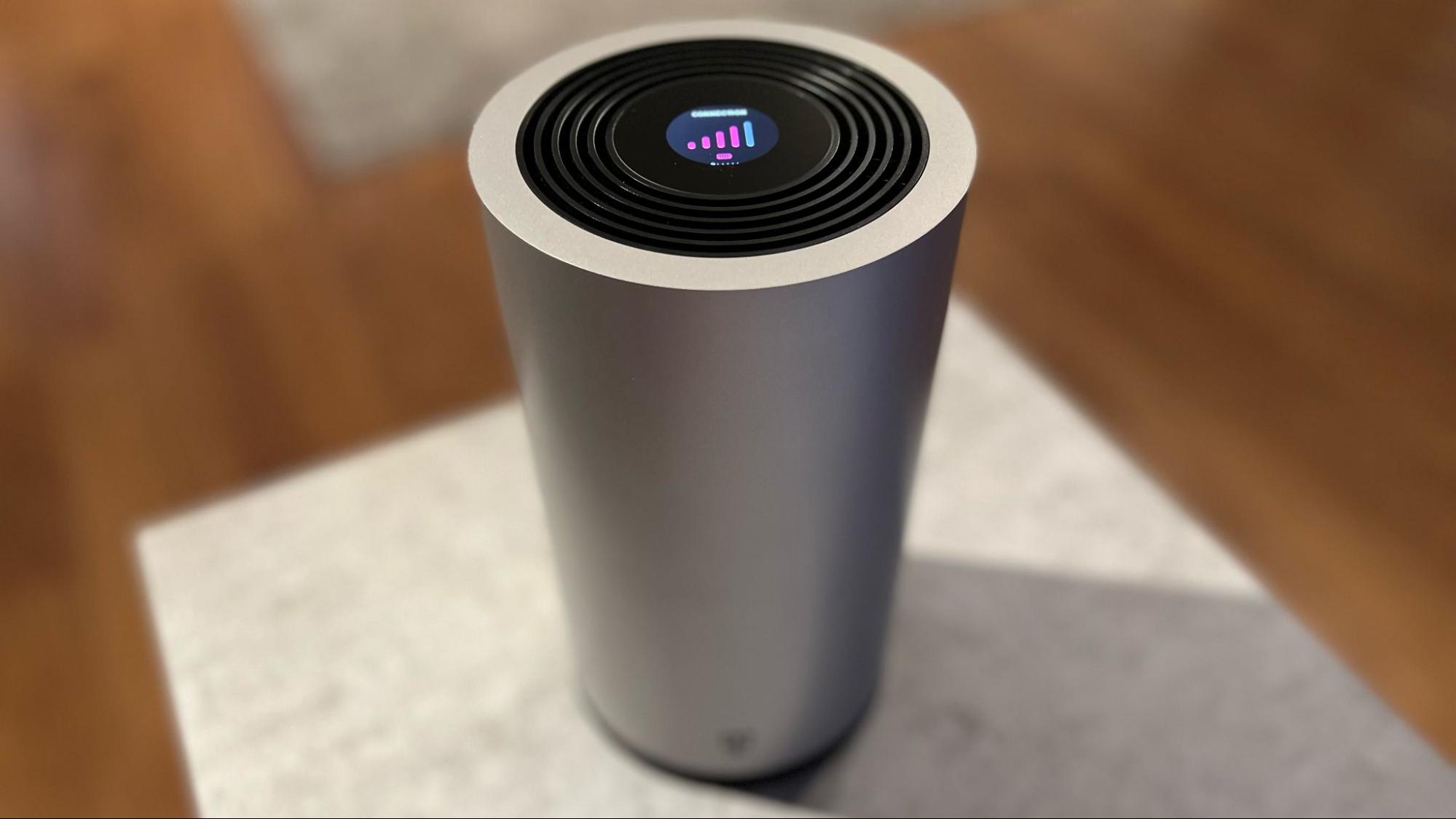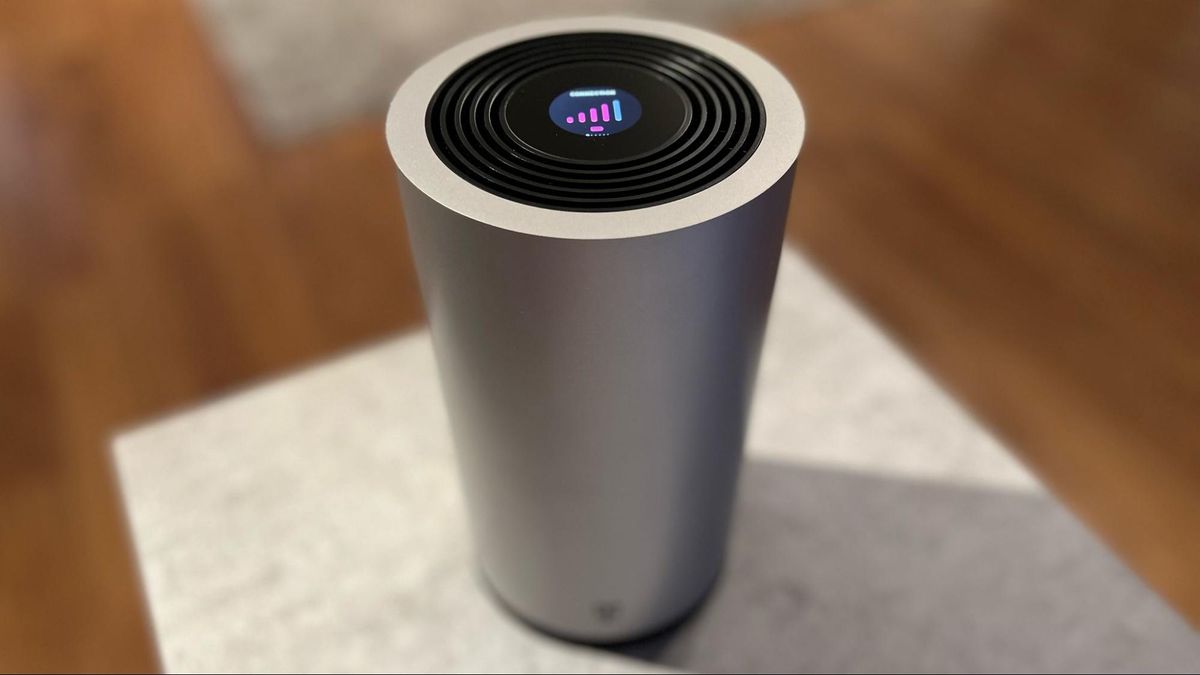
T-Mobile 5G Home Internet typically delivers download speeds between 170 and 498 Mbps on its All-In and Amplified plans, with upload speeds ranging from 12 to 55 Mbps, making it fast enough for 4K streaming, remote work, and online gaming for most households. The actual t mobile 5g home internet speed you experience will depend on your specific plan, gateway model, location, and network conditions, so it is important to understand the real-world ranges before committing.
T-Mobile 5G home internet speed: what to really expect
T-Mobile publishes typical speed ranges for each of its home internet plans. For the All-In and Amplified plans, you can expect downloads between 170 and 498 Mbps and uploads between 12 and 55 Mbps. The Rely plan offers similar uploads but a lower download range of 170 to 354 Mbps. If you have the latest 5G gateway on an All-In or Amplified plan, typical downloads are 133 to 415 Mbps, still with 12 to 55 Mbps upload. These are the speeds T-Mobile says most customers will see under normal conditions, but your mileage will vary based on signal strength and network load.
Speed breakdown by plan and gateway
The table below shows the published typical speeds for each plan and gateway combination. All upload figures are consistent at 12-55 Mbps across every option.
- All-In or Amplified Home Internet: 170-498 Mbps download, 12-55 Mbps upload
- Rely Home Internet: 170-354 Mbps download, 12-55 Mbps upload
- All-In and Amplified on the latest 5G gateway: 133-415 Mbps download, 12-55 Mbps upload
These numbers come directly from T-Mobile’s current home internet pages and represent what the carrier considers typical performance for each tier.
What slows T-Mobile 5G home internet down
T-Mobile states that speeds can vary by location, time of day, signal strength, and network availability. If you are far from a 5G tower or have obstructions like thick walls or metal roofs, your speeds will drop. Network congestion during peak evening hours can also reduce performance. Additionally, after you use your monthly data allotment, T-Mobile throttles your speeds to 128 kbps for the rest of the billing cycle, which makes streaming and gaming unusable until the next cycle.
Backup internet and other plan limits
T-Mobile’s backup internet plan has its own restrictions. After 100 hours of use per month, speeds are capped at 600 Kbps. After 600 GB of data in a month, your traffic may be deprioritized during congestion, meaning you could see slower speeds when the network is busy. The backup internet plan can be set for automated failover or manual session control in the app. Your home Wi-Fi can support up to 64 connected devices, which is generous for most households but worth noting if you have a large smart home setup. T-Mobile's community page says customers can connect up to 64 devices to their home Wi‑Fi. Understanding these T-Mobile Home Internet speed limits helps you decide if the plan fits your usage patterns.
How to test your T-Mobile home internet speed
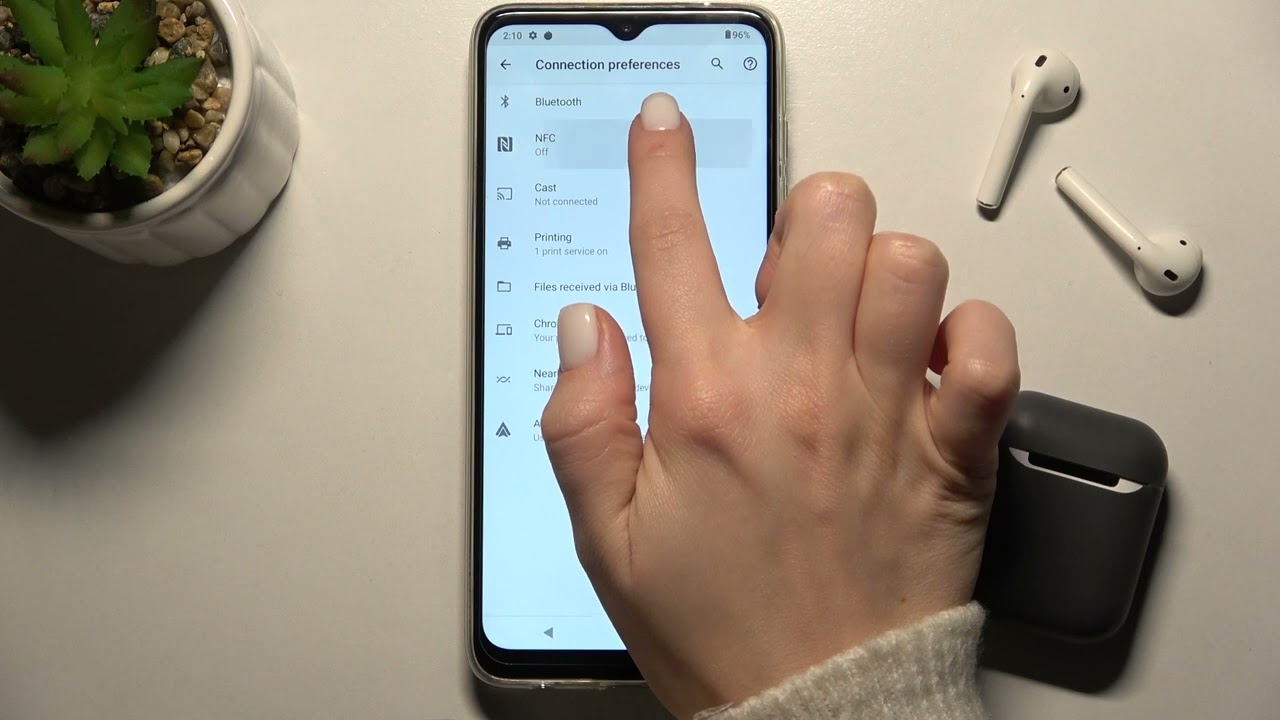
To measure your actual performance, use the Ookla Speedtest app or website. T-Mobile Support says to turn Wi‑Fi off before testing so you measure mobile data instead of Wi‑Fi. Follow these steps for accurate results:
- Turn off Wi-Fi on your phone or computer so you are testing over the mobile data connection from your T-Mobile gateway.
- Open the Speedtest app or go to speedtest.net and tap or select Go.
- Wait for the test to complete and note your download and upload speeds.
You can also use the T Life app to find the best location for your gateway, monitor Wi-Fi connectivity, manage who is connected, and optimize placement for stronger signal. Moving the gateway to a central, elevated spot near a window often improves speeds.
Coverage and availability
T-Mobile 5G Home Internet is not available everywhere. You must check your address on T-Mobile’s coverage map to see if the service is offered at your location. Even if 5G coverage exists in your area, home internet eligibility is address-specific. T-Mobile says 5G access is included in all plans at no additional cost for customers with a 5G-capable device. To access T-Mobile’s 5G network for home internet, you need a 5G-capable device, the gateway T-Mobile provides qualifies. If you are comparing options, note that Verizon 5G home internet has its own coverage footprint and speed ranges, so checking both carriers’ maps is wise if you have multiple choices.
Frequently Asked Questions
Can I use T-Mobile 5G home internet for online gaming?
Yes, the typical download speeds of 170-498 Mbps and low latency make it suitable for most online gaming. However, after your monthly data allotment is used, the 128 kbps throttle will make gaming impossible until the next cycle.
Does T-Mobile 5G home internet have a data cap?
T-Mobile does not advertise a hard data cap, but it does apply a throttle to 128 kbps after you use your monthly data allotment. The backup internet plan also deprioritizes traffic after 600 GB per month.
What happens if I exceed 600 GB on the backup internet plan?
After 600 GB in a month, your backup internet data may be deprioritized during network congestion, meaning you could experience slower speeds when the network is busy. The 100-hour limit and 600 Kbps cap still apply.
How many devices can I connect to T-Mobile home Wi-Fi?
You can connect up to 64 devices to your home Wi-Fi network. This includes phones, laptops, smart TVs, tablets, and smart home gadgets.
Will moving my gateway improve speed?
Yes. Placing it near a window and away from metal objects or thick walls is recommended. For more tips, see 15 incredibly easy ways to Boost your mobile coverage and how to improve mobile signal strength at home.