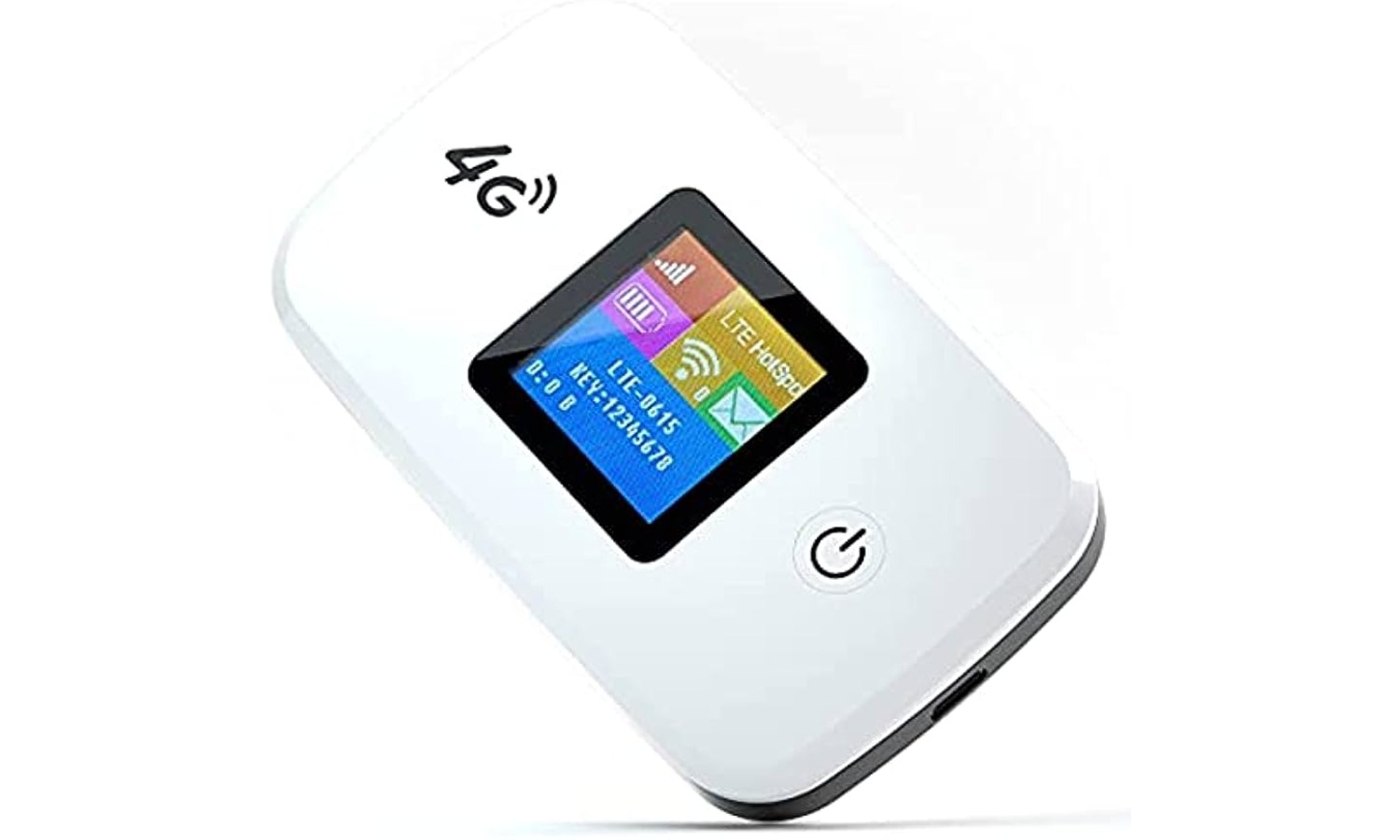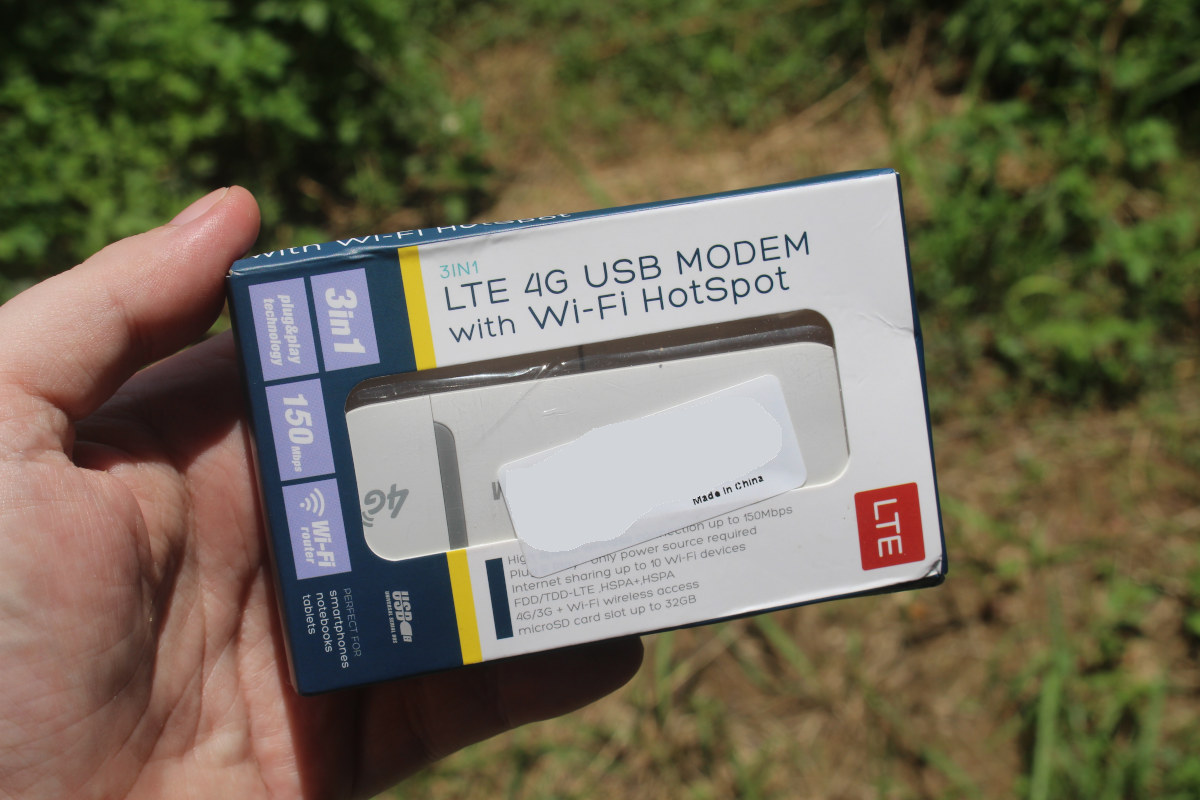
A mobile hotspot is a feature that lets your phone share its cellular internet connection with other devices like laptops, tablets, or other phones. However, you cannot use a mobile hotspot without data; it is impossible to create a mobile hotspot without using your cellular data plan because the feature is designed to convert your phone’s cellular data signal into a Wi-Fi network for other devices to use.
What is a mobile hotspot?
A mobile hotspot is a feature on a smartphone that turns the device into a temporary wireless access point. It shares the phone’s cellular internet connection with nearby devices using Wi-Fi, Bluetooth, or a USB cable. This allows other iPhones, iPads, Macs, Windows PCs, and other gadgets to get online through your phone’s data plan. The feature is also commonly called tethering or a personal hotspot.
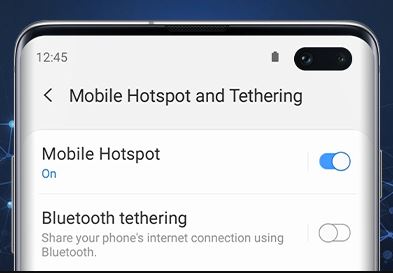
Can you use a mobile hotspot without data?
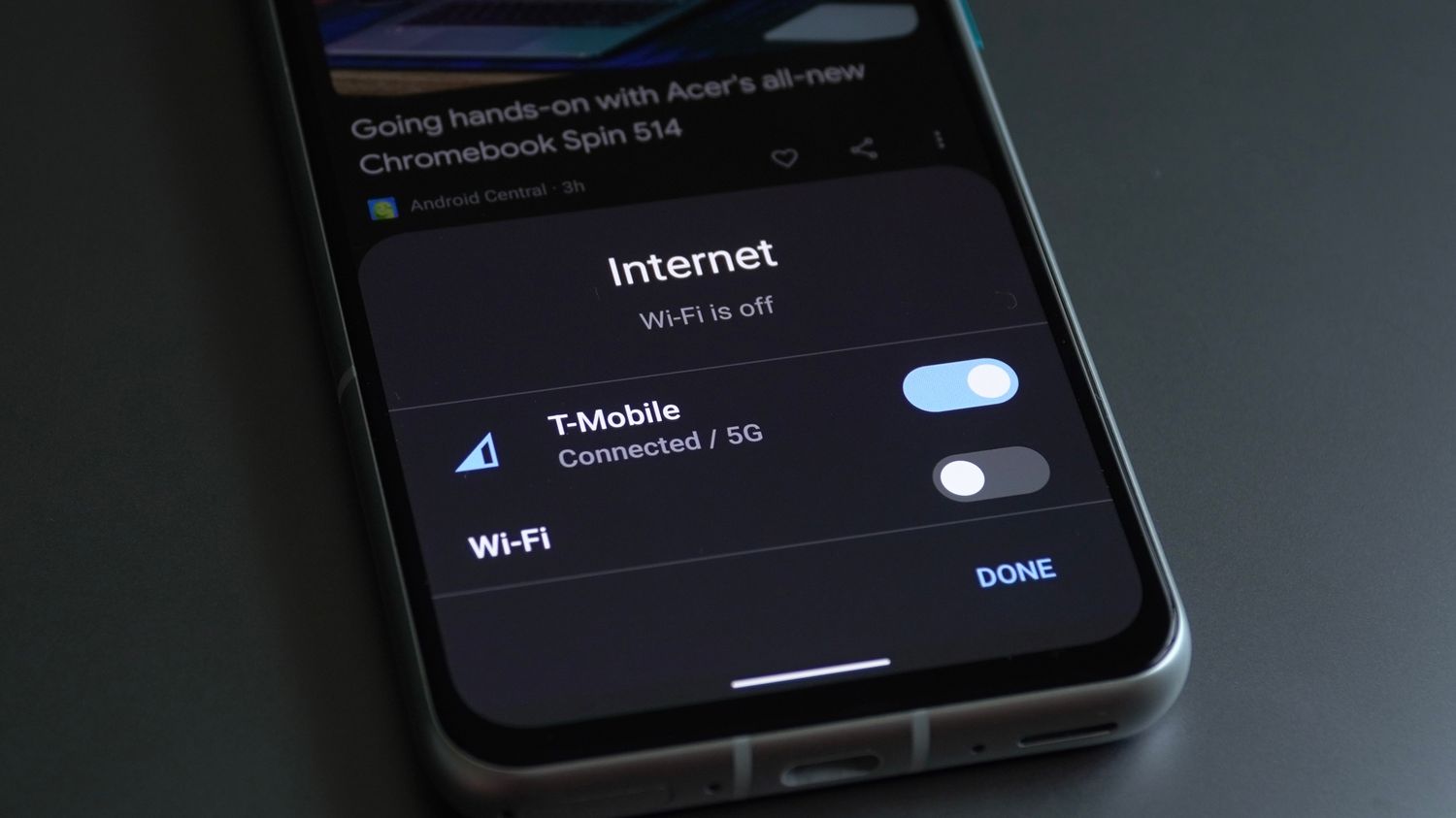
The direct answer is no. A mobile hotspot works by converting your phone’s cellular data signal into a network that other devices can join. You cannot share a Wi-Fi connection you are already connected to using your phone’s hotspot feature. Apple explicitly states that Personal Hotspot uses the cellular internet connection on the iPhone, and you cannot connect the iPhone to Wi-Fi and then share that Wi-Fi connection.
How a mobile hotspot uses your data plan
Every activity performed on any device connected to your mobile hotspot consumes data from your phone’s cellular plan. This includes web browsing, streaming video, email, and app usage on the connected devices. Estimated data usage per activity: web browsing ~60 MB/hr, email <1 MB/hr, Facebook ~80 MB/hr, Instagram ~720 MB/hr, YouTube ~300 MB/hr, music streaming up to 150 MB/hr, Netflix from 250 MB/hr, video calling ~810 MB/hr. Some carriers offer separate mobile hotspot plans with data limits ranging from 20 GB to 100 GB per month. To check how much hotspot data you have used, carriers like AT&T provide a wireless usage center where you can sign in, select your wireless number, and open the Data tab to view your usage. When your plan’s hotspot data allowance is used up, your hotspot speed will slow to a maximum of 128Kbps unless you purchase additional hotspot data.
How to set up a mobile hotspot on iPhone
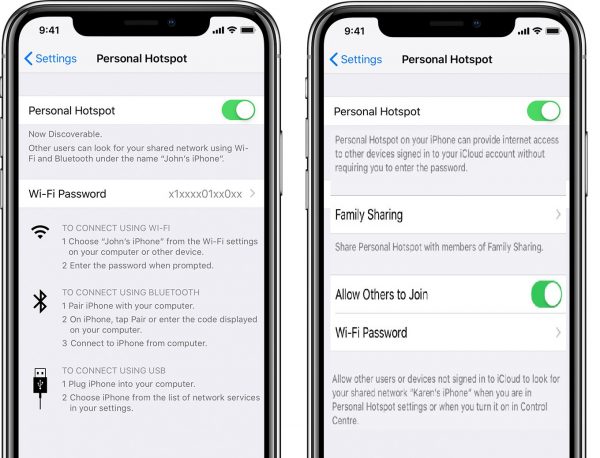
- Open the Settings app on your iPhone.
- Tap Personal Hotspot. If you do not see Personal Hotspot, go to Settings, tap Cellular, then tap Set Up Personal Hotspot.
- Turn on Allow Others to Join.
- If Personal Hotspot is dimmed or unavailable, go to Settings, tap Cellular, and make sure Cellular Data is turned on.
- If it still does not work, check that your carrier has enabled the feature and that your plan supports it.
Devices must be within 30 feet (10 meters) of each other for Instant Hotspot. On iPhone 12 or later, iPad Pro 11-inch (3rd generation or later), iPad Pro 12.9-inch (5th generation or later), and iPad mini (6th generation), you can turn on Maximize Compatibility in the Personal Hotspot settings to improve connection reliability for older devices.
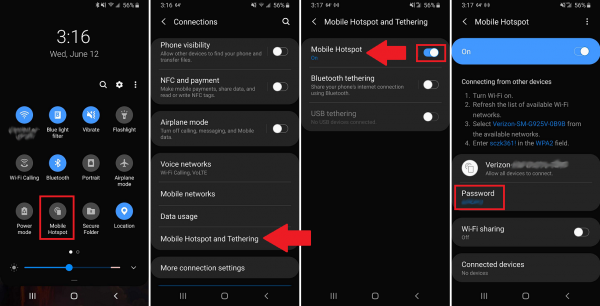
How to set up a mobile hotspot on Android
- Open the Settings app on your Android phone.
- Go to Network & internet.
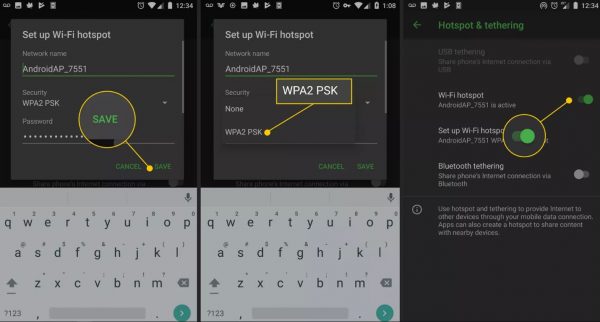
- Tap Hotspot & tethering.
- Tap Wi-Fi hotspot.
- Turn on Wi-Fi hotspot.
Third-party apps like Portable Wi-Fi and PdaNet+ can set up a mobile hotspot on older Android phones that lack the built-in feature. This is the same path for Pixel phones. From this menu, you can also change the hotspot name and password.
How to share mobile data without a Wi-Fi hotspot
If you prefer not to use a Wi-Fi hotspot, you can still share your cellular data connection using alternative tethering methods that still consume data. These methods are documented by Apple and Google and work on both iPhone and Android.
Connect via USB cable
- Connect your phone to your computer using a USB cable.
- On Android: Open Settings, go to Network & internet, tap Hotspot & tethering, then turn on USB tethering.
- On iPhone: After connecting the cable, tap Trust on the alert that asks “Trust This Computer?” to enable the connection.
Pair via Bluetooth
- On iPhone: Turn on Personal Hotspot in Settings, then pair the devices via Bluetooth. On iPhone, to share data via Bluetooth, go to Settings > General > Reset and tap Reset Network Settings if the connection does not work.
Frequently Asked Questions
Does using a mobile hotspot drain my phone battery faster?
Yes, running a mobile hotspot uses more battery power than normal phone use because the phone is actively broadcasting a Wi-Fi signal and managing multiple data connections. Charging the phone while the hotspot is active can sometimes slow the internet speed.
How do I get personal hotspot on my iPhone if the option is missing?
If you cannot see Personal Hotspot in Settings, go to Settings > Cellular and look for Set Up Personal Hotspot. If it is still missing, contact your carrier to confirm your plan supports the feature and that it is enabled on your account.
How does hotspot work when I travel internationally?
Your mobile hotspot can work internationally if you have an active cellular data connection and your plan includes international data. However, roaming charges may apply, and performance depends on local network coverage. Check with your carrier before traveling.
Can I connect more than one device to my mobile hotspot at the same time?
Yes, you can connect multiple devices (like a laptop, tablet, and another phone) to your mobile hotspot at the same time. However, connecting too many devices can slow down the internet speed for everyone, and each device’s activity uses data from your plan.
Why is my mobile hotspot connection slow?
Several factors can slow your hotspot: a weak cellular signal, too many connected devices, a thick phone case blocking the signal, or having reached your data limit (after which speeds are throttled to 128Kbps). A protective phone case (e.g., thick cases like OtterBox) can block the signal and slow the hotspot; removing the case can increase speed. Charging the phone while the mobile hotspot is on can slow down the internet speed. Closing background apps can improve mobile hotspot speed. Using a signal booster device can amplify cell signal and give faster mobile hotspot connectivity. Moving to a location with a stronger signal or disconnecting unused devices can help restore speed.
Related reading: How Much Does A Mobile Hotspot Cost.