






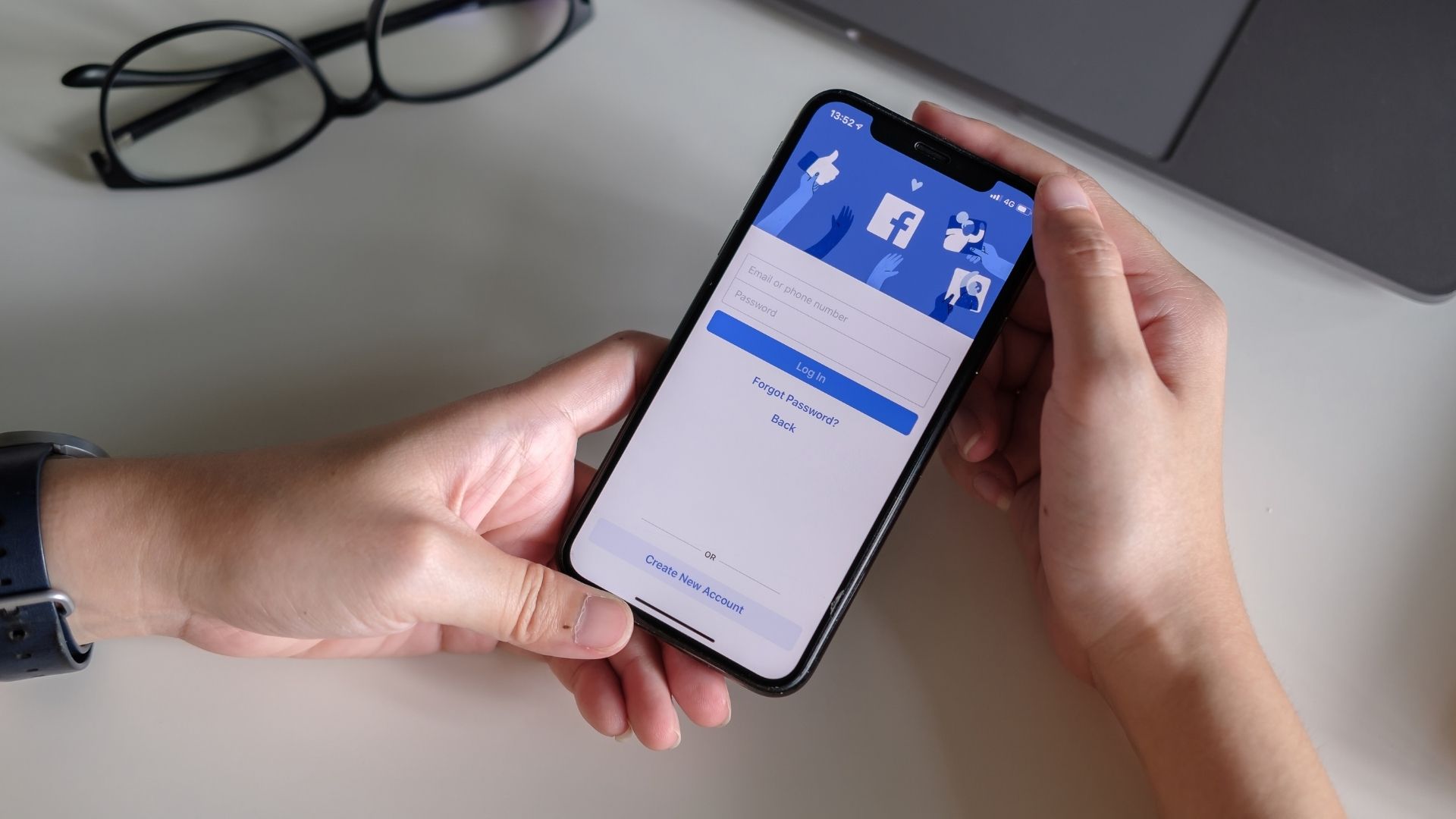
To look someone up on Facebook using phone number, you have two primary methods: a direct search in the Facebook search bar or syncing your phone contacts so Facebook's "People You May Know" feature can suggest their profile. However, success is not guaranteed because privacy settings often block this search, and the person must have their phone number linked to their account and set to be discoverable.
Method 1: Search Facebook directly with the phone number
This is the most straightforward approach, but it only works if the person's privacy settings allow it.
- Open the Facebook app or website and log in to your account.
- Go to the search bar (magnifying glass icon) at the top of the page.
- Enter the full phone number, including the area code, into the search bar.
- Press Enter or tap the search icon.
- Review the search results. Look for a profile picture, name, or other details that match the person you are trying to find. If multiple people have the same phone number associated with their Facebook accounts, you may need to carefully review the search results to identify the correct profile.
- If you identify the correct profile, click or tap on it to view their page and send a friend request or message.
If the person has set their "Who can look you up using the phone number you provided?" setting to "Friends" or "Only me," their profile will not appear in your search results.
Why your search by phone number might not work
The most common reason for failure is the person's privacy setting for phone number discoverability. By default, Facebook used to allow "Everyone" to find a user by their phone number, but users can now change this to "Friends" or "Only me." If the person has restricted this setting, your direct search will return no results, even if the phone number is correctly linked to their account.
You can check your own setting by navigating to "Settings & Privacy" > "Settings" > "How people find and contact you." Under "Who can look you up using the phone number you provided?," you will see your current choice. The ability to find someone by phone number on Facebook has become more restricted overall due to an increased focus on privacy.
Method 2: Sync your phone contacts to find them
If direct search fails, syncing your phone's contacts is a more reliable alternative. This method lets Facebook's "People You May Know" feature suggest profiles linked to phone numbers in your contact list, even if you do not know the person's name. This is particularly useful for identifying unknown callers or reconnecting with someone whose name you have forgotten.
- Go to "Settings & Privacy" > "Settings" > "Accounts Center."
- Select "Your information and permissions."
- Choose "Upload contacts."
- Select your Facebook account and enable the option to upload contacts.
Once your contacts are uploaded, Facebook will use the phone numbers to generate friend suggestions. You may see the person's profile appear in your "People You May Know" section. This method bypasses the need for a manual search and works even if the person's direct search setting is restricted, as long as they have not disabled contact syncing entirely.
Method 2: People Search Engines - Exploring the option of using people search engines to look up someone on Facebook using their phone number. Spokeo is a popular people search engine that can be used.
Method 3: Reverse Phone Lookup - Utilizing reverse phone lookup services to find someone's Facebook profile using their phone number.
Method 4: Mutual Friends - Using mutual friends as a way to search for someone on Facebook by their phone number. When using mutual friends, look through the list of profiles that appeared in your search results and take note of any users who have mutual friends with you. Visit the profile of one of these mutual friends and look for any public posts, photos, or comments that may indicate a connection or interaction with the person you are searching for. Check the mutual friend's friend list for any familiar names or profile pictures that match the person you are looking for. You can reach out to your mutual friends directly via private message and inquire if they are familiar with the person you are searching for.
Frequently Asked Questions
Can I find someone on Facebook with just their mobile number?
Yes, you can enter their full mobile number into the Facebook search bar. However, success depends entirely on the person's privacy settings and whether they have linked that number to their account.
What information will I see when I find someone by phone number?
What you see depends on the person's profile privacy settings. If their profile is public, you may see their name, profile picture, location, and other shared details. If their profile is private, you will likely only see their name and profile picture until you send a friend request.
What are the main limitations of looking someone up on Facebook using a phone number?
If they have set it to "Friends" or "Only me," or if they have not linked a phone number, your search will fail.
For the wider topic, see looking up phone numbers.













