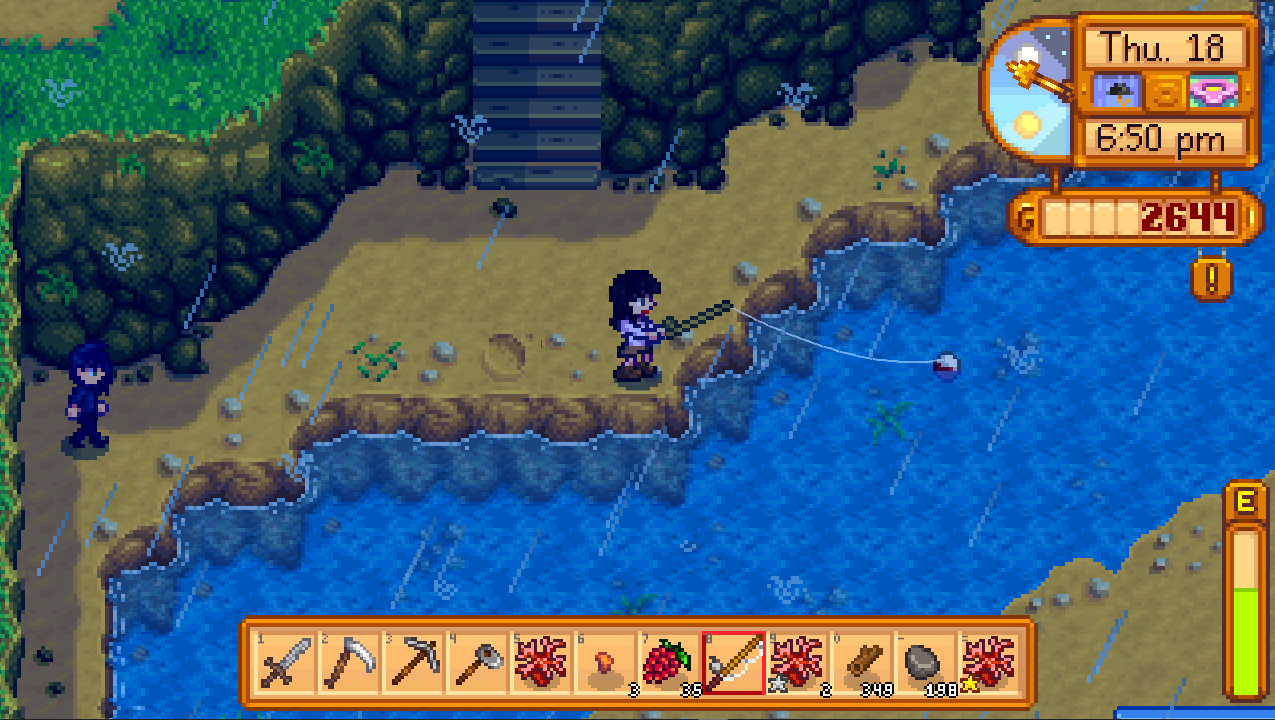
Fishing in Stardew Valley Mobile is frustrating at first because you cannot aim your cast; the bobber always lands straight ahead of your character. Mastering stardew valley mobile fishing means learning to position your character perfectly before you tap to cast, since you have no control over where the line goes once you press the button.
The core problem with stardew valley mobile fishing
The main frustration on mobile is the lack of cast aiming. Unlike the PC or console versions, where you can aim the bobber in any direction, the mobile version forces the bobber to land in a straight line directly in front of your character. This makes positioning everything. If you are not lined up with the fish shadow or the deep-water spot you want, you will waste casts. The only way to change where your line lands is to move your character before you cast.
How to equip your rod and attach bait on mobile
Open your inventory and tap the fishing rod to equip it. To attach bait or tackle, open your inventory again and drag the bait or tackle item directly onto the fishing rod icon. The drag-and-drop method is the only way to attach these items on mobile. Once attached, the bait or tackle will appear on the rod icon in your inventory.
Choosing your mobile control scheme for fishing
Stardew Valley Mobile supports three input options: touchscreen, virtual joystick, and external controller. The touchscreen option uses taps and holds for the fishing mini-game. The virtual joystick places an on-screen joystick for movement and separate buttons for actions. An external controller works if your device supports it. Choose the scheme that feels most comfortable for the fishing mini-game. Many players find the touchscreen option the easiest for the mini-game because it directly translates tapping and holding to the green bar.
How to cast and land the perfect bobber placement
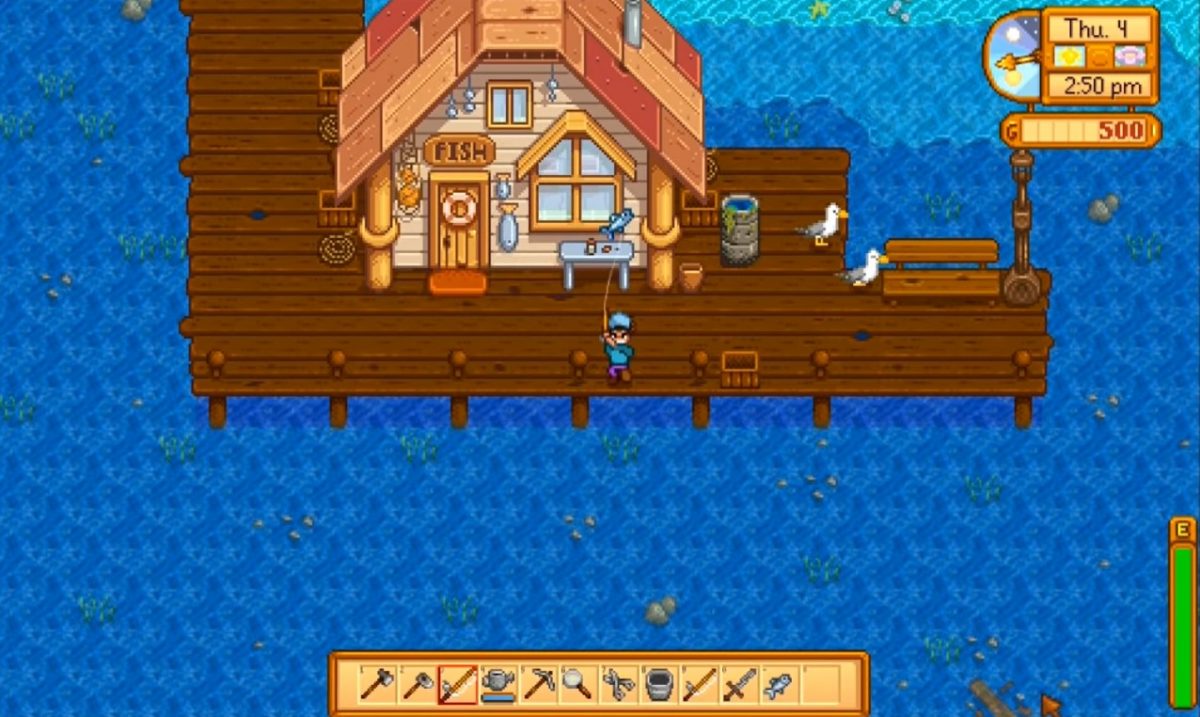
Since the bobber always lands straight ahead, you must position your character carefully. Stand at the edge of the water and face the direction you want to fish. Tap the action button to cast. The bobber will land directly in front of you. If you want to reach a specific spot, move your character left, right, up, or down until you are aligned with that spot, then cast. There is no way to adjust the cast direction after you tap the button.
Mastering the fishing mini-game with touch controls
When a fish bites, an exclamation mark appears above your character. Tap anywhere on the screen to start the mini-game. A vertical bar appears with a green rectangle that moves up and down. A fish icon moves inside the bar. Tap and hold to raise the green bar; release to let it fall. Your goal is to keep the green bar behind the fish icon. If the fish icon leaves the green bar, the fish escapes. The mini-game is the same regardless of which control scheme you use, but touchscreen players tap and hold directly on the screen.
Frequently Asked Questions
Can you remove bait or tackle once it is attached to a rod?
There is no documented way to remove bait or tackle once attached on the mobile version. If you attach an item, it stays on the rod until it is used up or breaks. The retrieved mobile controls page does not mention any method to remove bait or tackle once attached.
Does the fishing mini-game work the same on all devices?
Yes, the mini-game mechanics are identical across Android and iOS. The only difference is the input method you choose. The mini-game itself does not change based on the device.
Can you use bait and tackle on mobile?
Yes. Drag bait or tackle onto the fishing rod in your inventory to attach it. Bait attracts fish and tackle provides bonuses like faster reel-in speed or better bar control.
What devices are supported for Stardew Valley Mobile fishing?
Android is confirmed on Google Play with touchscreen, virtual joystick, and external controller support.
Is there a way to cast farther on mobile?
No. The cast distance is fixed on mobile. You cannot charge or aim a cast to make the bobber travel farther. The bobber always lands at the same distance straight ahead.
Do mobile app guides cover fishing controls differently?
Most mobile app guides explain that the touch controls are the default for fishing, but the virtual joystick and external controller are also supported. The key difference is that no guide can show you how to aim the cast, because the mobile version does not allow it.
Related reading: Stardew Valley on Mobile: A Beginner's Guide.