






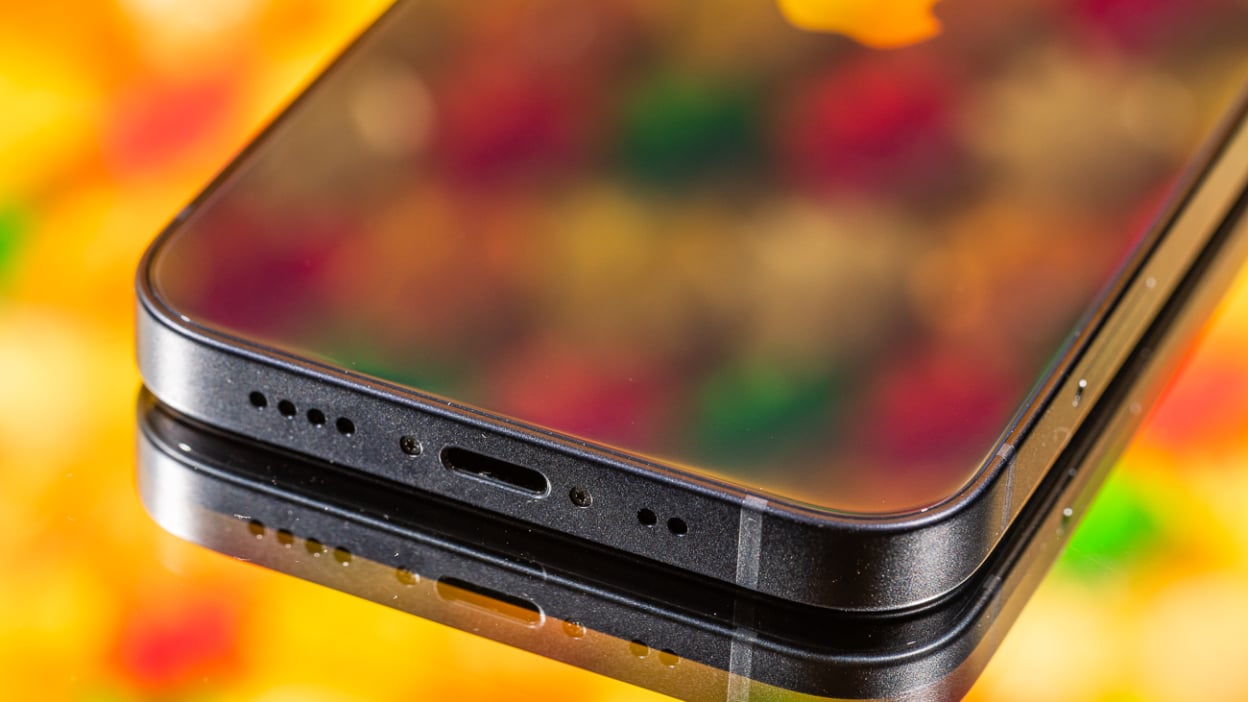
To get liquid out of your phone speaker safely, the only verified method is to encourage evaporation using gravity and cool airflow, not heat, suction, or makeshift drying agents. If your speaker sounds muffled after a spill, the liquid is physically blocking the sound until it fully evaporates, so your goal is to speed that natural process without causing further damage.
Why liquid degrades your speaker performance
Apple documents that liquid in the speaker or microphone area degrades performance until the liquid evaporates. The water physically blocks the speaker membrane from vibrating freely, which muffles audio. No amount of tapping or shaking will instantly remove it; only time and airflow allow the moisture to leave the speaker chamber. Liquid can enter the speaker due to condensation from rapid temperature changes (e.g., moving from cold to warm environment). Liquid can enter the speaker through physical damage like a cracked screen, faulty seals, or a damaged headphone jack.
Step-by-step: the safe way to remove the liquid
- Dry the exterior. Wipe your phone with a lint-free cloth to remove any surface liquid. Do not insert anything into the speaker openings.
- Tap gently with the connector facing down. Hold your phone with the Lightning or USB-C port pointing downward and tap it gently against your hand. This helps dislodge drips from the speaker area.
- Place speaker side down on a lint-free cloth. Set the phone so the speaker grill rests on the cloth and check whether water drips out. Let it sit for a few minutes.
- Leave in a dry area with cool fan airflow. Position the phone in a well-ventilated spot and point a fan blowing cool air directly into the connector or speaker area. Avoid warm or humid environments.
If the liquid is sticky or oily (not just water), clean the speaker grill with a cotton swab dampened with isopropyl alcohol and let it evaporate completely. This complete procedure comes from Apple’s official support guidance and applies to iPhones. Android manufacturers do not provide an equivalent official step-by-step for speaker liquid removal.
What to avoid and why
Do not use rice. Rice can introduce dust and starch particles into the speaker grill, and it does not absorb moisture from inside a sealed device. Avoid hairdryers or any heat source; heat can damage internal components and warp seals. Vacuum cleaners risk static discharge and can pull delicate speaker membranes out of place. There is no official Android ‘water eject’ feature, app-store apps that claim to emit a tone to push water out are not endorsed by any manufacturer or carrier. The only reliable approach for any phone is patience with airflow and gravity.
Understanding water damage and liquid removal means knowing that rushing the process with unverified methods often makes the problem worse.
Frequently Asked Questions
How did liquid get into my phone speaker?
Liquid can enter through accidental spills, humid environments, condensation from temperature changes, direct water exposure, or physical damage like a cracked screen or faulty seals.
How long does it take for liquid to dry out of a phone speaker?
There is no fixed time. Apple does not specify a drying duration; it simply states that performance remains degraded until the liquid evaporates. In a dry room with cool fan airflow, most small amounts of liquid evaporate within several hours to a day. Larger spills may take longer.
What should I do if the sound is still muffled after drying?
Continue the airflow and waiting process. If the liquid has not fully evaporated, the speaker will remain muffled. Do not try to force the liquid out with compressed air or repeated tapping. If the problem persists beyond 48 hours, the liquid may have caused corrosion or damage that requires professional service.
Can I use a speaker-cleaning app to remove liquid?
No. They may vibrate the speaker but cannot guarantee removal and do not replace the verified evaporation method.
What preventive measures can avoid liquid damage to phone speakers?
Use a protective case, keep liquids away from your phone, and be cautious in wet environments to reduce the risk of liquid entering the speaker.
For the wider topic, see water damage and liquid removal.












