Ghost phones have two distinct meanings: a prepaid burner phone used for temporary anonymity, and an unrecognized device linked to your Apple or online account that may signal a security risk. Understanding what are ghost phones means recognizing both the traditional definition of a disposable, no-contract phone and the modern security concern of an unknown device appearing in your account settings.
What are ghost phones?
A ghost phone is either a prepaid mobile phone purchased without identification for short-term, anonymous use, or a device you do not recognize that appears in your Apple ID or other online account. The first meaning refers to a physical burner phone used to maintain privacy; the second refers to a security alert indicating someone else may have accessed your account.
Ghost phones as burner phones
In its traditional sense, a ghost phone is a prepaid, no-contract phone bought with cash for temporary use. These devices allow users to maintain privacy without linking their identity to the phone number or service. Legitimate uses include protecting personal contact information during short-term projects, travel, or sensitive communications. While burner phones are sometimes associated with illegal activity, they are also used legally by journalists, business travelers, and individuals concerned about data privacy.
Ghost phones as unknown devices on your account
The security-focused meaning of ghost phone refers to a device you do not recognize appearing in your Apple ID or account settings. This can indicate that someone else has gained access to your account and linked their device to it. Apple documents specific steps to check for and remove such unknown devices, as well as related security checks for configuration profiles, Bluetooth devices, and tracking alerts.
How to check for unknown devices on iPhone
- Open Settings and tap your name at the top.
- Review and remove unfamiliar devices at Settings > [your name] > Devices.
- Review each device. If you see one you do not recognize, tap it and choose Remove from Account.
This step is documented by Apple as the primary way to remove an unfamiliar device from your account.
How to check for unknown configuration profiles
- Go to Settings > General > VPN & Device Management.
- Look for any configuration profiles you did not install yourself.
- If you find an unknown profile, tap it and select Remove Profile.
Malicious profiles can give others access to your device, so removing any you did not install is important.
How to forget unknown Bluetooth devices
- Open Settings and tap Bluetooth.
- Find any device you do not recognize in the list.
- Tap the (i) button next to that device.
- Choose Forget This Device.
Unknown Bluetooth connections could indicate someone is tracking your location or accessing your phone.
How to turn on tracking notifications
- Turn on Bluetooth from Control Center or Settings.
- Go to Settings > Notifications > Tracking Notifications.
- Turn on Allow Notifications.
This setting alerts you if an unknown tracking device is moving with you, helping you detect unwanted surveillance.
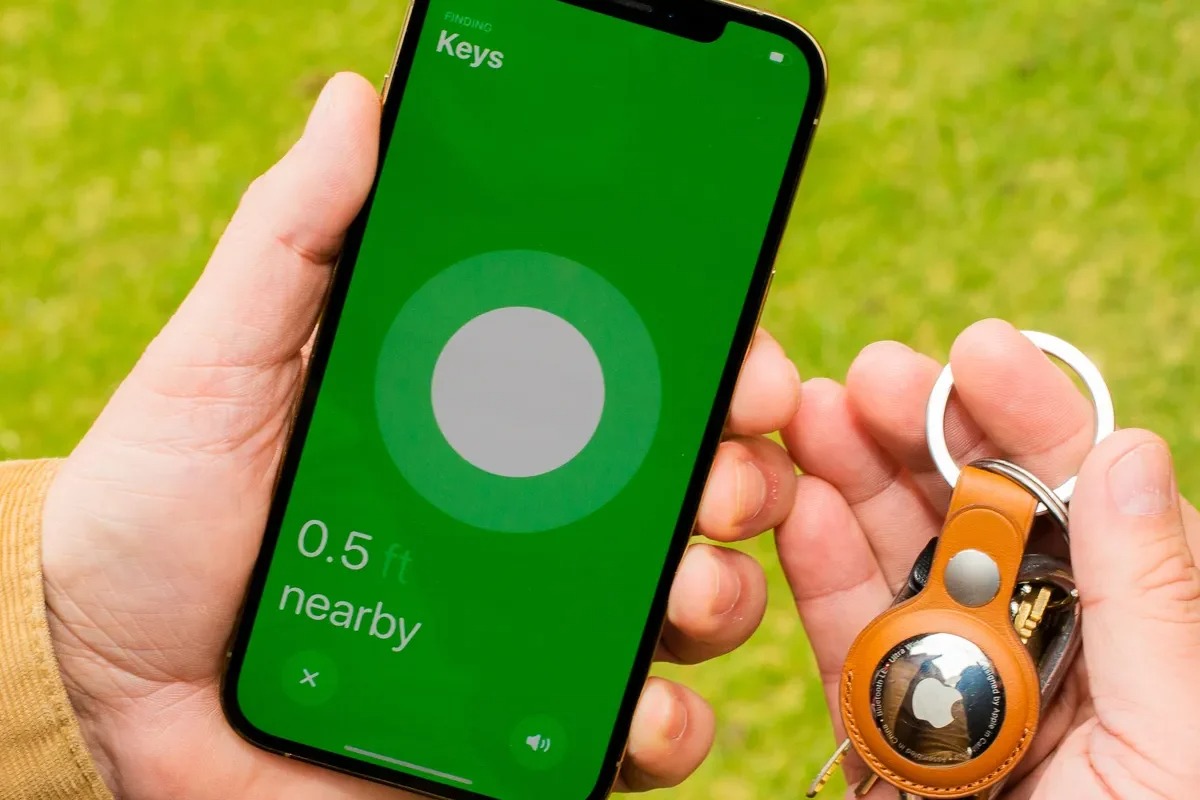
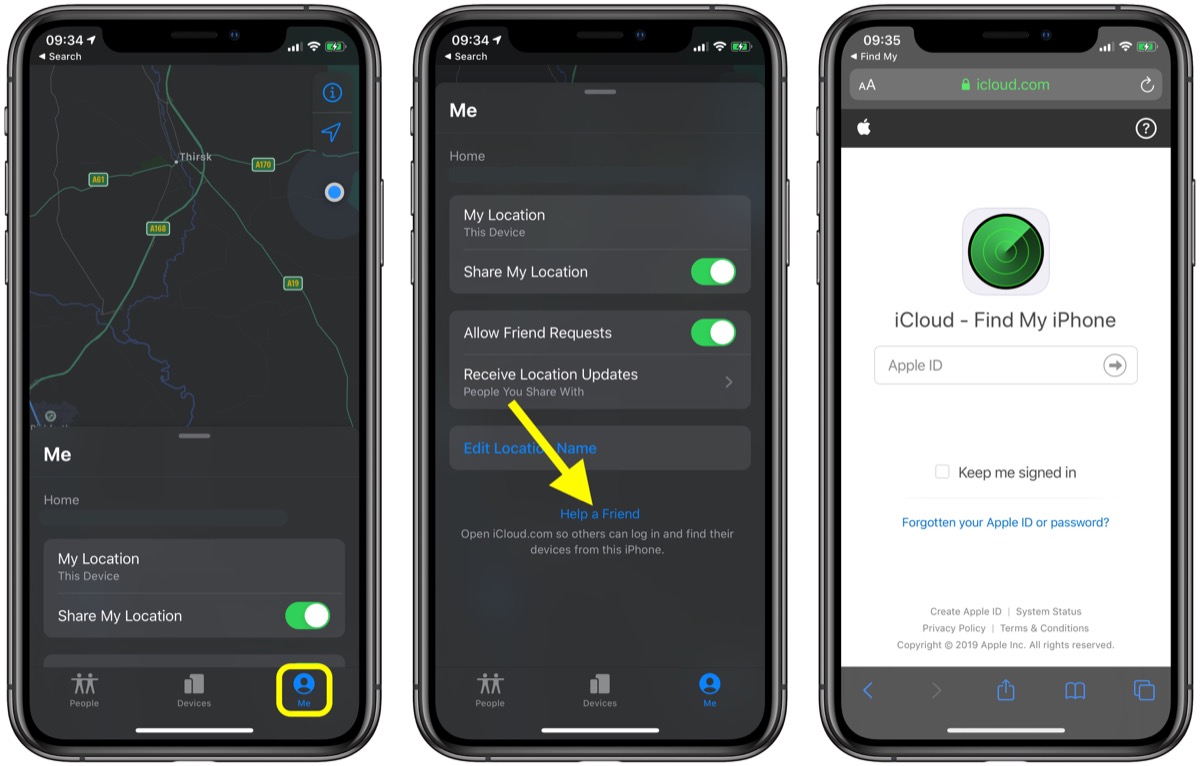
How to identify an unknown item with Find My
- Open the Find My app.
- Tap Items, scroll to the bottom of the list, and tap Identify Found Item when dealing with an unknown item.
If you find an unfamiliar accessory like an AirTag that appears to be following you, this feature helps identify its owner.
When to worry about a ghost phone on your account
An unknown device in your account is not always a security threat, it could be an old phone, tablet, or computer you forgot about. However, you should take it seriously if you see a device you have never owned, especially if you also receive sign-in alerts from unfamiliar locations. On a new-device sign-in alert, choose Don’t Allow. When you see such alerts, choose Don’t Allow on the sign-in notification. If you suspect a real breach, change your Apple ID password immediately and enable two-factor authentication. This prevents unauthorized access even if someone has your password. You should also be aware that criminals sometimes use spoofed and fake phone numbers to trick you into revealing account information. If you need to get a fake phone number for privacy reasons, use a legitimate temporary number service rather than associating an unknown device with your real account.
Frequently Asked Questions
Can a ghost phone be traced by law enforcement?
While burner phones offer more anonymity than contract phones, they are not completely untraceable. Law enforcement can use cell tower records, purchase surveillance, and other methods to identify users, especially if the phone is used repeatedly in the same area.
Are ghost phones illegal to own?
Owning a prepaid phone is legal in most jurisdictions. The legality depends on how the phone is used. Using a ghost phone for illegal activities such as fraud, stalking, or drug trafficking is a crime, but owning one for legitimate privacy reasons is not.
What should I do if I find an unknown device in my Apple ID?
Remove it immediately by going to Settings > [your name] > Devices and tapping Remove from Account. Then change your Apple ID password and review your trusted phone numbers and recovery contacts.
Can someone install a ghost phone on my account without my knowledge?
Yes, if someone gains access to your Apple ID password, they can sign in from their own device, which will then appear in your devices list. This is why enabling two-factor authentication and using strong, unique passwords is critical.
How do I tell if an unknown device on my account is a security threat?
If the device name does not match any device you own, or if you see sign-in attempts from unfamiliar locations, treat it as a threat. Old devices you recognize can be safely ignored, but any device you do not recognize should be removed and your password changed.
Related reading: Changing Your Phone Number on Accounts.