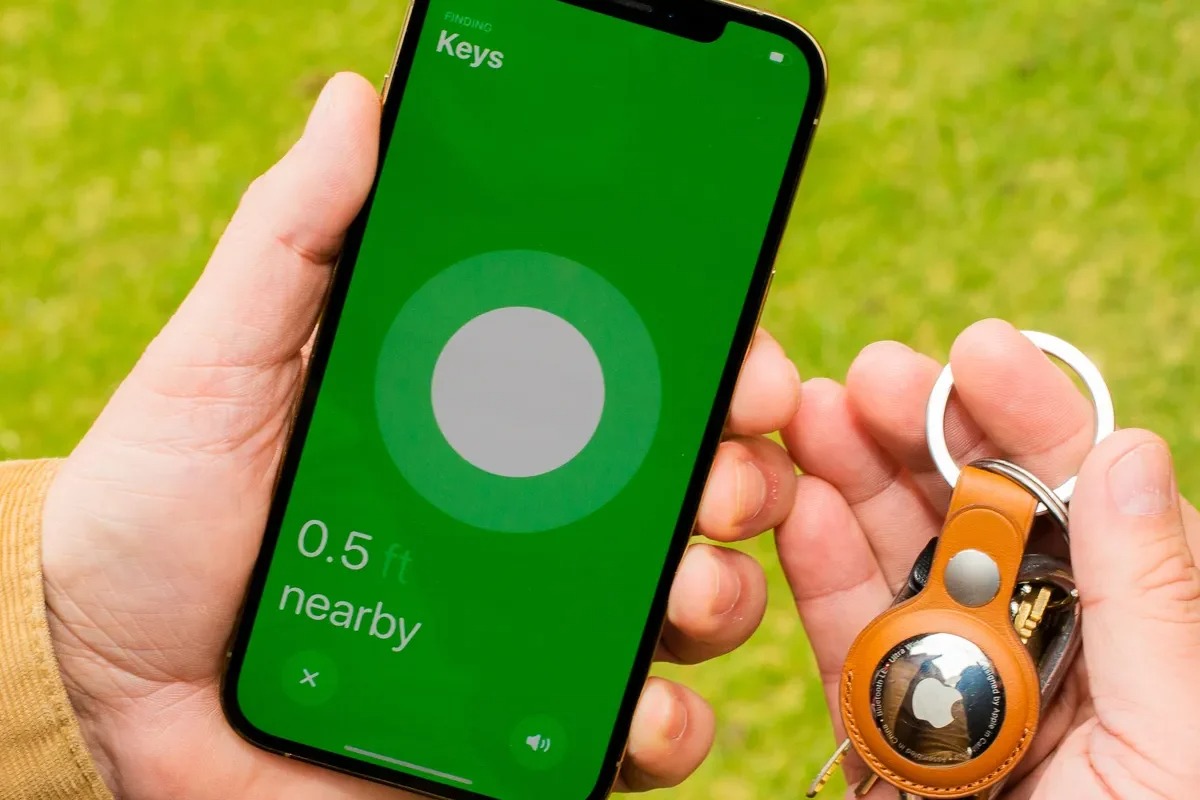
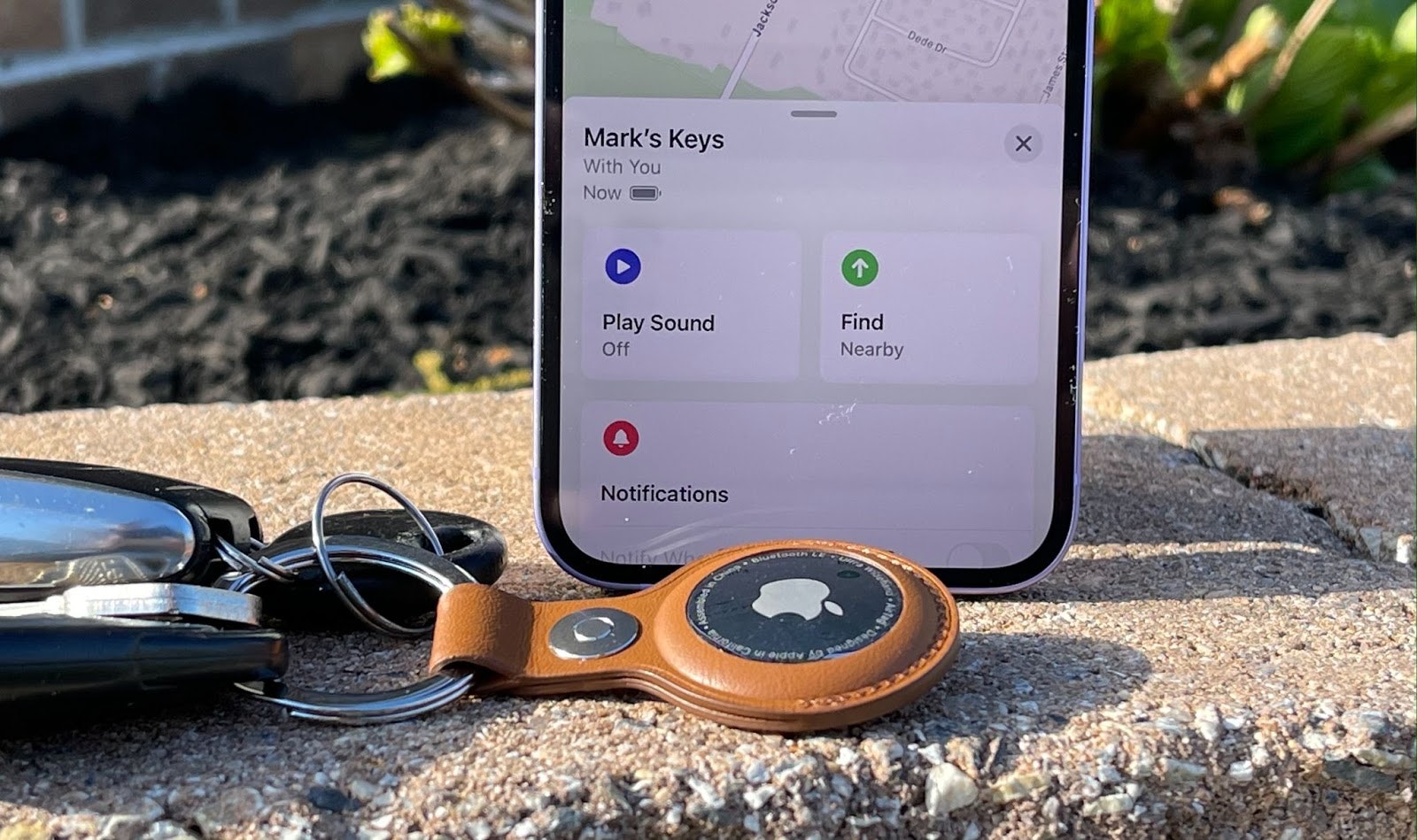
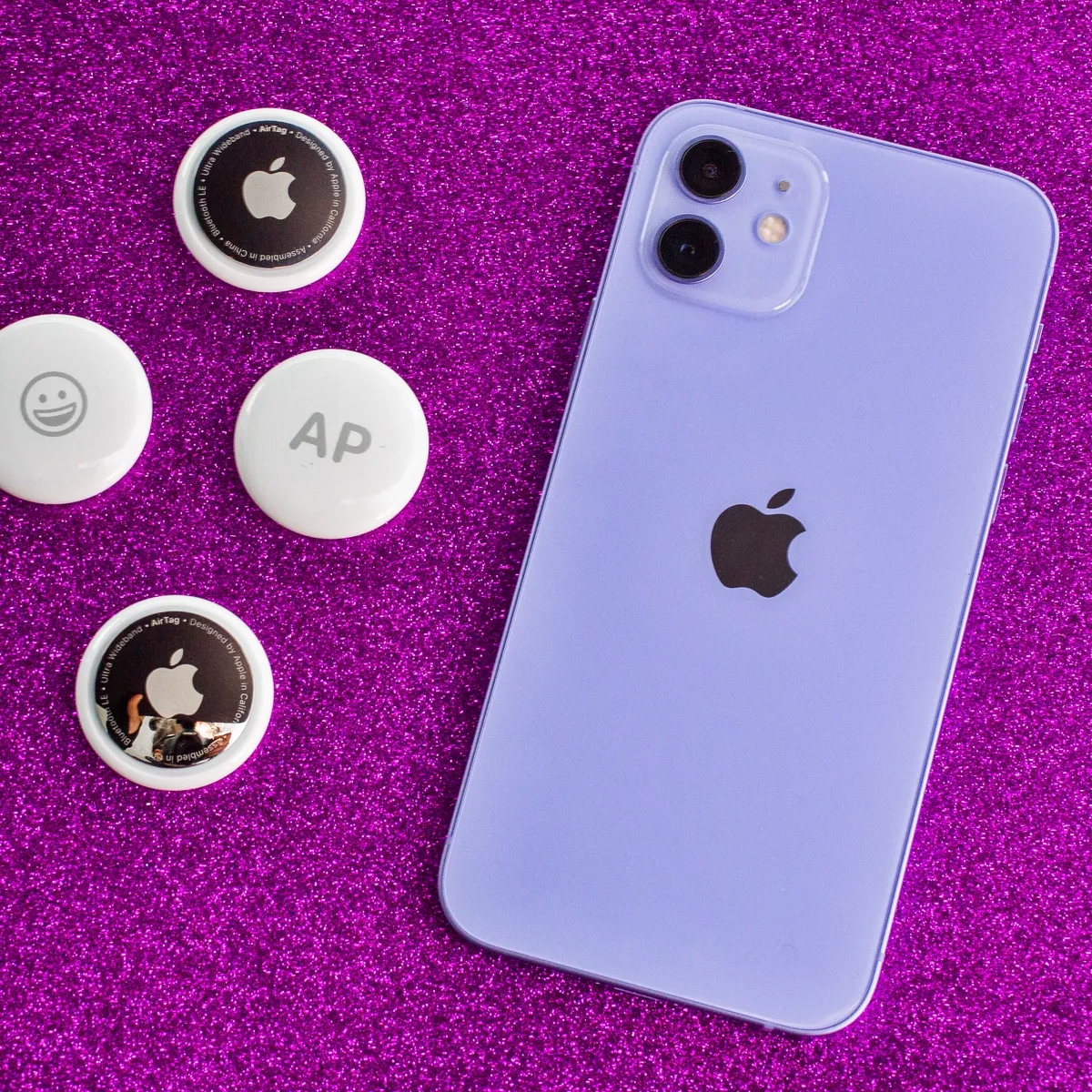
Apple's AirTag is a small Bluetooth tracker designed to help you locate personal items like keys, wallets, or bags. It is intended for iPhone and iPad users who want to integrate a simple find-my-item system into their existing Apple ecosystem. The articles on this page focus on the practical steps for setting up, maintaining, and troubleshooting these devices, as well as addressing cross-platform concerns for Android users.
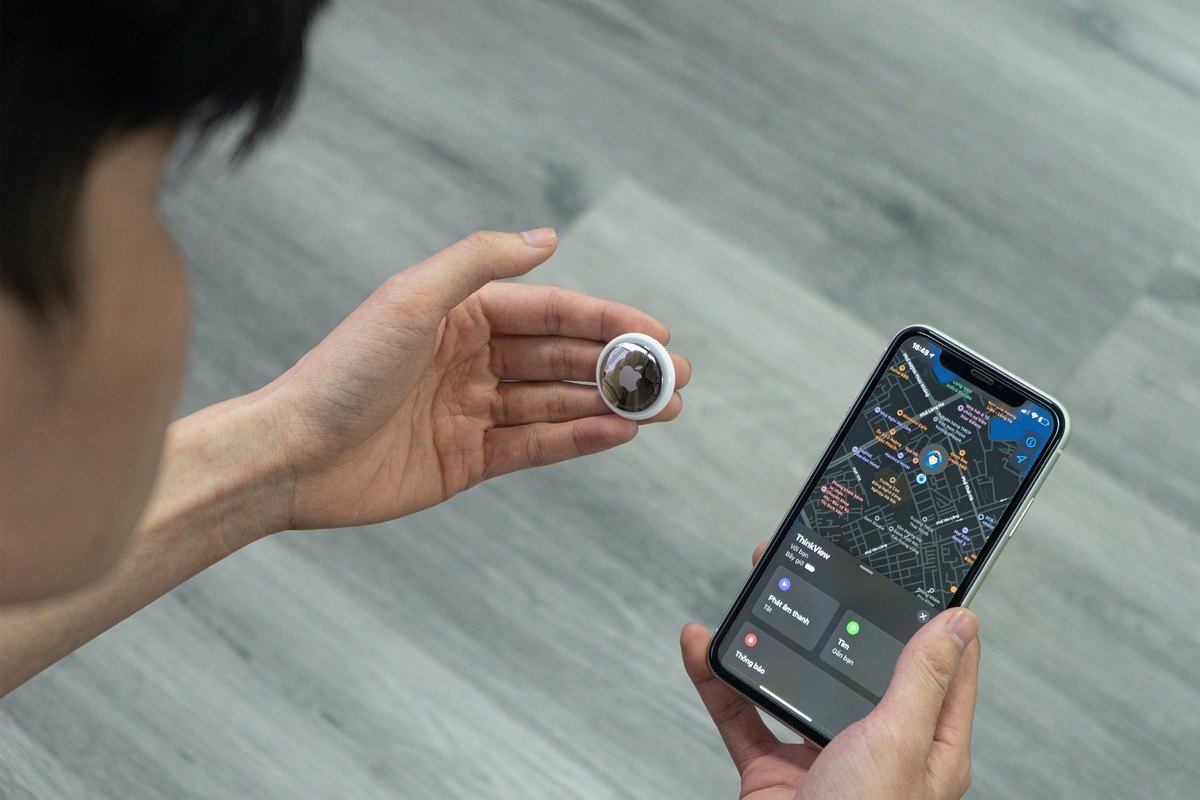
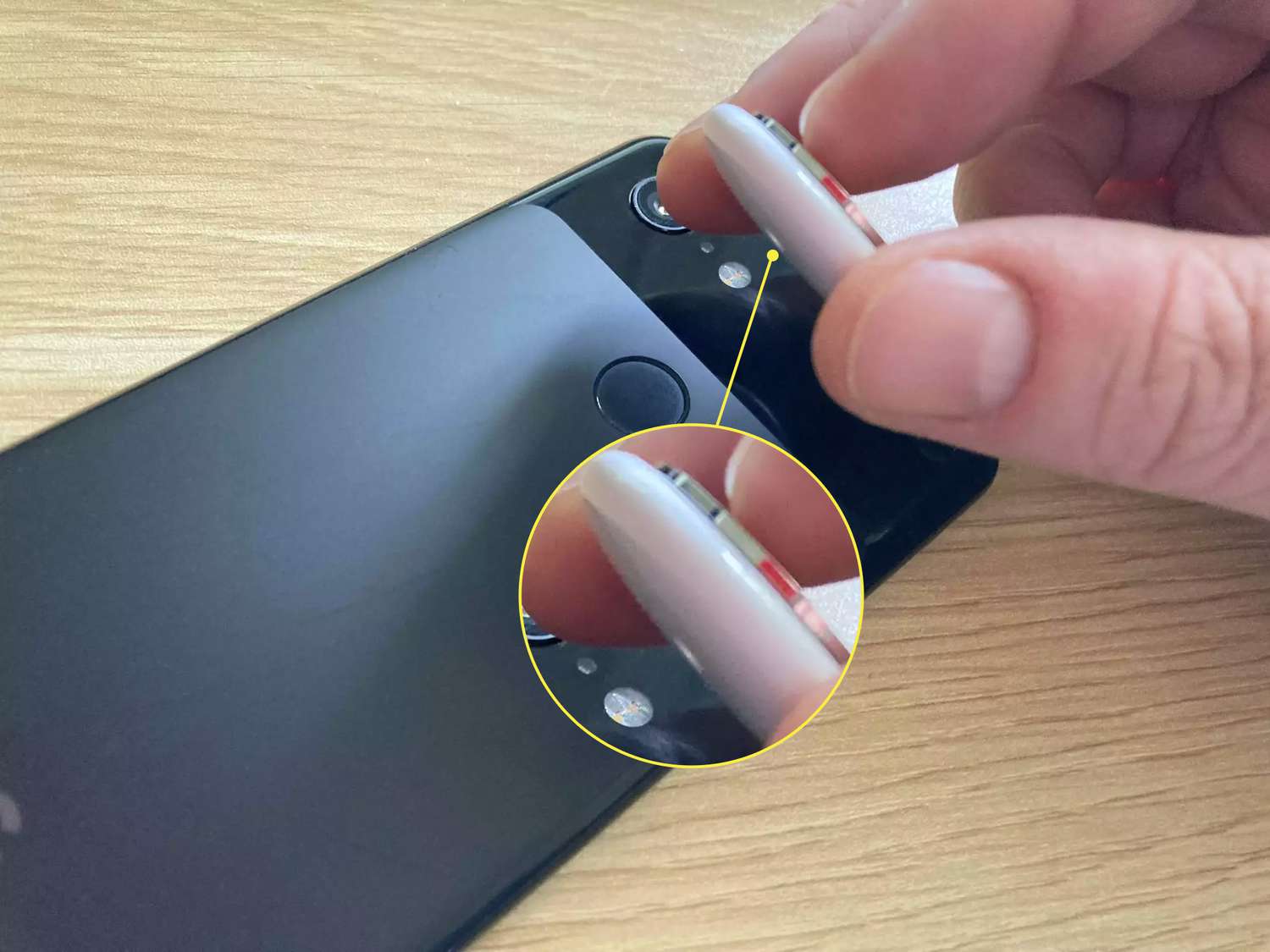
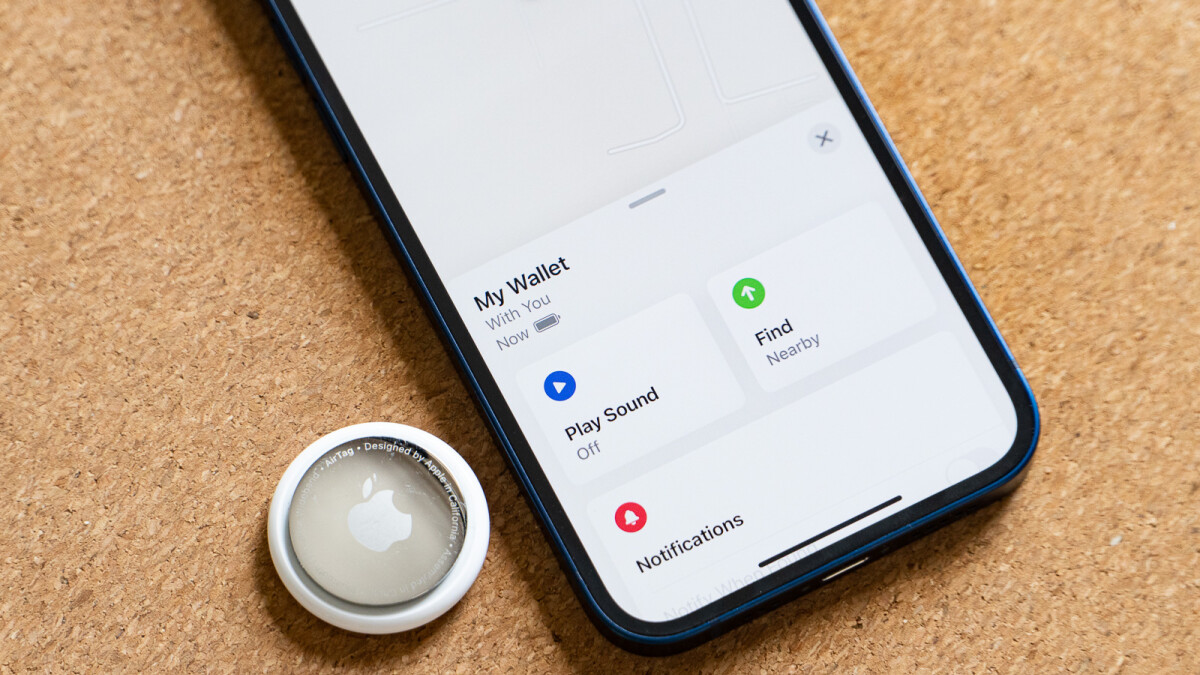
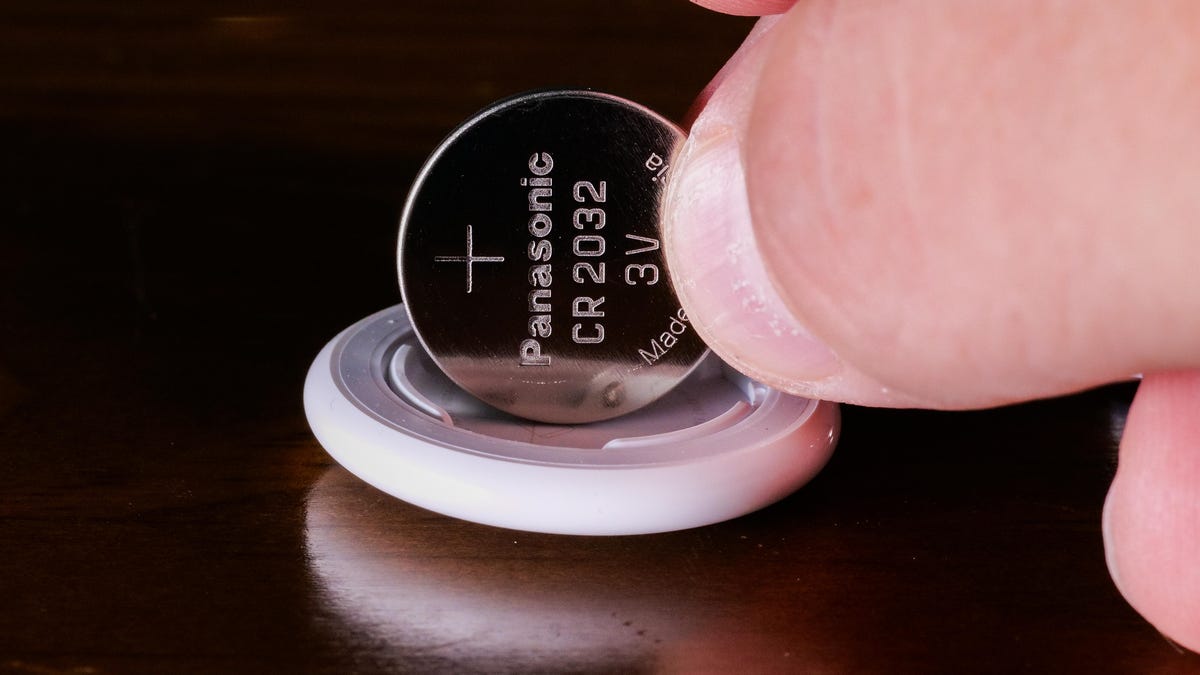
The content is organized around a few clear themes. One major group of articles helps with the initial setup and daily management of your AirTag. You will find step-by-step guides on how to connect an AirTag on iPhone or iPad, as well as instructions for connecting an AirTag to a different phone if you need to transfer it. Another theme covers maintenance and diagnostics, with specific topics like how to check an AirTag battery, how to change an AirTag battery, and details on how long an AirTag battery lasts. There is also a dedicated troubleshooting guide for when AirTags are not connecting.
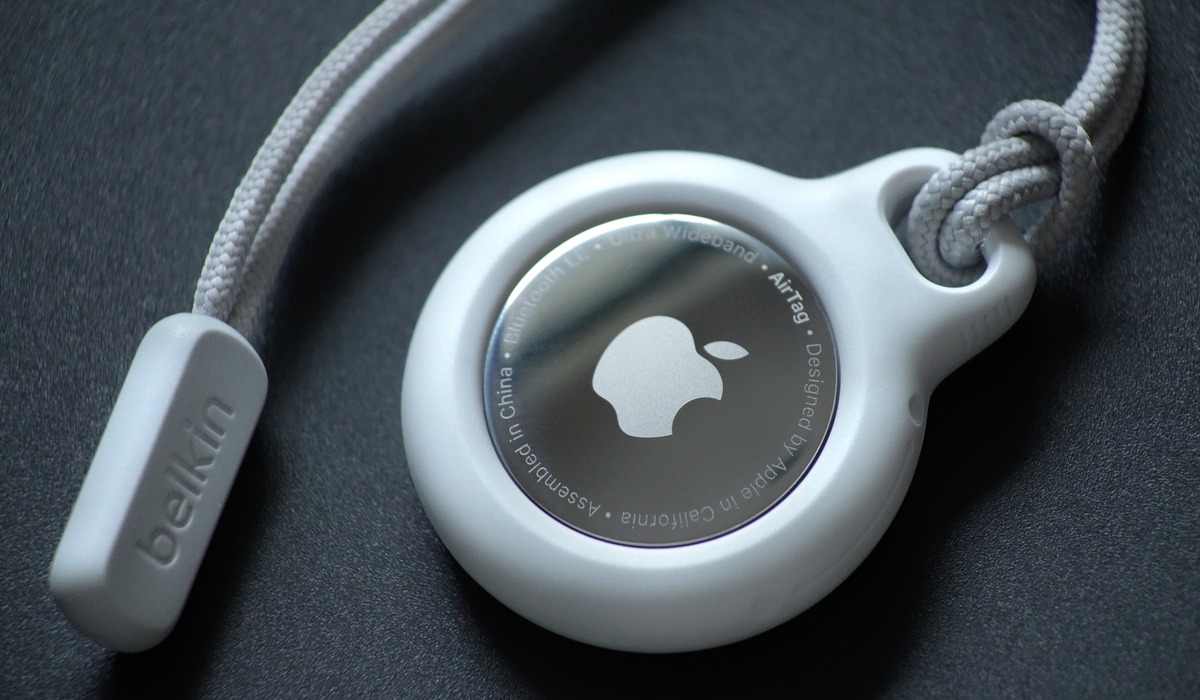
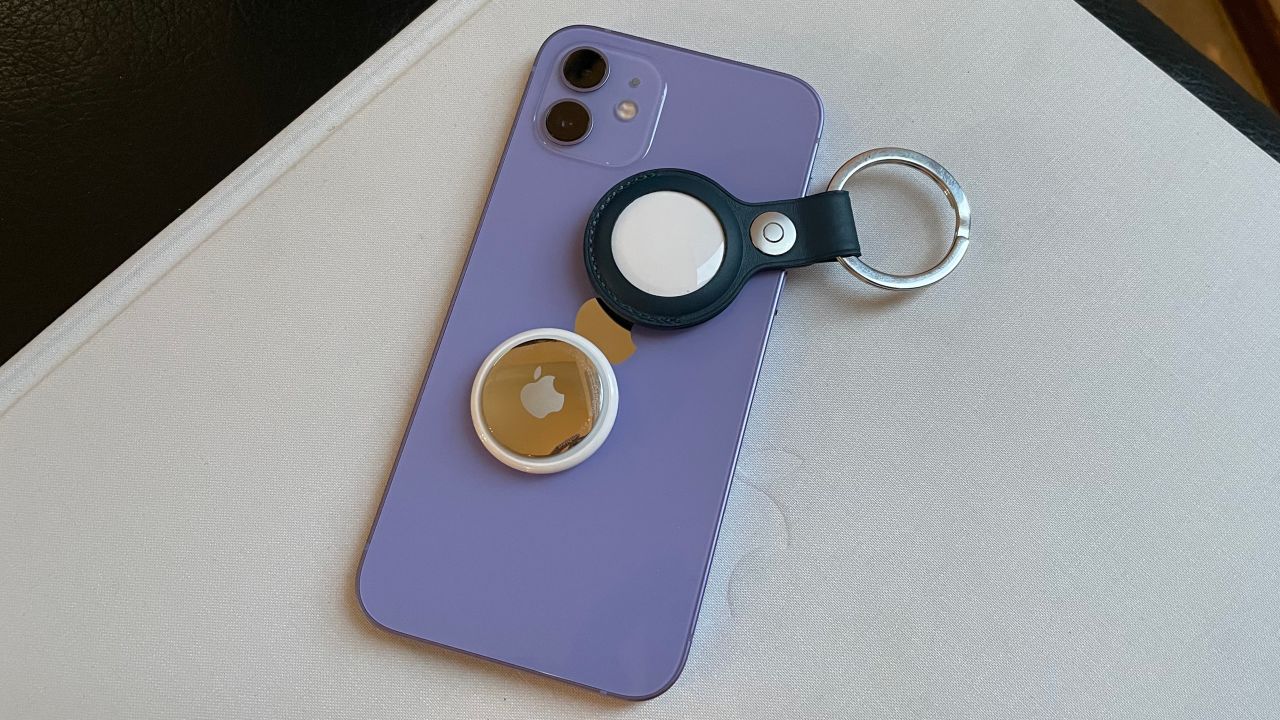
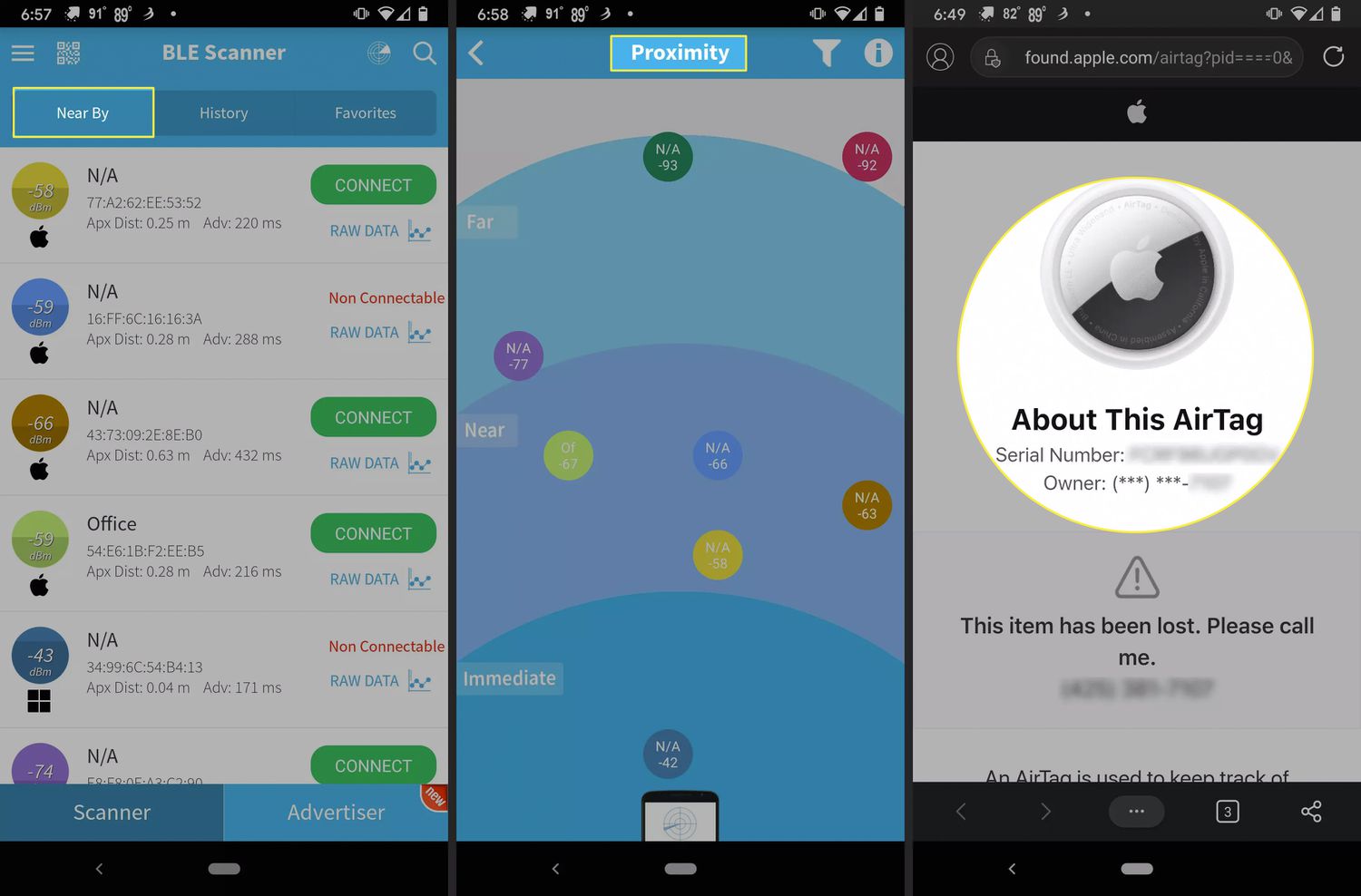
A third theme addresses security and cross-device usage. For privacy, you can learn how to see if someone is tracking your iPhone. For those using non-Apple devices, the page includes guides on how to detect an AirTag with Android and how to use an AirTag with Android. Additionally, you will find practical advice for specific situations, such as what to do if you have lost an AirTag, how to attach an AirTag to a phone, and whether AirTags are waterproof or if you need a case.