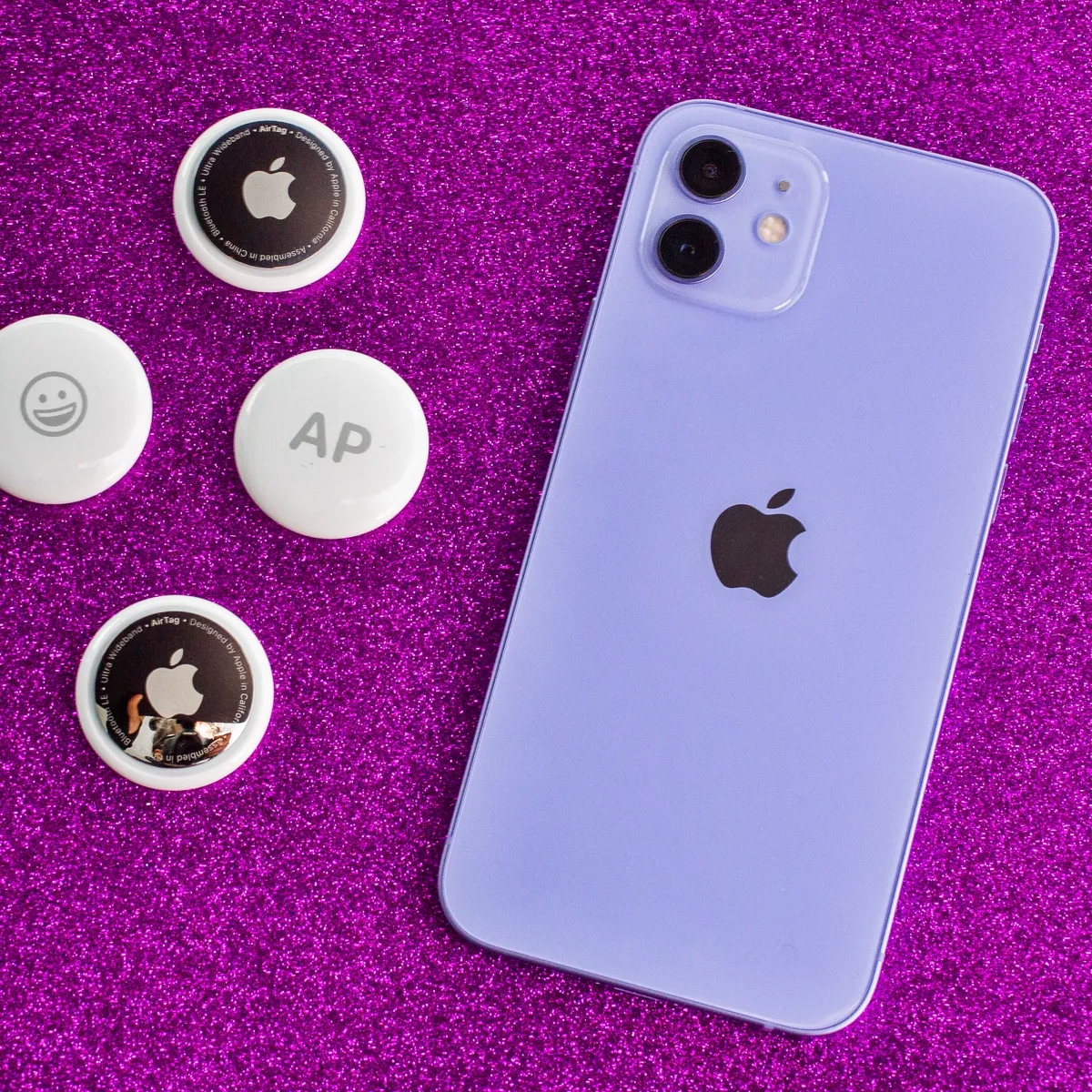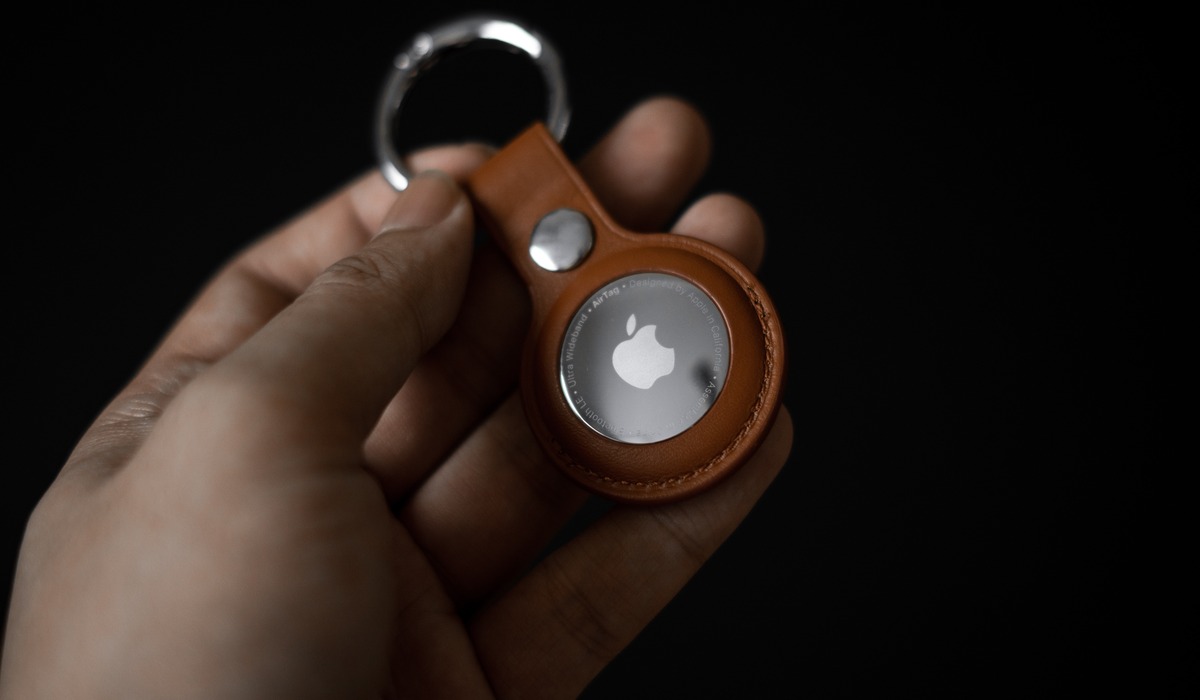
AirTags are not waterproof. Apple rates them with an IP67 water-resistance rating, which means they are designed to withstand splashes and submersion up to 1 meter for 30 minutes, but this resistance is not permanent and can decrease with normal wear.
What IP67 water resistance means for are AirTags waterproof
Under the IEC standard 60529, an IP67 rating means the AirTag has been lab-tested to survive immersion in fresh water at a maximum depth of 1 meter for up to 30 minutes. This rating covers accidental splashes, rain, and brief submersion in calm water. It does not mean the AirTag is designed for intentional submersion, swimming, or high-pressure water exposure. Apple explicitly states that water resistance is not a permanent condition and may diminish over time due to everyday use.
Do you need a case for water protection?
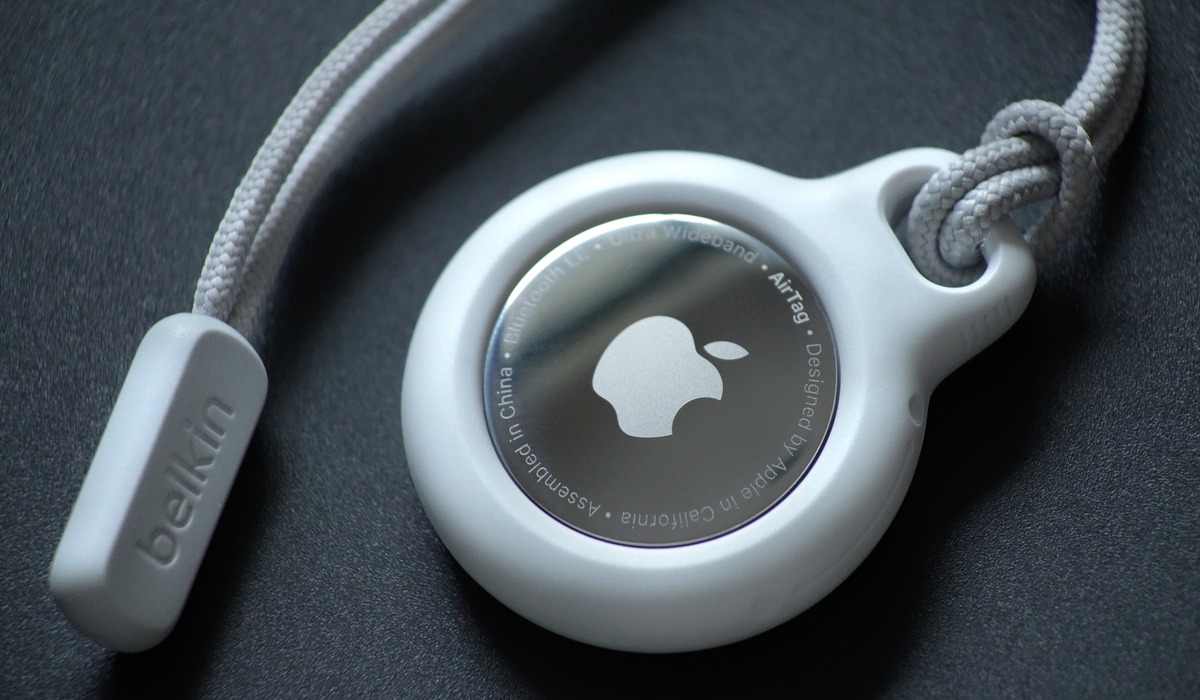
Apple does not require a case for the AirTag to achieve its documented IP67 water resistance. The AirTag is already built to handle light water exposure without additional accessories. However, a case can provide physical protection against scratches, impact, and everyday wear. A case can help prevent accidental dislodging of your AirTag, as the smooth surface makes it prone to slipping out of pockets or getting bumped off items. If a case claims to be "waterproof," that rating is separate from the AirTag's own IP67 limit. The AirTag itself remains only IP67 water resistant regardless of the case's claims, so you must check the case's own IP rating or waterproof specification independently. Can I use AirTags without a case? Yes, you can use AirTags without a case. They come with a built-in keychain hole, allowing you to easily attach them to your belongings.
What to look for in an AirTag case
When choosing a case, focus on practical criteria that match the AirTag's design. First, ensure the case fits the AirTag form factor securely so it cannot fall out. Second, if the case advertises water protection, verify its own IP rating or waterproof claim, do not assume it enhances the AirTag's existing IP67 rating. Third, confirm the case does not block the AirTag's speaker or the attachment point, as this would interfere with its sound output and how you connect it to your belongings. Some cases come with lanyards, keychains, or adhesive backings, making it simple to affix your AirTag to a wide range of items like bags, backpacks, or a pet's collar. Look for a case that allows easy access to the AirTag's charging port. Apple does not publish a specific list of approved case specs, so these checks are your responsibility.
How to connect your AirTag to your phone
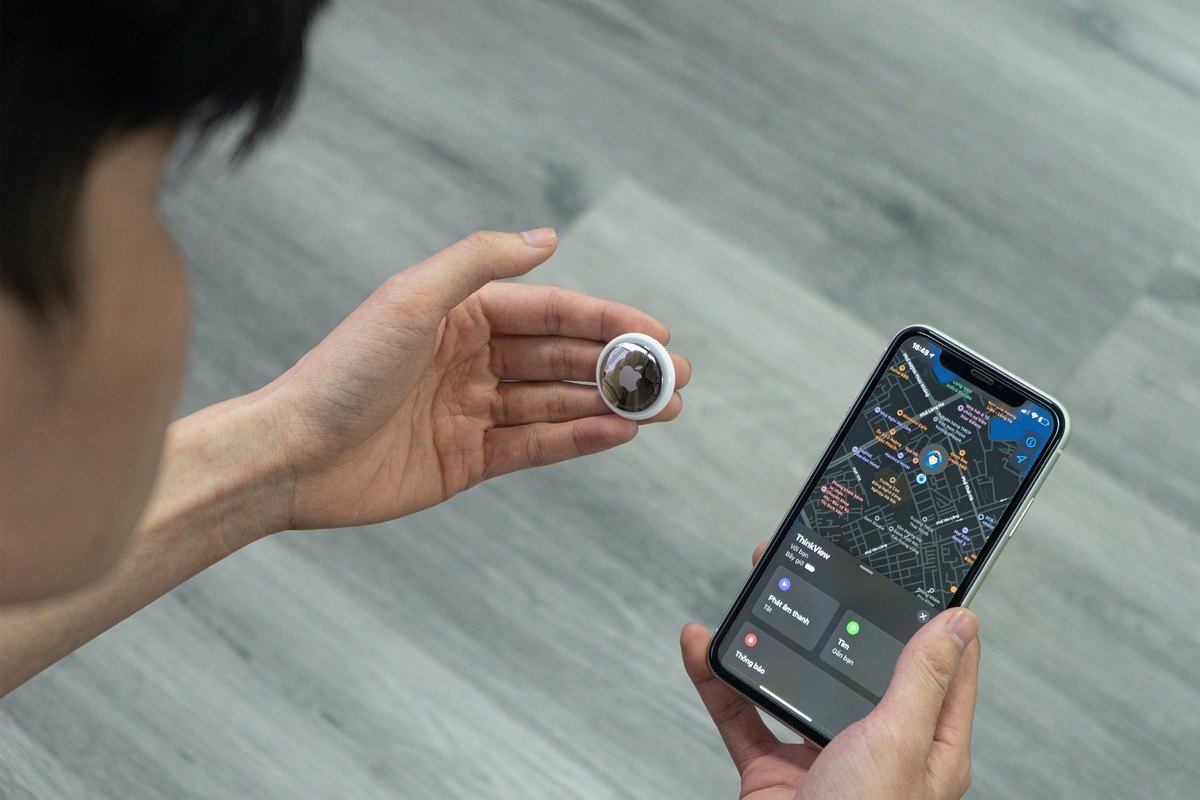
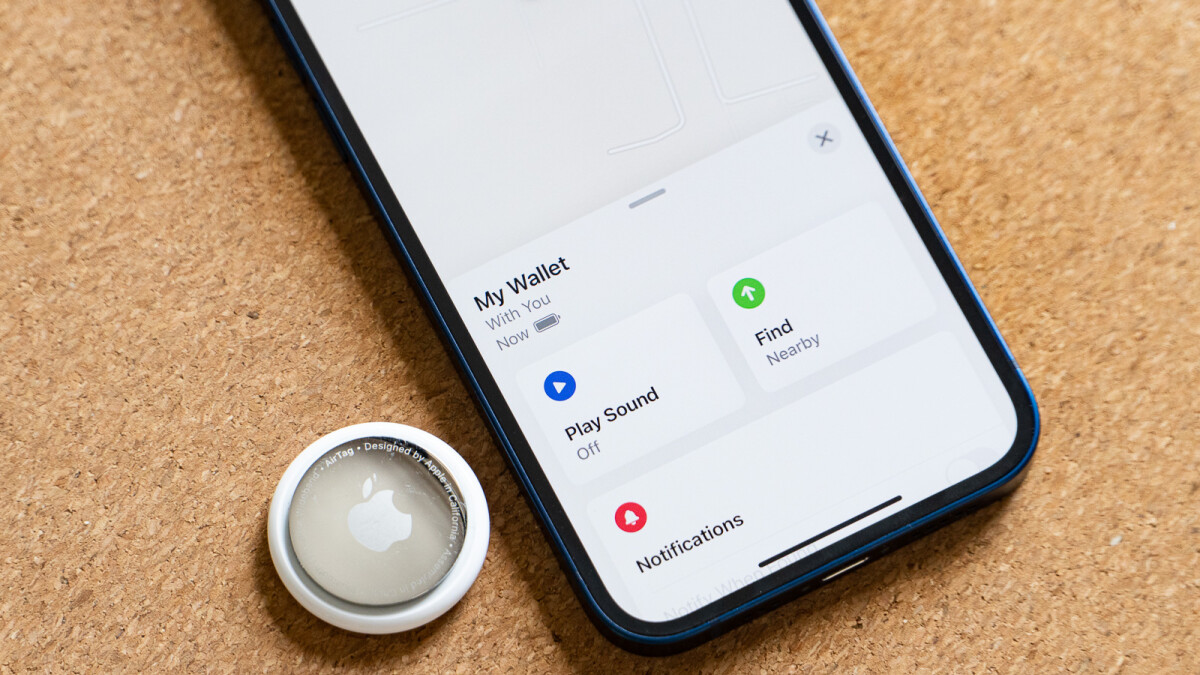
To connect your AirTag to your phone, first remove the product wrapping and the battery tab. Then hold the AirTag near your iPhone, iPad, or iPod touch. On the setup page that appears, tap Connect, then tap Continue again to register the AirTag with your Apple ID. Apple says to tap Done at the end. Finally, tap Done to complete the process.
Frequently Asked Questions
Can AirTags survive rain or splashes?
Yes. Apple documents the AirTag as splash and water resistant, so it can handle rain, hand washing splashes, or accidental spills without needing a case.
Can AirTags be submerged?
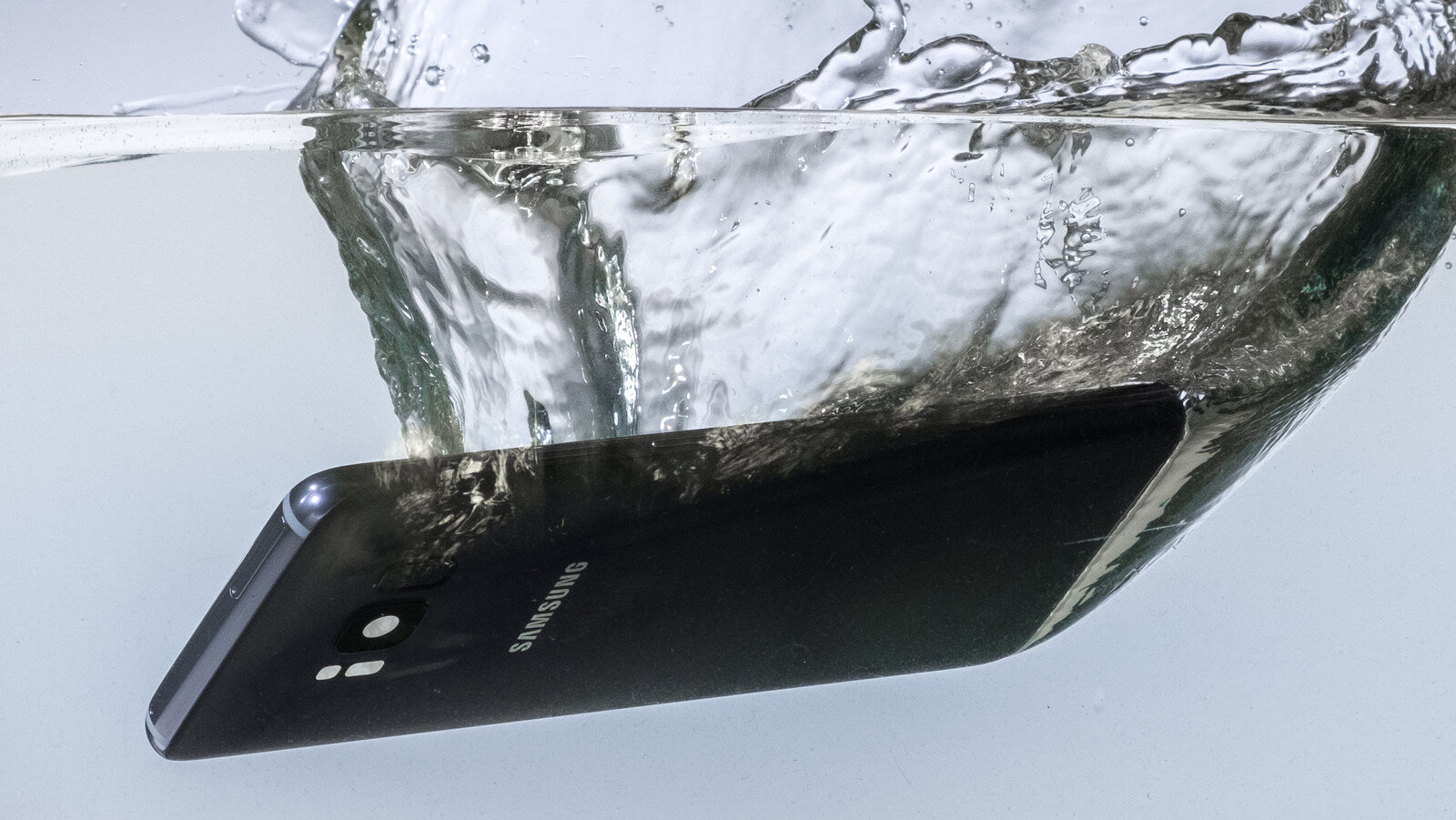
The IP67 rating allows submersion up to 1 meter for up to 30 minutes under controlled lab conditions, but Apple still does not call the AirTag waterproof. Intentional or prolonged submersion beyond these limits is not recommended.
Can Android set up an AirTag?
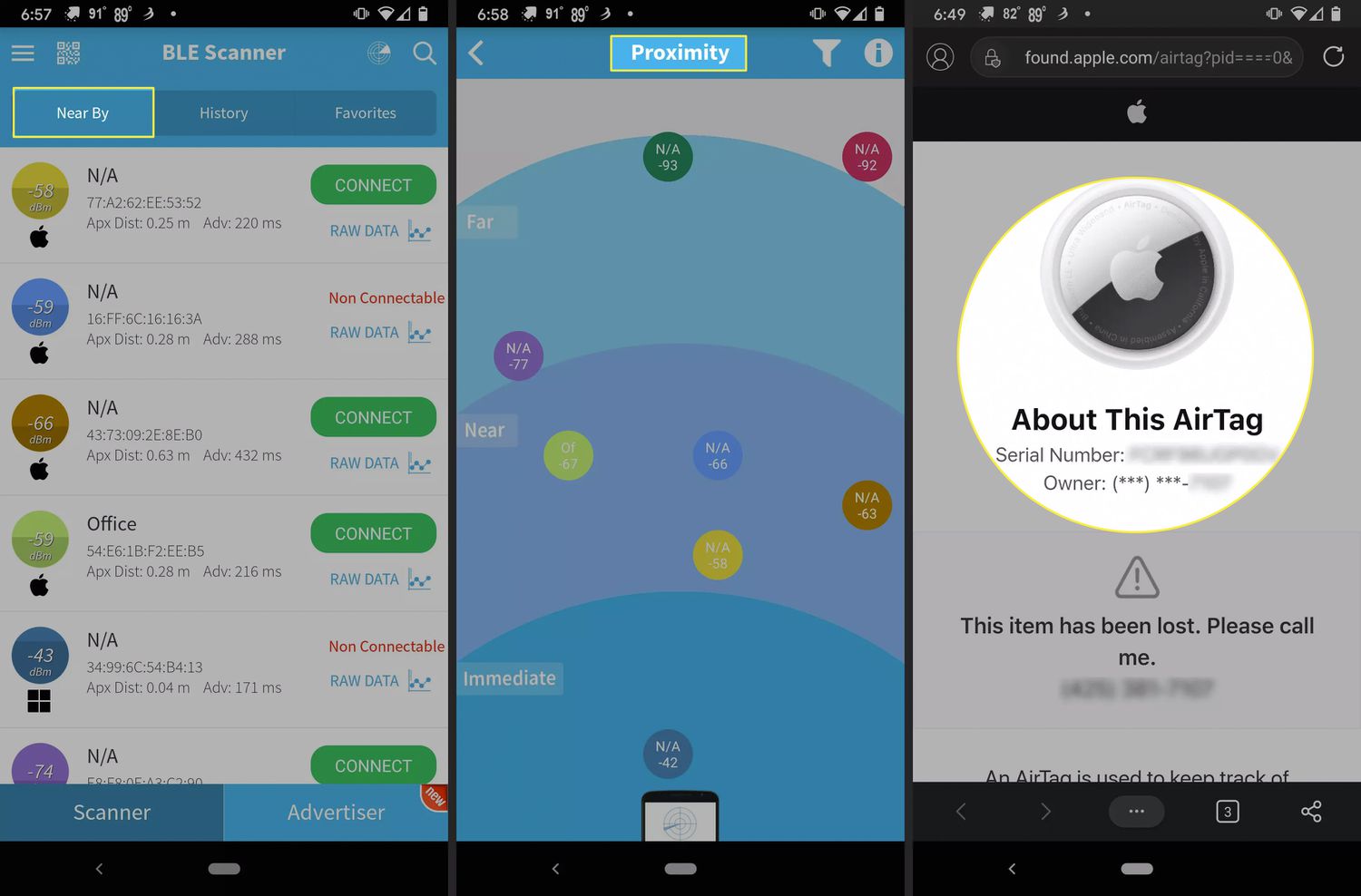
Apple’s official support pages document AirTag setup only on iPhone, iPad, and iPod touch. No Android setup path is provided by Apple, so you cannot use an Android device to connect your AirTag to your phone.
Related reading: How Is The IPhone X Waterproof and How To Use Airtag With Android.