The Android tag on CellularNews collects our guides and recommendations for getting the most out of your phone, whether you are looking for new things to do or trying to fix a frustrating issue. This page is for anyone who owns an Android device and wants practical help, from picking the next great game to solving a network problem.

The articles here fall into a few clear themes. One major focus is on entertainment and apps, helping you find the best games and tools. You can discover top titles in categories like word games, third person shooters, and survival games, or find the best camera apps and free movie apps to upgrade your media experience. Another theme is solving common technical problems. For example, the guides offer fixes for when your cellular network is not available for voice calls or when your mobile data stops working, and they provide easy ways to boost your mobile coverage. A smaller but useful set of articles helps with specific tasks, such as finding someone's location by cell phone number or learning how to screen record mobile games.

Ultimately, these articles help you do specific things: pick a new game to play, fix a broken setting, or find a better app for productivity or photography. Whether you are troubleshooting a network error or searching for a new MOBA or rhythm game, the content here gives you clear steps and curated lists to solve your problem or find your next favorite download.
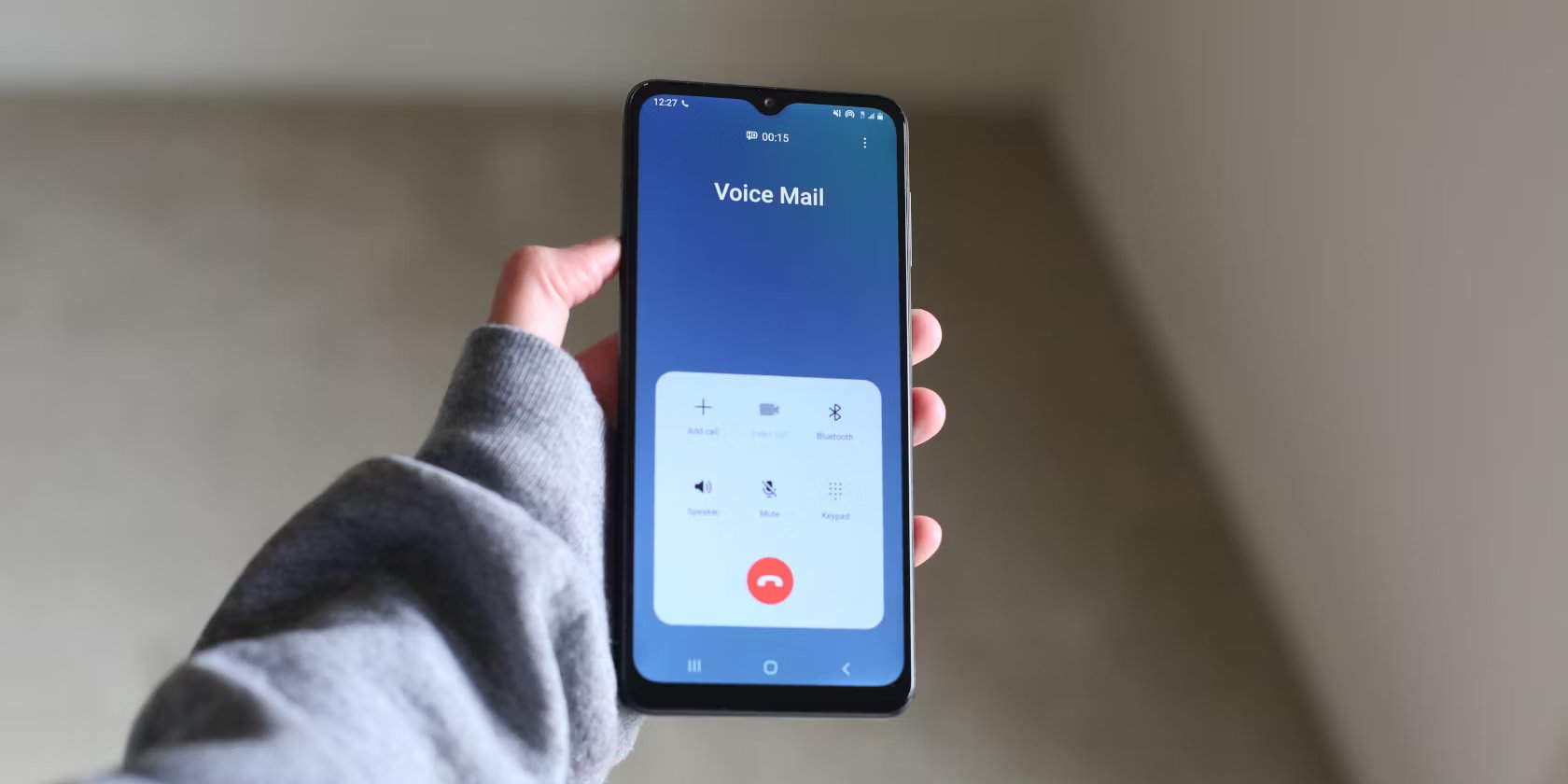
How To Set Up Voicemail On An Android Phone

To set up voicemail on Android, you use the built-in Phone app, Google Voice, or Google Fi, depending on your carrier and device. Because Android voicemail setup varies by carrier,...

How To Detect Airtag With Android

Android users can detect AirTags using Google's built-in "Unknown tracker alerts" feature, which provides both automatic notifications and the ability to manually scan for nearby trackers. This is the primary...

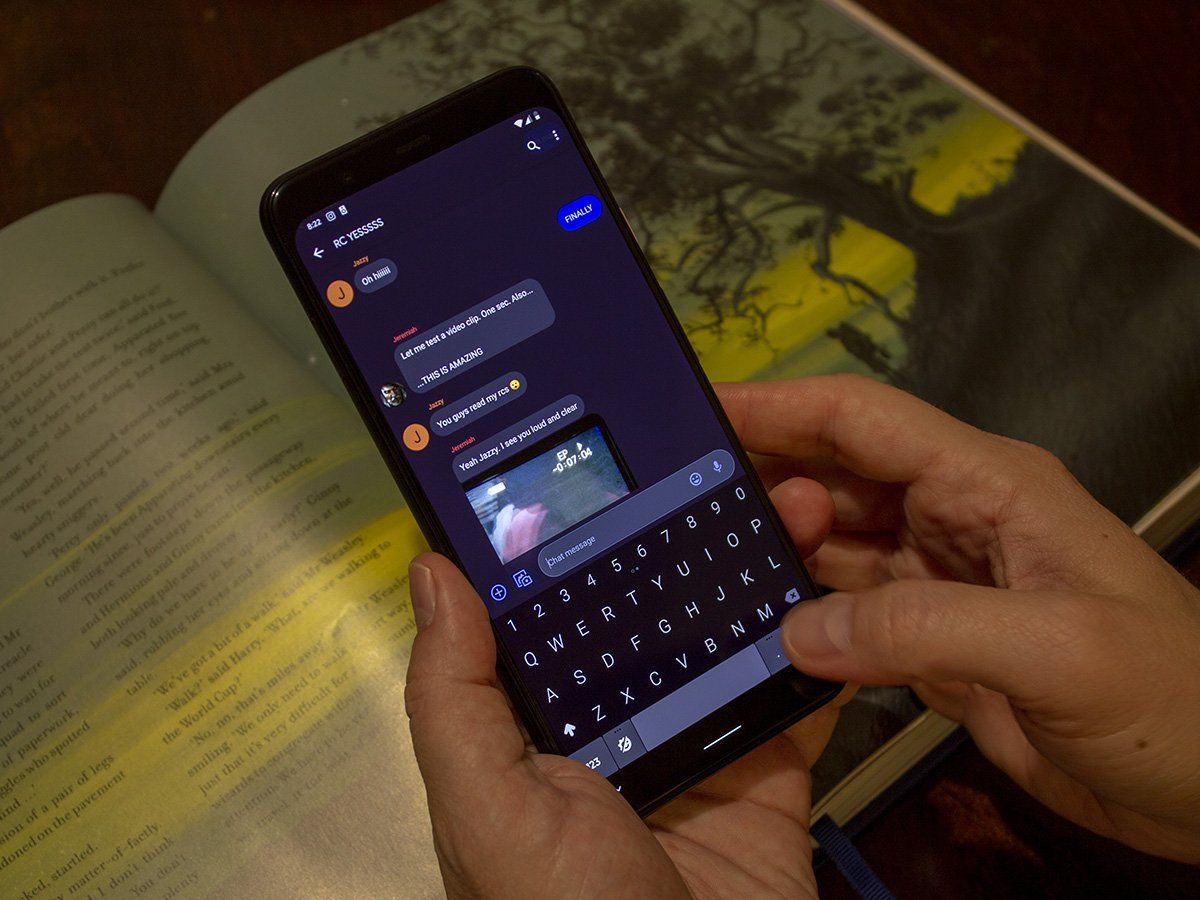
How To Disable Rcs On Android

To disable RCS on Android, open the Google Messages app, tap your profile picture in the top-right corner, and select "Messages settings." Then tap "RCS chats" and toggle the "Turn...

How To Add Notification Sounds To Android

To add notification sounds on Android, you have two main goals: changing the default sound that plays for all notifications and setting a custom sound for a specific app. The...

How To Use Google Assistant On Android

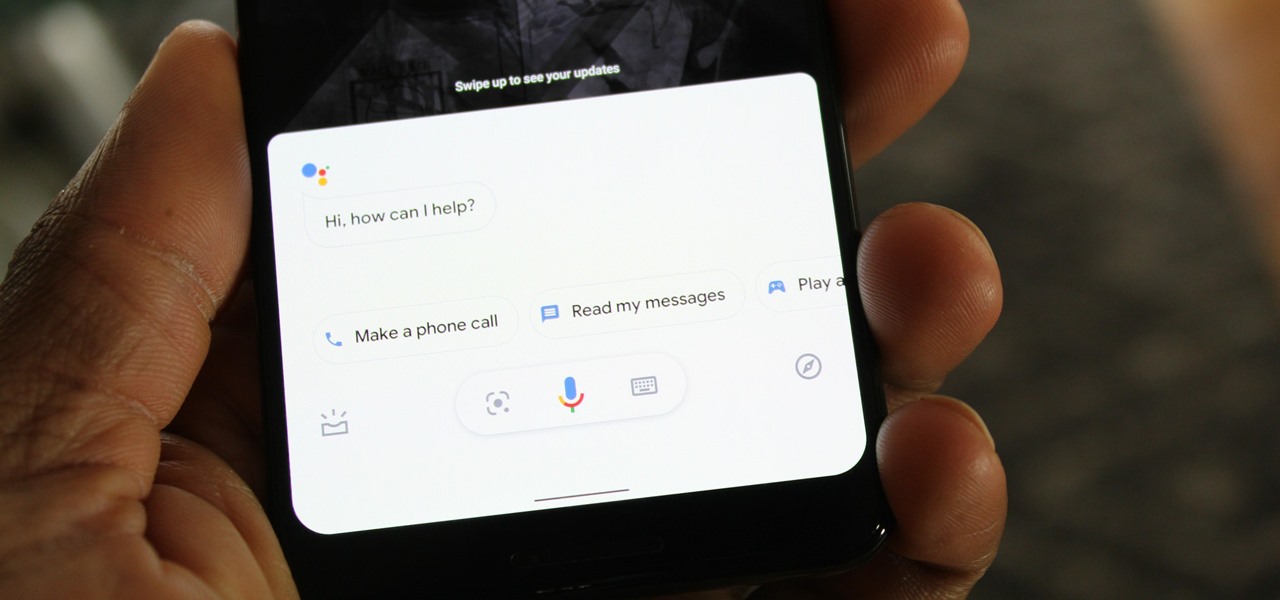
To use Google Assistant on Android, you need a compatible device running Android 5.0 or higher with at least 1.0GB of available memory (or Android 6.0+ with 1.5GB), a 720p...

How To Turn Off Emergency SOS On Android

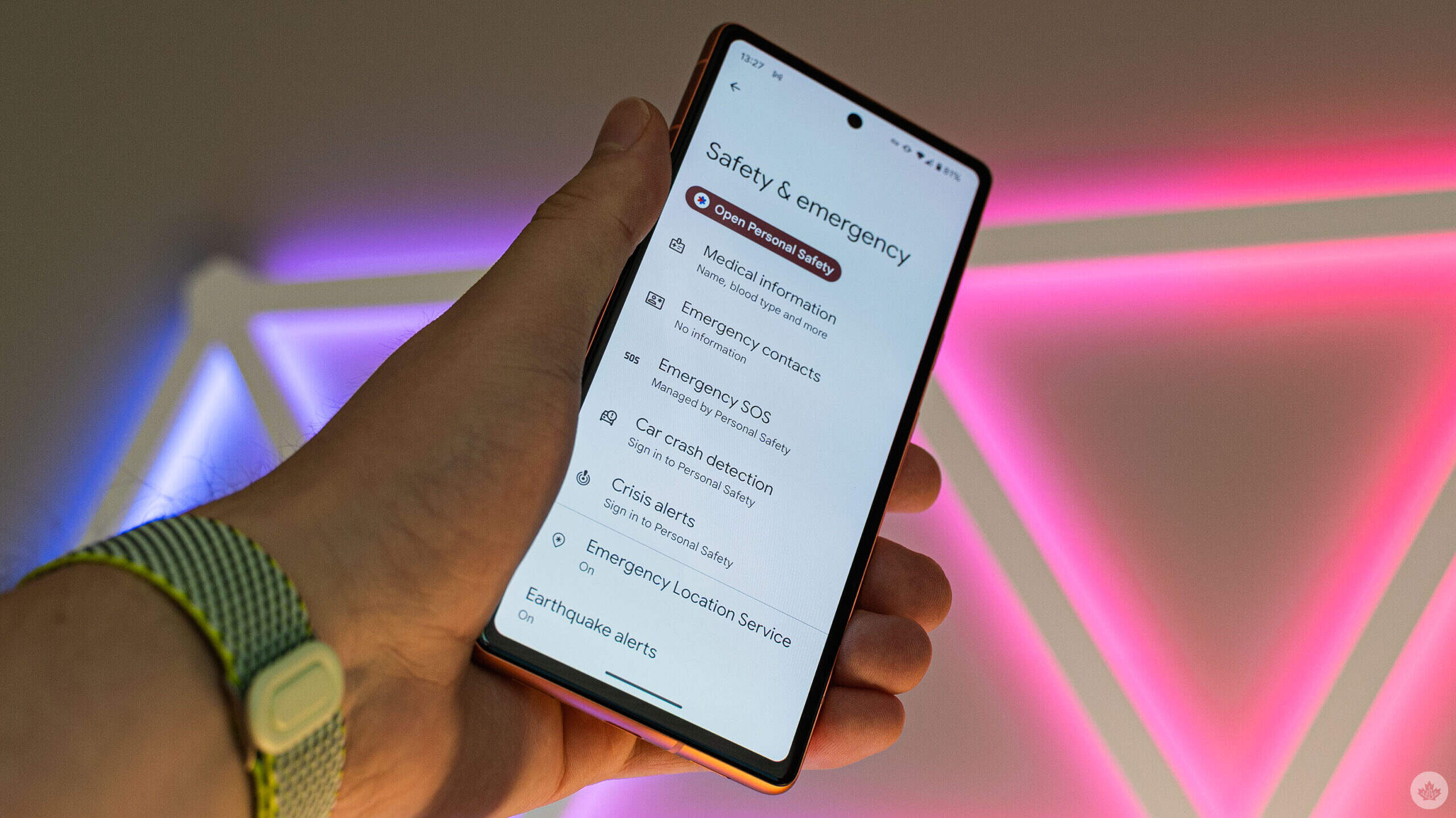
To turn off Emergency SOS on Android, open your device’s Settings, then go to Safety and emergency and tap Emergency SOS. Under How it works, tap the Settings icon and...

How To Set Screen Time On Android

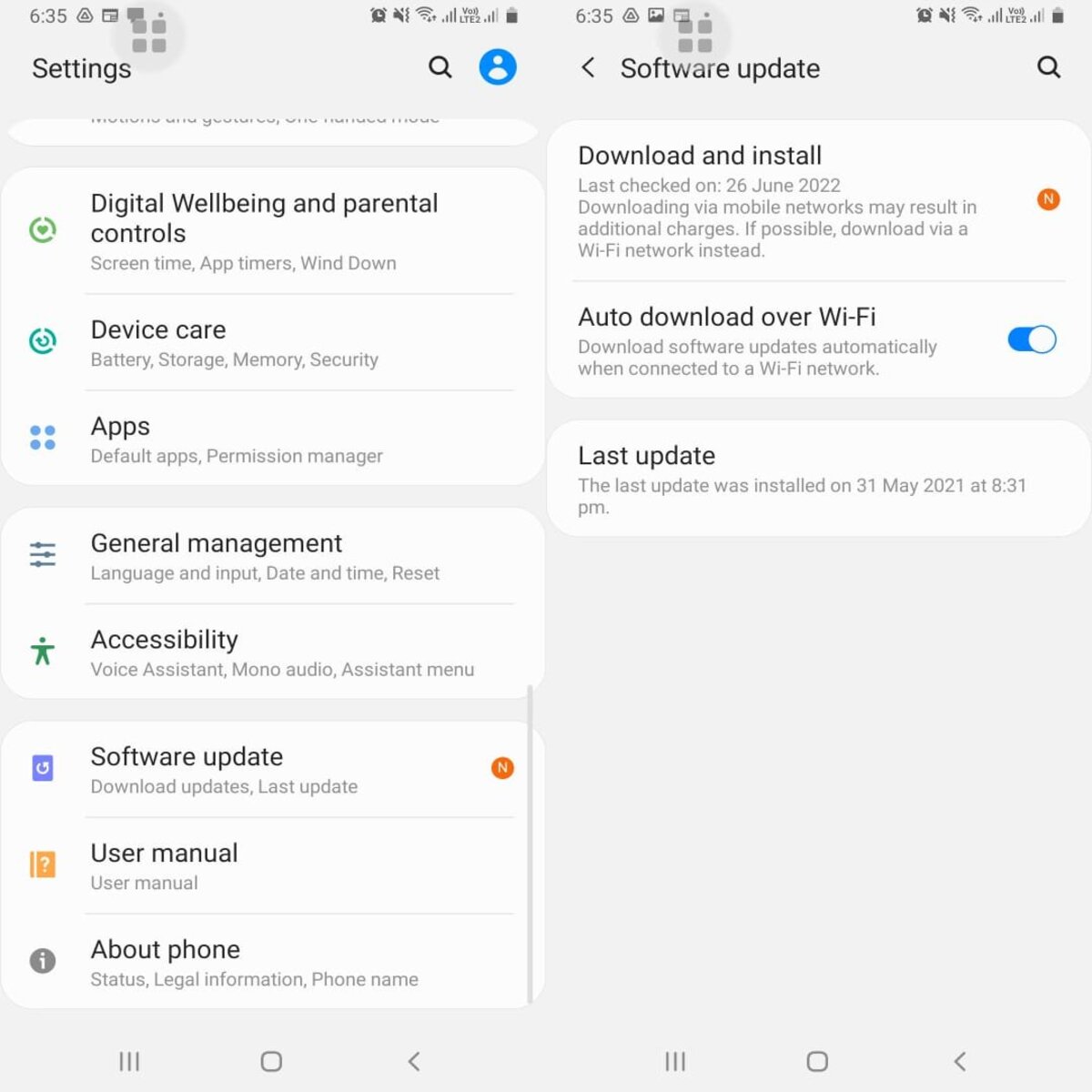
Android's screen time management is called Digital Wellbeing, not Screen Time, which is Apple’s term. Setting digital wellbeing app timers lets you control how long you can use specific apps...

How To Check Android Phone Usage

To check Android phone usage, open the Settings app and tap Digital Wellbeing & parental controls (or the equivalent usage screen on supported phones). This built-in tool shows how often...

How To Take A Screenshot On My Android

The basics of taking a screenshot on Android To take a screenshot on Android, open the content you want, then press and hold the Power and Volume Down buttons at...

How To Connect To Beats Wireless Headphones

To connect to Beats wireless headphones, open the charging case with your earbuds inside or turn on your headphones, Beats Flex, or speaker. Then follow the on-screen instructions on your...