The Android tag on CellularNews collects our guides and recommendations for getting the most out of your phone, whether you are looking for new things to do or trying to fix a frustrating issue. This page is for anyone who owns an Android device and wants practical help, from picking the next great game to solving a network problem.

The articles here fall into a few clear themes. One major focus is on entertainment and apps, helping you find the best games and tools. You can discover top titles in categories like word games, third person shooters, and survival games, or find the best camera apps and free movie apps to upgrade your media experience. Another theme is solving common technical problems. For example, the guides offer fixes for when your cellular network is not available for voice calls or when your mobile data stops working, and they provide easy ways to boost your mobile coverage. A smaller but useful set of articles helps with specific tasks, such as finding someone's location by cell phone number or learning how to screen record mobile games.

Ultimately, these articles help you do specific things: pick a new game to play, fix a broken setting, or find a better app for productivity or photography. Whether you are troubleshooting a network error or searching for a new MOBA or rhythm game, the content here gives you clear steps and curated lists to solve your problem or find your next favorite download.

How To Screenshot On Android Motorola

To take a screenshot on Motorola Android, the fastest built-in method is pressing and holding the Power button and Volume Down button simultaneously for about 1-2 seconds. You will see...

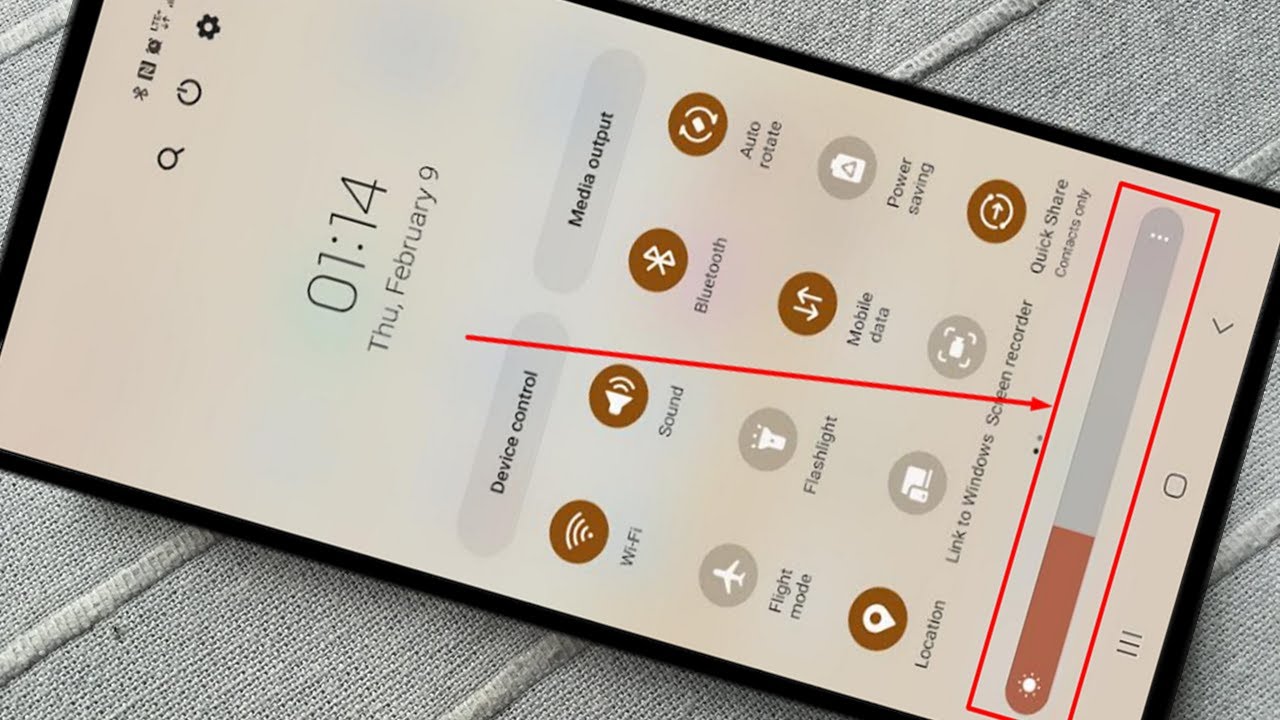
How To Brighten Screen On Android Phone

To brighten an Android screen, the fastest method is to use the Quick Settings panel. Swipe down from the top of the screen once or twice to reveal the brightness...

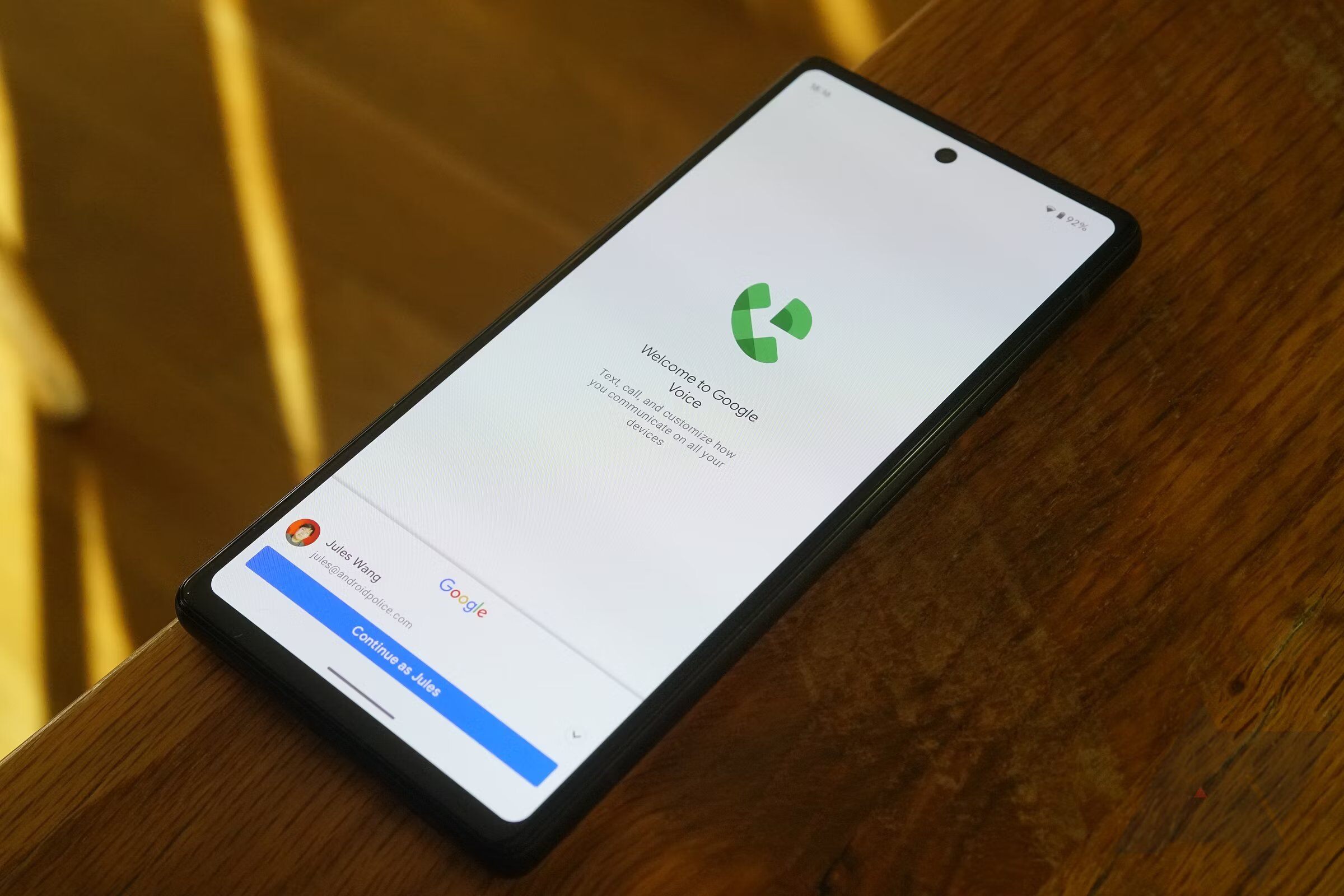
How To Use Google Voice On Android

To use Google Voice on Android, download the Google Voice app from Google Play, open it, and sign in to your Google account. Once signed in, you can link a...

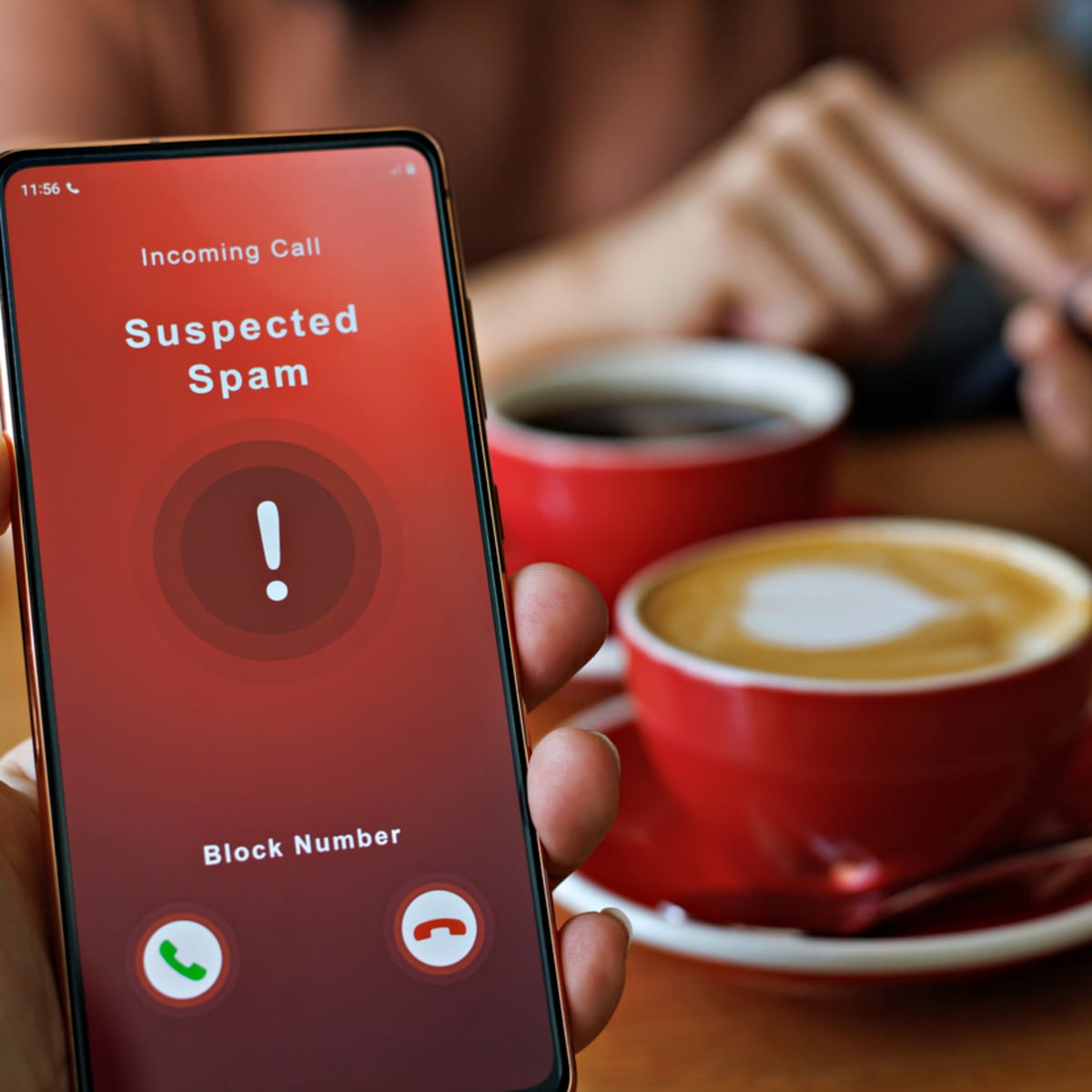
How To Stop Scam Likely Calls On Android

To stop scam likely calls on Android, you need to enable your device's built-in spam filtering features, which automatically block these fraudulent calls before they ring. The label "Scam Likely"...

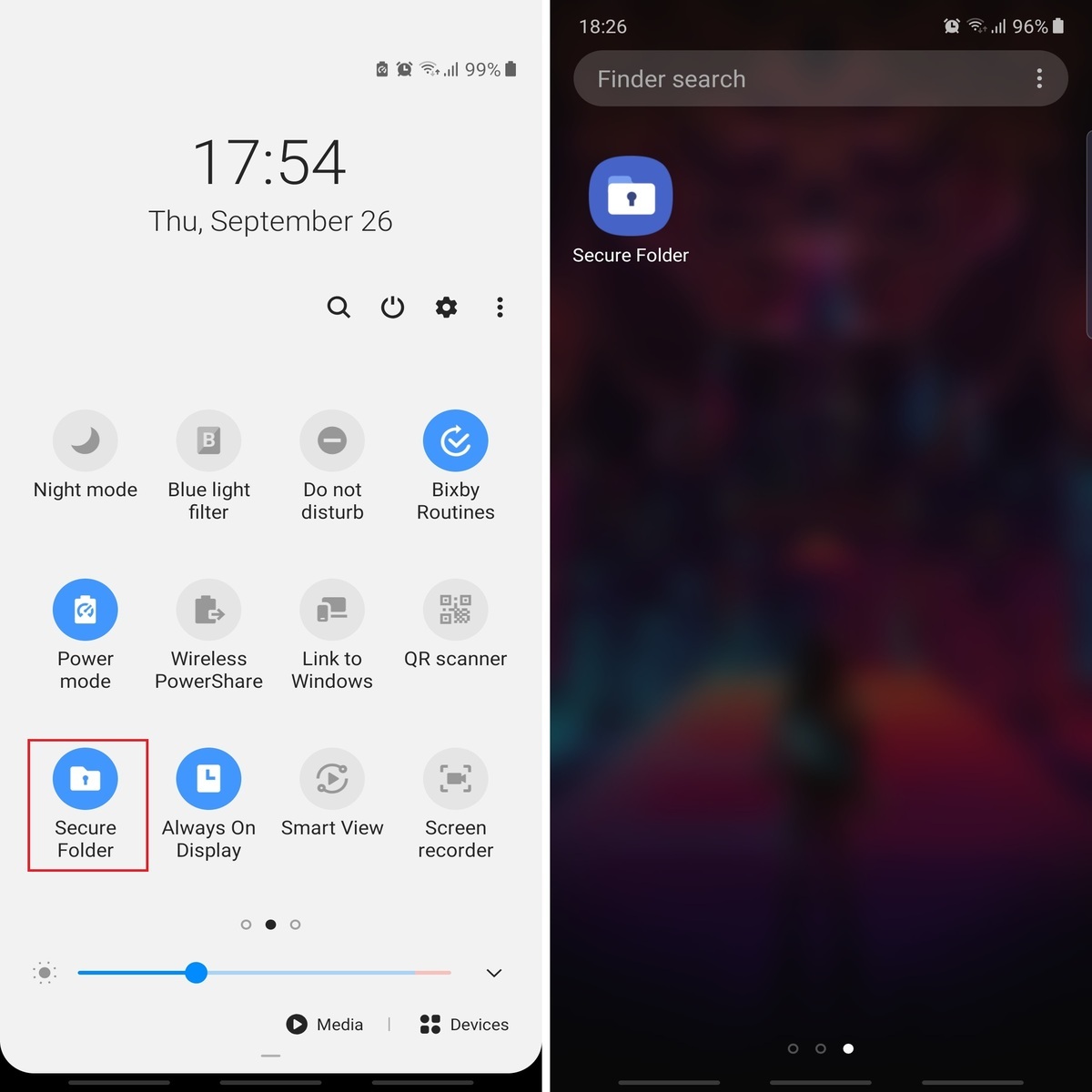
How To Access Secure Folder On Android

To access Secure Folder on Android, open the Secure Folder app from your app drawer and authenticate with your PIN, password, pattern, or biometrics. This feature is exclusive to Samsung...

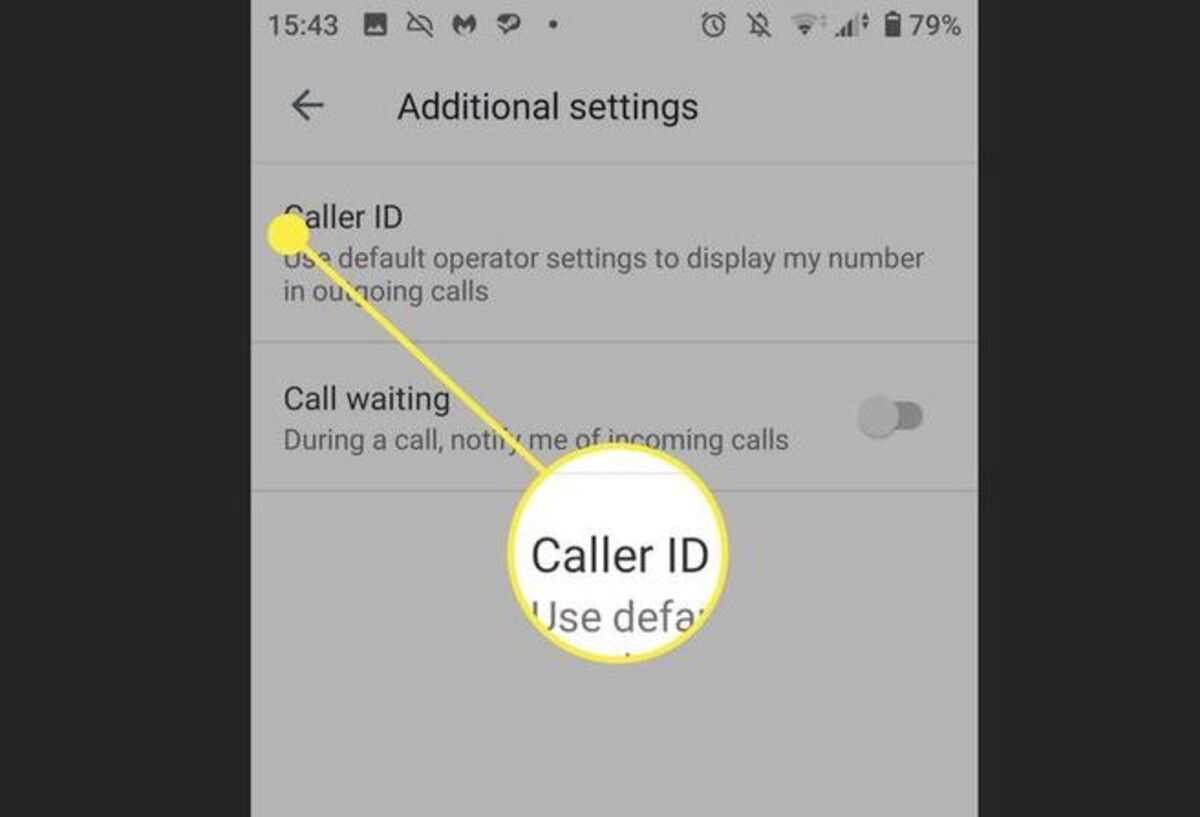
How To Change Caller Id On Android

To change caller ID on Android, you can hide or show your phone number, but changing the name or number that appears requires contacting your mobile carrier. The only documented...

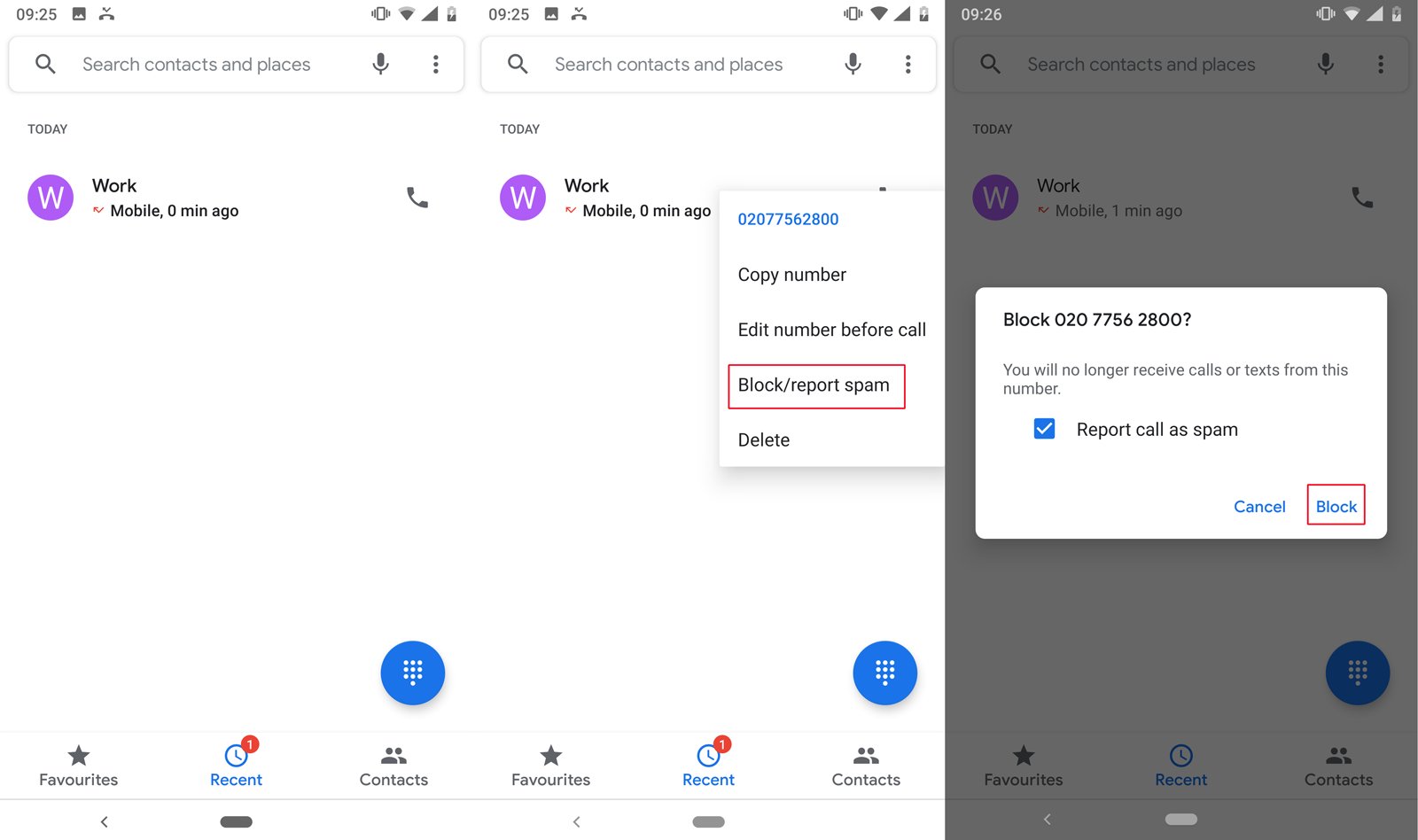
How To Block Number On Android

To block a number on Android, open the Phone app, go to the Recents tab, and long-press the number you want to block, then tap "Block/report spam." This is the...

How To Find Sim Card Number On Android

To find SIM card number on Android, look for the ICCID, a 19-20 digit unique identifier usually starting with 89. You can find this number by checking the physical SIM...

How To Change Language On Android

To change language on Android, open the Settings app, then go to System > Languages & input > Languages. Tap "Add a language," select your desired language, and drag it...

How To Stop Buffering On Android Phone

To stop buffering on Android, you need to fix your internet connection or free up your phone's resources. Start by checking your Wi-Fi signal or mobile data strength, as a...

How To Get Water Out Of Charger Port Android

To get water out of charger port Android, power off your device immediately and gently shake it with the port facing down to dislodge loose droplets. This is the safest...

How To Remove Reels From Facebook On Android

By turning off Reels notifications, customizing your feed preferences, and adjusting autoplay sound, you can minimize distractions and regain control over your scrolling experience, whether you are using Twitch on...