This tag collects articles focused on using and troubleshooting the Apple Pencil, specifically for iPhone users and digital artists working with the Procreate app. Whether you are a creative professional, a hobbyist, or someone who relies on a stylus for daily note-taking and navigation, these guides address the practical, day-to-day challenges of owning a precision input device.

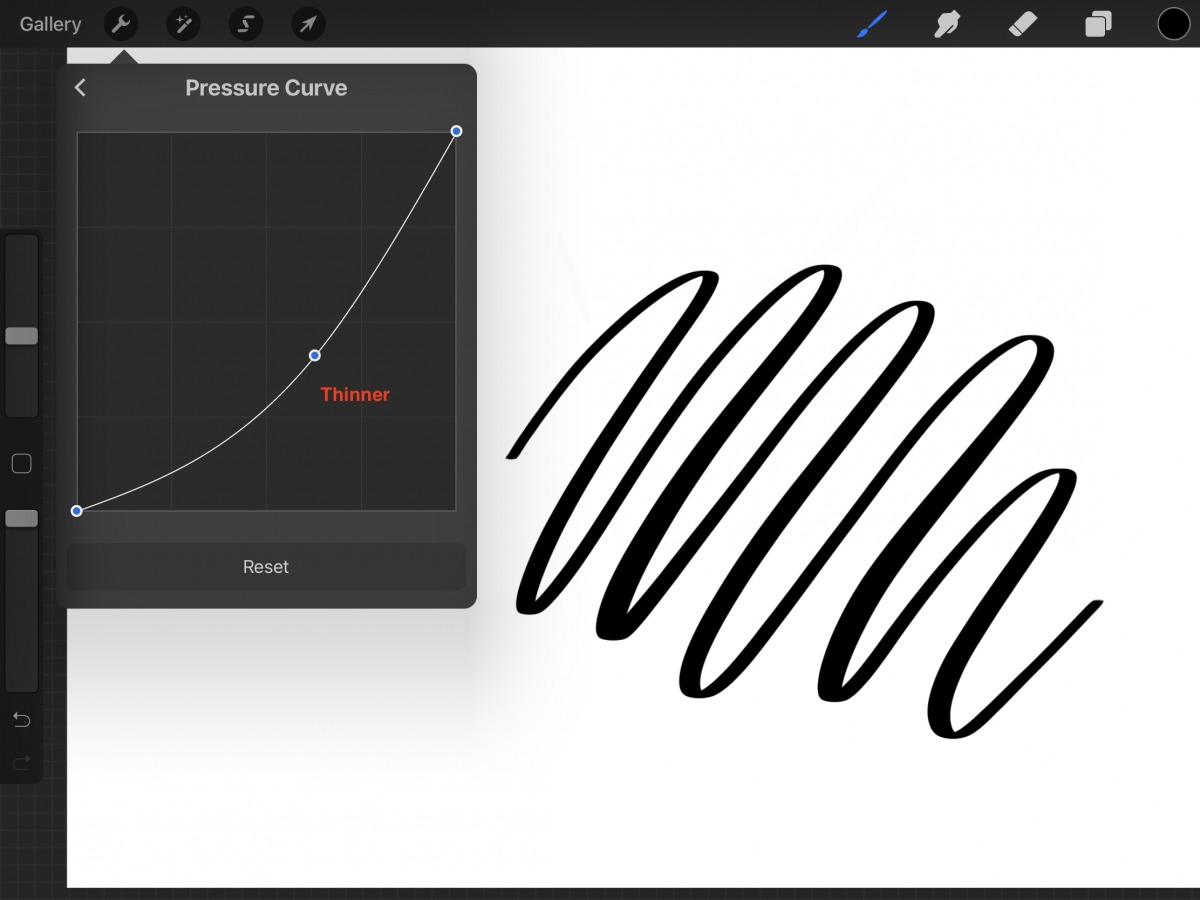
The articles fall into two clear areas of concern. The first group helps you master the Procreate app, covering essential drawing and editing techniques. You can learn how to erase, edit text, and perform a color drop, as well as how to turn off pressure sensitivity or create a custom outline brush. The second group tackles hardware and connectivity issues. Here you will find straightforward instructions on how to connect an Apple Pen to an iPhone, how to charge a stylus pen, and what to do when your stylus pen is not working. There are also practical tips for finding a lost stylus and fixing a damaged tip.

These guides are designed to help you perform specific actions: from setting up your stylus for the first time to solving a frustrating connectivity problem or refining a digital painting technique. By addressing both software skills and hardware maintenance, the collection aims to keep your creative workflow smooth and your device functional.
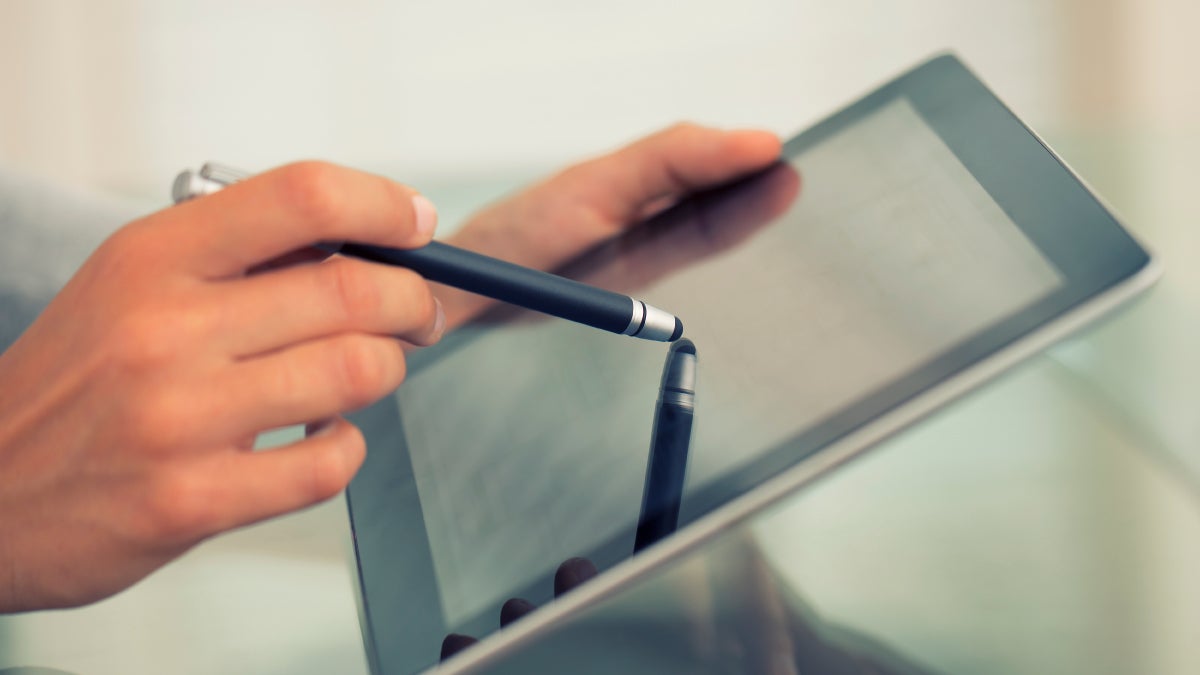
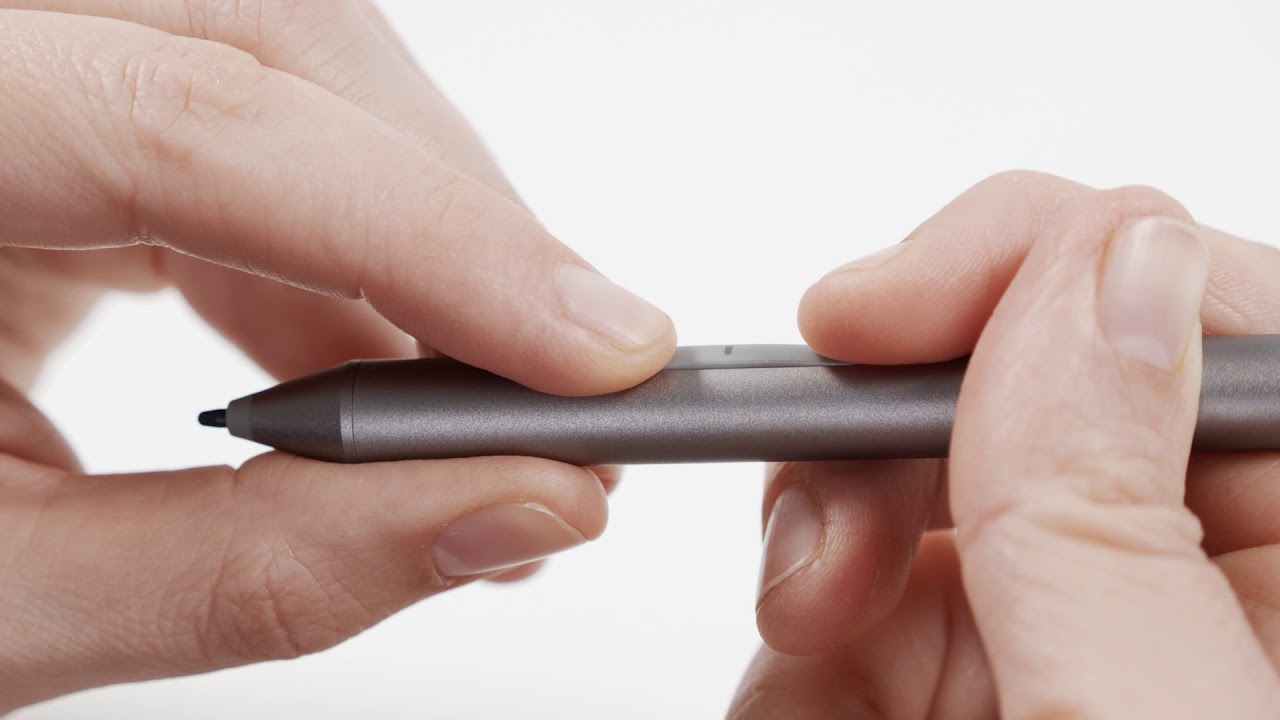
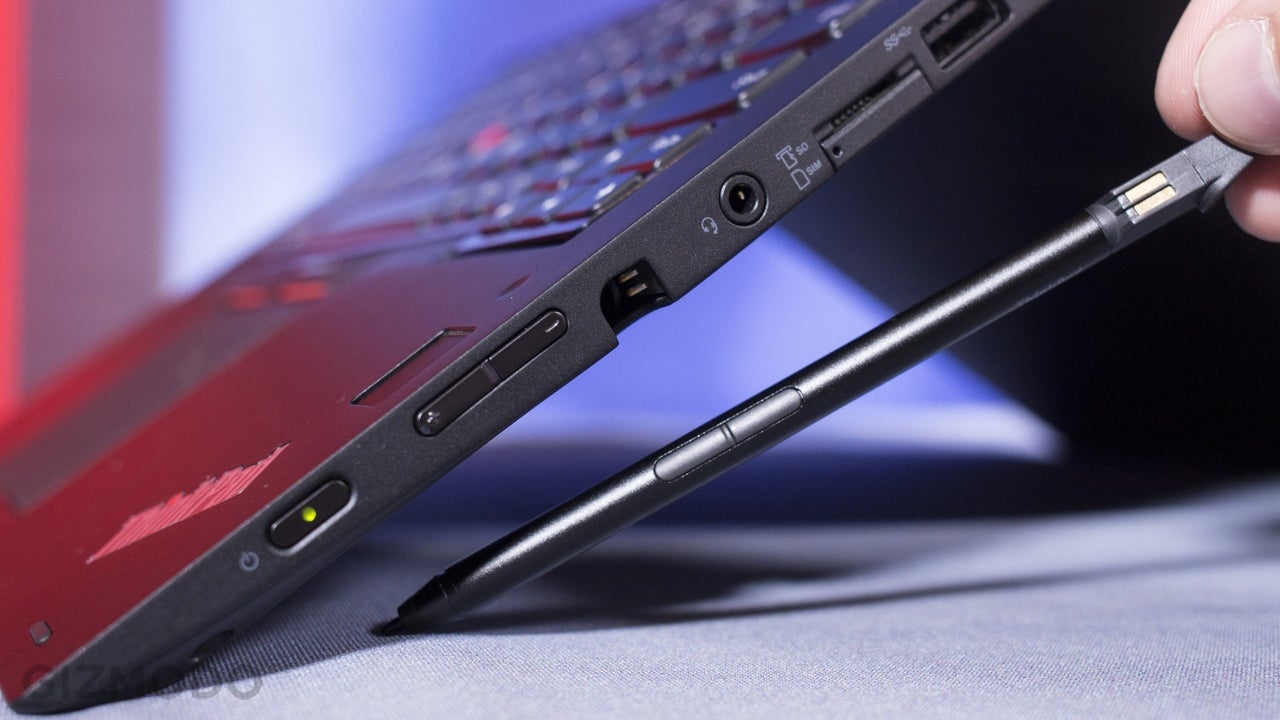
How To Connect A Stylus Pen?

To connect a stylus pen, the method depends entirely on which specific pen and device you own. For the two most common active styluses, the Apple Pencil for iPad and...

How To Charge A Stylus Pen?

The method to charge a stylus pen depends entirely on its brand and model, from the Apple Pencil to the Samsung S Pen and generic active styluses. This guide provides...

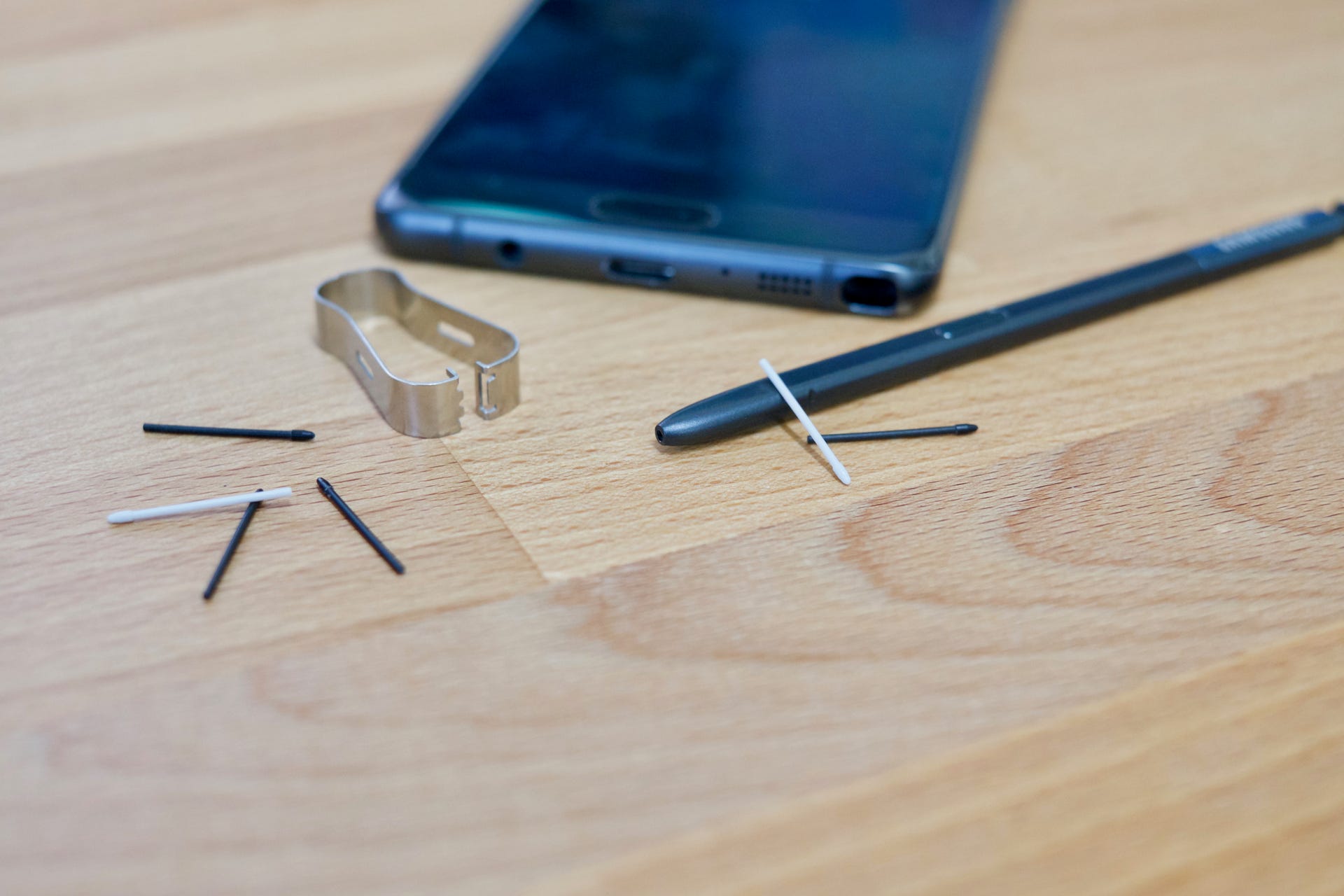
How To Fix A Stylus Pen Tip?

The only way to fix a stylus pen tip is to replace it. For both the Apple Pencil and the Samsung S Pen, the manufacturer's documented repair procedure is to...

How To Find A Lost Stylus Pen?

To find a lost stylus pen quickly, start by checking whether your model has a built-in tracker, many premium styluses do, and using that feature is the fastest path to...

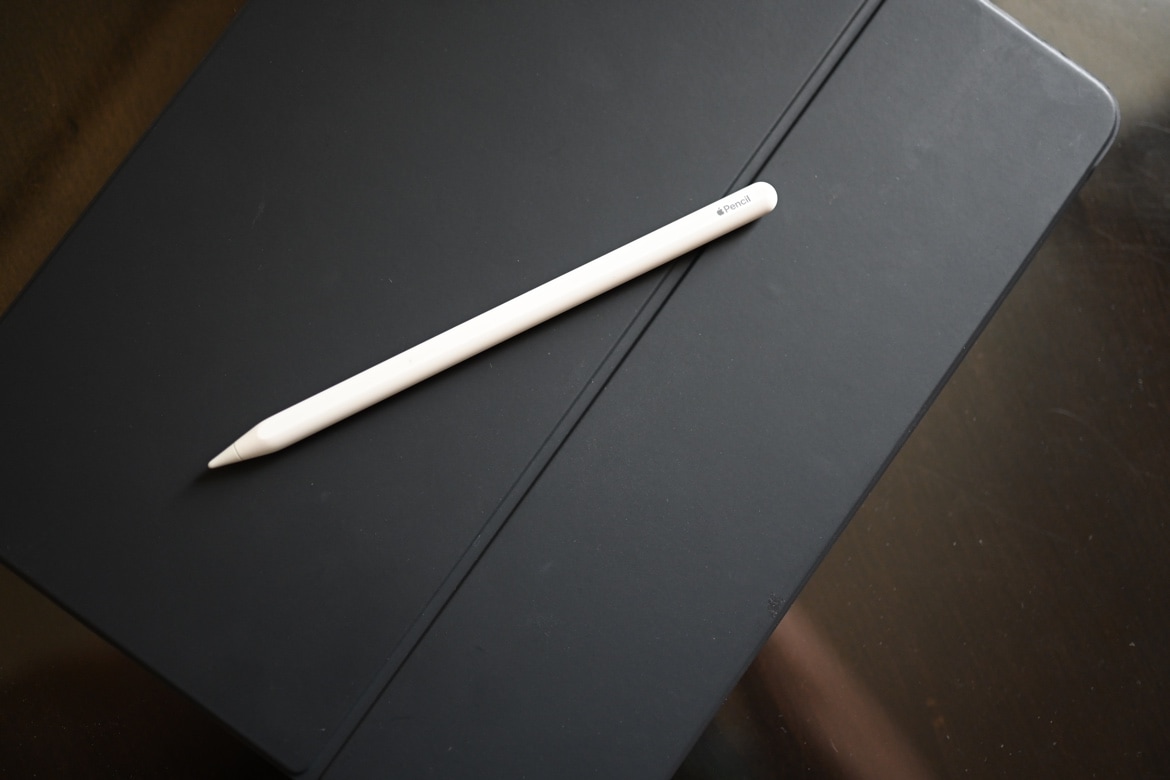
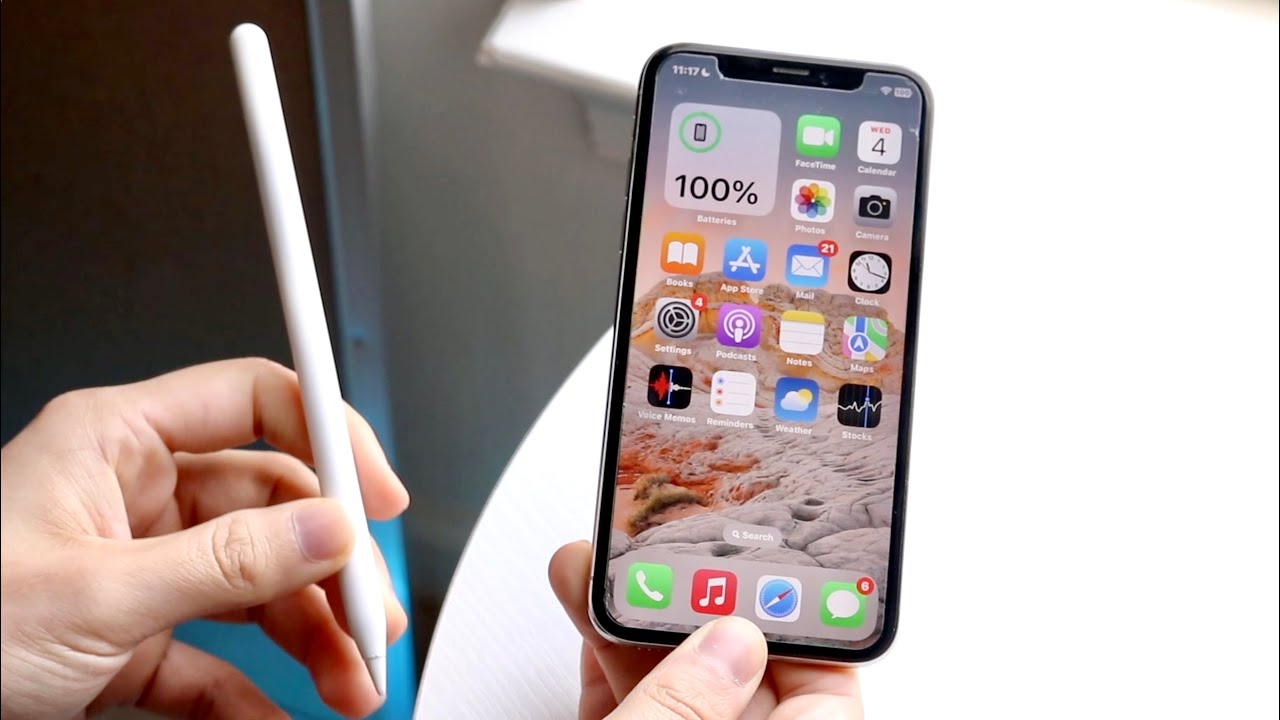
How To Connect Apple Pen To IPhone

You cannot connect Apple Pencil to iPhone. Apple's official support page lists Apple Pencil compatibility only with specific iPad models, and no iPhone model is documented as supported. Can you...

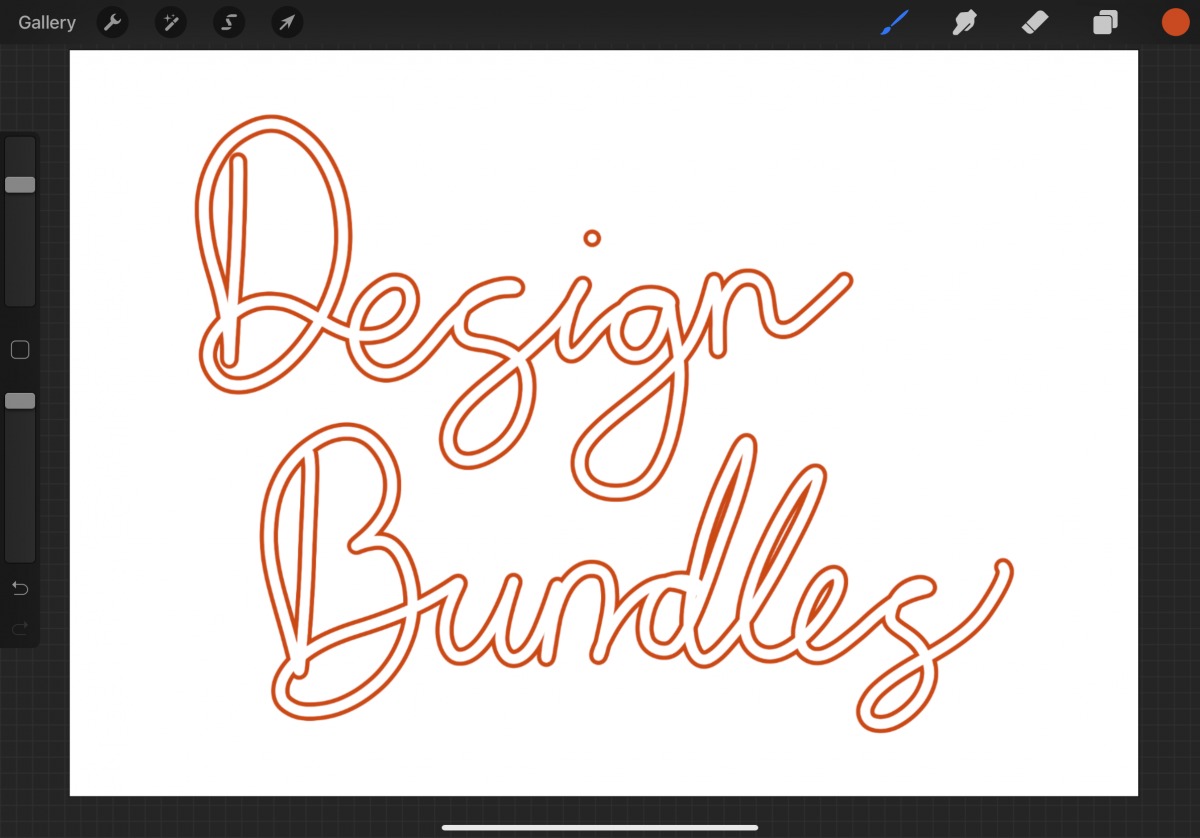
How To Make An Outline Brush In Procreate

To create an outline brush in Procreate, you must combine two core brush-editing techniques: using a ring-shaped brush tip and adjusting the pressure curve. Procreate does not have a single...

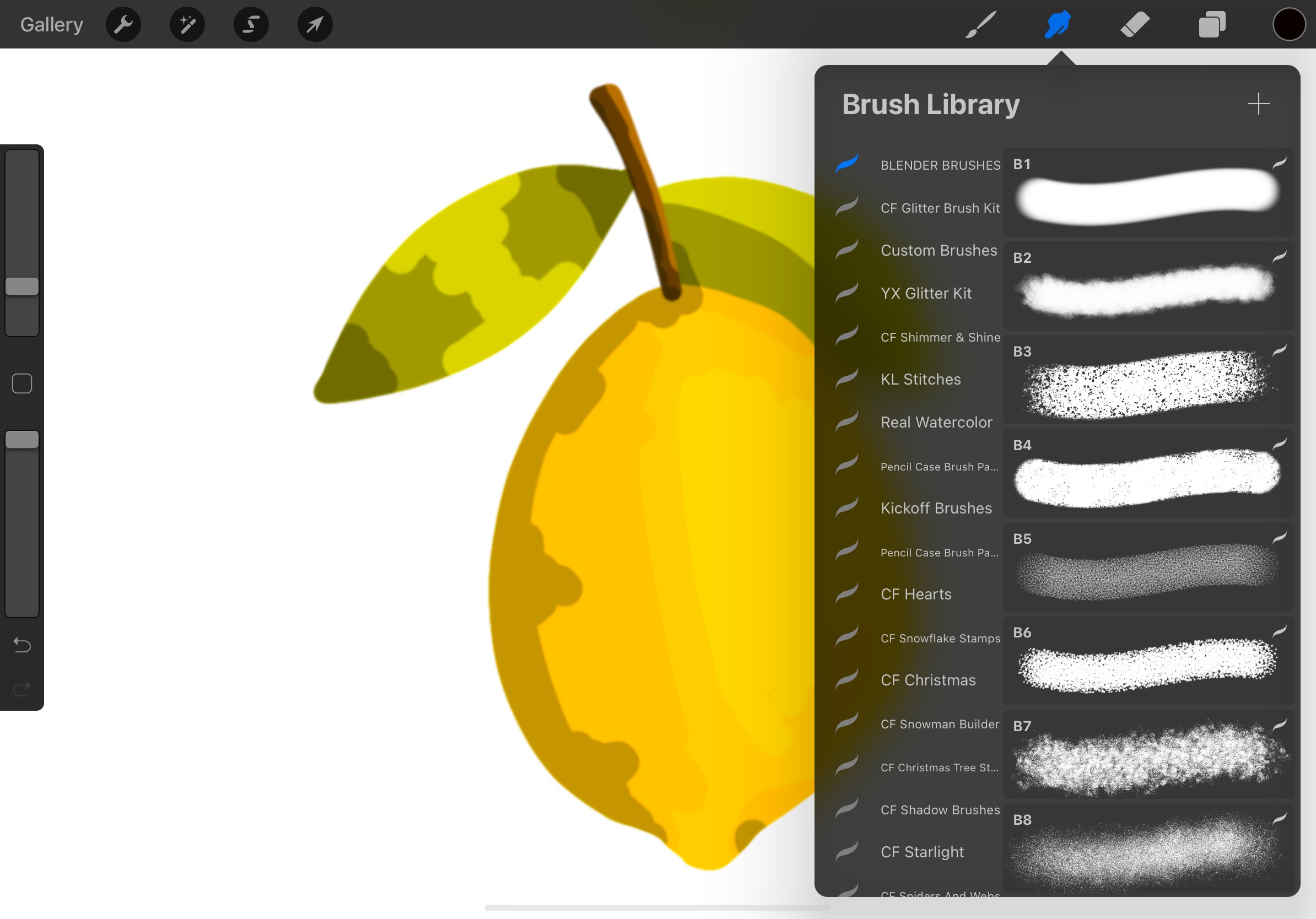
How To Smudge On Procreate

To smudge on Procreate, tap the Smudge icon in the toolbar, select a brush from the Brush Library, and then tap or drag your finger or Apple Pencil across the...

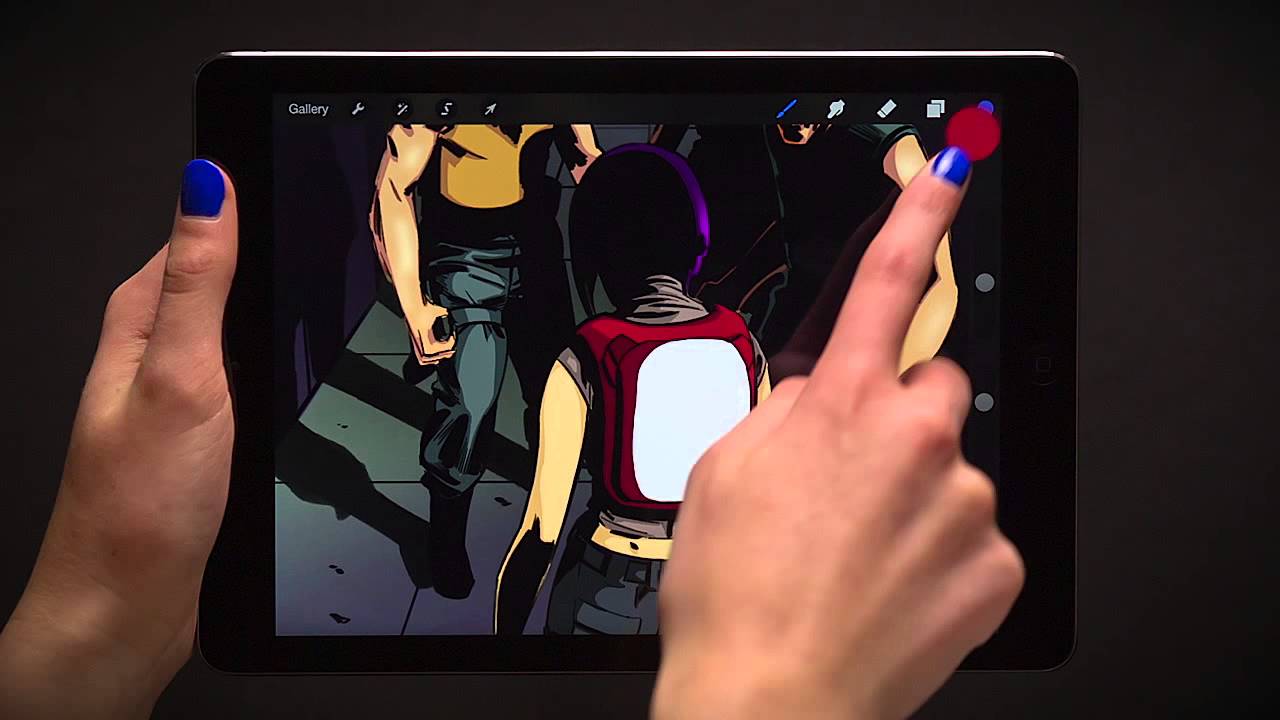
How To Color Drop On Procreate

Color drop on Procreate is the drag-and-drop gesture that flood-fills an area with your active color, not a separate tool. The Color Drop tool icon resembles a droplet and is...

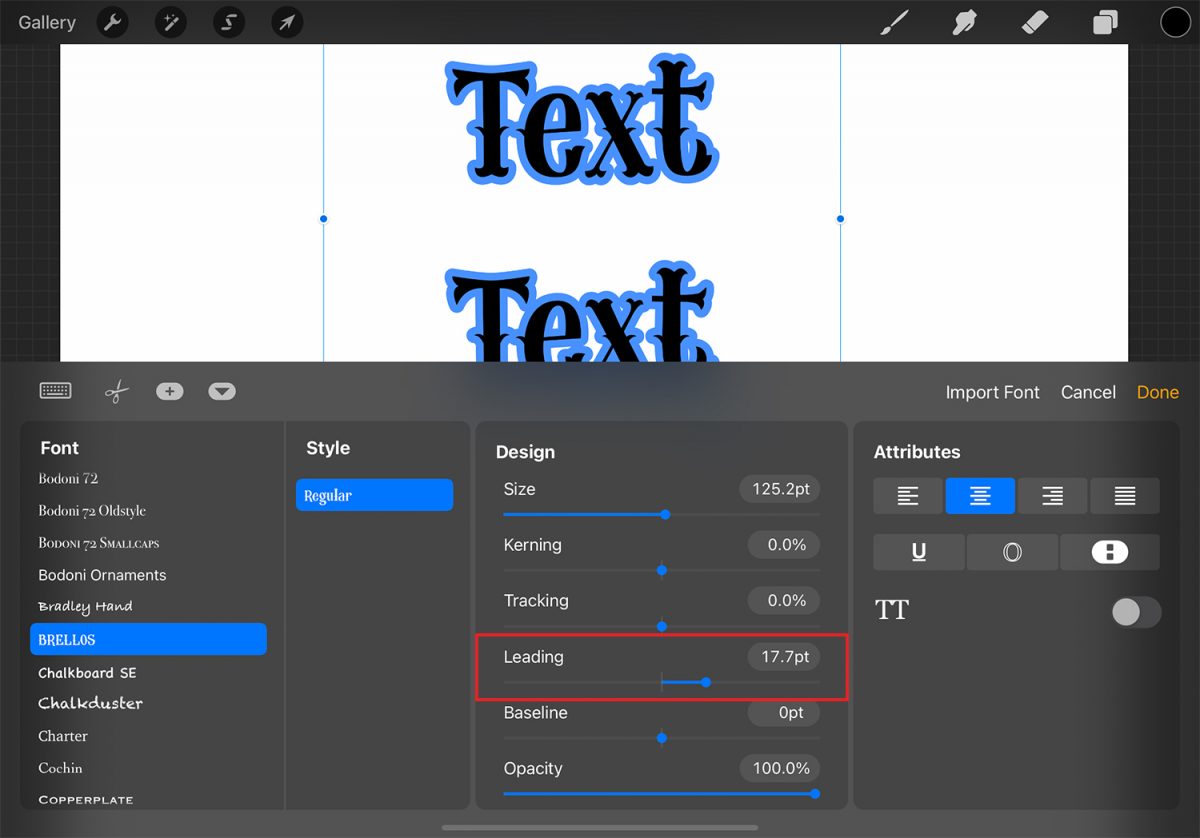
How To Edit Text On Procreate

To edit text on Procreate, double-tap the text directly on the canvas to invoke the Text Entry Companion, or open the Layers menu, select the text layer, then close the...

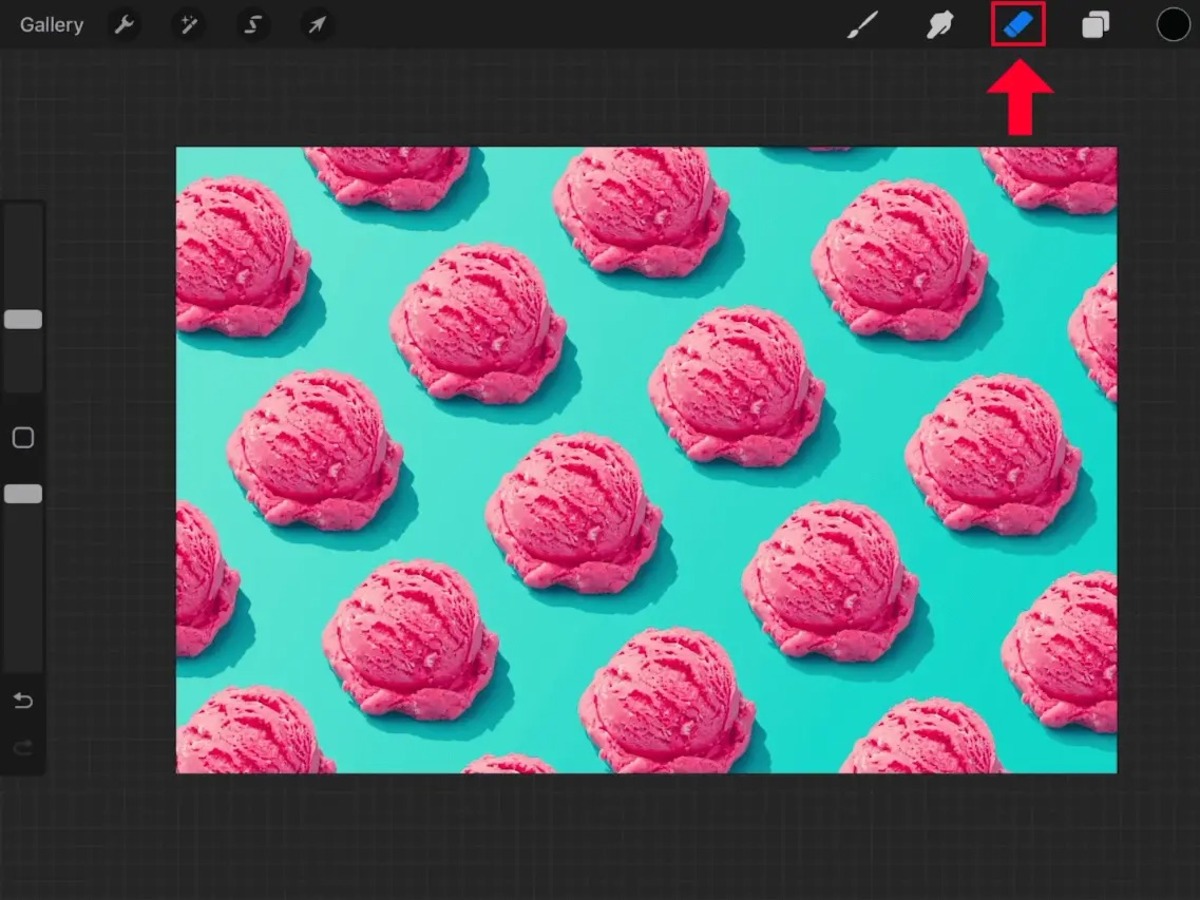
How To Erase In Procreate

To erase in Procreate, tap the Eraser tool icon in the top right toolbar, it appears as a rubber eraser between the Smudge tool and the Layers panel, then drag...