To find a lost stylus pen quickly, start by checking whether your model has a built-in tracker, many premium styluses do, and using that feature is the fastest path to recovery. If your stylus lacks a tracker, a systematic manual search combined with the preventive habits explained later will get you back to your stylus pen usage and basics in no time.
How to find a lost stylus pen with built-in tracking
Several high-end stylus models include integrated location services that let you track them through a smartphone or tablet app. If your stylus is not one of these models, skip ahead to the manual search section.
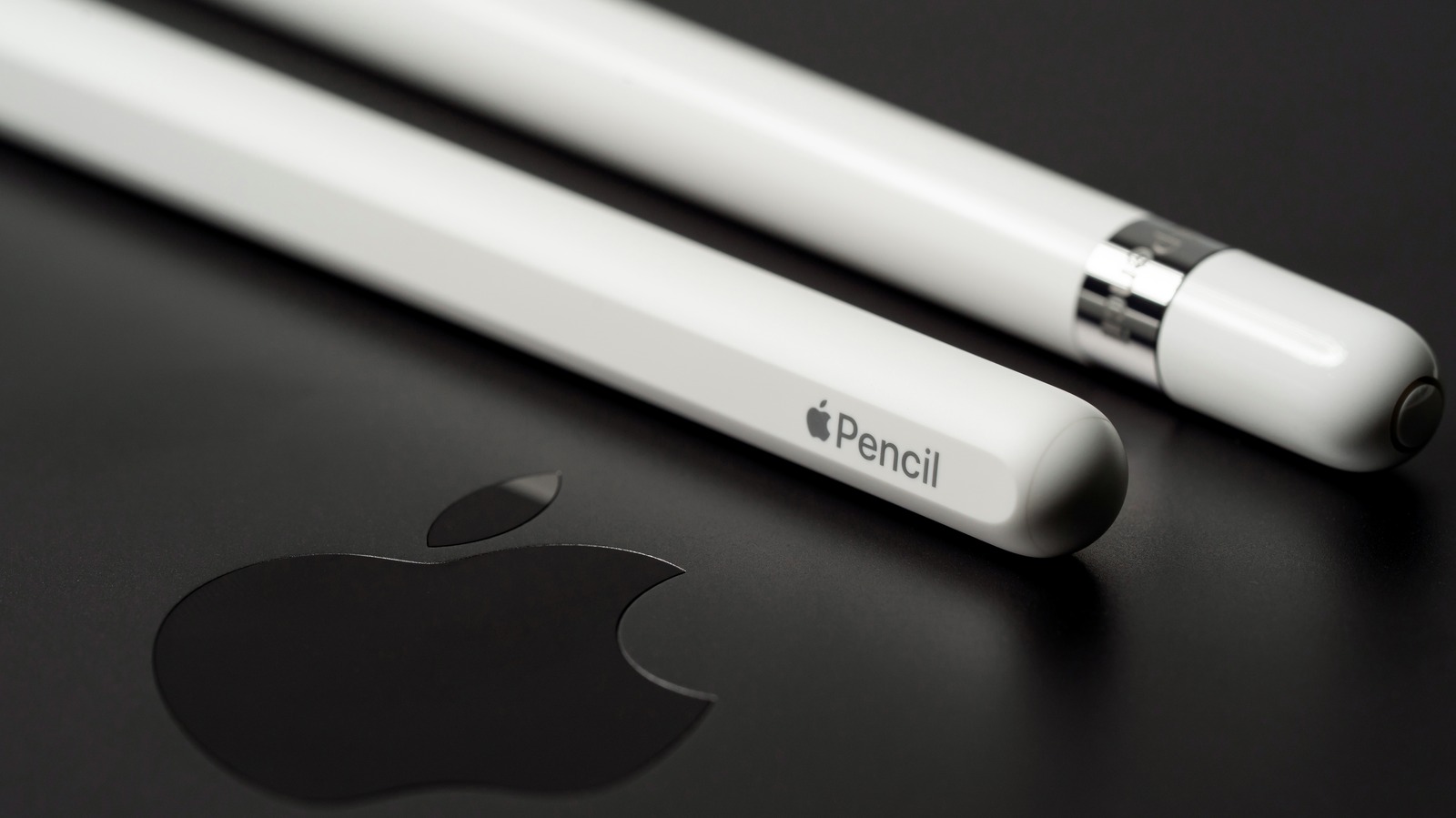
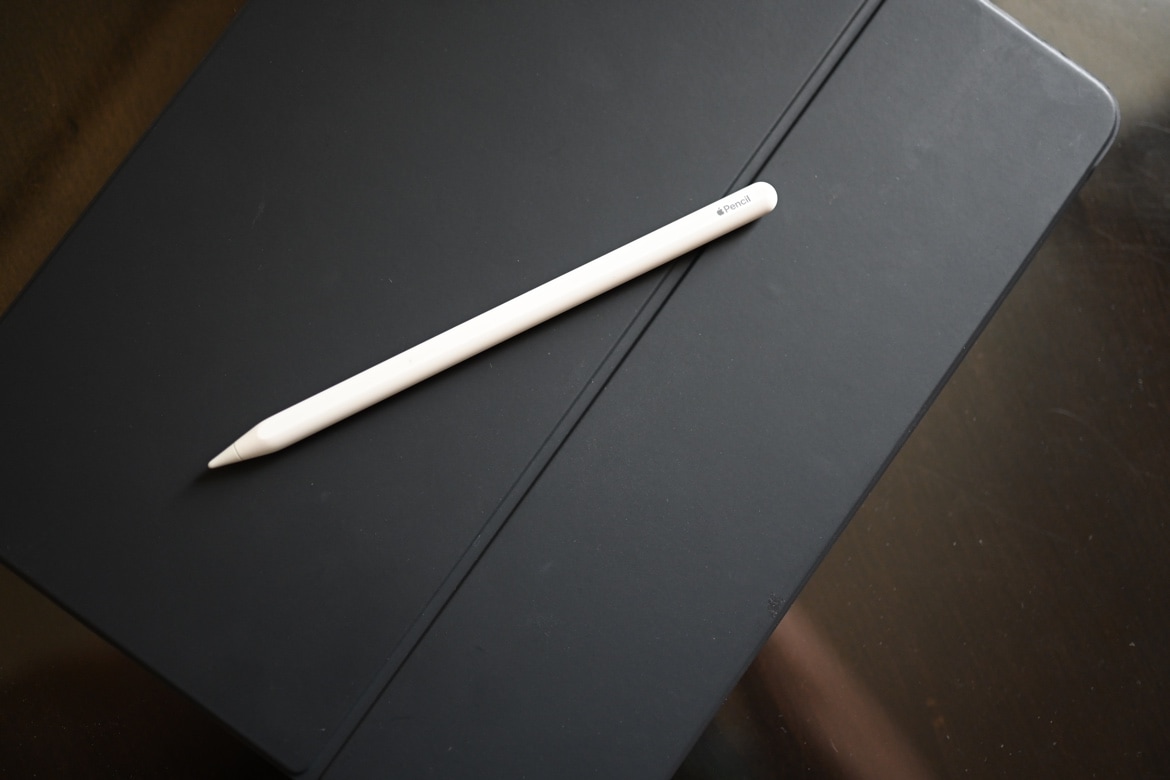
Locate an Apple Pencil Pro with the Find My app
Open the Find My app on the iPad or iPhone that the Apple Pencil Pro is paired with. Tap "Devices" at the bottom of the screen, then select "Apple Pencil Pro" from the list. Follow the on-screen prompts that indicate proximity, far, near, or within reach, to guide you to its location.
Find a Samsung S Pen Pro using SmartThings Find
Open the SmartThings app on your Galaxy device, go to the "Life" tab, and select the "Find" card. Tap the "S Pen Pro" card, then tap "Refresh" to update its location on a map. The S Pen Pro must be powered on to be found via SmartThings Find. For offline finding of an S Pen Pro, the 'Offline finding' feature must be enabled in the SmartThings app settings before the pen is lost. When you are close to the pen, you can use the app to play a sound to help pinpoint it.
The built-in S Pen (non-Pro models) does not support the SmartThings Find feature; only the S Pen Pro, available as a separately purchased accessory, has this capability.
Track a Microsoft Surface Pen's last known location
On your Surface device, go to Settings > Update & Security > Find my device. Under "Where's my pen?" click the "Go here to track it" link. The Surface Pen tracking feature shows the last known location where the pen was connected to your Surface device, not its current real-time location. The 'Find my device' feature for Surface Pen must be turned on before the pen is lost, and the user account must be an 'Administrator'.
What to do if your stylus doesn't have a tracker
If you own a non-Pro S Pen, an older Apple Pencil, or any other stylus without built-in tracking, use a manual search strategy. Retrace your steps, checking the last place you used the pen. Look in unconventional spots: under furniture, between couch cushions, inside bags, and in pockets. Use a flashlight in dim areas to spot the reflective tip. Ask others if they have seen it, and check lost-and-found areas in public spaces. For long-term solutions, see the preventive measures below.
Preventive measures to avoid losing a stylus pen
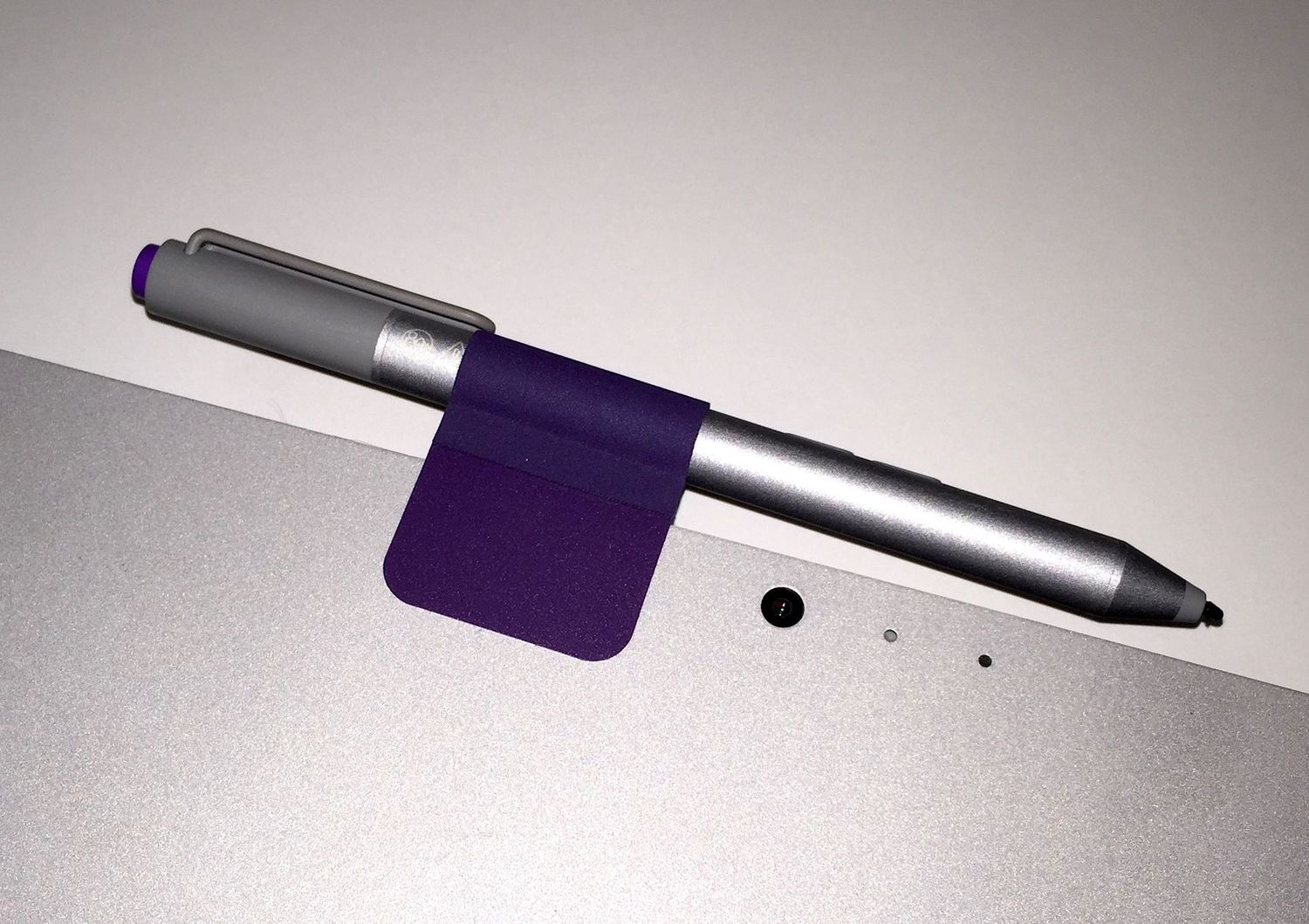
Keep your stylus tethered to your device or case using a stylus holder or built-in attachment point. Designate a specific spot, a small container, drawer, or holder, where you always place the pen when not in use. Invest in a stylus case or pouch for secure storage. Personalize your stylus with stickers, grips, or engravings so it is easily recognizable. Attach it to a lanyard or keychain when carrying it. Develop a routine of checking for your stylus every time you finish using your device.
Frequently Asked Questions
How can I find a lost stylus pen?
Start by retracing your steps and checking the last place you used it. Use your device's built-in tracking features if available, such as Find My for Apple Pencil Pro or SmartThings Find for S Pen Pro. For pens without trackers, try a manual search in crevices and under furniture, use a metal detector, or contact the manufacturer for guidance.
Can I use any stylus pen with my device?
Some devices require specific stylus models for full functionality. Check your device manufacturer's specifications or user manual to confirm compatibility before purchasing a replacement.
What are some alternative methods for interacting with my device if I can't find my stylus pen?
You can use your finger to navigate the touchscreen, as most devices have responsive touch capabilities. A Bluetooth keyboard or a compatible third-party stylus pen can also serve as an alternative input method.
How can I prevent losing my stylus pen in the future?
Beyond the preventive measures listed above, consider using a stylus with a built-in clip or attachable lanyard. Developing a habit of returning the stylus to its designated spot after each use is the most effective long-term strategy.
What should I do if I can't find my stylus pen?
If your search is unsuccessful, purchase a replacement from the manufacturer or authorized retailers. You can also explore compatible third-party options, but verify compatibility first to ensure proper function.
Related reading: How To Charge A Stylus Pen?.