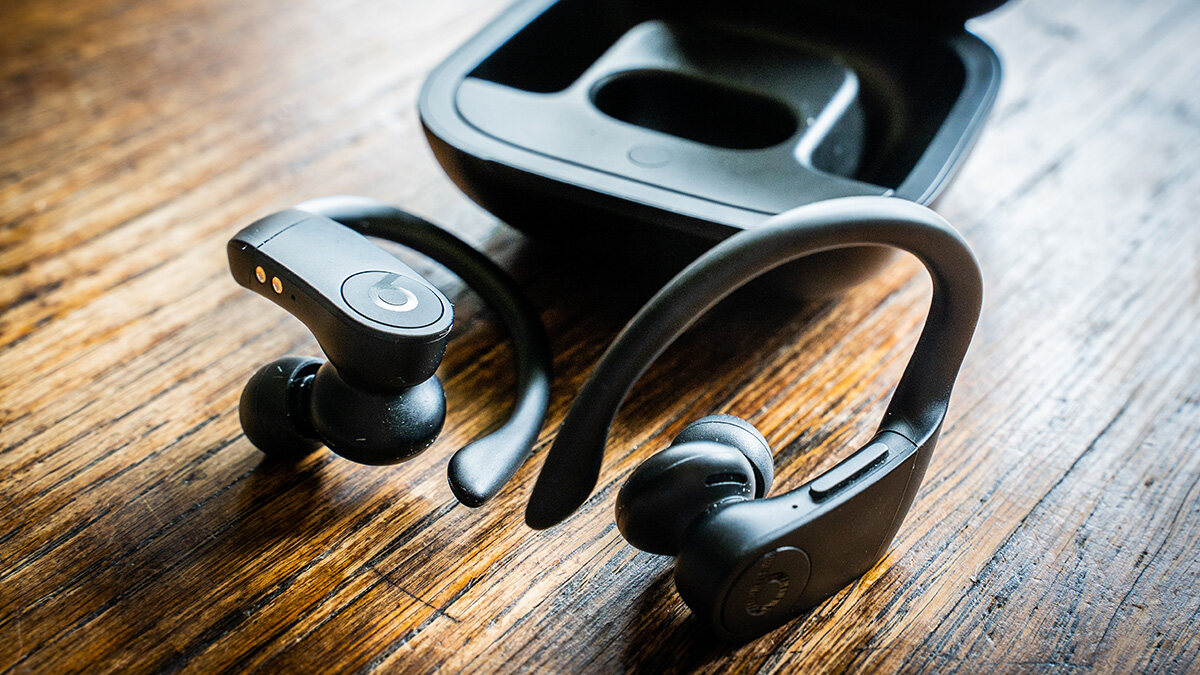
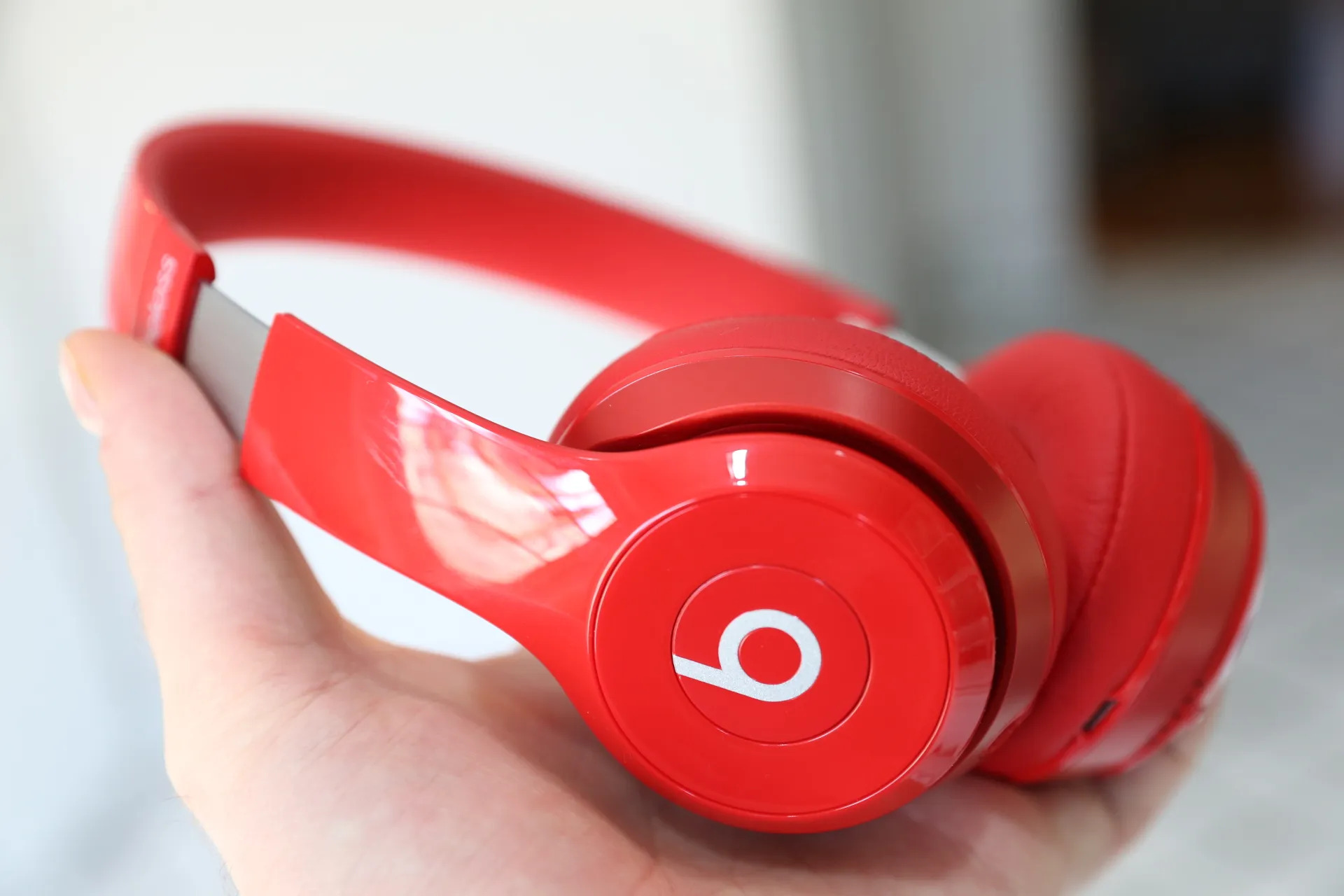
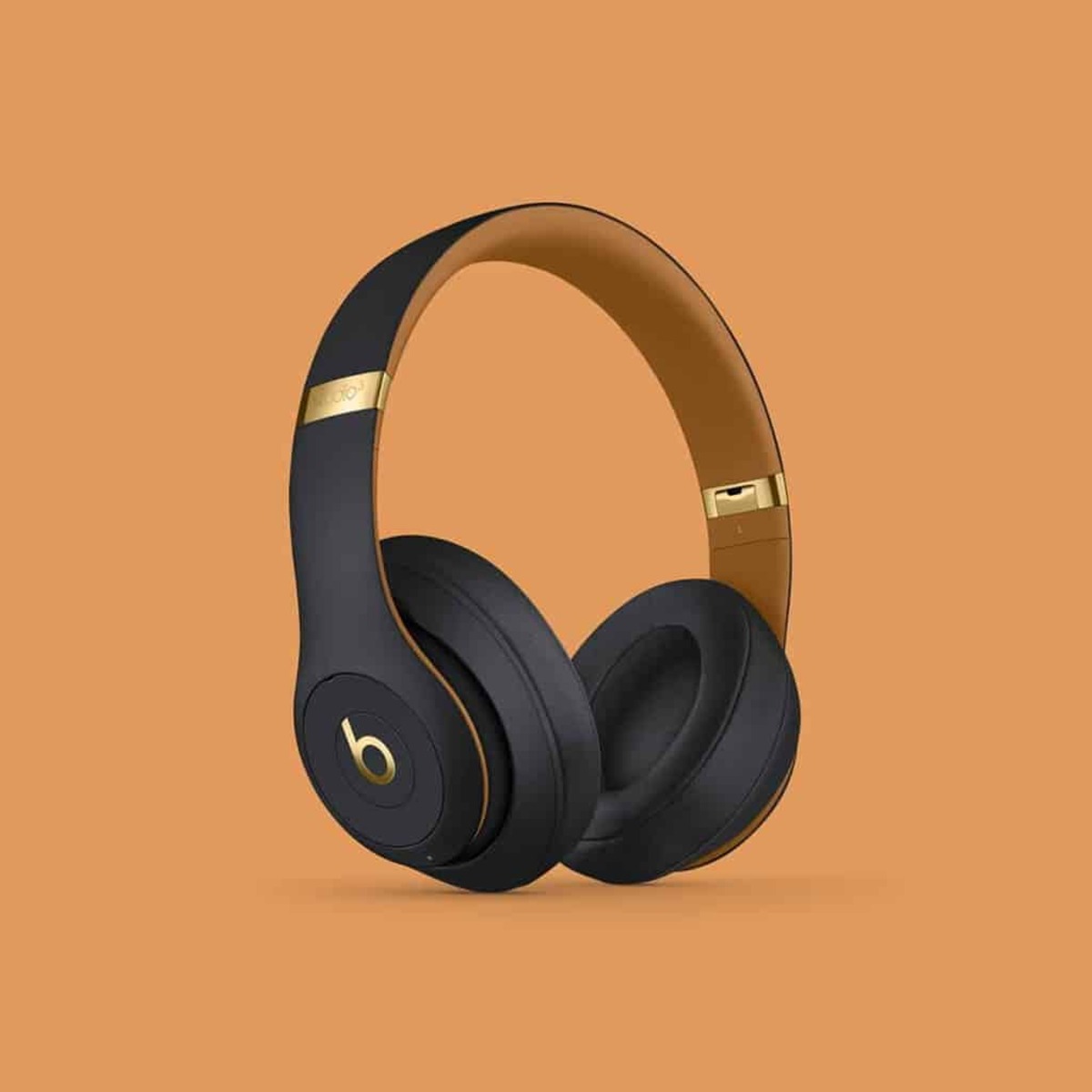
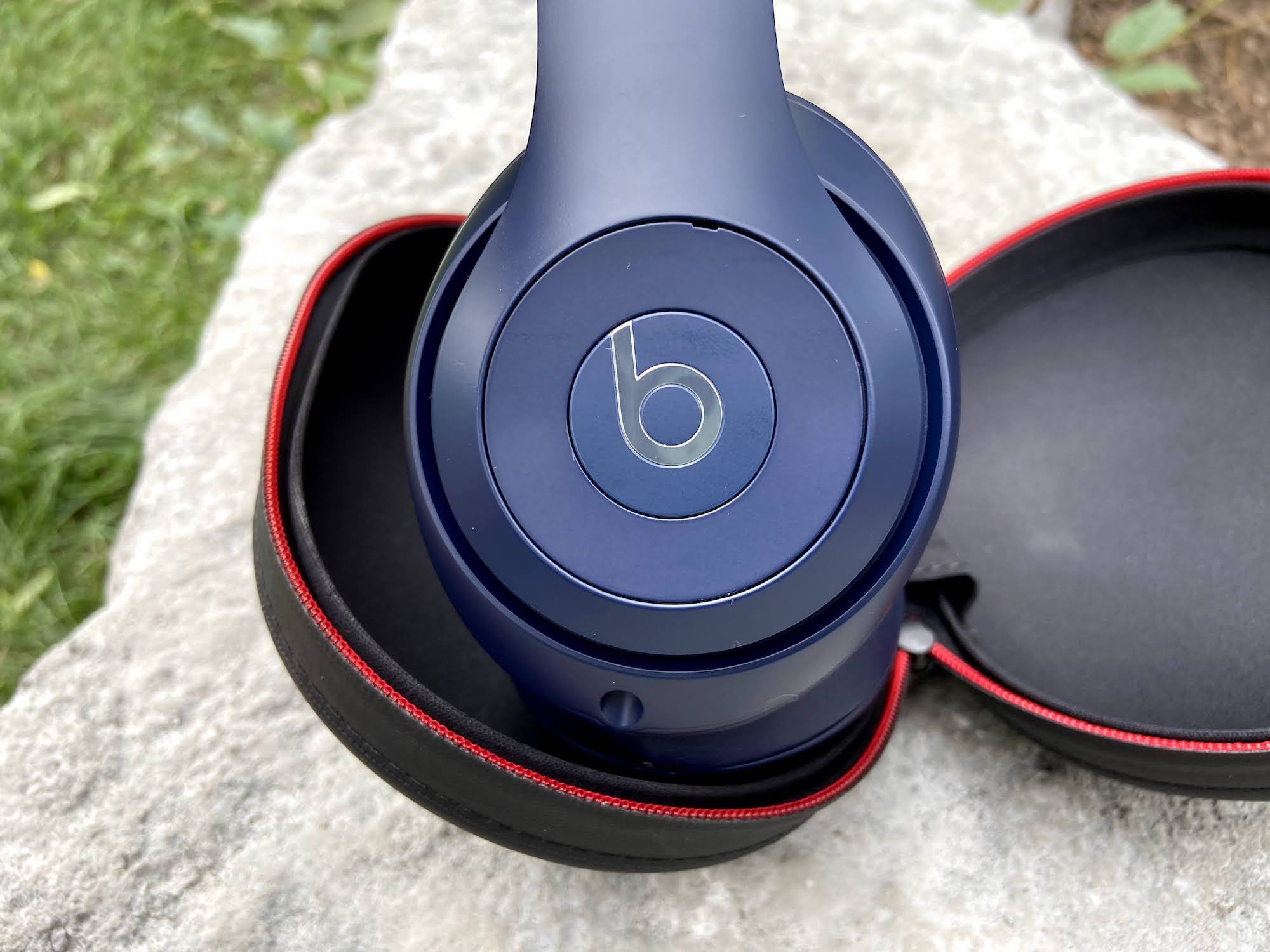
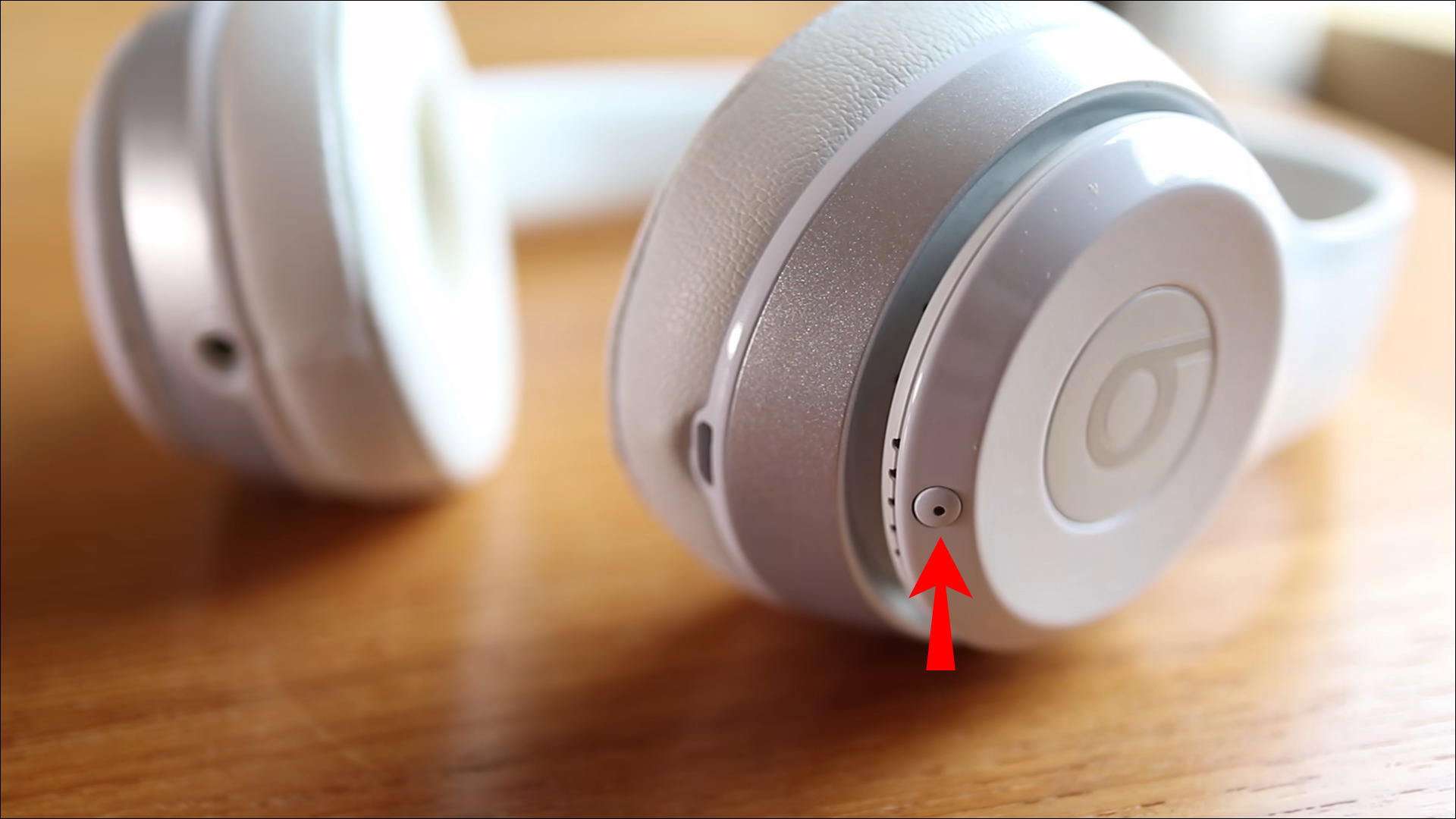
The "Beats" tag on CellularNews collects all of our guides and troubleshooting articles specifically for owners of Beats wireless audio gear, earbuds, headphones, and the Flex model. Whether you are new to the brand or have been using Beats for years, this page is your go-to spot for practical, step-by-step help with connecting, powering, and maintaining your devices.

The articles here solve three main kinds of problems. First, there are the basics of getting started: you will find clear instructions on how to turn on and turn off different models, including the Beats Flex wireless earbuds and Beats wireless headphones. Second, the tag covers everyday maintenance and charging, articles like "How To Charge Beats Wireless Headphones" and "How To Check Battery On Beats" help you keep your gear running, while "How To Clean Connector Pins" tackles a common cause of charging issues. Third, we address pairing and connectivity across platforms, with guides such as "How To Connect Beats Wireless Earbuds" and "How To Pair Beats Solo Wireless To Android."

Specific topics you will find include resetting the Beats Solo Wireless and Beats Pro Wireless, turning off Active Noise Cancellation on the Beats Studio Wireless, and even a guide on how to tell if your Beats Solo 2 Wireless are fake. Each article is written to help you perform a specific task, connect, charge, reset, or troubleshoot, without any extra fluff.
How To Connect To Beats Wireless Headphones

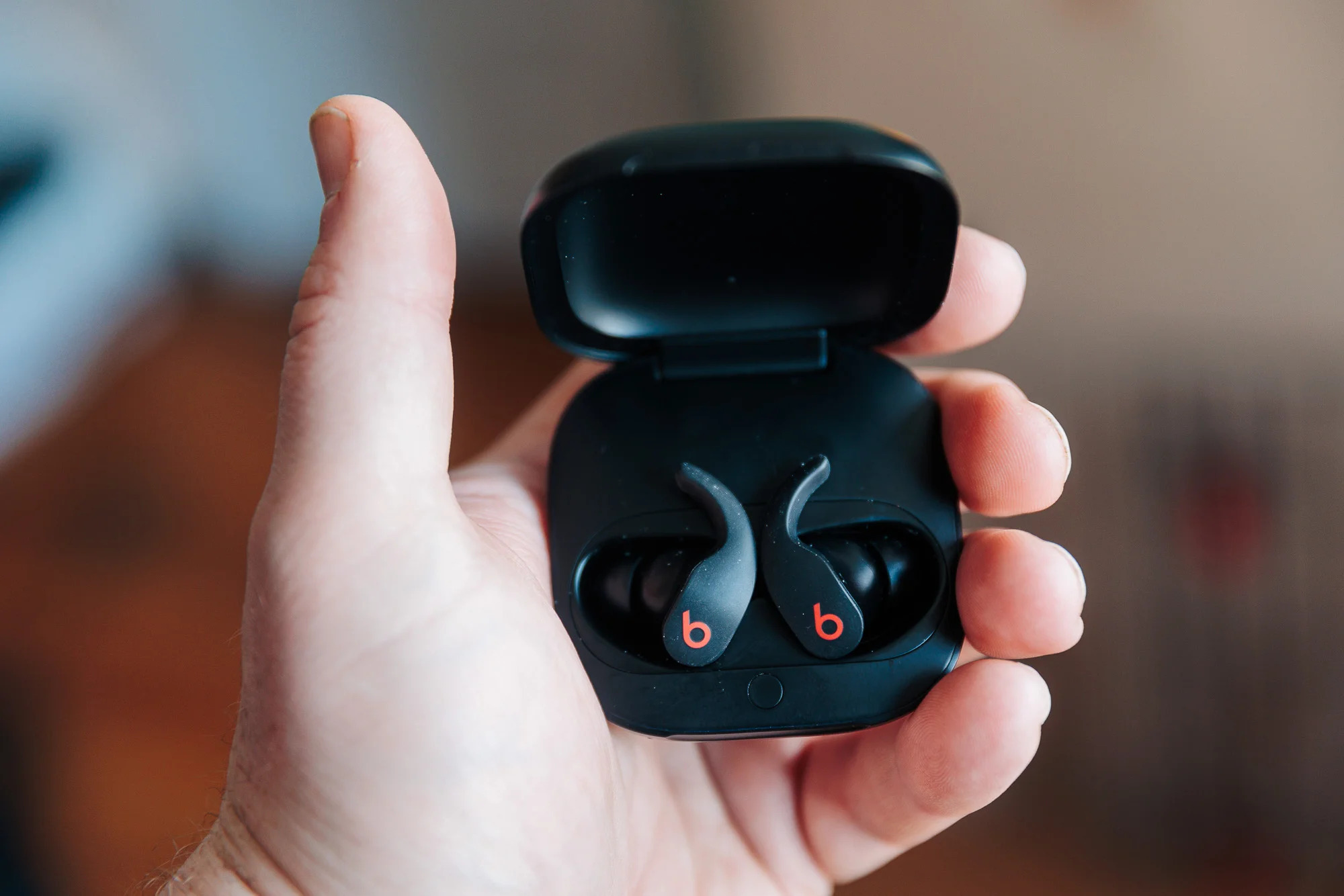
To connect to Beats wireless headphones, open the charging case with your earbuds inside or turn on your headphones, Beats Flex, or speaker. Then follow the on-screen instructions on your...

How To Reset Beats Solo Wireless

To reset Beats Solo Wireless headphones, turn the headset off, then press and hold the multifunction button and volume down button together for eight seconds. Release the buttons when the...

How To Charge Beats Wireless Headphones

To charge Beats wireless headphones, connect the appropriate charging cable directly to the headphone's port or, for earbuds, place them in their case and power the case. The correct method...

How To Pair Beats Solo Wireless To Android

To pair Beats Solo Wireless to Android, start by putting your headphones into pairing mode and selecting them in your Android device's Bluetooth settings. This works for all Beats Solo...

How To Reset Beats Pro Wireless

To reset Powerbeats Pro, place both earbuds in the charging case, leave the case open, and press and hold the system button on the case for 15 seconds until the...

How To Turn Off Anc On Beats Studio Wireless

You cannot turn off ANC on Beats Studio Wireless headphones while they are powered on. The Active Noise Cancellation feature is automatically active whenever the headphones are on, making it...

How To Connect Beats Studio Wireless

To connect Beats Studio Wireless headphones, put them into pairing mode by pressing and holding the power button for about five seconds until the LED flashes, then select them from...

How To Clean Connector Pins

To clean connector pins safely, use only the methods Apple documents for its Beats earbuds and charging cases, because no official phone-specific pin-cleaning procedure exists for iPhone or Android devices....