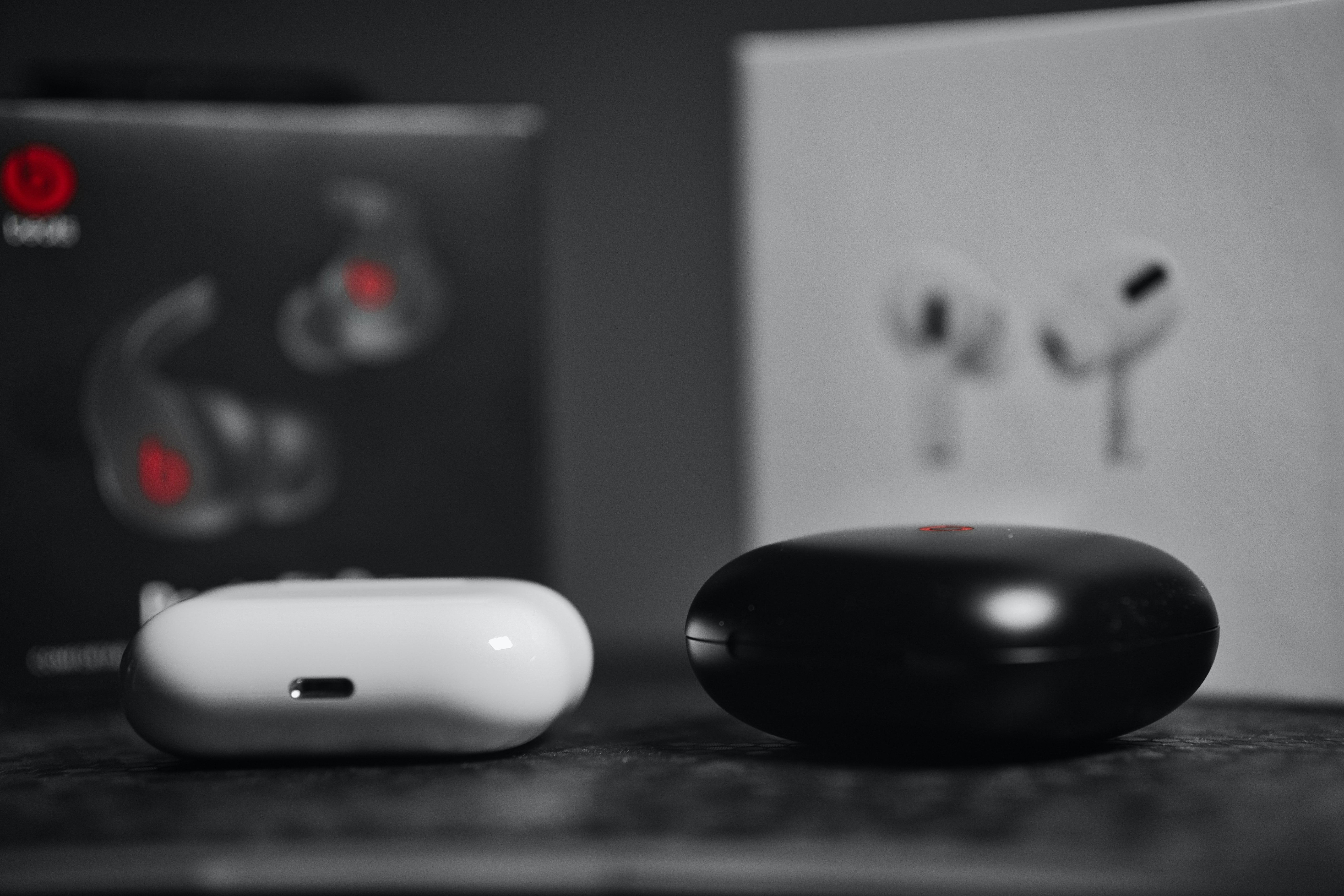
All of our guides and troubleshooting articles specifically for owners of Beats wireless audio gear, earbuds, headphones, and the Flex model. Whether you are new to the brand or have been using Beats for years, this page is your go-to spot for practical, step-by-step help with connecting, powering, and maintaining your devices.
The articles here solve three main kinds of problems. First, there are the basics of getting started: you will find clear instructions on how to turn on and turn off different models, including the Beats Flex wireless earbuds and Beats wireless headphones. Second, the tag covers everyday maintenance and charging, articles like "How To Charge Beats Wireless Headphones" and "How To Check Battery On Beats" help you keep your gear running, while "How To Clean Connector Pins" tackles a common cause of charging issues. Third, we address pairing and connectivity across platforms, with guides such as "How To Connect Beats Wireless Earbuds" and "How To Pair Beats Solo Wireless To Android."
Specific topics you will find include resetting the Beats Solo Wireless and Beats Pro Wireless, turning off Active Noise Cancellation on the Beats Studio Wireless, and even a guide on how to tell if your Beats Solo 2 Wireless are fake. Each article is written to help you perform a specific task, connect, charge, reset, or troubleshoot, without any extra fluff.