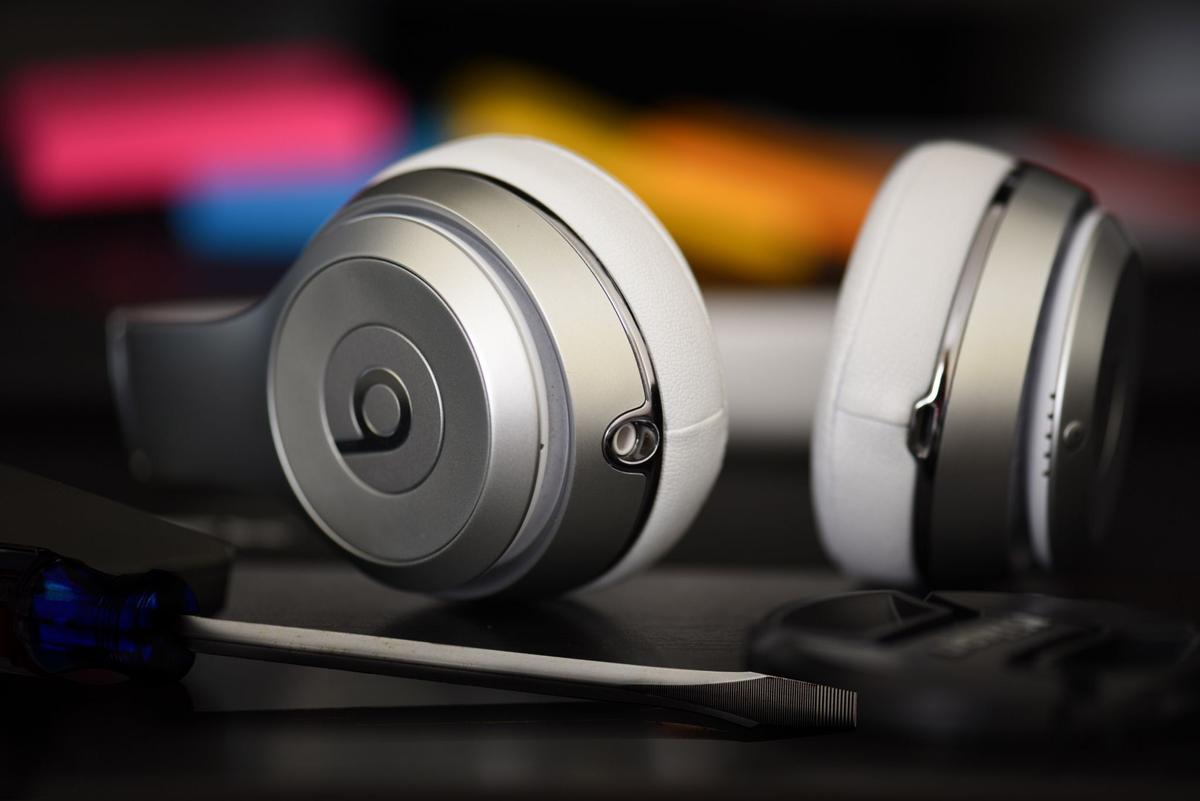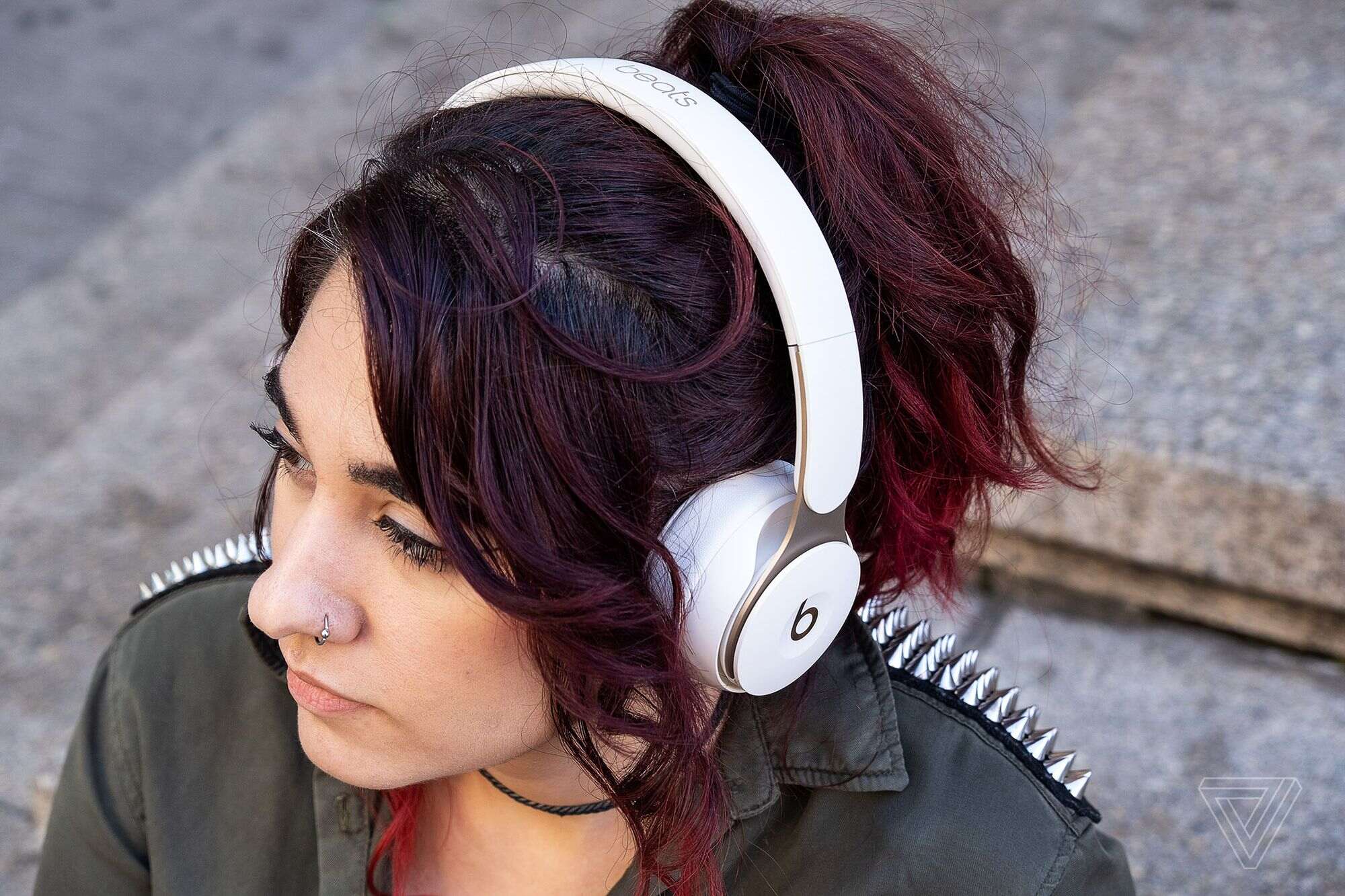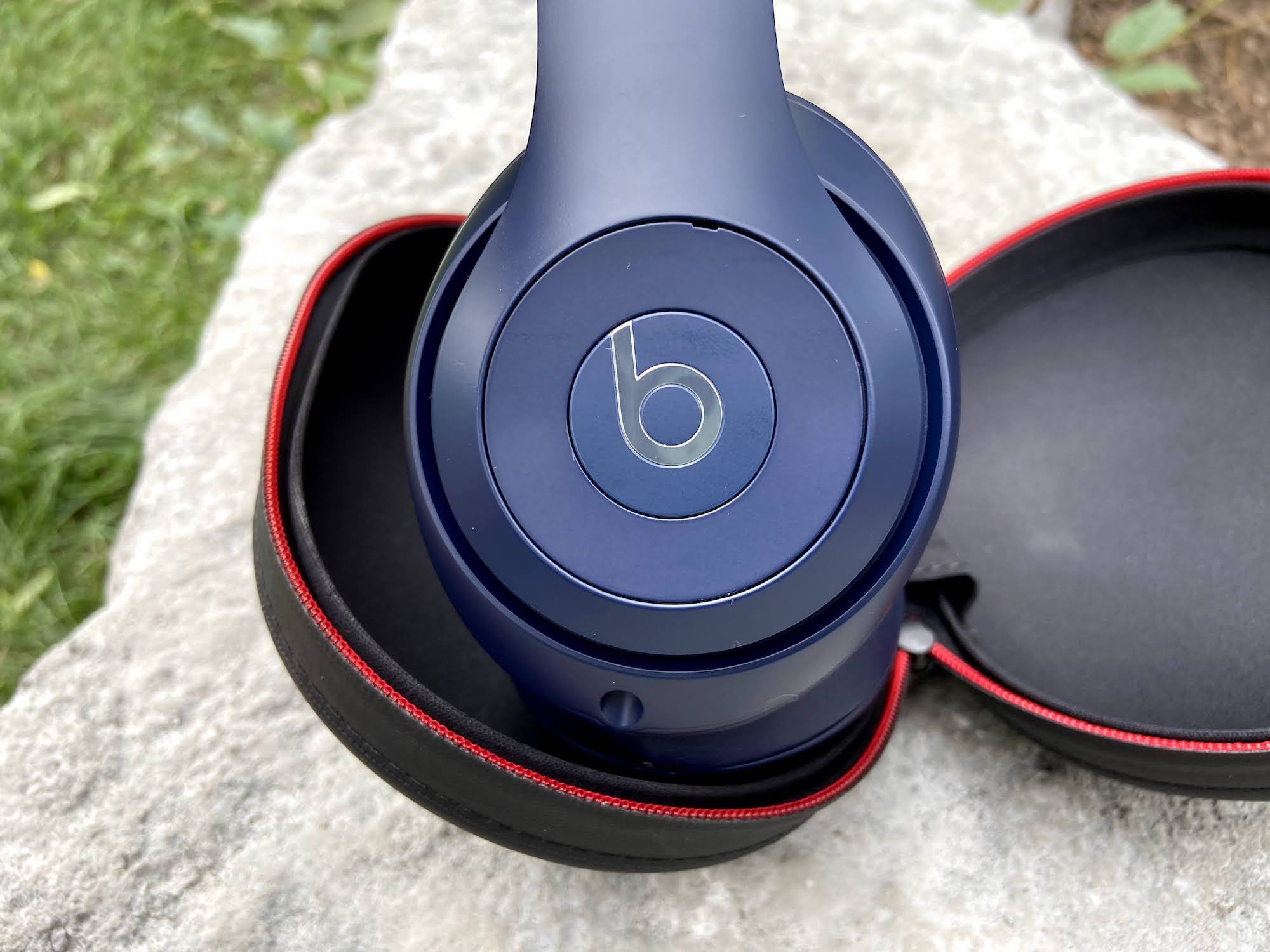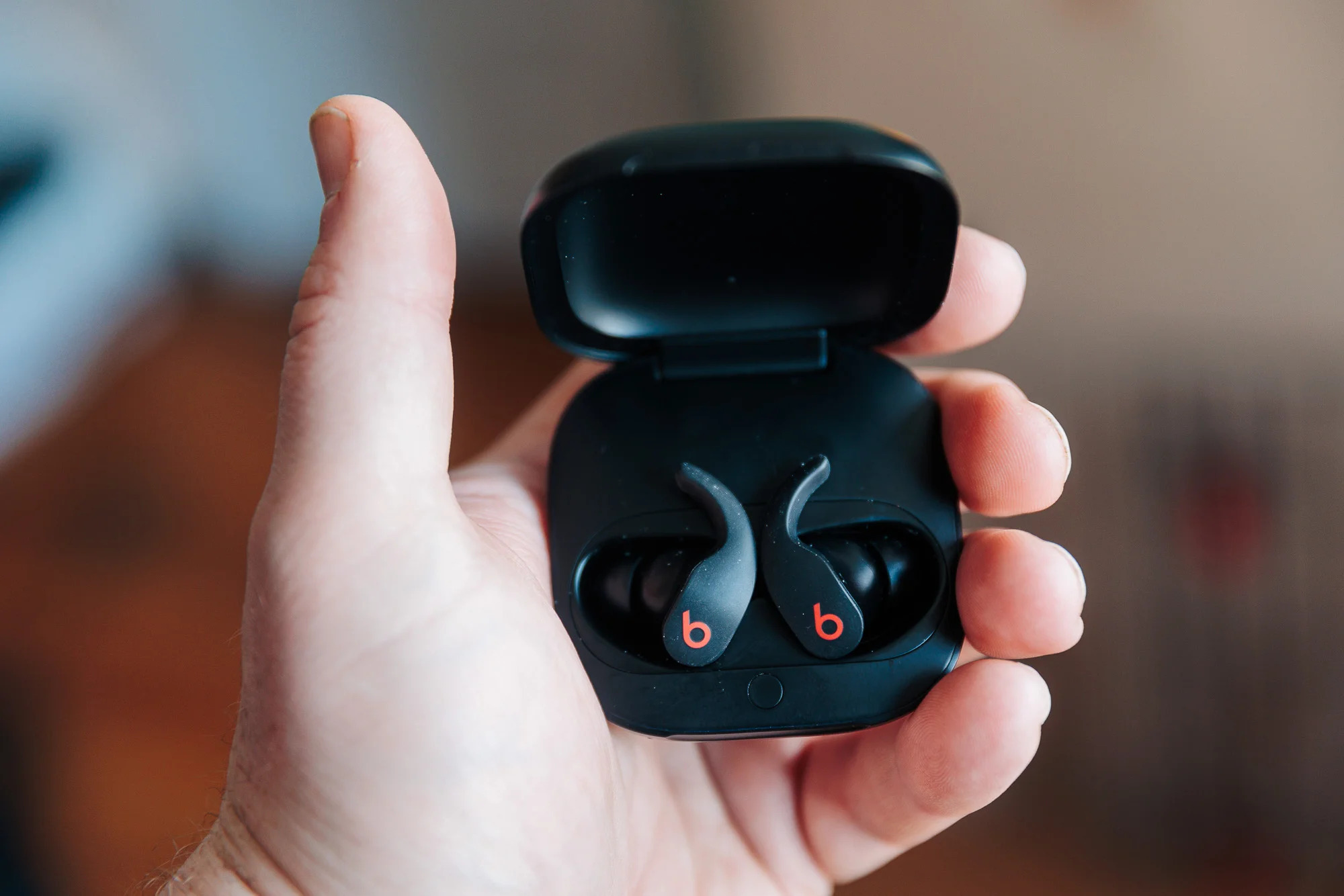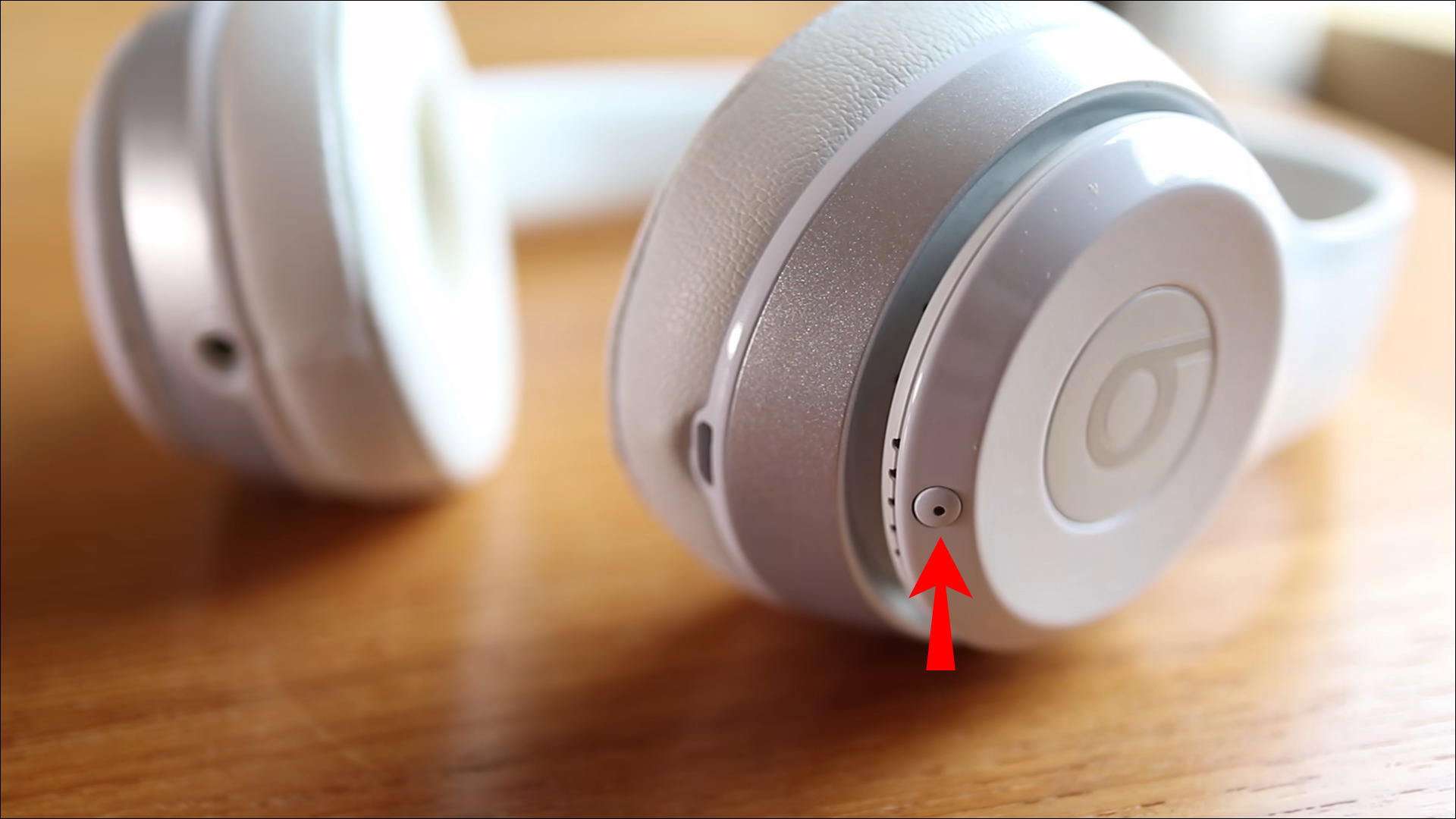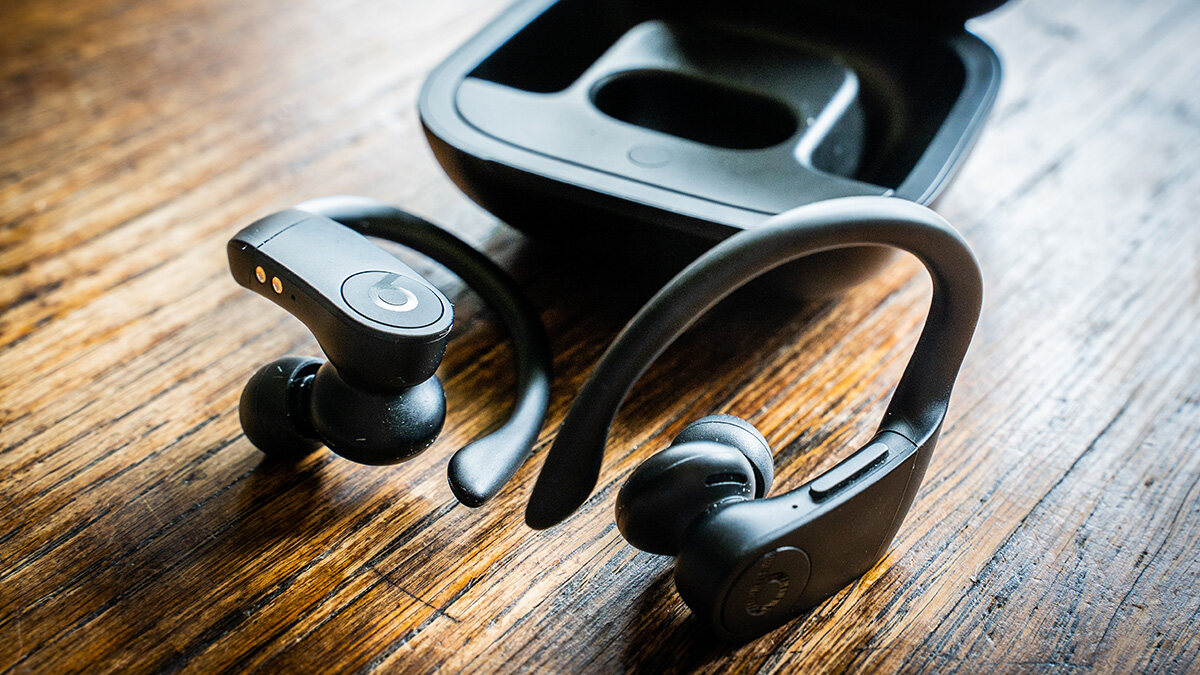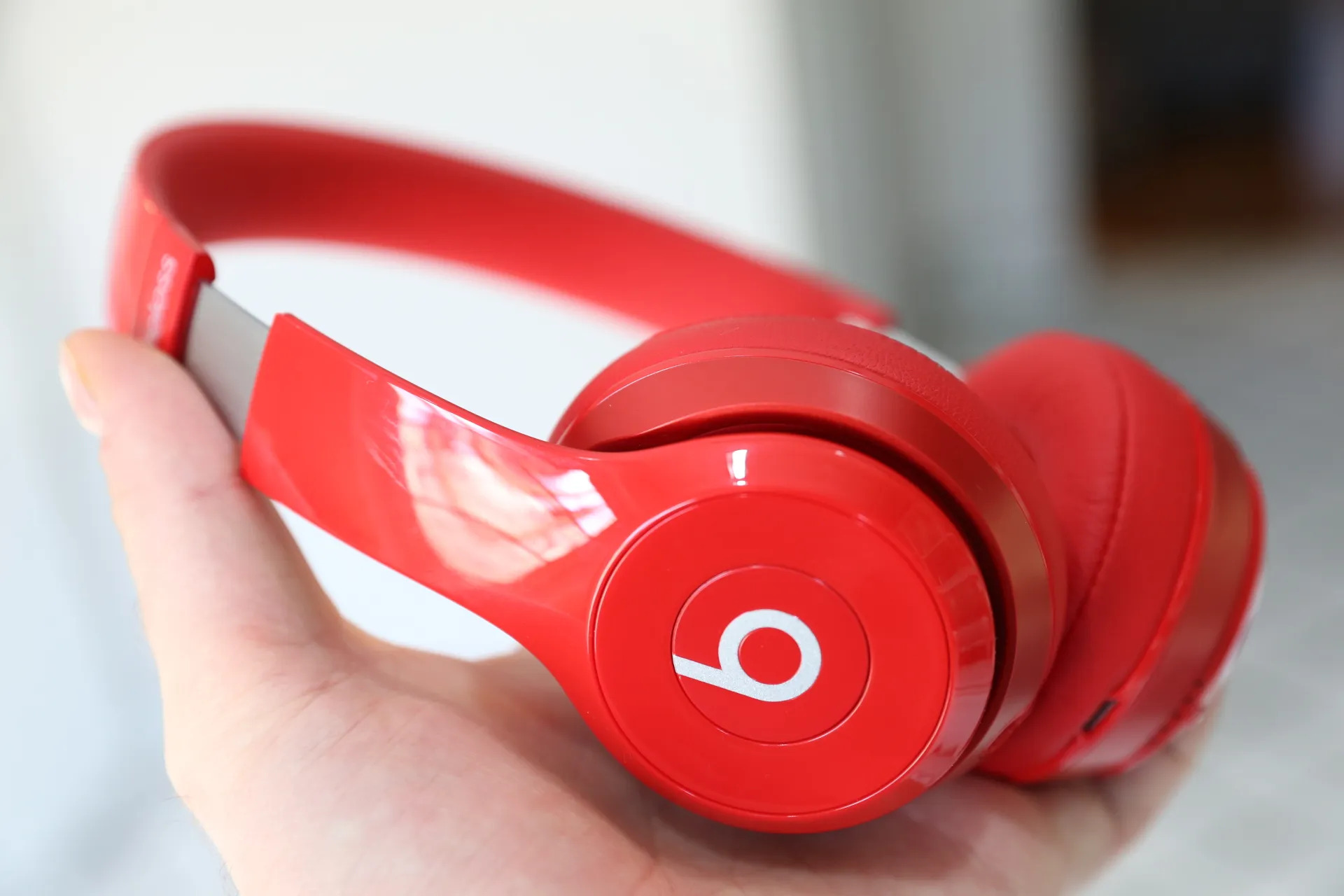
To tell if your Beats Solo 2 Wireless are fake, check the build quality, logo, packaging, sound, features, price, accessories, and serial number. These eight signs are the most reliable way to spot a counterfeit before or after purchase.
8 signs your beats solo 2 wireless are fake
Counterfeit Beats Solo 2 Wireless headphones often cut corners in materials, printing, and performance. Look for these eight indicators to determine authenticity.
- Poor build quality: Genuine headphones feel sturdy with smooth finishes. Fakes may have loose connections, uneven edges, or flimsy plastics.
- Inconsistent logo: The Beats logo on authentic headphones is crisp, well-defined, and properly aligned. Counterfeit logos can be pixelated, misaligned, or poorly embossed.
- Suspicious packaging: Authentic packaging uses high-quality materials with clear printing. Fakes often have flimsy boxes, blurry text, misspelled words, or incorrect fonts.
- Unsatisfactory sound quality: Genuine Beats Solo 2 Wireless deliver powerful bass and clear highs. Counterfeit versions typically sound muffled, distorted, or lack depth.
- Missing or non-functional features: Check that Bluetooth, volume controls, playback buttons, and the microphone all work as expected. Fakes may have non-functional or missing controls.
- Unusual pricing: If the price seems too good to be true, it likely is. Genuine headphones have a consistent retail price range; significantly lower prices signal a counterfeit.
- Lack of accessories: Real headphones include a charging cable, audio cable, and carrying case. Counterfeit versions may omit these or include low-quality generic replacements.
- Check serial number: Each genuine pair has a unique serial number. Fakes may lack a serial number or have one that is invalid when verified.
How to check the serial number the official way
Apple’s support pages provide a general verification method for Beats devices, including the Solo 2 Wireless. Follow these steps to find and verify your serial number.
On iPhone or iPad
Go to Settings, then tap the name of your Beats near the top of the screen. The serial number appears on that device information page.
On Mac
Choose Apple menu > System Settings, then click the name of your Beats in the sidebar. The serial number is listed there.
On Android
Open the Beats app after you’ve added the device. Scroll to Under the Hood and look for Serial Number on the device screen.
On packaging and receipts
The serial number is also printed near the barcode on the original packaging and on the original product receipt or invoice. Compare the number from your device with these sources.
Note: Apple’s current documentation does not list a Solo 2 Wireless-specific authenticity screen, button, or warning message. The serial number check is a general Beats verification step.
What to do if you bought fake headphones
If you suspect your Beats Solo 2 Wireless are counterfeit, Apple recommends these steps. First, contact the seller and request a refund. Second, contact your credit card company to initiate a chargeback or reversal. Third, report the counterfeit sale through the platform or payment service you used, such as the online marketplace or payment app.
How to avoid fakes in the first place
To avoid buying counterfeit Beats Solo 2 Wireless, purchase only from authorized retailers or the official Beats website. Be suspicious of prices that are significantly lower than the standard retail price. Before opening the packaging, inspect it closely for poor printing, misspellings, or flimsy materials. Buying from reputable sources is the most reliable way to ensure you get a genuine product.
Frequently Asked Questions
Can I rely solely on sound quality to tell if my Beats Solo 2 Wireless are fake?
No. Counterfeiters have become skilled at replicating sound performance, so sound quality alone is not a reliable indicator. Always combine it with checks on packaging, build quality, and the serial number.
Are there specific serial numbers or identifiers for Beats Solo 2 Wireless?
Beats Solo 2 Wireless do not have model-specific serial number formats documented by Apple. The serial number check is a general Beats verification step, and counterfeiters may attempt to copy numbers, so consider all visual cues together.
Where can I buy genuine Beats Solo 2 Wireless headphones?
Buy from authorized retailers, official Beats stores, and well-known electronics retailers. Avoid unknown sellers or suspicious websites, as they are more likely to sell counterfeit products.
How do I connect Beats wireless earbuds to my phone?
To connect Beats wireless earbuds, put them in pairing mode and select them from your device’s Bluetooth settings. For the Beats Solo 2 Wireless, press and hold the power button until the LED flashes, then pair via Bluetooth.
How do I check battery on Beats headphones?
To check battery on Beats headphones, view the battery level in your device’s Bluetooth settings or, on iPhone, use the Batteries widget. The Beats app on Android also shows battery status when the headphones are connected.
What is the Beats wireless headphones charging time?
The Beats wireless headphones charging time varies by model, but the Solo 2 Wireless typically charges fully in under two hours using the included charging cable.