The Bluetooth tag on CellularNews collects guides and troubleshooting articles focused on connecting wireless devices to phones, tablets, and other electronics. This content is for anyone who owns a smartphone, whether Android or iPhone, and needs practical help pairing accessories or solving common connection problems.

The articles address two main themes. The first is connecting everyday accessories like selfie sticks, wireless earbuds, and game controllers to mobile devices. For example, you can learn how to pair a Yunteng or Atumtek selfie stick, how to use a PS4 controller on Apex Mobile, or how to connect Beats wireless earbuds to an Android phone. The second theme is multi-speaker audio setups, with guides on how to play music through two Bluetooth speakers, how to link two JBL speakers together, and how to pair Bluetooth speakers to Alexa or a TV. Several articles also cover fixes for when things go wrong, such as when Apple CarPlay stops working or when your phone isn't ringing.

These articles help the reader perform specific tasks: pair a new accessory, connect multiple speakers for stereo sound, reset network settings to fix Bluetooth issues, or use apps like Steam Link to play PC games on a mobile screen. Whether you are setting up a selfie stick for the first time or trying to get your AirPods working correctly, the guides provide clear, step-by-step instructions to get your devices talking to each other.
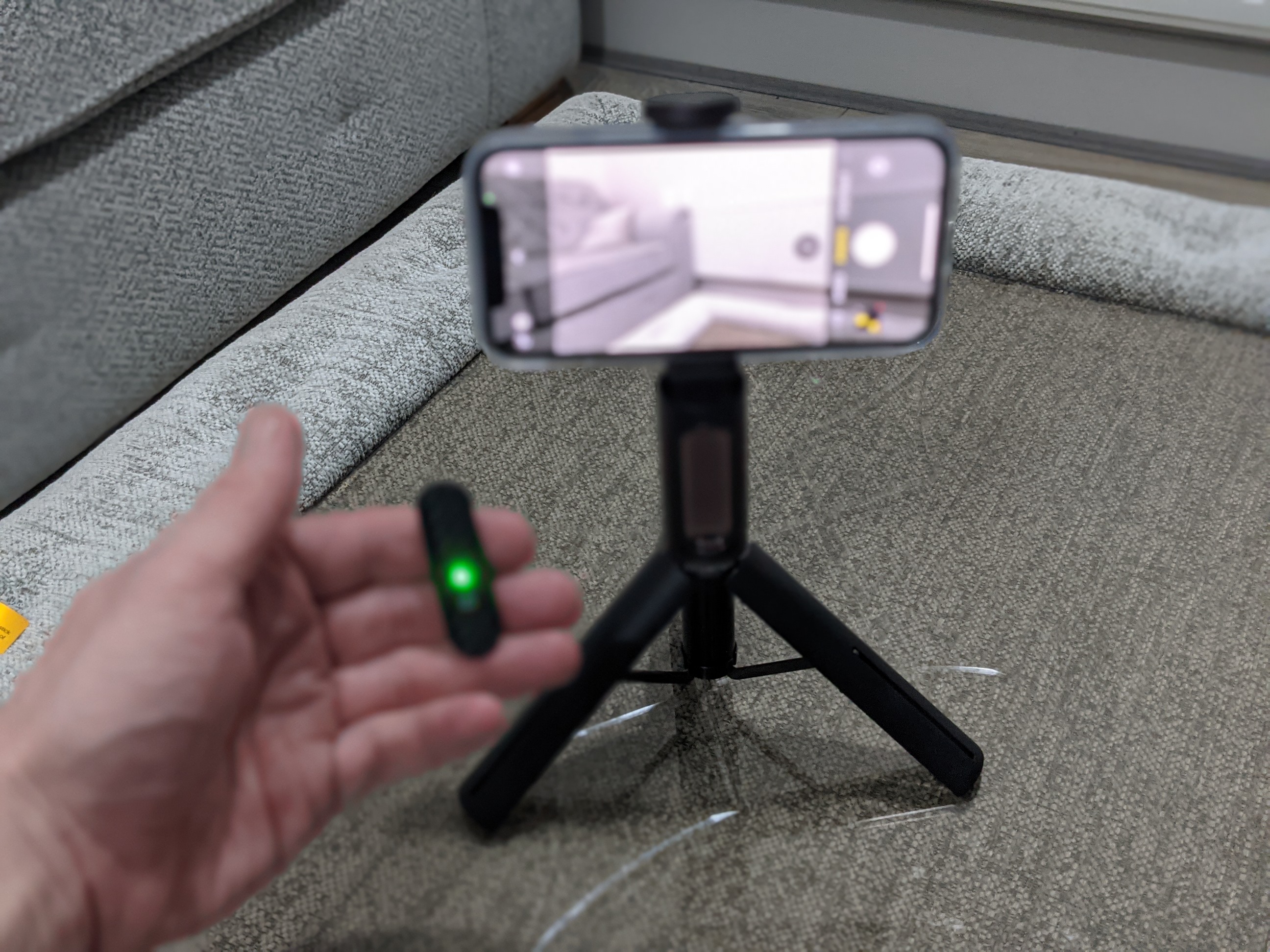

How To Connect Atumtek Selfie Stick

To connect an ATUMTEK selfie stick, extend and lock the telescopic pole, turn on the Bluetooth remote, then pair your phone to the remote named “ATUMTEK” from your phone’s Bluetooth...

How Does The Selfie Stick Work

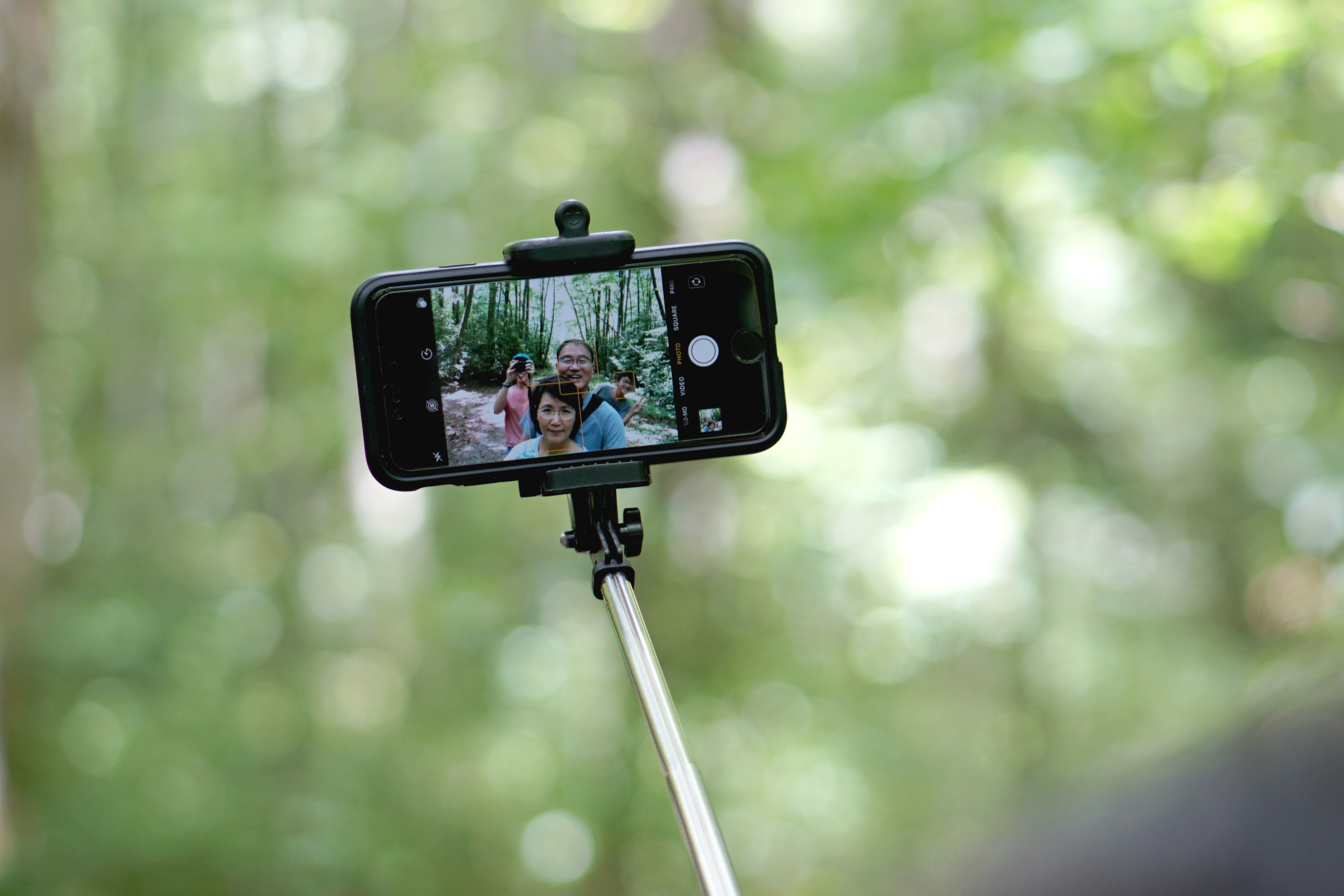
A selfie stick works by holding your phone in a clamp, extending a telescopic arm for distance, and using a shutter trigger that simulates a volume button press to take...

How To Pair A Selfie Stick

To pair a selfie stick, you must first put the stick into discovery mode, usually by pressing and holding its Bluetooth button until a light flashes, then connect it through...

What Is A Selfie Stick

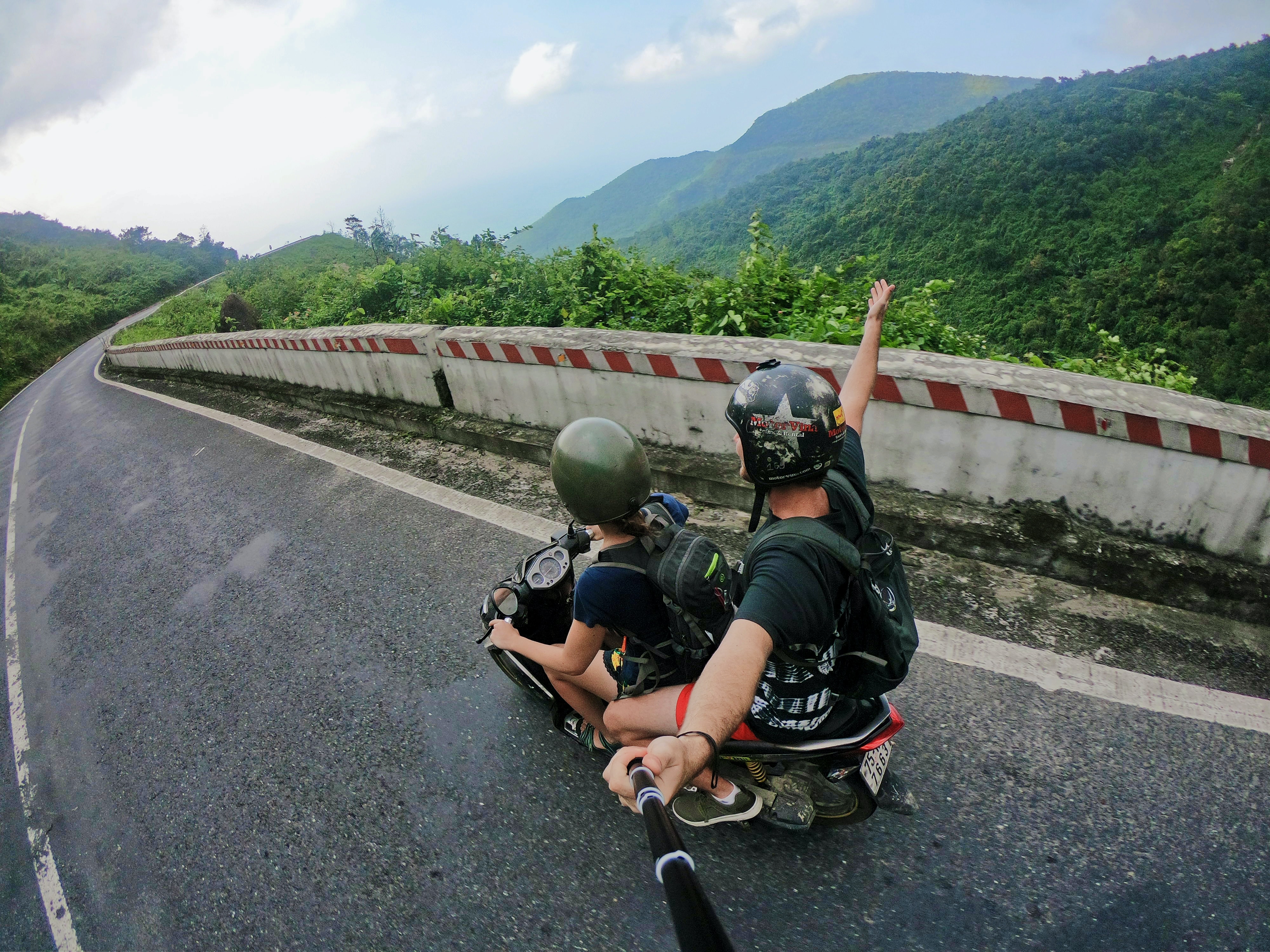
A selfie stick is a handheld telescoping pole with a phone clamp that extends your smartphone away from your body, allowing you to capture wider self-portraits and group photos. It...

How Do You Use A Selfie Stick

Understand how to use a selfie stick Learning how to use a selfie stick starts with a clear definition: it is simply a handheld extension that holds your phone farther...

How To Use DJI Gimbal

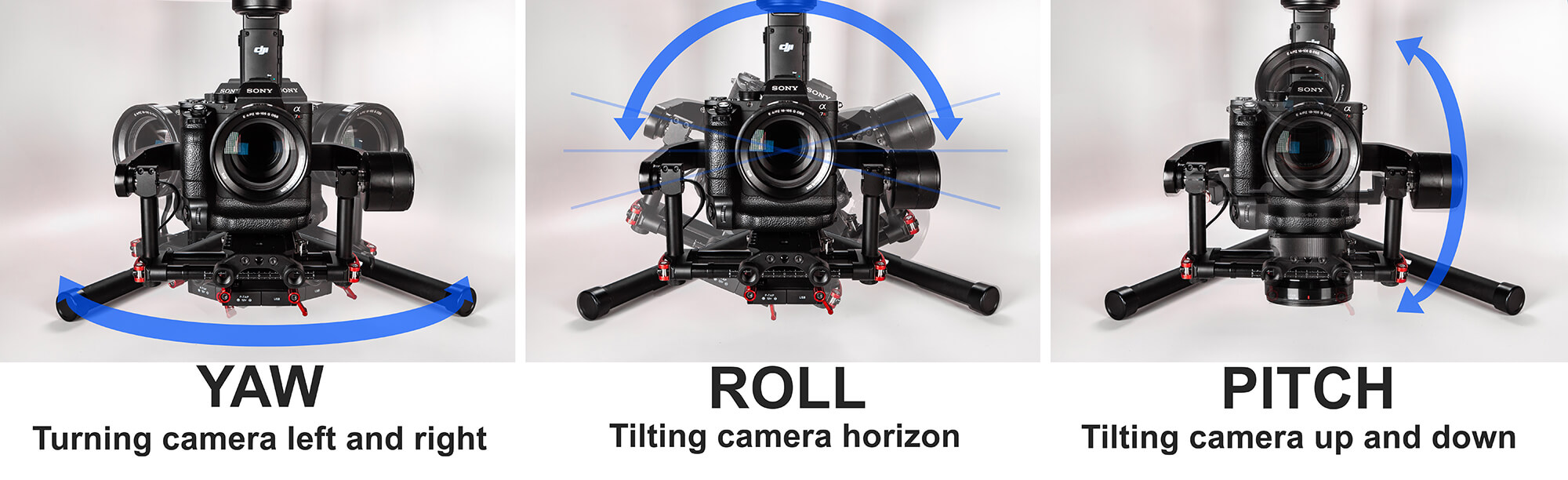
To use a DJI gimbal with your phone, you pair it with the DJI Mimo app to capture smooth, stabilized smartphone footage. Before you begin: phone compatibility and the DJI...

Why Isnt My Phone Ringing

If your phone isn't ringing, the most common causes are that Silent mode or Do Not Disturb is enabled, the ringer volume is turned down, or your phone is connected...

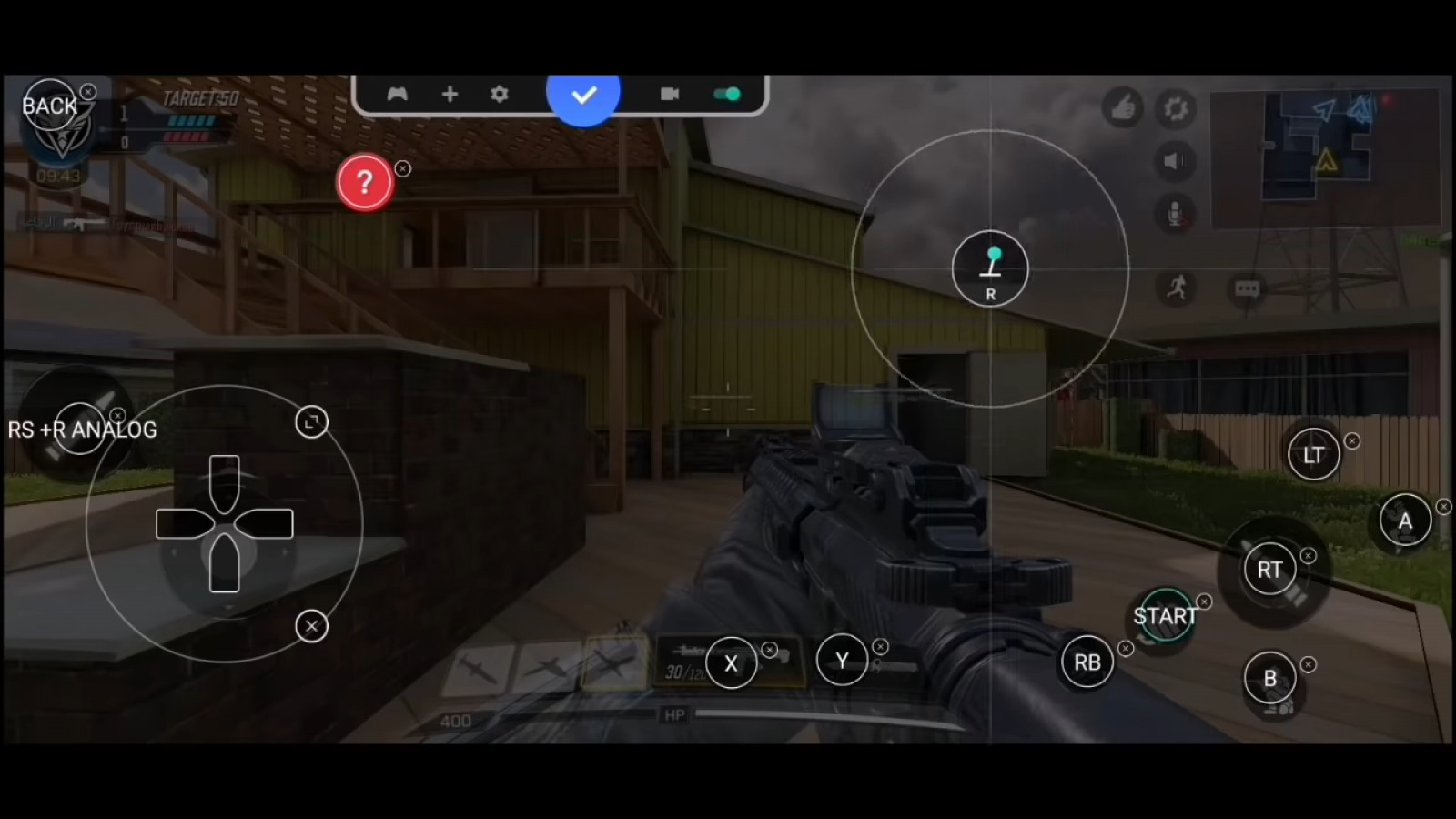
How To Use Controller On Cod Mobile

You can use a controller on COD Mobile to gain precise aim and a console-like feel, and the game officially supports Xbox, PlayStation, and Backbone One controllers on both Android...