Welcome to the Browser tag on CellularNews. This page gathers our guides and how-tos focused on the web browsers and online services you use on your phone. It is designed for anyone who wants to manage their mobile browsing experience, handle account logins across different devices, or connect their phone to gaming and social platforms.
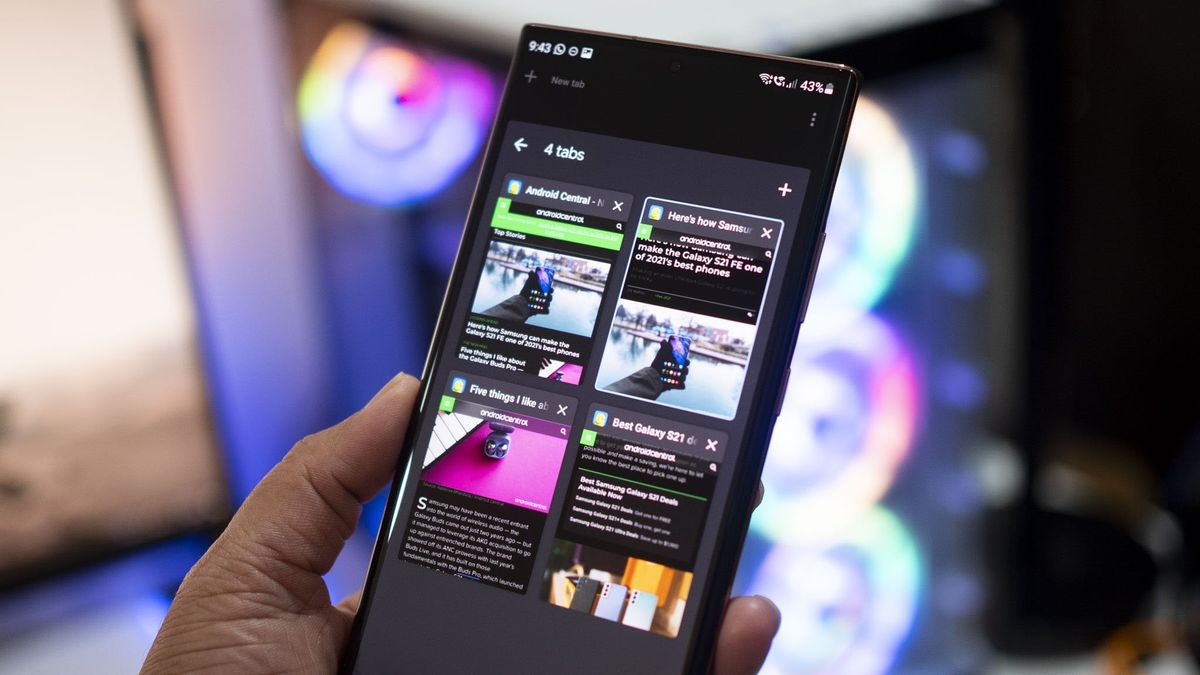
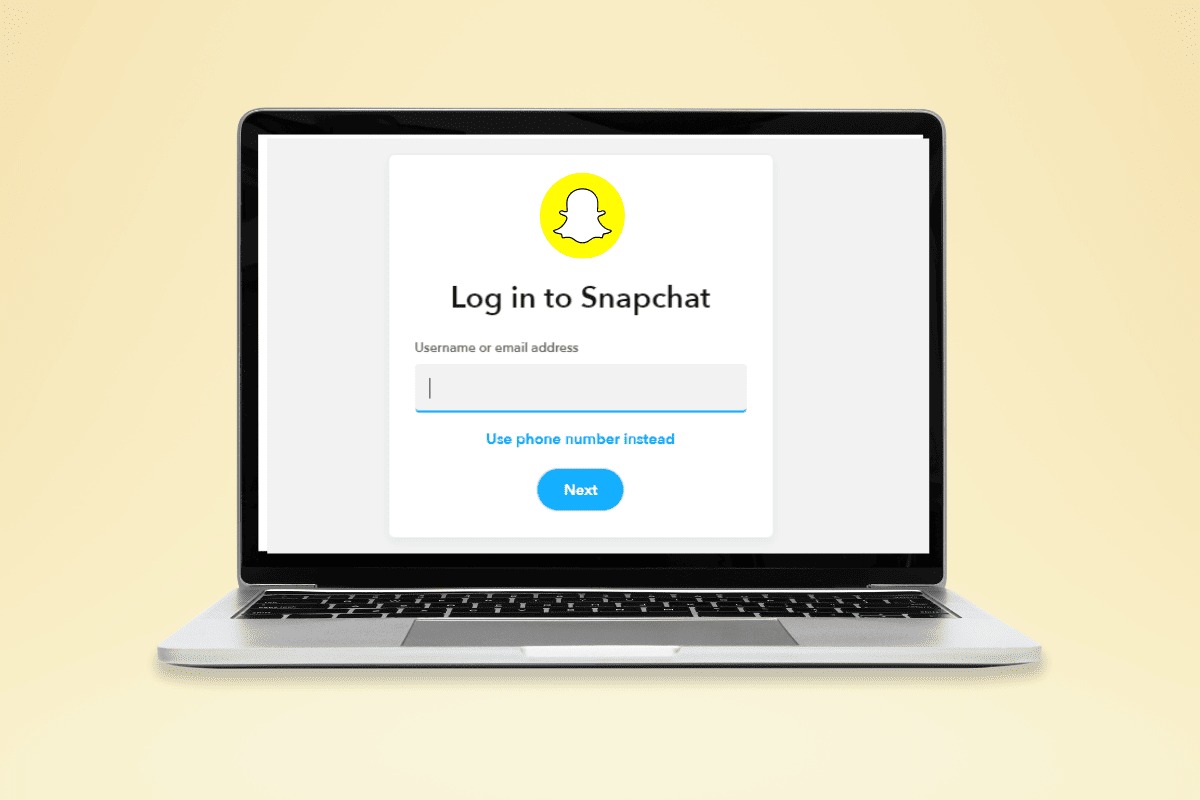
The articles here solve two main kinds of problems. First, they help you control your browser’s core settings and security, such as learning how to set or change your default Google account and understanding whether DuckDuckGo is safe for your private searches. Second, they address the common frustration of signing into services without a phone handy, including how to login to Snapchat on a computer without your phone. You will also find practical tasks like closing tabs on an Android phone to keep your browsing tidy.
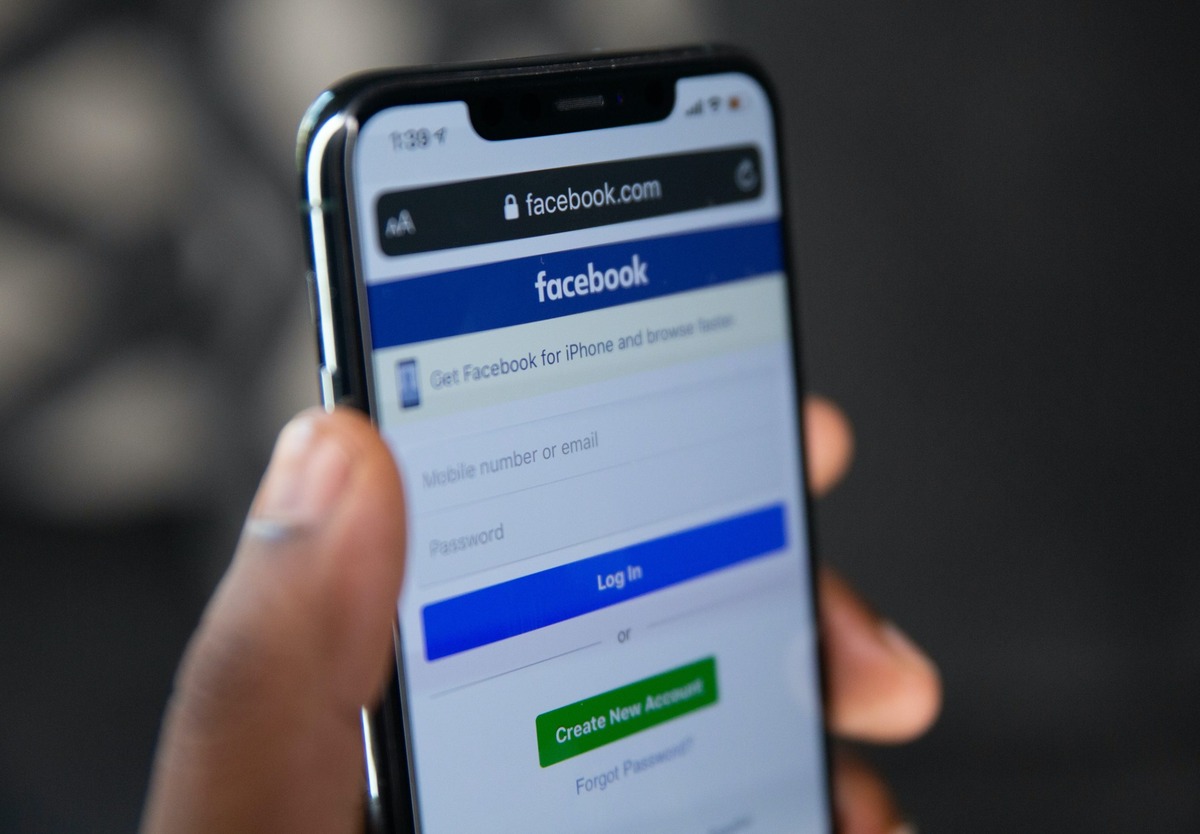
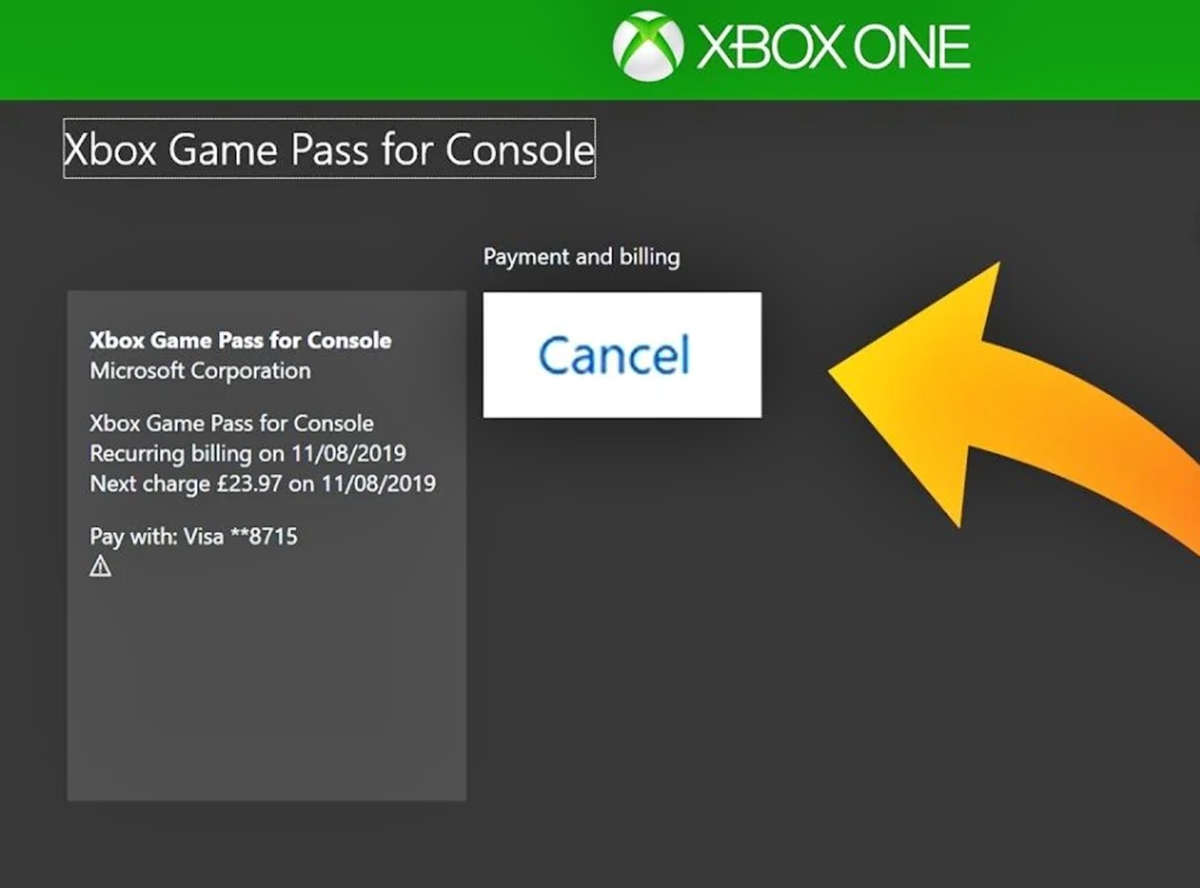
Beyond basic browser management, these guides extend your phone’s reach into other ecosystems. They show you how to cancel Xbox Live on your phone, check in on Facebook from an iPhone, and even put a picture on your PS4 background using your phone. For gamers, there is also a clear walkthrough on how to play Xbox games on your phone with Game Pass, turning your device into a portable console.