This tag collects all of CellularNews’s guides and fixes related to the settings and configurations your phone needs to connect to a cellular network. It is intended for anyone who needs to troubleshoot a carrier-specific issue, adjust how their phone communicates with their service provider, or understand the basic technical terms behind their mobile plan.
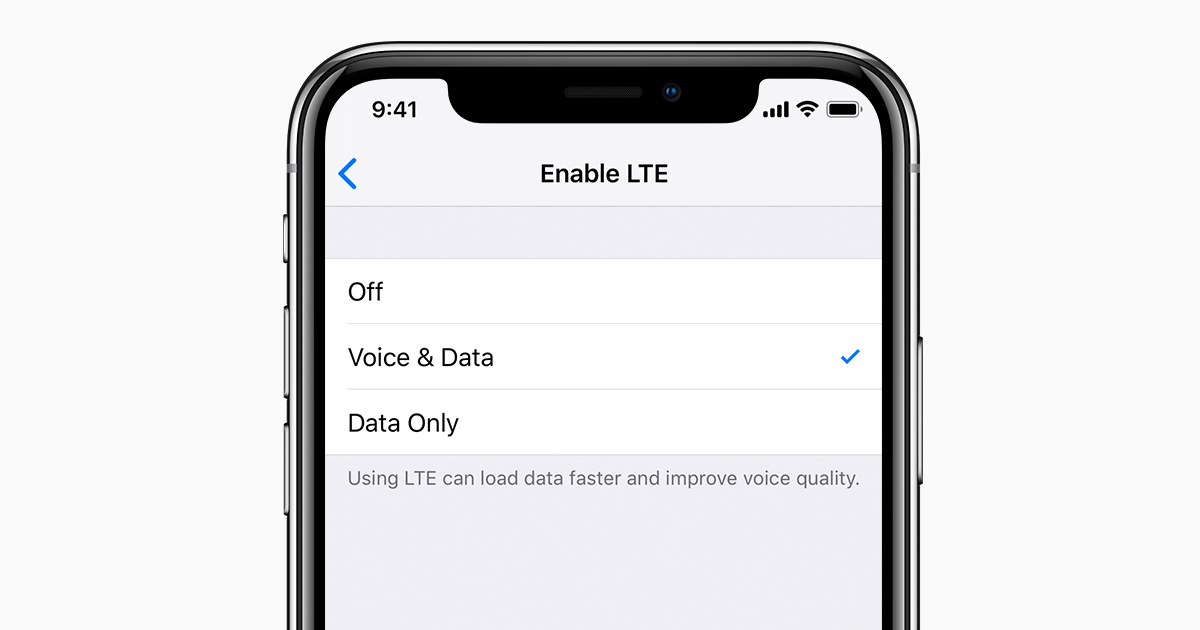
The articles here solve practical problems centered on two main themes: fixing connectivity and managing your line. For connectivity, you will find step-by-step help for issues like fixing an invalid SIM card error on Android and iOS, improving mobile signal strength at home, and troubleshooting why a Metro hotspot is not working. The guides also explain foundational concepts like what an APN is and how to change it effectively, what data charging means, and what second-generation wireless (2G) is. For managing your line, the articles show you how to change your phone number on specific carriers like AT&T, Verizon, Metro PCs, and Cricket, how to set up voicemail on Android, Boost Mobile, Xfinity Mobile, and Spectrum Mobile, and how to turn off message blocking on T-Mobile or remove port protection.
Beyond these core themes, the collection covers calling and caller features. You can learn how to call back a private number, how to change your caller ID on Android, how to adjust the number of rings on an iPhone, and how to stop an Android phone from going straight to voicemail. There are also guides for making international calls from a US cell phone to Poland or France, and for using international roaming on Boost Mobile.