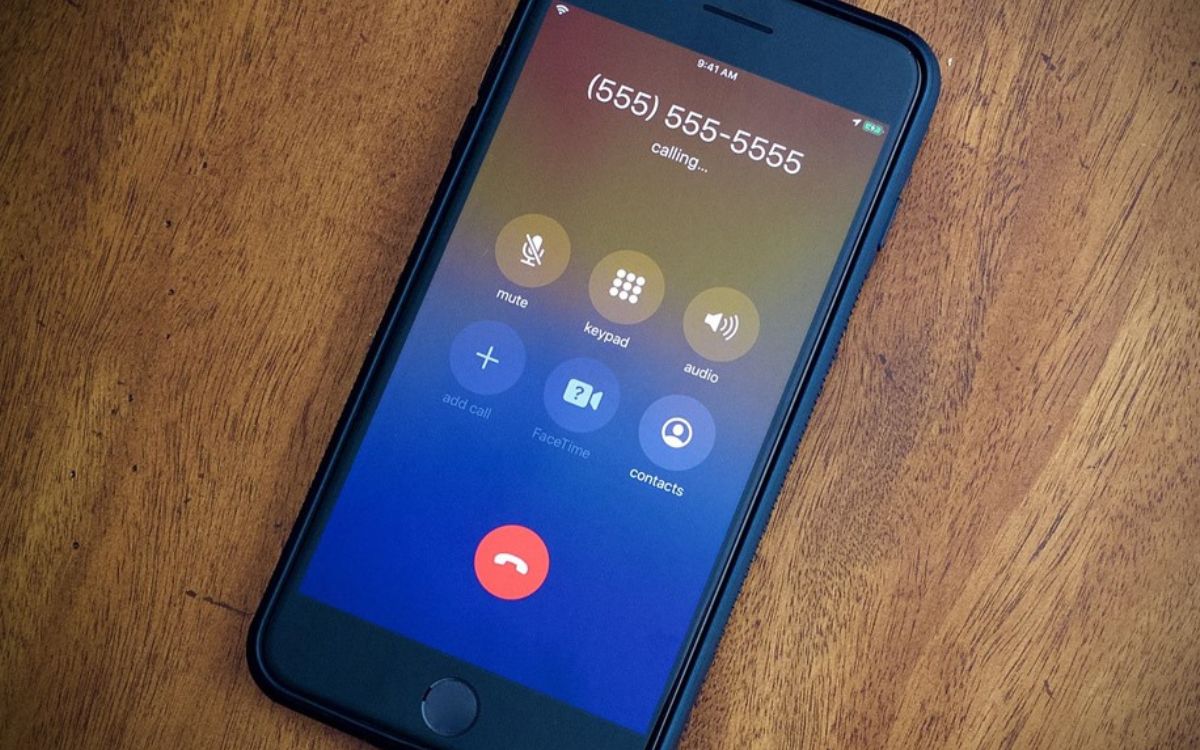
You hear a cell phone busy ring most often because the person you are calling is already on another call and has call waiting turned off. When call waiting is disabled, the network treats the new call as unavailable and sends it directly to voicemail, which sounds to you like a busy signal.
Check if call waiting is the culprit
Call waiting lets you accept a second call while you are already on one. On an iPhone with GSM service, call waiting is available and can be turned on or off through the carrier settings. When call waiting is off, any incoming call while you are already on a call is sent straight to voicemail, producing a busy ring for the caller. On Dual SIM iPhone models, Apple documents that call waiting works only for incoming calls on the same line unless the other line has Wi‑Fi calling enabled and a data connection is available. This limitation can cause a busy ring even when the phone is not actively on a call if the second line cannot handle the incoming call.
When call forwarding causes a busy signal
General call forwarding sends all incoming calls to another number. Conditional call forwarding, such as forwarding only when the line is busy, is a carrier feature on iPhone and is not a simple phone setting. Apple states that conditional call forwarding for calls when busy or not in service depends on carrier support and must be set up with the carrier. If the carrier has configured busy-line forwarding, calls to your number while you are on another call will be redirected elsewhere, which can produce a busy ring for the caller.
How to review your iPhone call forwarding settings
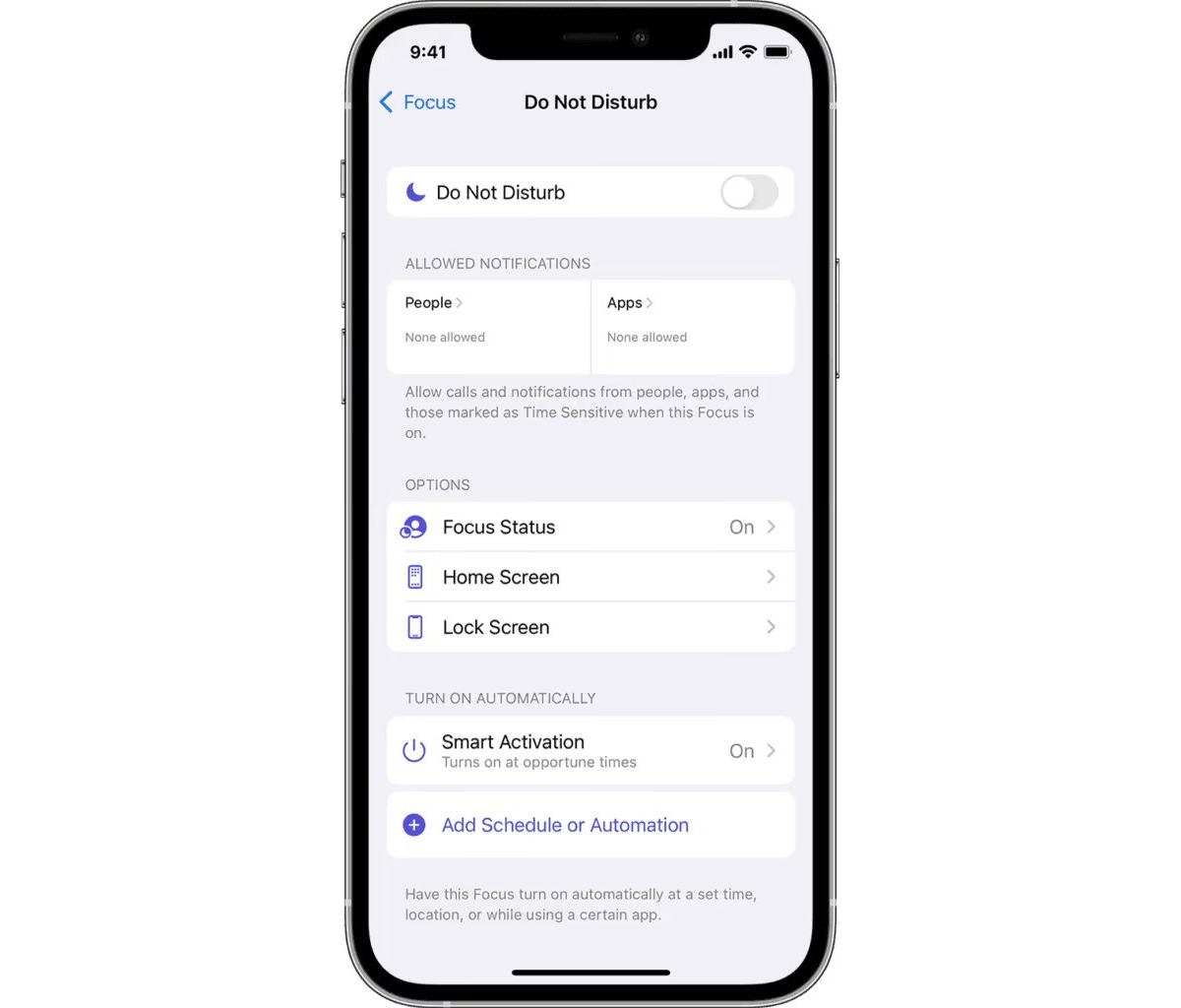
- Open Settings > Apps > Phone > Call Forwarding.
- Turn on Call Forwarding.
- Tap Forward To, enter the number, then tap Back.
- On Dual SIM models, choose a line before setting the forwarding number.
Apple notes that you must be in range of the cellular network when enabling forwarding, or calls will not be forwarded. The call forwarding feature works on iPhone with GSM cellular service; for CDMA service, the carrier must provide setup information.
Other less common reasons for a busy ring
Network congestion or carrier routing issues can make a call fail before it reaches the phone. These are temporary problems caused by high call volume or network overload and are outside the user's control. Apple’s documents point users to carrier setup when forwarding behavior depends on the line being busy or unavailable, which can also involve ringer and ringtone issues that confuse the caller into thinking the phone is ringing when it is actually being redirected. Manual redirection: a cell phone user may manually set their device to give a busy ring to incoming calls for privacy or to avoid interruptions.
Frequently Asked Questions
Why does a caller hear busy even when the phone is on?
The most documented causes are that the line is already in use, call waiting is off, or carrier call forwarding or conditional forwarding is handling the call. The phone being powered on does not prevent these network-level actions.
Does iPhone have a built-in busy-only forwarding switch?
No. Apple documents only general call forwarding in Settings and states that busy-line forwarding depends on carrier support and setup. There is no iPhone setting to forward only when busy.
Does call waiting prevent busy signals?
Yes, when call waiting is on, an incoming call while you are already on a call will alert you rather than being sent to voicemail. Apple says that with call waiting off, incoming calls go directly to voicemail while you are on another call, which sounds like a busy outcome to the caller.
Is a busy ring different from a disconnected signal?
A busy ring means the line is in use; a disconnected signal means the number is no longer active.
Can I change the busy ring tone on my cell phone?
Some cell phones allow users to customize various ringtones, including the busy signal, through settings or sound options.
Related reading: How Long Does A Phone Ring?.