Start here: cleaning

All topics →

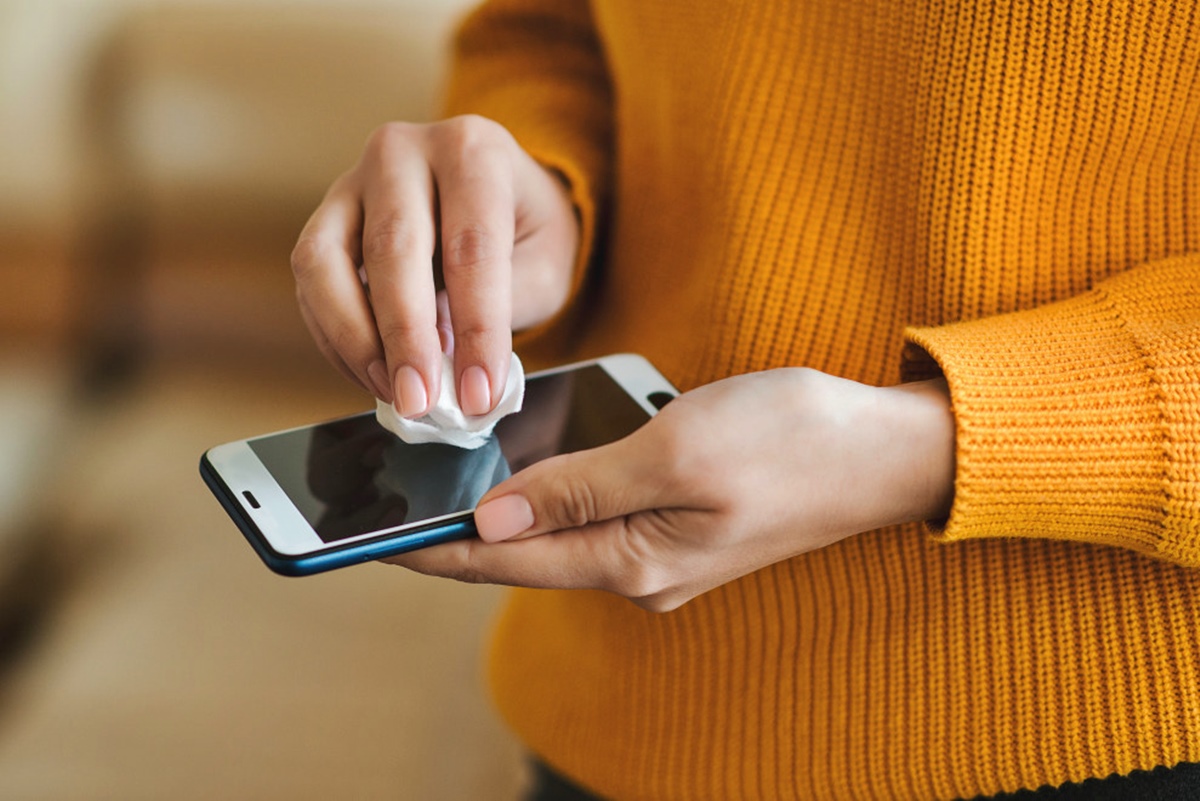
The Cleaning tag on CellularNews is a practical resource for anyone who owns a phone, case, screen protector, or the accessories that go with them. This collection is for users dealing with everyday grime, accidental damage, or the sticky residue left behind by adhesives and repairs. Whether you are maintaining your device’s appearance or fixing a component that has become unresponsive, these articles provide straightforward, step-by-step guidance.

The problems covered here fall into a few clear themes. One major group focuses on screen protectors and Popsockets: how to install, remove, or replace them without leaving a mess. You will find help with taking apart a Popsocket, putting one back on, and cleaning the sticky side of a screen protector. Another theme tackles phone case care, from washing a case and unyellowing a clear one to removing stubborn stains like Sharpie, super glue, or nail polish. A third set of articles addresses hardware maintenance, including cleaning battery terminals to fix corrosion, and fixing sticky or drifting joysticks on controllers and mice.

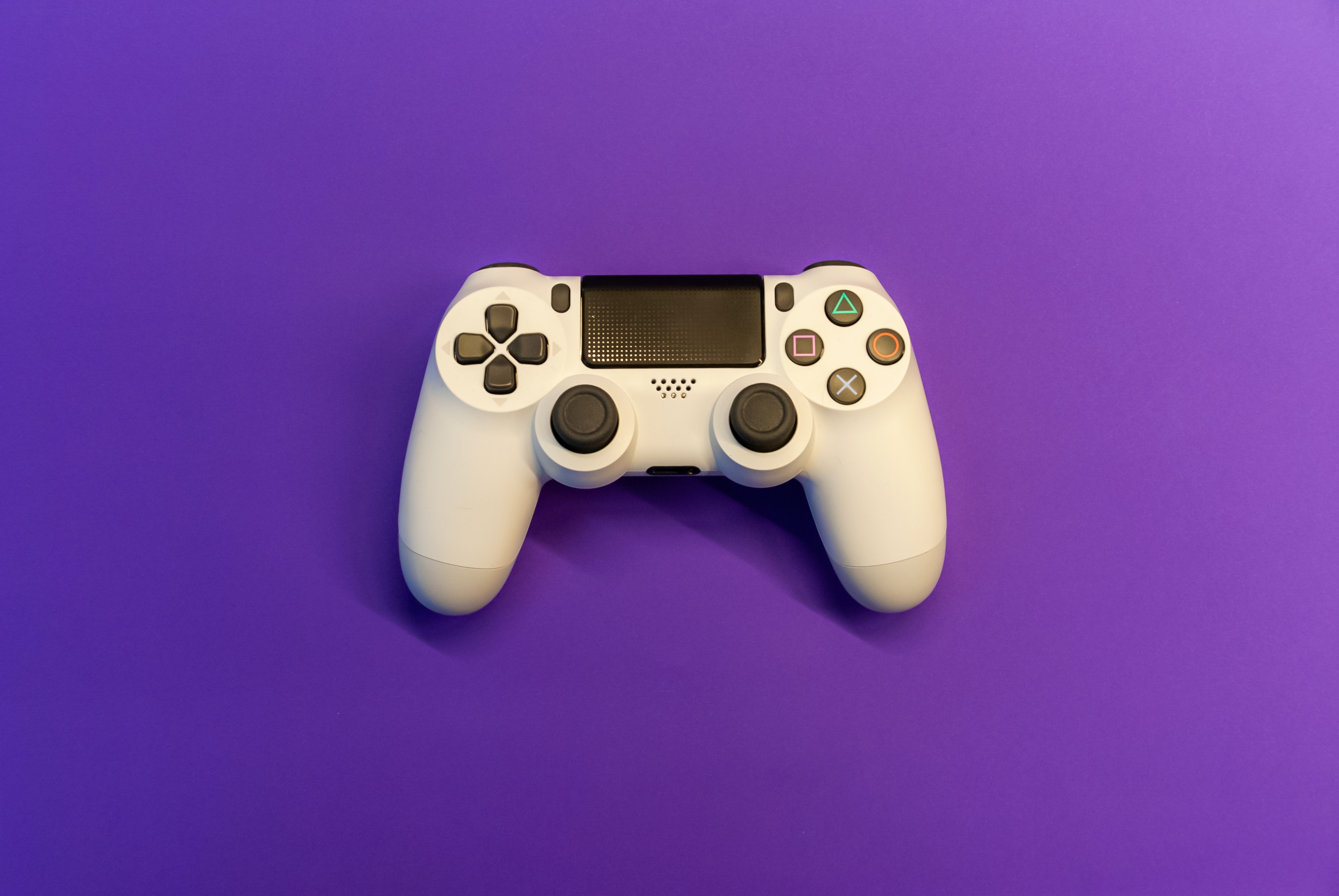
These articles help you do specific tasks: remove adhesive safely, restore a white phone case to its original color, clean out battery corrosion from toys, and fix a PS4 controller joystick that moves by itself. The focus is on solving real, common problems with clear instructions, not on selling you new gear.
Cleaning Phone Cases and Grips

Getting the clean phone case off without damage Before you learn how to clean phone case and grip accessories, removing a heavy-duty protective shell safely prevents cracked screens and bent...

How To Remove Sand From A Phone Speaker?

To remove sand from a phone speaker safely, turn off your phone, unplug all cables, and gently brush the speaker openings with a small, non-metallic, soft-bristled brush that is clean...

How To Clean Phone Case Silicone

To clean phone case silicone safely and effectively, use mild dish soap and warm water with a soft, lint-free cloth. This method removes dirt and grime without damaging the flexible...

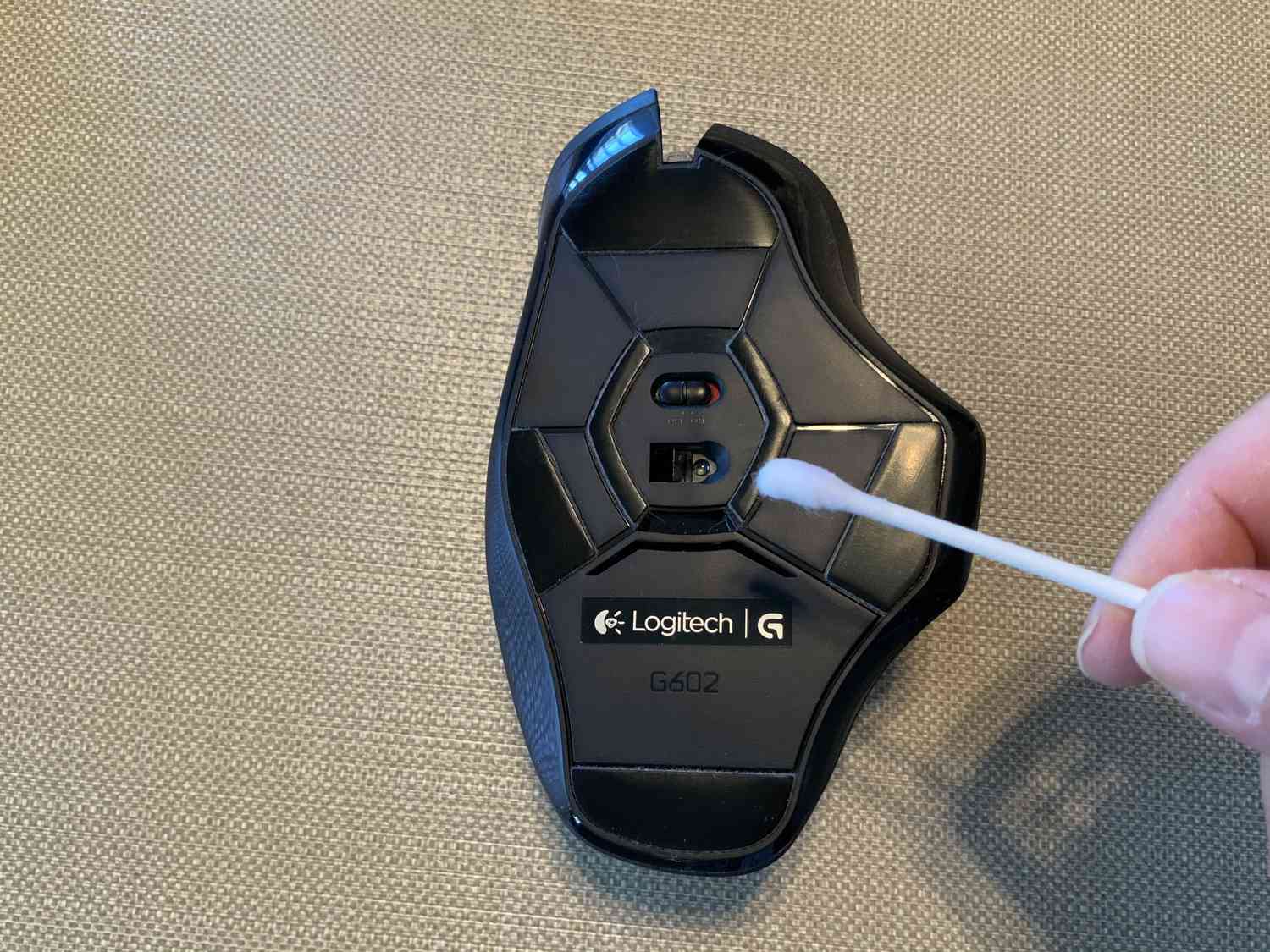
How To Clean A Wireless Mouse

To clean a wireless mouse safely, start by powering it off and removing any removable batteries, then use a lint-free cloth lightly moistened with water to wipe the exterior, keeping...

How To Remove Dust From Phone Speaker

To safely remove dust from phone speaker grilles and restore muffled or distorted sound, use a clean, dry, small, soft-bristled brush on the speaker opening. This is the only physical...

How To Clean Connector Pins

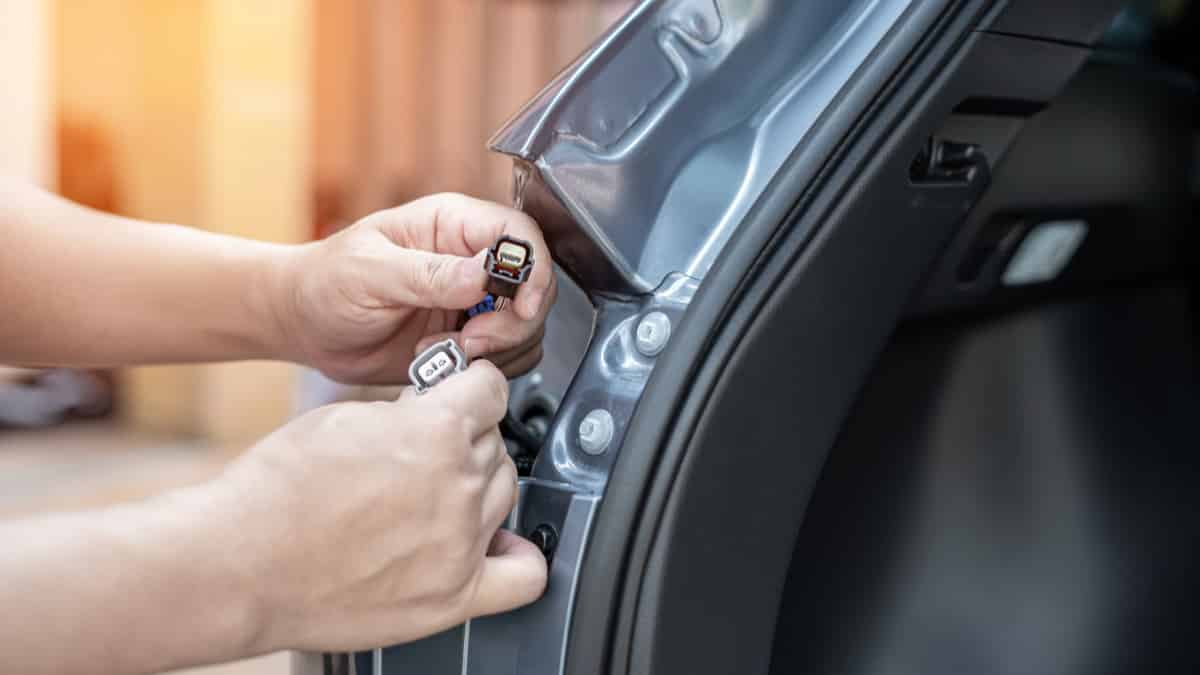
To clean connector pins safely, use only the methods Apple documents for its Beats earbuds and charging cases, because no official phone-specific pin-cleaning procedure exists for iPhone or Android devices....

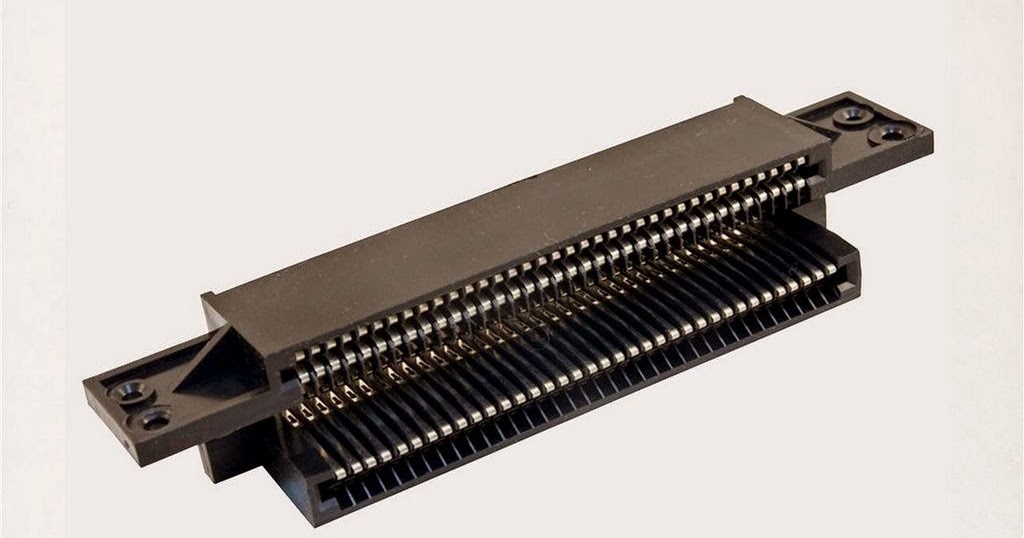
How To Fix A Nes 72 Pin Connector

To fix an NES 72 pin connector without replacing it, you need to either bend its pins back into alignment or give it a deep clean with high-concentration isopropyl alcohol....

How To Fix A Sticky Joystick

To fix a sticky joystick, you need to remove the dirt, debris, or dried lubricant that is causing the physical resistance. The fix typically involves cleaning the joystick mechanism with...