The Console tag on CellularNews brings together a focused collection of guides for gamers who want to bridge their home consoles with mobile devices, or who need straightforward fixes for common hardware and software issues. This page is built for anyone juggling a PlayStation, Xbox, Nintendo Wii, or a VR headset, whether you are troubleshooting a connection problem or setting up a new accessory.

The articles here solve two main kinds of problems. One group helps you extend your console experience to your phone or tablet, covering topics like using your PS4 as a second screen and finding the best ways to play Xbox on mobile through Remote Play. Another group tackles setup and connectivity headaches: you will find clear steps for connecting a wireless mouse or keyboard to a PS4, pairing an Xbox wireless headset, or getting an Xbox 360 wireless controller working. A few articles also address data management and recovery, such as resetting a PS4 without losing data or deleting game data on the PS4, plus guidance for VR headset troubleshooting and connecting a Wii to an Xfinity Wi-Fi hotspot.

Whether you are trying to link your console to a phone, pair a wireless guitar to an Xbox 360, or figure out which HyperX headset to buy, these articles give you the direct, practical steps to get things working.
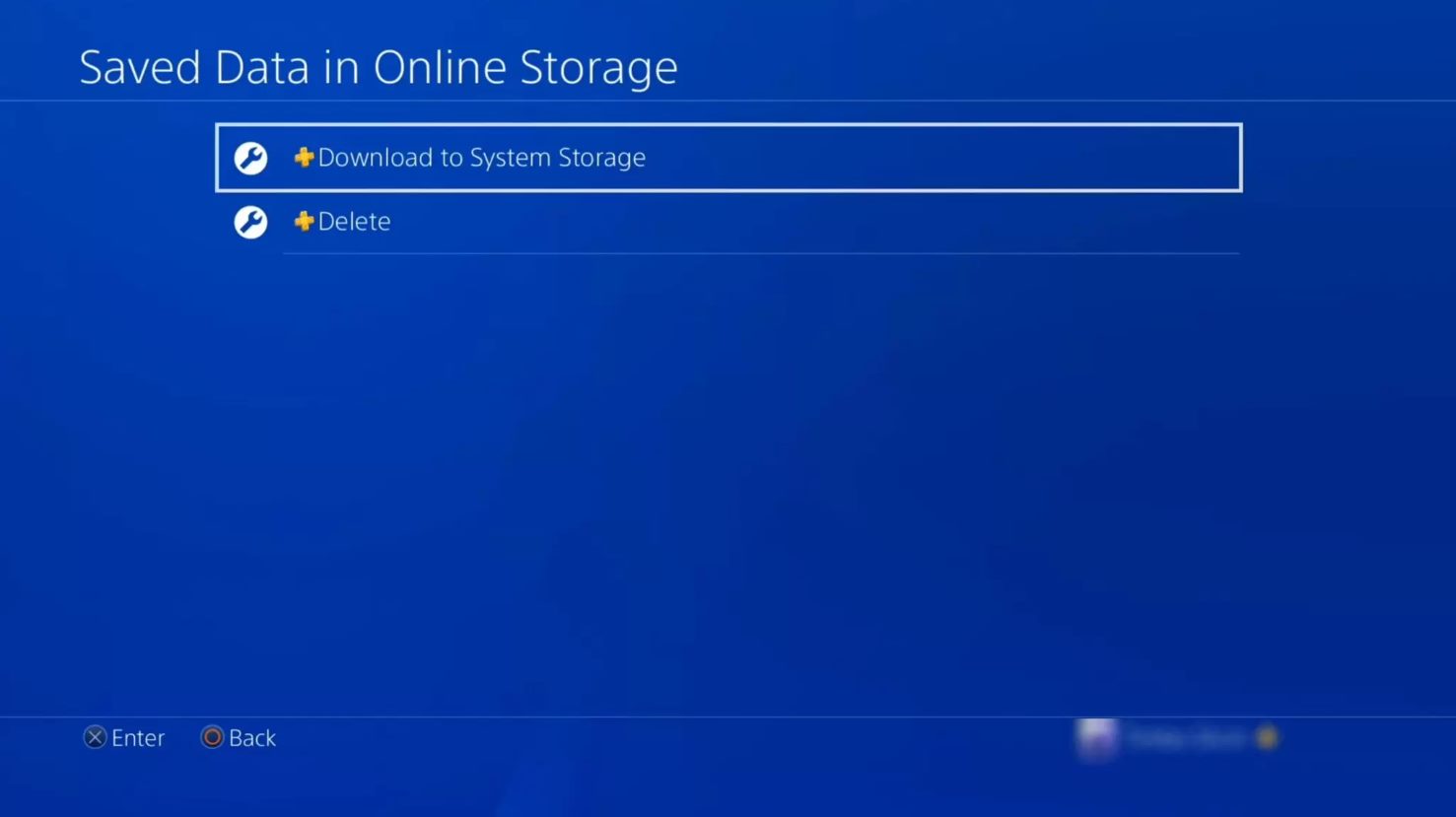
How To Reset PS4 Without Losing Data

To reset PS4 without losing data, you have two safe options: Restore Default Settings and Rebuild Database. These methods fix performance issues and glitches while keeping your saved games, profiles,...

How To Delete Game Data On PS4

To delete game data on PS4, you have two main options depending on what you want to remove: you can delete the game application itself to free up storage space,...

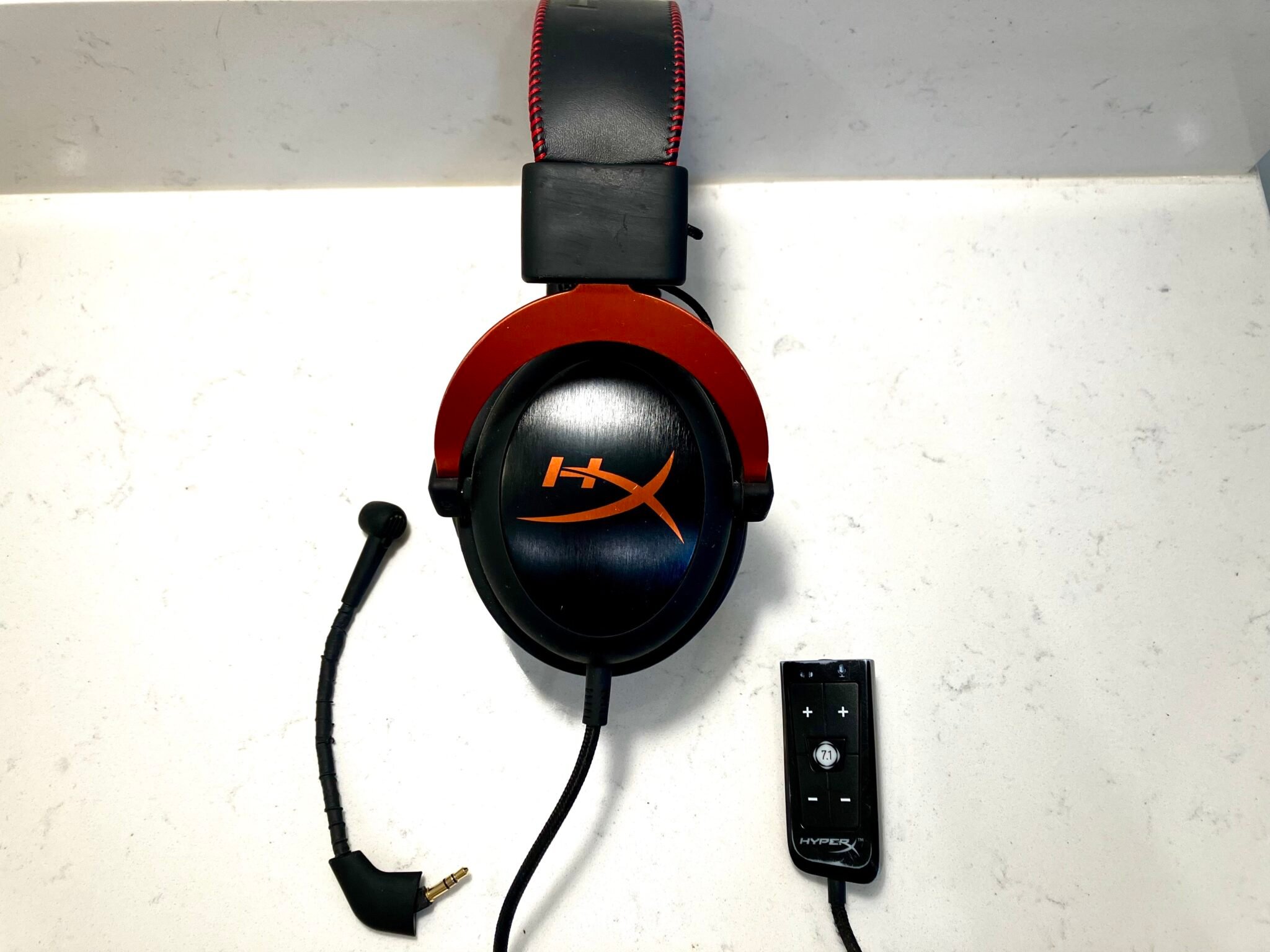
How To Setup Hyperx Cloud Headset

To setup HyperX Cloud headset, plug the included 3.5mm audio cable directly into your device's headphone jack. If your device has a single combo audio jack, attach the included audio...

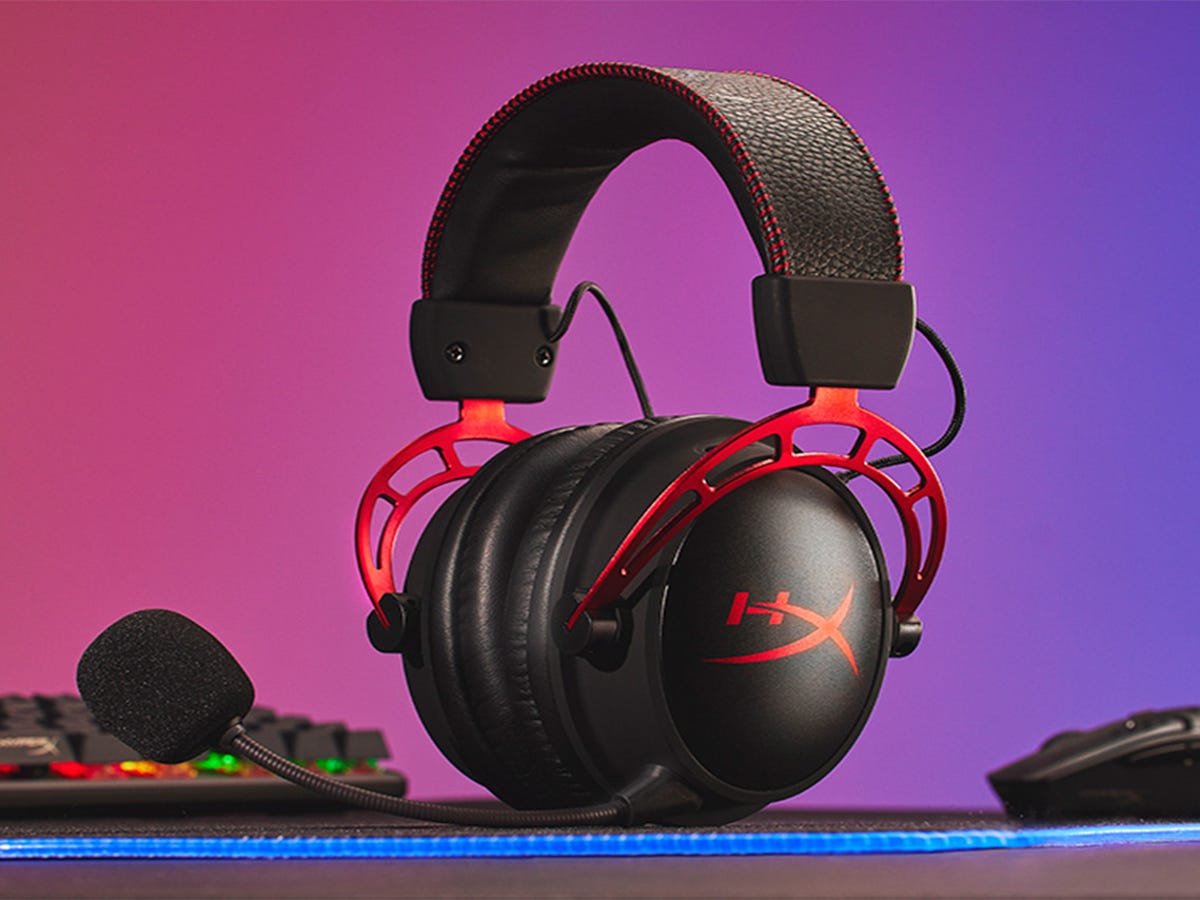
What Is The Best Hyper X Headset

The best HyperX headset is the HyperX Cloud Alpha, based on verified official compatibility and features. It is the only model with confirmed support across PC, PS5, PS4, Xbox Series...

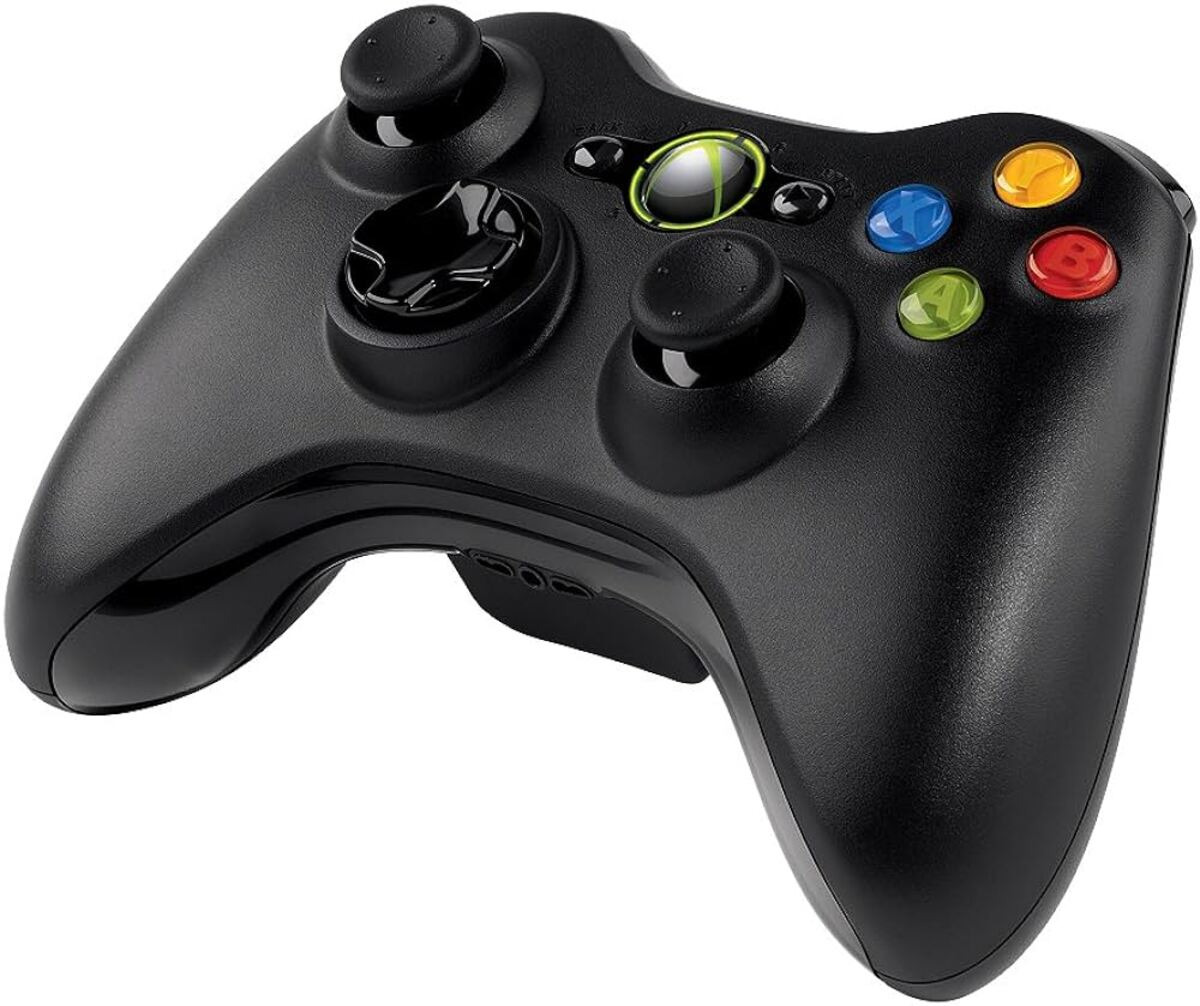
How To Set Up Xbox 360 Wireless Controller

To set up an Xbox 360 wireless controller, you connect it to an Xbox 360 console by inserting batteries and syncing the controller wirelessly. This controller model is not compatible...

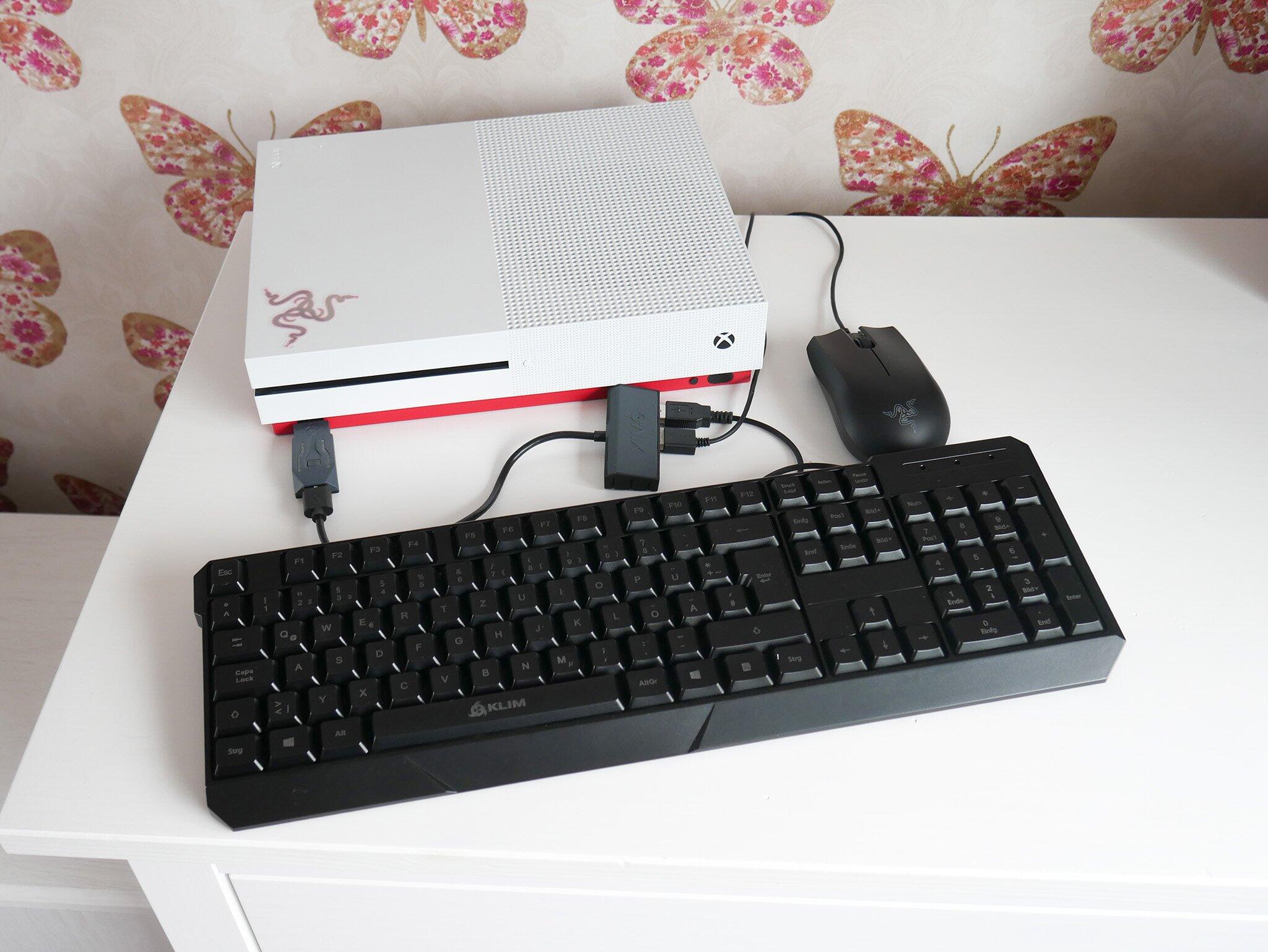
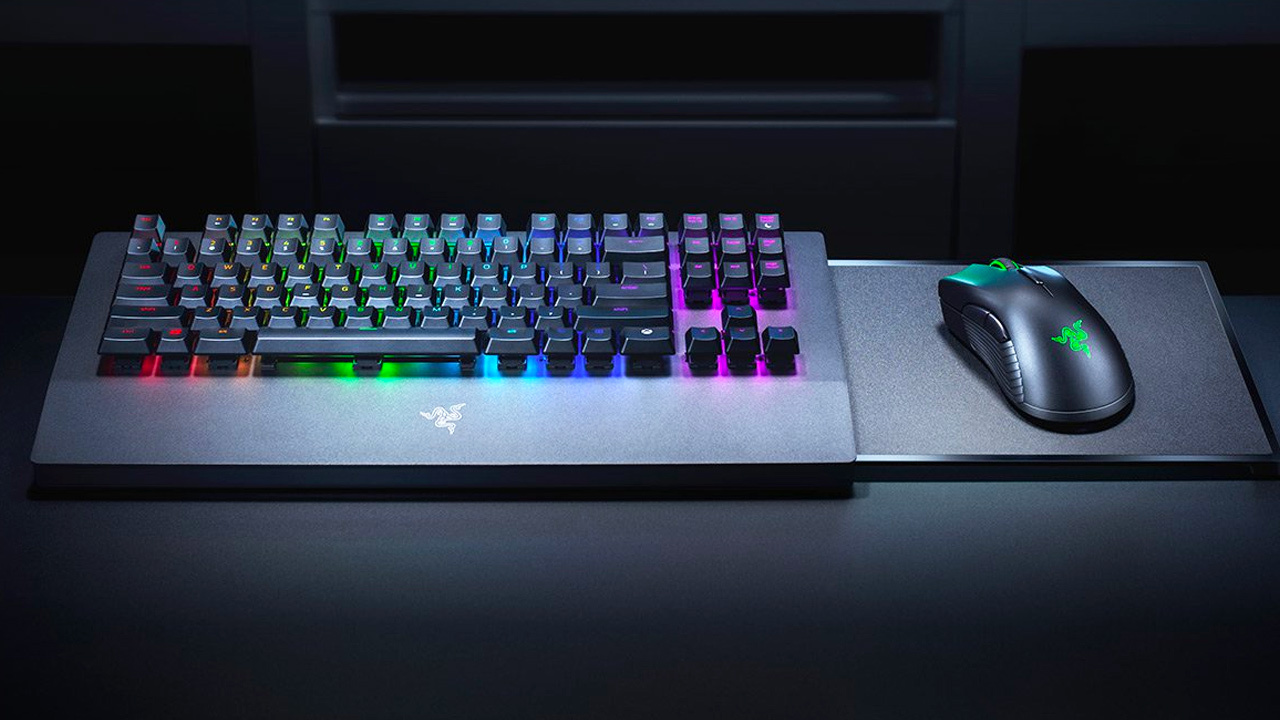
How To Connect Wireless Mouse To PS4

To connect a wireless mouse to PS4, put the mouse in pairing mode, then navigate to Settings > Devices > Bluetooth Devices on your console and select the mouse when...

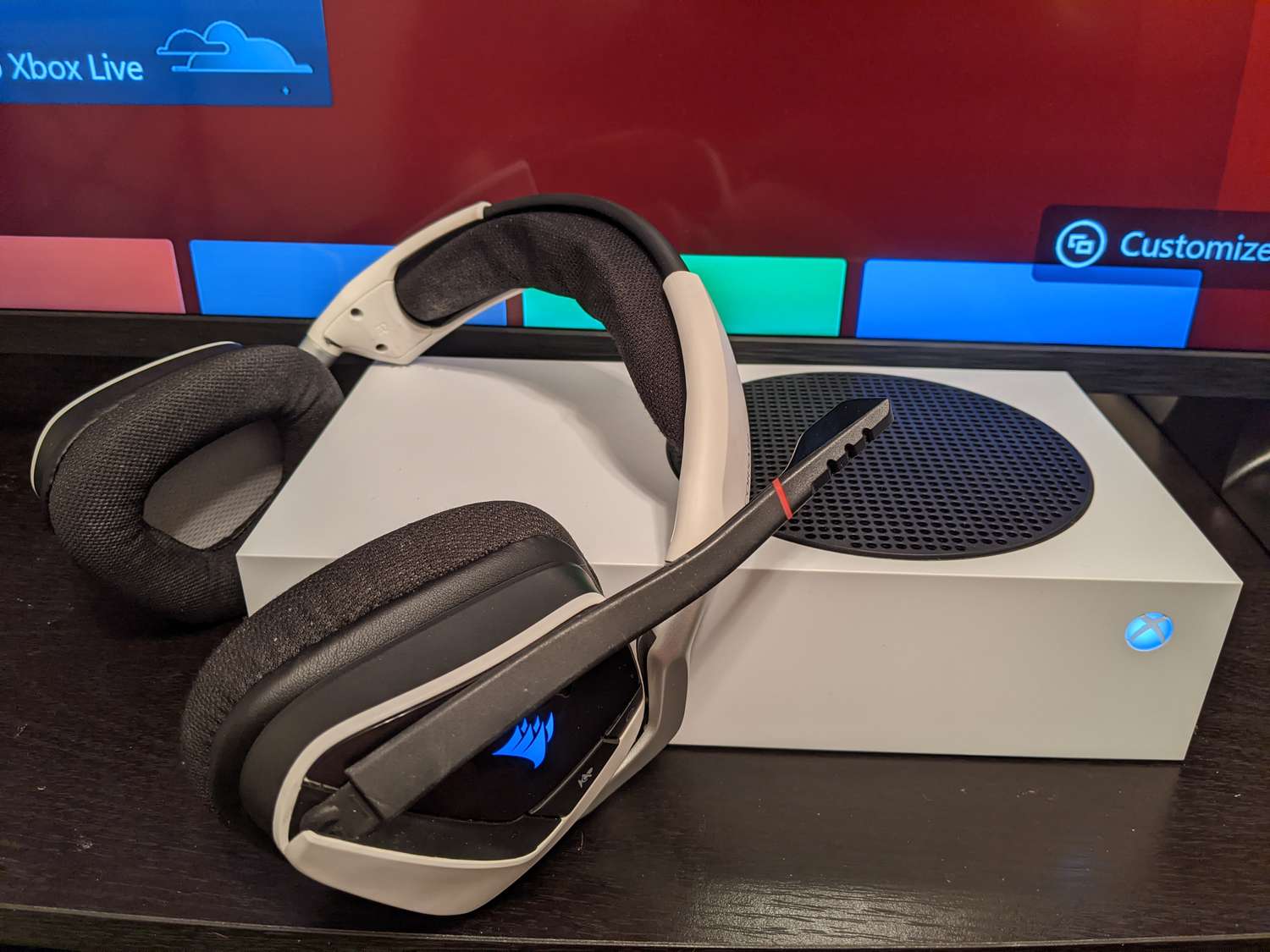
How To Connect Xbox Wireless Headset

To connect your Xbox Wireless Headset, you use two different methods depending on the device: a direct wireless link for Xbox consoles and Bluetooth for phones or PCs. The primary...

Why Is My VR Headset Not Working

When your VR headset is not working, the most common causes are power issues, loose cable connections, outdated software or drivers, or tracking problems. Start by restarting your VR headset,...