Welcome to the Data Recovery tag on CellularNews. This page collects our guides for anyone who has accidentally deleted important phone data or needs to salvage information from a device or account. Whether you use an Android or iPhone, these articles are written for everyday users facing common data loss situations, from vanishing text threads to corrupted storage drives.
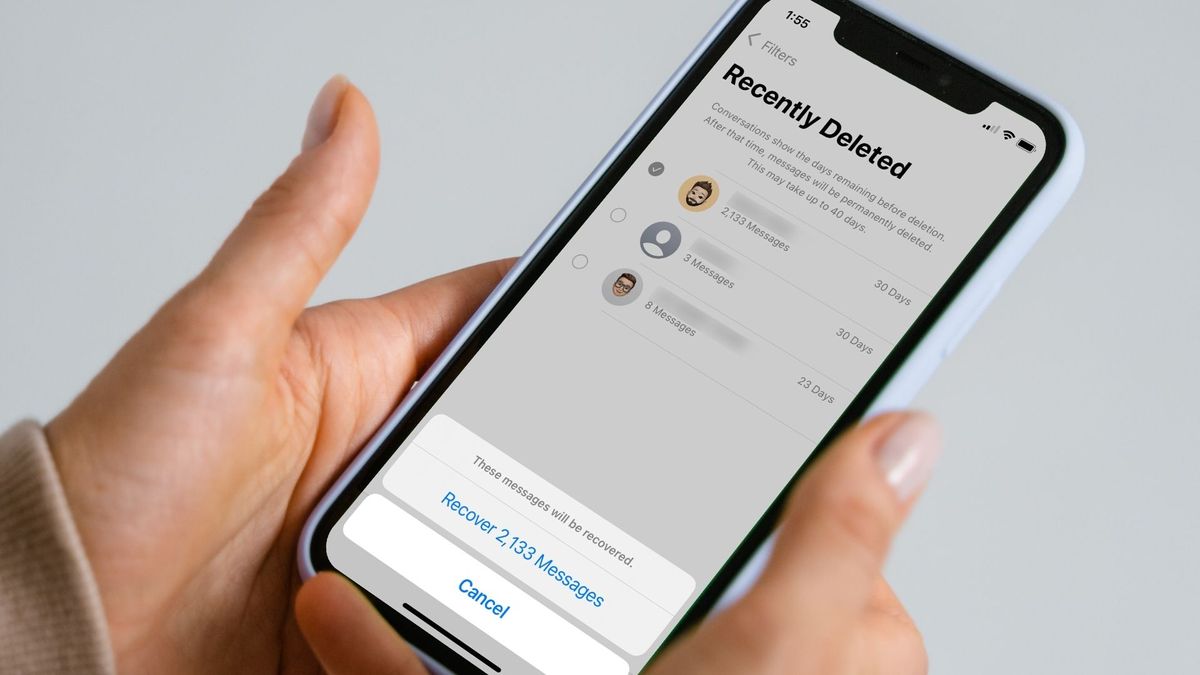
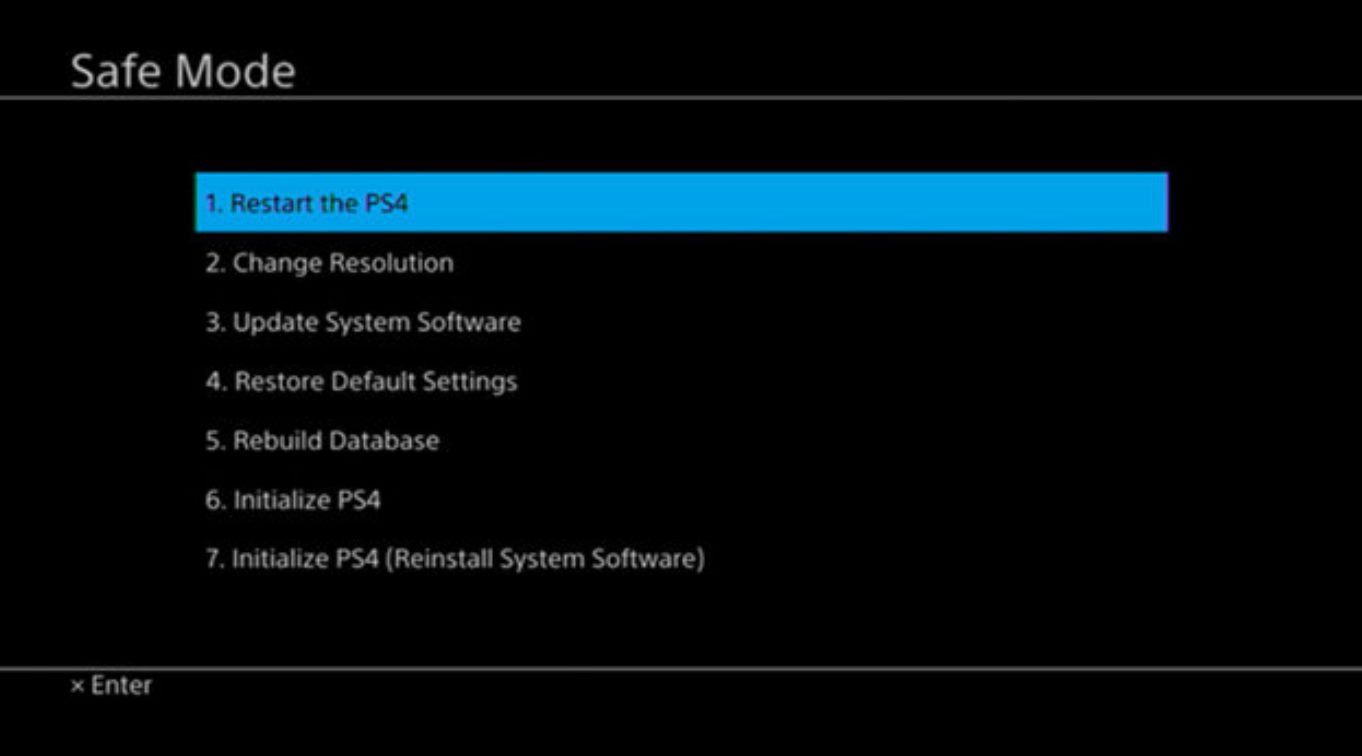
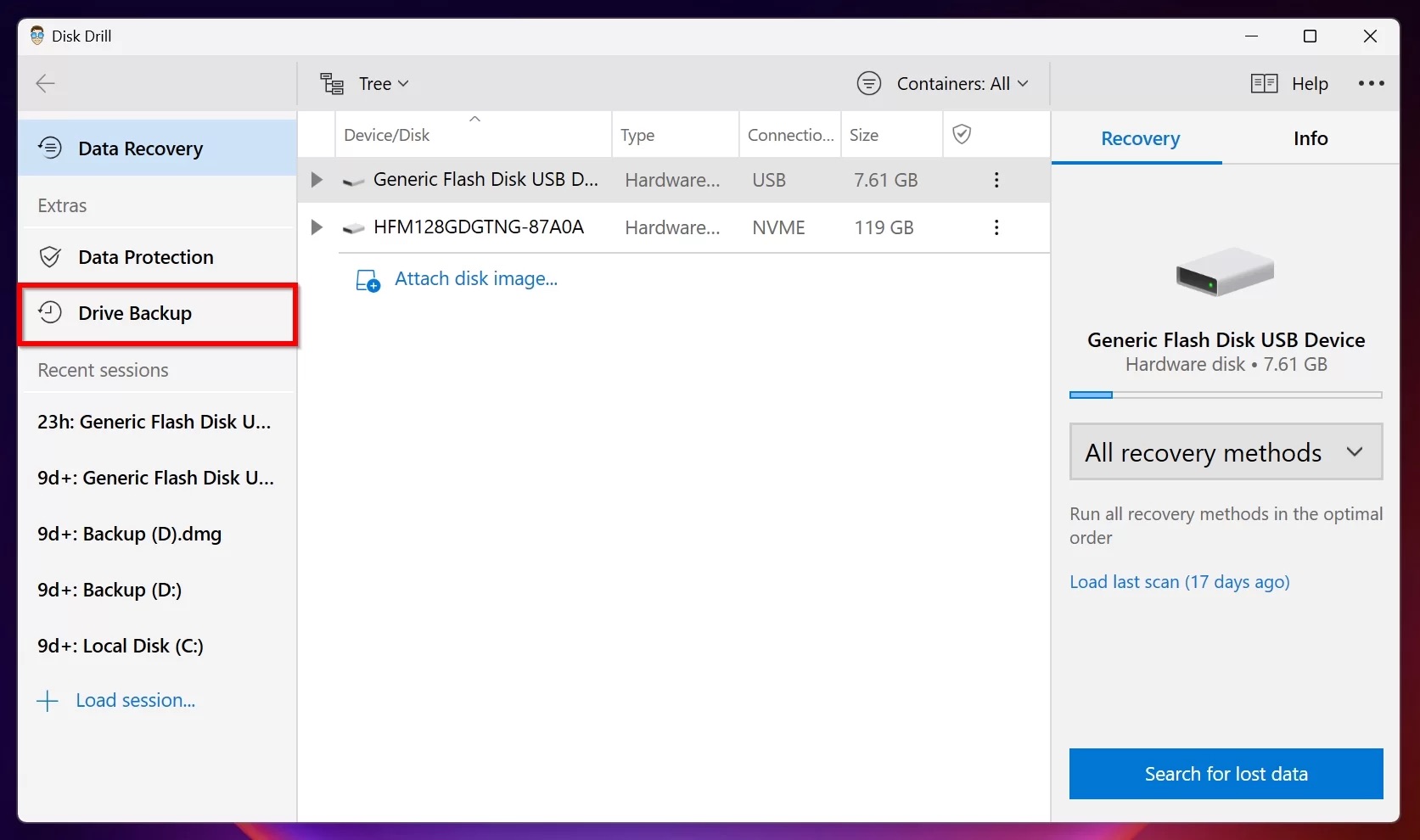
The articles here address two main types of problems. First, they help you restore messages and media that were accidentally deleted or lost. You can learn how to recover deleted texts and messages on both Android and iPhone, find steps to retrieve deleted WhatsApp messages, and discover how to recover permanently deleted photos from an Android phone. Second, the guides cover backup and system-level data recovery, including how to back up your phone to prevent future loss, how to fix a corrupted flash drive without losing data, and how to recover deleted save data on a Nintendo Switch. There is also specific help for carrier-related issues, such as retrieving deleted text messages from T-Mobile, and troubleshooting console problems like getting out of Safe Mode on a PS4 without losing data.
These articles are designed to help you take direct action. They walk you through the process of restoring conversations, salvaging photos, repairing corrupted storage, and preserving game progress. By following the instructions, you can attempt to get back what you thought was gone and protect your data going forward.