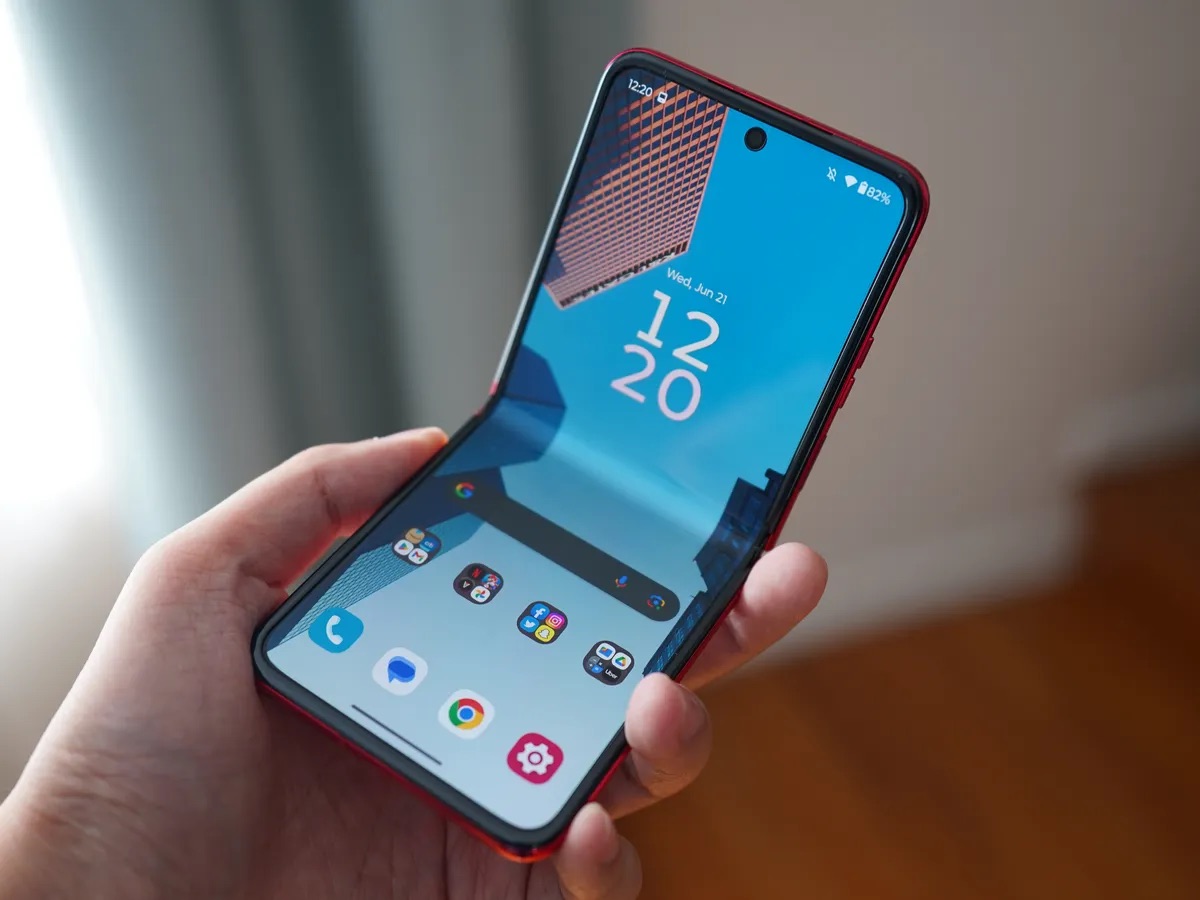
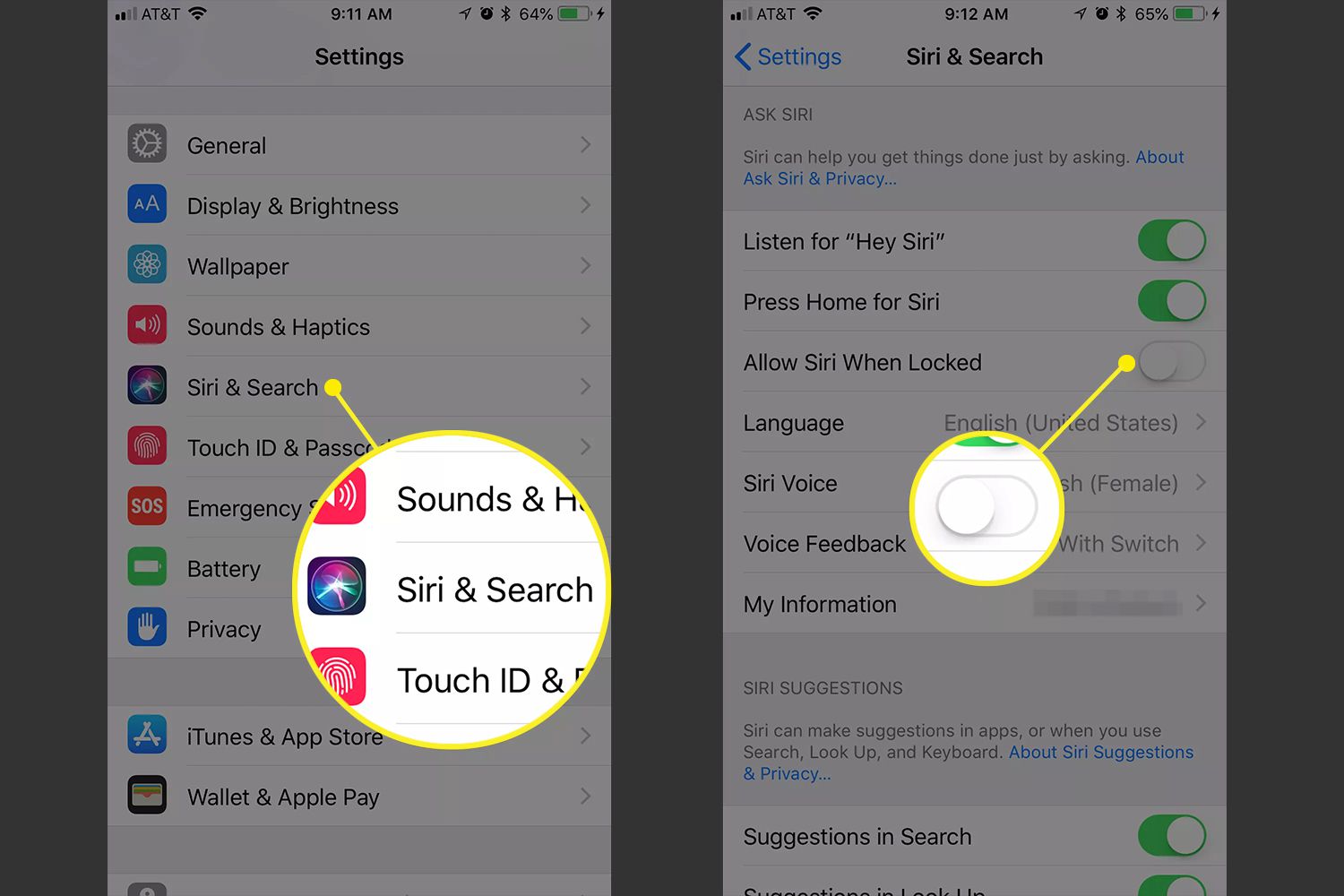
The Display Settings tag is your dedicated resource for mastering the visual interface on your phone, laptop, and wearable devices. Whether you are an Android user, an iPhone owner, or someone managing a Fitbit, this collection addresses the practical controls that define how you see and interact with your screen. These articles are written for everyday users who want to fix a specific annoyance, customize their view, or simply understand a feature they have noticed in their settings menu.
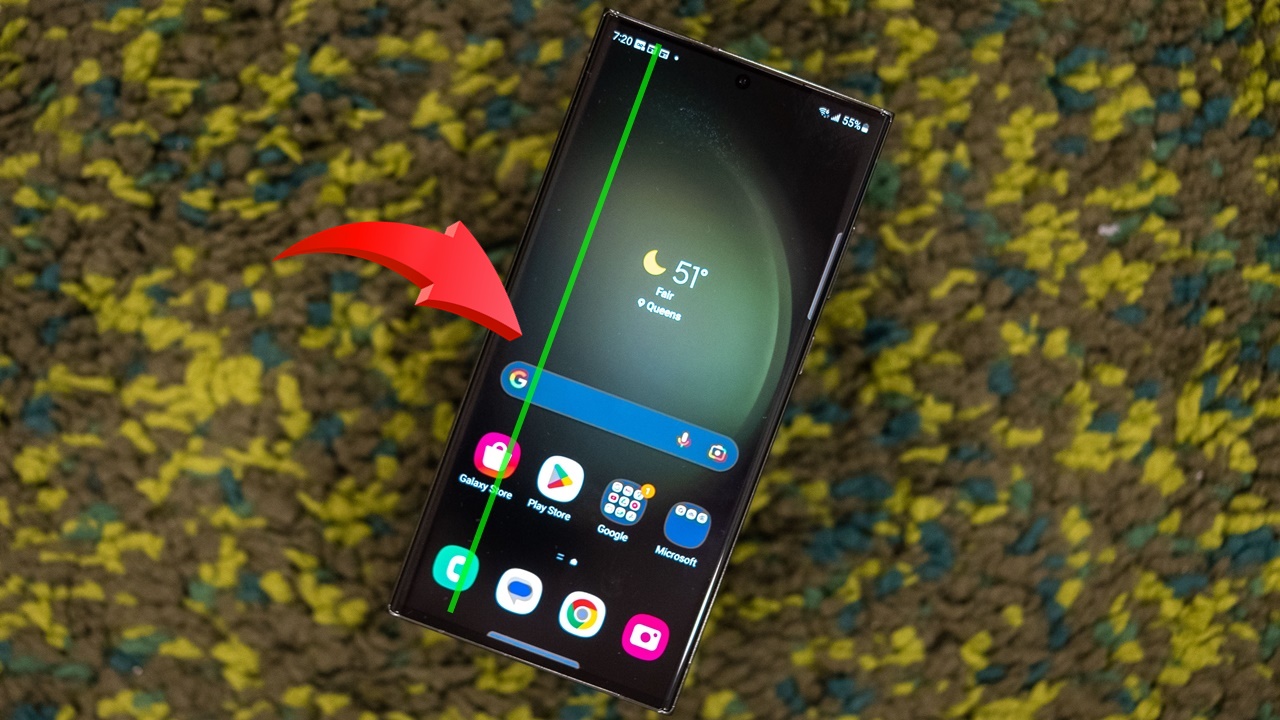
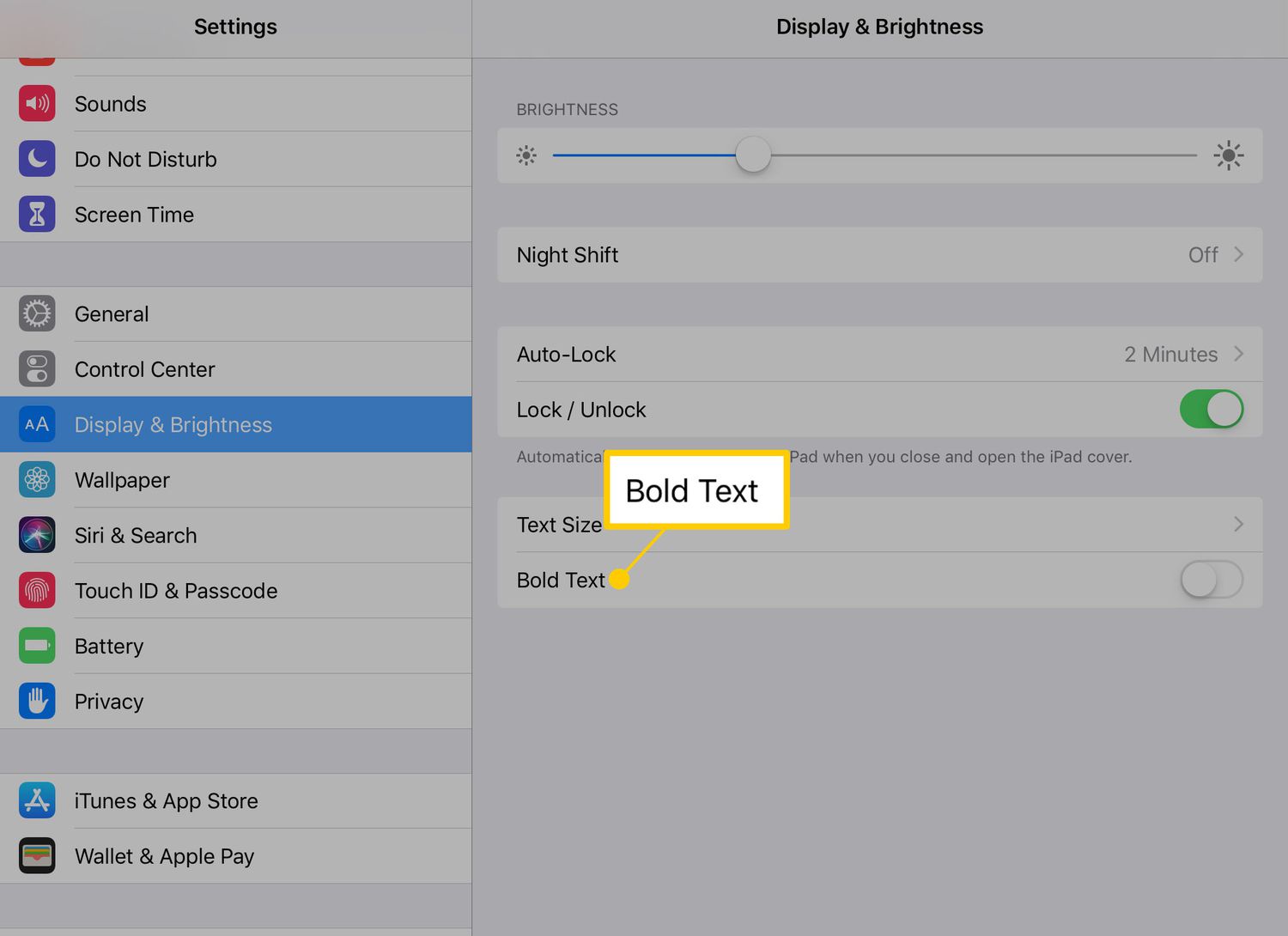
The problems solved here fall into two clear themes. First, there is a strong focus on accessibility and comfort, with guides that help you make text larger and bold, brighten the screen on an Android phone, or reduce the screen size on an iPhone 13. Second, a major theme is troubleshooting and correction, covering issues like how to fix a green screen on Android, how to get the color back on your phone, and how to stop your Android phone from rotating. You will also find explanations for common terms, such as what Hue is and what Sleep Mode means on a Fitbit.
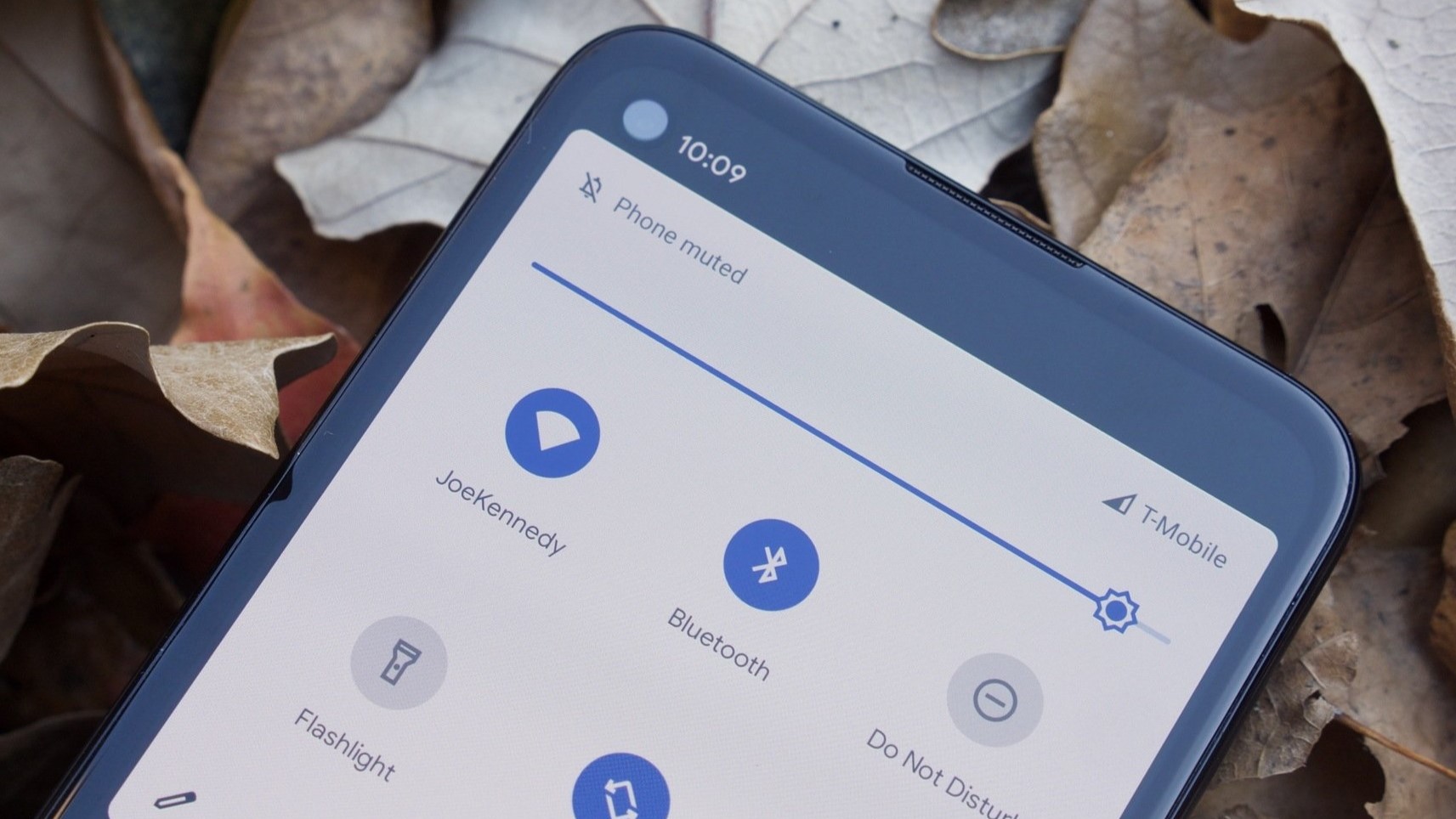
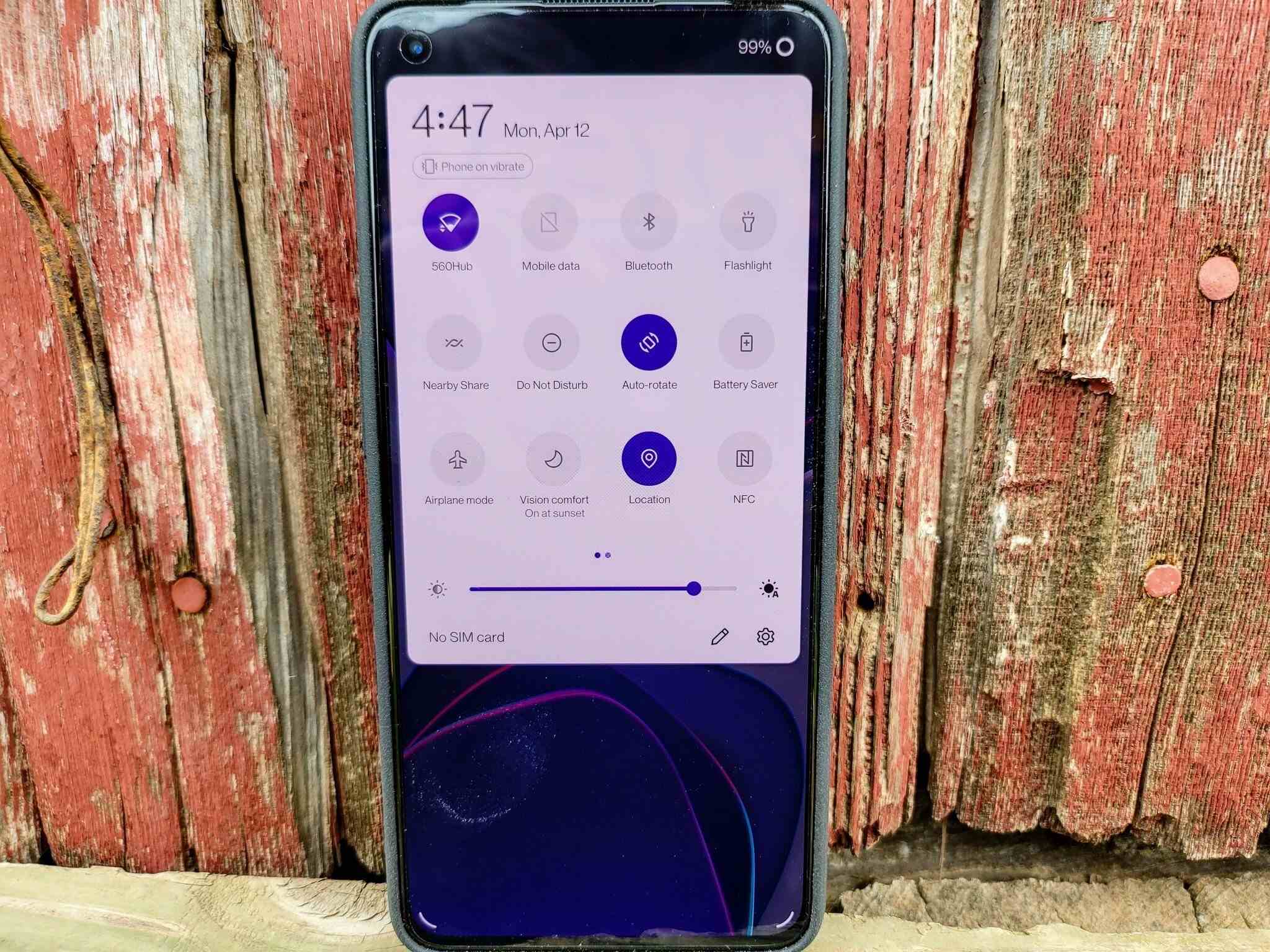
Specific topics help you take direct action: learn how to turn on Privacy Screen for both Android and iPhone 11, how to turn off the iPhone 14 Pro Always-on Display, and how to adjust brightness and display color across multiple devices. These articles let you take control of your screen’s behavior without guesswork.