The eSIM tag collects articles focused on the setup, activation, and management of embedded SIM cards, as well as related carrier and phone number issues. This content is for anyone moving to a new phone, switching carriers, or troubleshooting connectivity problems, especially those dealing with T-Mobile, Verizon, Boost Mobile, Xfinity, and Cricket.

The articles solve two main kinds of problems. First, they guide readers through the practical steps of activating service, such as how to activate an eSIM on T-Mobile and how to convert a physical SIM to an eSIM on T-Mobile. Second, they help with phone number and device management, covering topics like how to check your phone number, how to share a phone number, and how to get two phone numbers on one phone. Several articles also address common frustrations, such as why your phone is saying "no service" and how to remove Verizon from your phone.

Specific topics covered include finding your eSIM number on an iPhone, getting an eSIM QR code from T-Mobile, and registering your phone on a network. The articles help the reader complete specific tasks, like activating an unlocked Samsung phone or switching to Xfinity Mobile, without offering any broader promises beyond the listed guides.
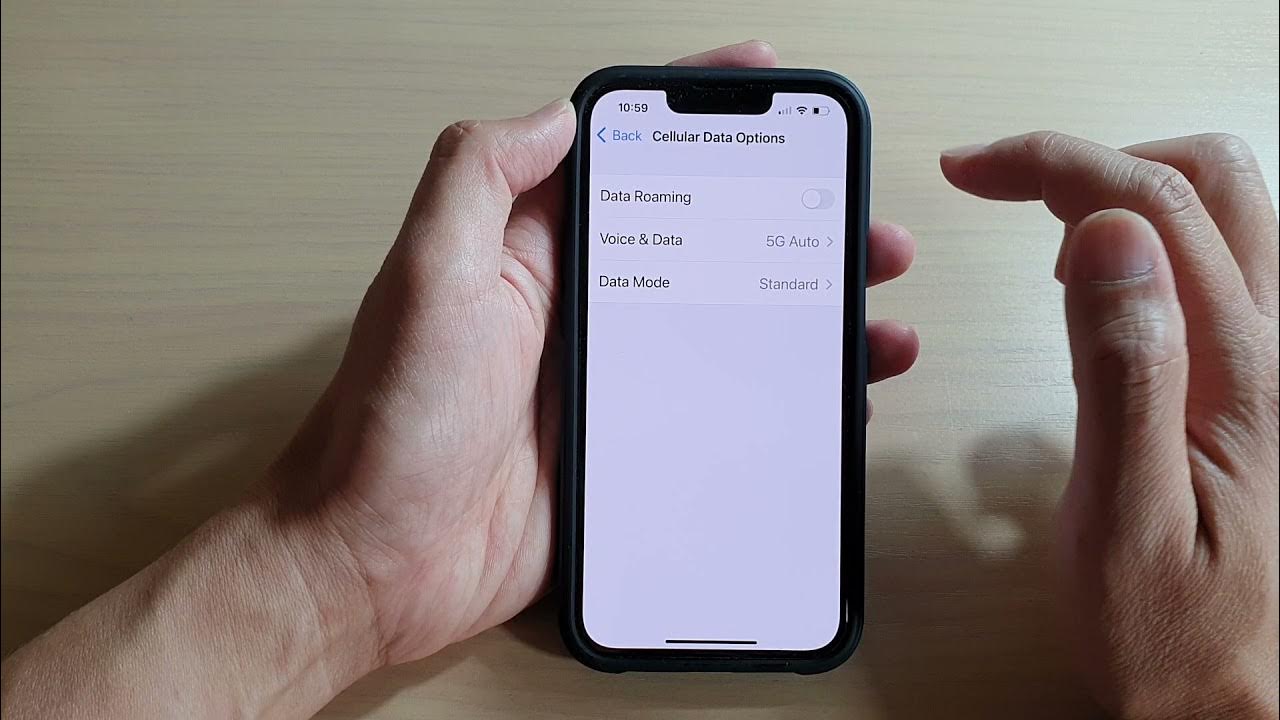
How To Turn On Data Roaming In IPhone 14

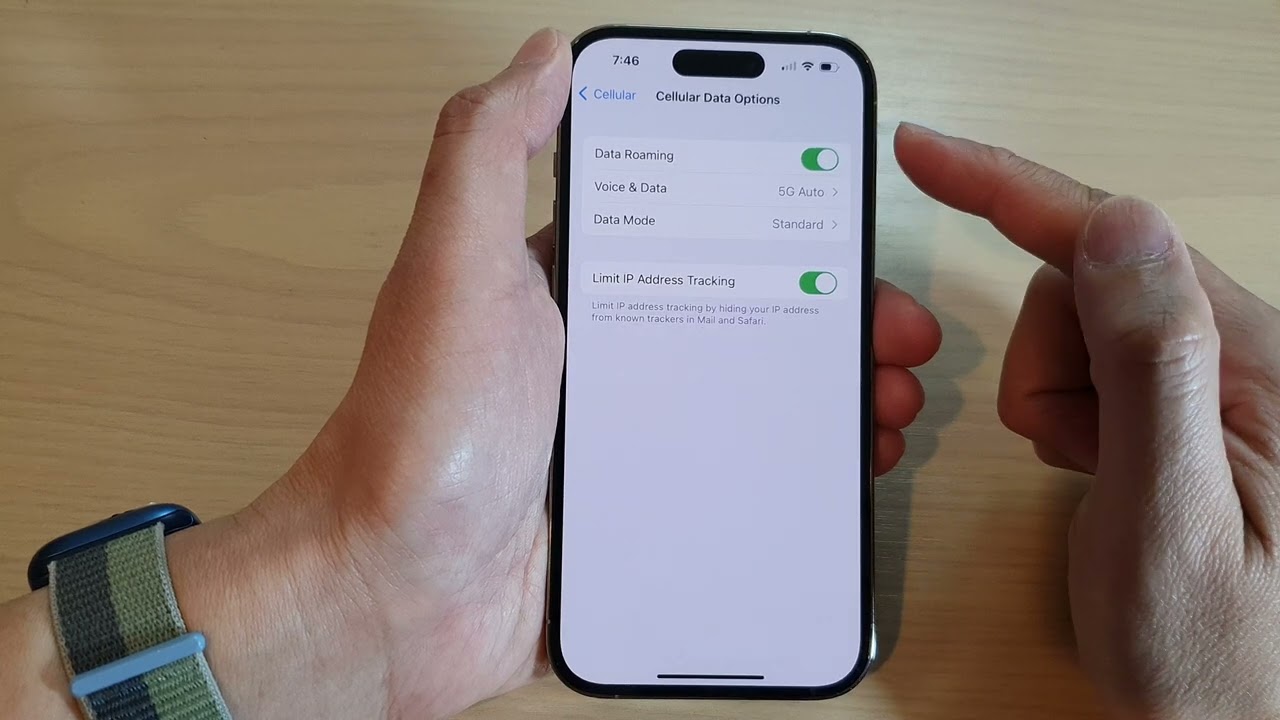
To turn on data roaming on iPhone 14, go to Settings > Cellular > Cellular Data Options, then turn on Data Roaming. This setting is off by default and must...

How To Remove ESIM From IPhone 13

To remove an eSIM from an iPhone 13, open Settings and tap Cellular. If you have a single cellular plan, tap Delete eSIM; if you have multiple plans, first tap...

How To Turn On Roaming IPhone 13

To turn on roaming on iPhone 13, open Settings > Cellular > Cellular Data Options, then toggle on Data Roaming. This is the exact, verified way to turn on roaming...

How To Find Imei On Google Pixel 6

To find IMEI on Google Pixel 6, use the Settings app, check the SIM card tray, look at the original box, or open Google Find My Device. These are the...

What Phones Take A SIM Card

Many iPhones, Google Pixel phones, and Samsung Galaxy phones take a physical SIM card, but support varies by model and region, and some newer models are eSIM-only. Before buying or...

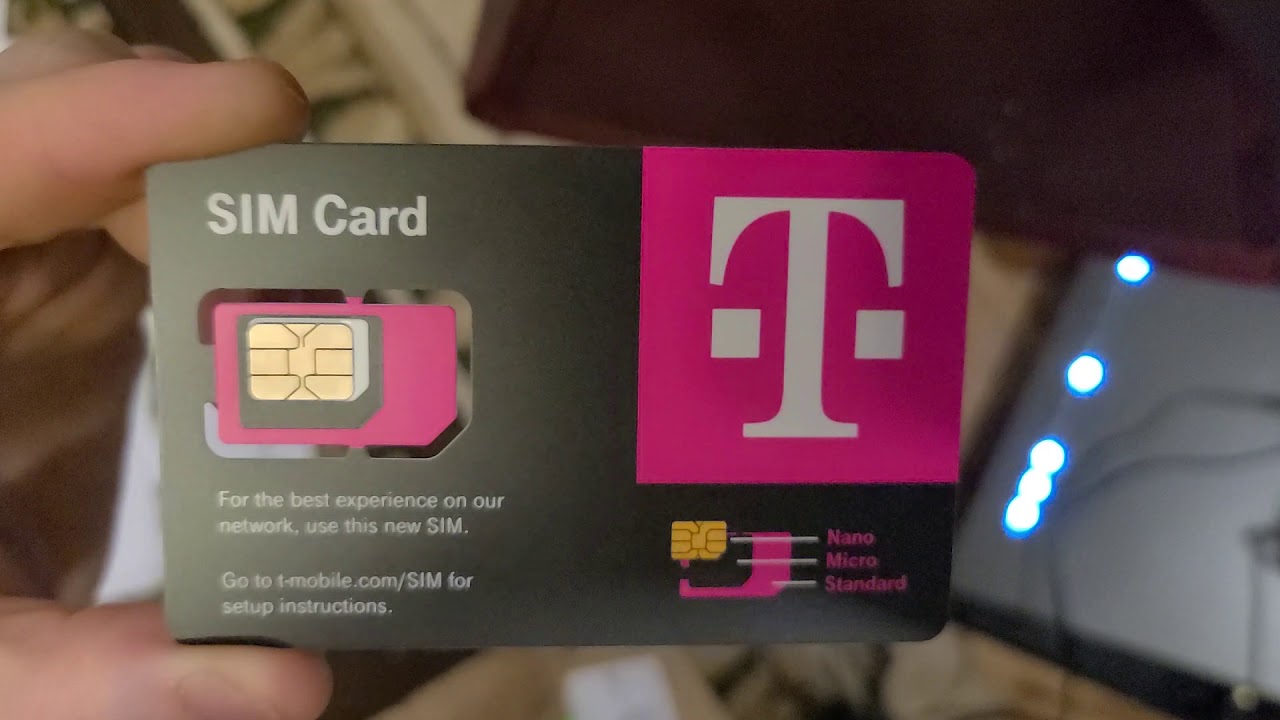
How Do You Activate New SIM Card

To activate a new SIM card, you must either insert a physical SIM and wait for the carrier to activate it, or follow a carrier-specific process for an eSIM. The...

How To Turn Off A SIM Card

To turn off a SIM card, you can either disable it through your phone’s settings or physically remove it, depending on your device. This temporarily stops calls, texts, and mobile...

What Is A Burner SIM Card

A burner SIM card is a temporary prepaid SIM or eSIM used to get a temporary phone number for short-term use, separate from your main line. The term is a...

How To Know What SIM Card You Have

To know what SIM card you have, start by checking your phone's SIM settings and device details, then confirm with carrier paperwork if the type is still unclear, as documented...