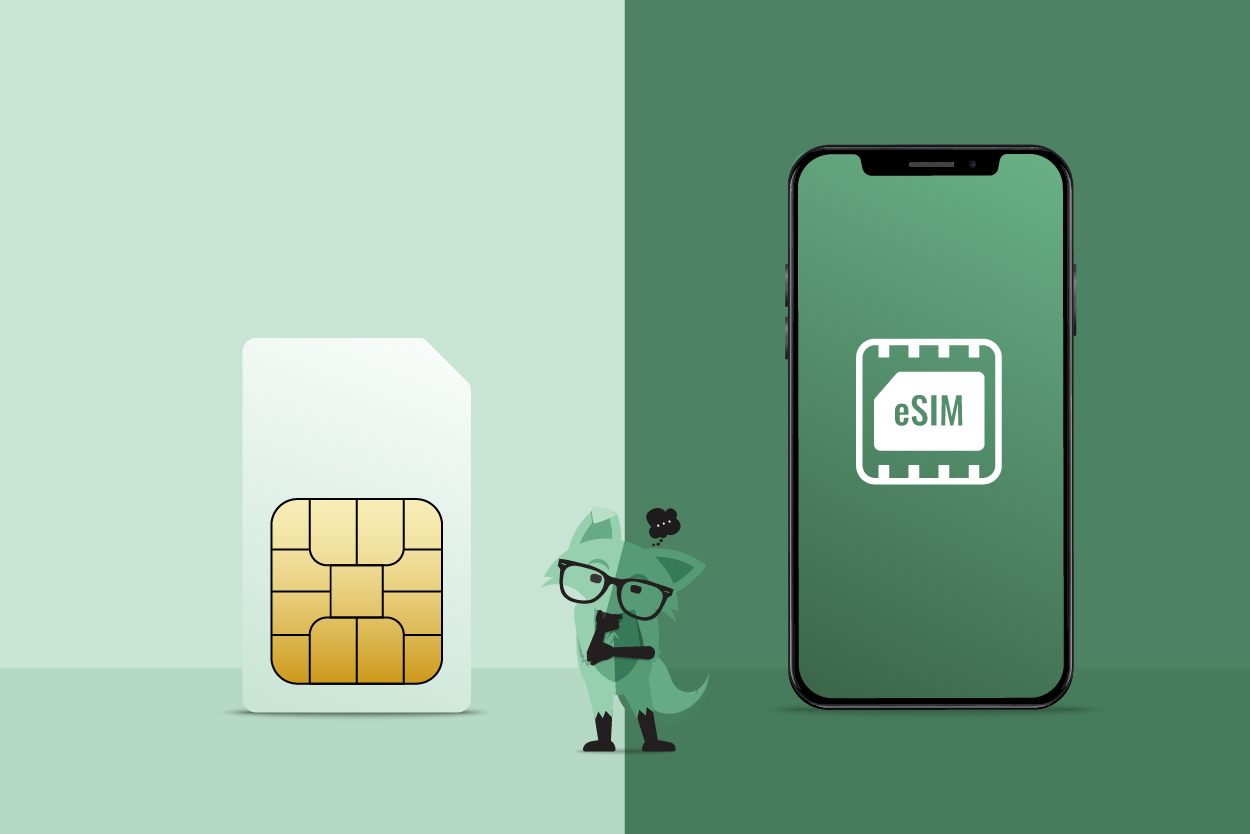
To use eSIM with T-Mobile, you activate a built-in digital SIM directly on your device without needing a physical card, typically by scanning a QR code or following an on-device prompt.
What is eSIM on T-Mobile?
T-Mobile describes eSIM as a built-in digital SIM that can be activated without a physical SIM card. Instead of inserting a plastic chip, you download a carrier profile directly to your phone, making it easy to switch plans or add a line without visiting a store or waiting for mail.
How to use eSIM with T-Mobile
Check your device compatibility
Before starting, confirm your phone supports eSIM and meets T-Mobile's requirements. T-Mobile maintains a dedicated eSIM-compatible phones page and a SIM/eSIM support page for this check. Specifically, iPhone Xs or newer running iOS 15.4 or higher is required for Quick Start eSIM activation.
Get your eSIM activation information
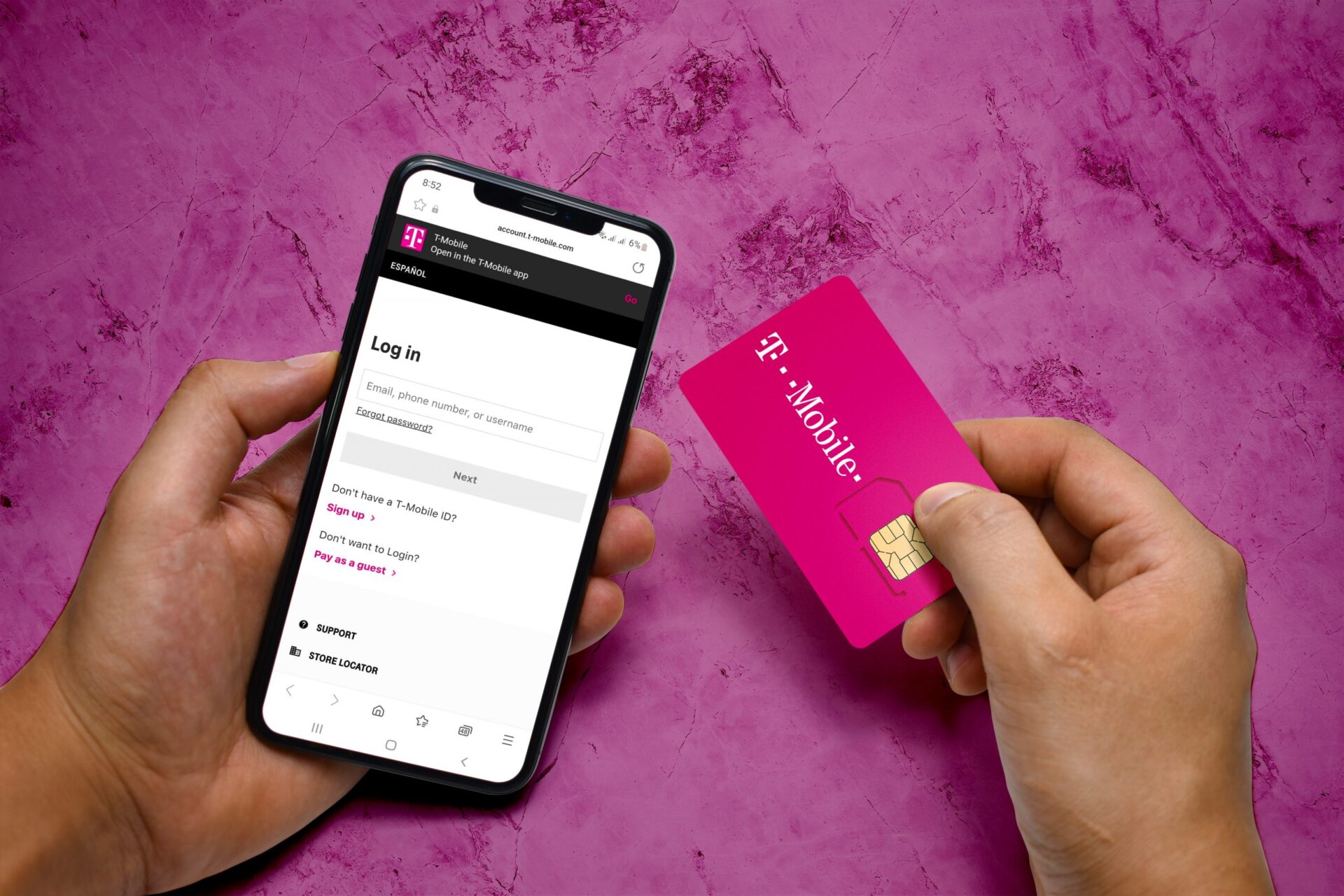
T-Mobile delivers activation details in four ways. You may receive an on-device prompt, a QR code, or use the T-Mobile eSIM app. For the prepaid eSIM app, T-Mobile says you enter email address, 6-15 digit PIN, and U.S. ZIP code before ordering, then complete the eSIM download on the device.
Open eSIM settings on your phone
On iPhone, go to Settings > Cellular and look for Add eSIM. On Android, navigate to Settings > Network & Internet > SIMs and select Add eSIM.
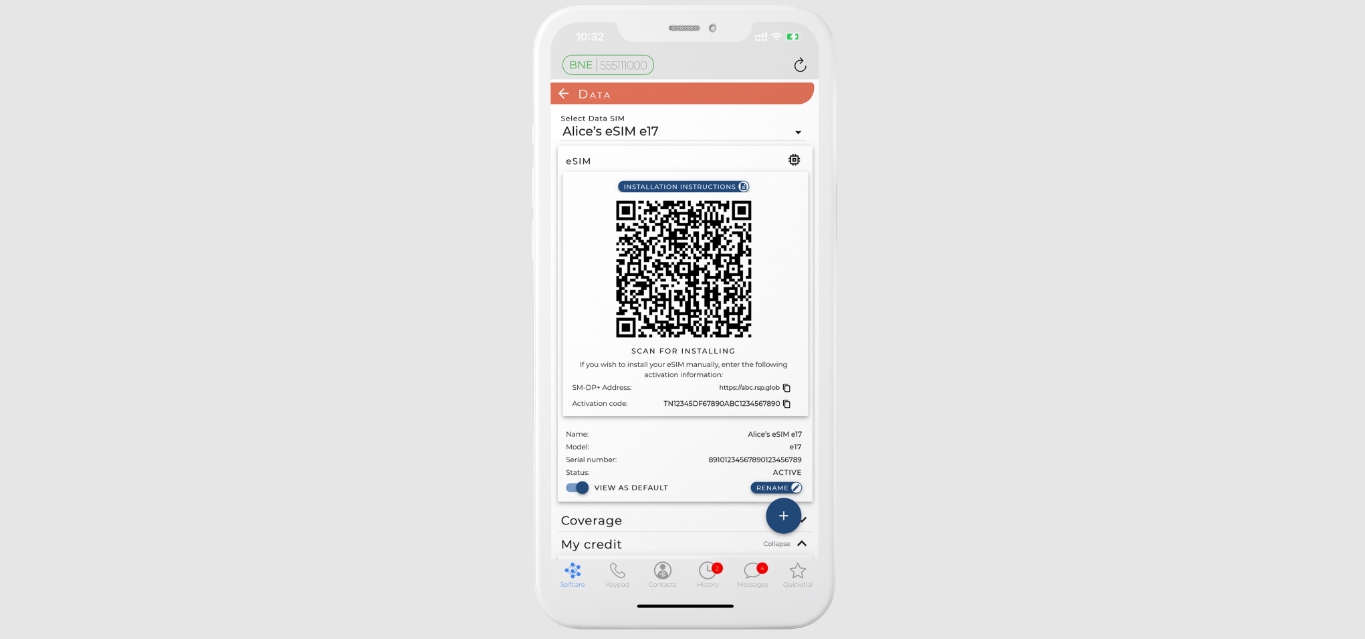
Scan the QR code or enter the activation code
On iPhone, open Settings > Cellular > Add eSIM or Set Up Cellular. On iPhone with iOS 17.4 or later, if you receive a carrier QR code in a default email app or browser, you can tap and hold the QR code, then tap Add eSIM. Apple says the next prompts are Continue, then Add Cellular Plan, and if asked for a confirmation code, enter the code provided by the carrier. For the prepaid app flow, enter your PIN and ZIP code as prompted.
Finish activation and verify your connection
- Follow the on-screen prompts to complete the download. Give the plan a name and choose a primary line if you have multiple plans.
- For iPhone transfer setup, Apple says to follow instructions on the previous iPhone, tap Transfer, or enter the verification code shown on the new iPhone, then wait for activation.
- T-Mobile says if you already set up an iPhone and are connected to Wi‑Fi, the phone may prompt that the T-Mobile Cellular Plan is ready to be installed.
- Apple says after activation, the cellular plan activates on the new iPhone and the previous SIM deactivates when the new one activates. Check for signal strength and data connectivity to confirm everything is working.
Frequently Asked Questions
What is eSIM and how does it work with T-Mobile?
eSIM is a digital SIM embedded in your device that lets you activate a T-Mobile plan without a physical card. You download the carrier profile by scanning a QR code, using an app, or following an on-device prompt, which remotely provisions the service.
Which devices work with T-Mobile eSIM?
T-Mobile supports eSIM on a wide range of modern smartphones, including iPhone Xs and newer, select Google Pixel and Samsung Galaxy models, and certain smartwatches and tablets. Check T-Mobile's official compatibility list for the most current devices.
Can I use eSIM and a physical SIM card at the same time?
Yes, on compatible devices you can use both an eSIM and a physical SIM card simultaneously. This gives you two separate lines on one phone, useful for separating personal and work numbers or adding a local plan while traveling.
How does activating phones and SIM cards on any carrier compare to T-Mobile's eSIM process?
While activating phones and SIM cards on any carrier traditionally requires a physical card, T-Mobile's eSIM process eliminates that step entirely. You activate directly on your device through digital methods, making it faster and removing the need to handle or swap physical SIMs.
What are the environmental benefits of using eSIM?
eSIM reduces the need for manufacturing, packaging, and shipping physical SIM cards, cutting down on plastic waste and resource consumption. This makes it a more sustainable choice for mobile connectivity.
Readers comparing a separate eSIM can browse uPhone eSIM plans and verify destination coverage, data allowance, and validity before buying.
More eSIM resources: Browse our eSIM guides and troubleshooting resources for compatibility, setup, travel-data and account-safety advice.
Related reading: How To Switch To ESIM Mint Mobile and How To Get ESIM QR Code T-Mobile.