
Start here: Face Id

All topics →

The Face ID tag on CellularNews collects articles focused on the security, navigation, and core settings of modern iPhones, specifically geared toward users who want to master their device's lock screen and biometric features. Whether you own an iPhone 11, 12, 13, or 14, this page is for anyone looking to understand how to set up, troubleshoot, or work around Face ID and related access controls.

The articles here solve two main types of problems: managing your phone's locks and screens, and controlling how you unlock or interact with your device. For example, you can learn how to set up Face ID on an iPhone 13 or add a second Face ID on an iPhone 11, which helps you share secure access with a family member. Other pieces cover practical fixes like why your phone ring volume starts loud then goes low, or how to lock messages and hidden photos to keep your data private. You will also find guides on screen locking methods and how to get back to the home screen on older models.

Beyond security, the tag addresses everyday navigation and setup tasks. Articles explain where the home button is on an iPhone 11 and iPhone 13, how to clear open apps on an iPhone 14, and how to access Siri on an iPhone 14. For those setting up a new phone, there is help with the iOS setup assistant on an iPhone 12 and setting up Apple Pay. These pieces help you move through your phone faster, lock it securely, and customize features like attention-aware settings or fingerprint unlock alongside Face ID.
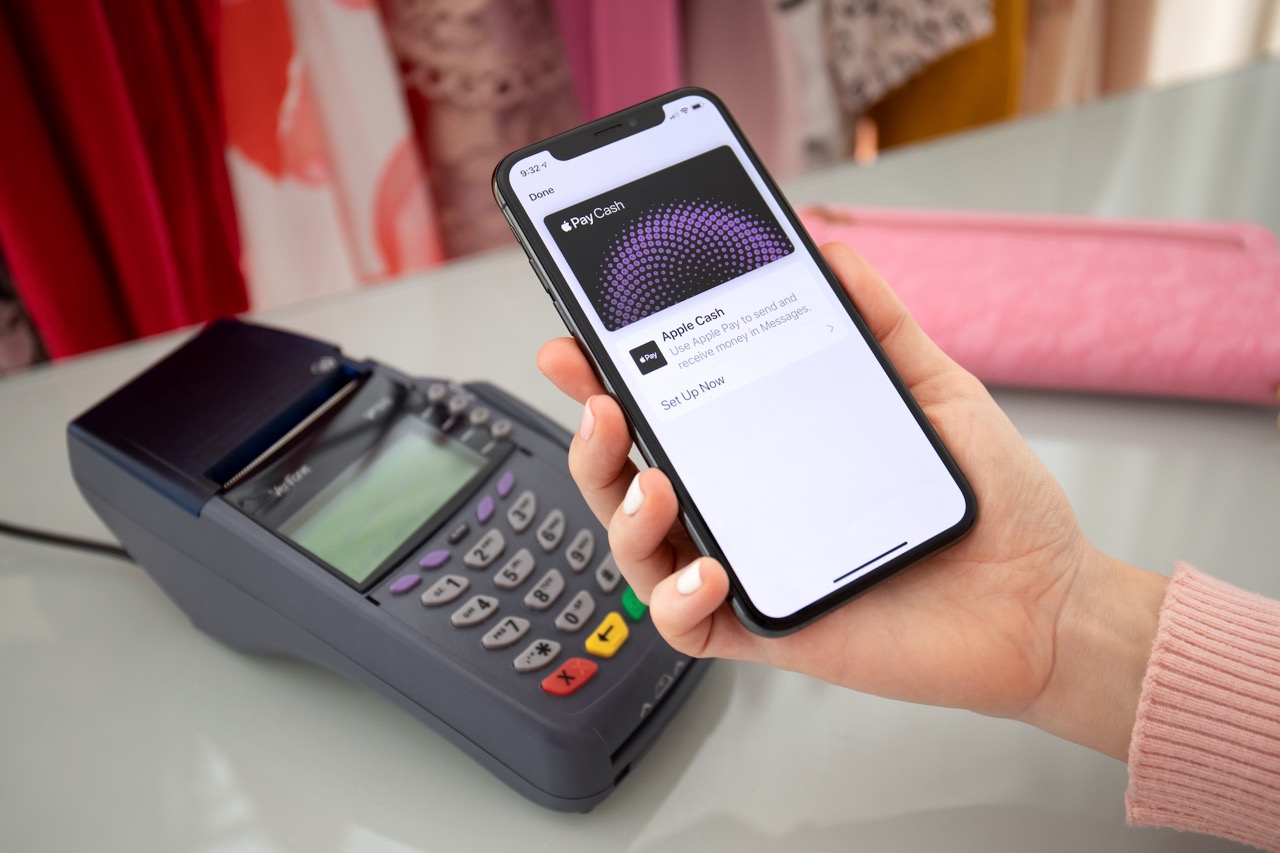
How To Set Up Apple Pay On IPhone 12

To set up Apple Pay on iPhone 12, open the Wallet app and add a supported debit, credit, or prepaid card, then authenticate with Face ID or your passcode. Before...

How To Get To IOS Setup Assistant On IPhone 12

The iOS Setup Assistant on iPhone 12 launches automatically when you turn on a new or recently erased device. To get to the iOS Setup Assistant on iPhone 12, simply...

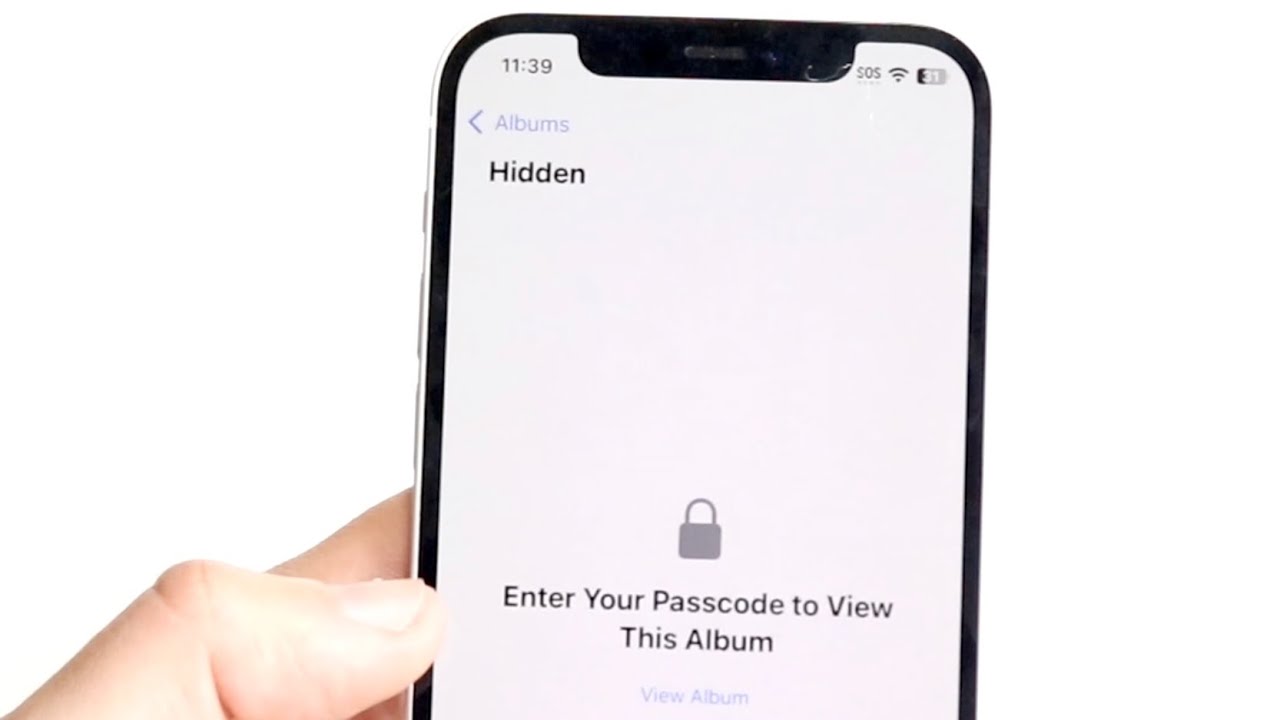
How To Lock Hidden Photos On IPhone 12

Your iPhone 12 locks hidden photos automatically on iOS 16 and later, so any photo you move to the Hidden album requires Face ID or Touch ID to view and...

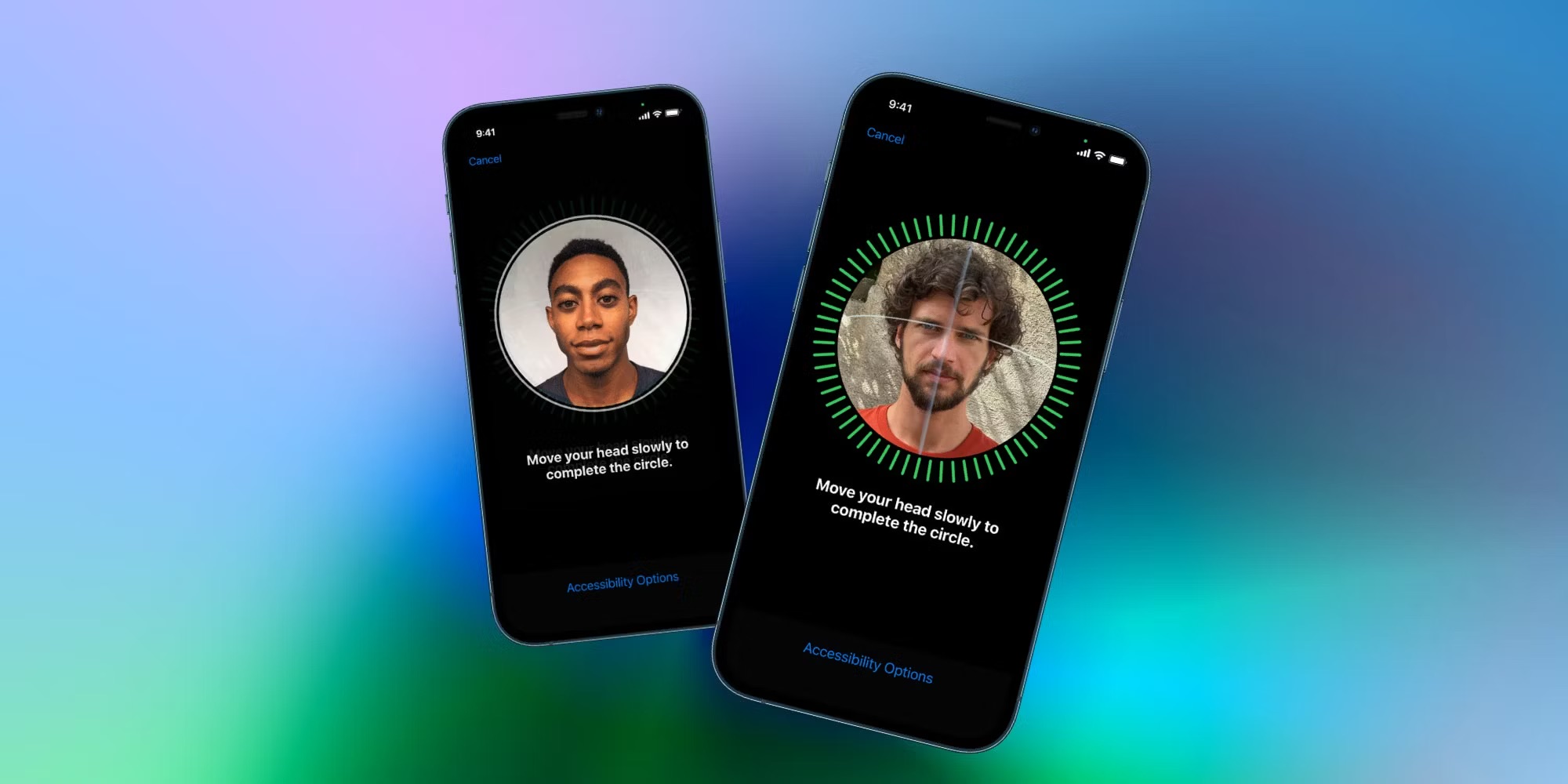
How To Add 2 Face ID On IPhone 11

To add an alternate appearance Face ID on your iPhone 11, go to Settings > Face ID & Passcode > Set Up an Alternate Appearance and follow the onscreen instructions....

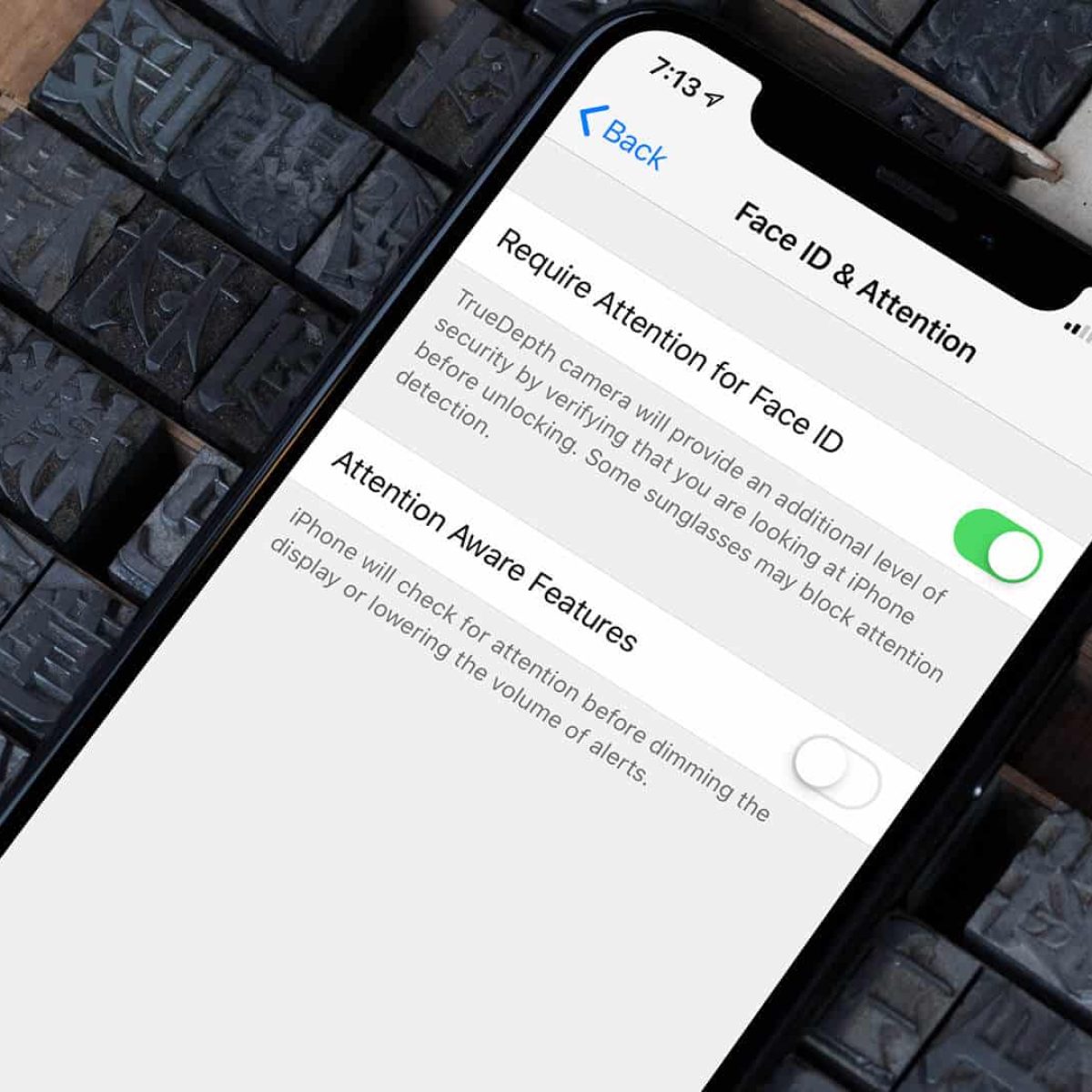
What Is Attention-Aware Features On IPhone 11

Attention-aware features on iPhone 11 use the TrueDepth camera to detect if you are looking at the screen, then automatically adjust the device's behavior. This built-in Face ID feature prevents...

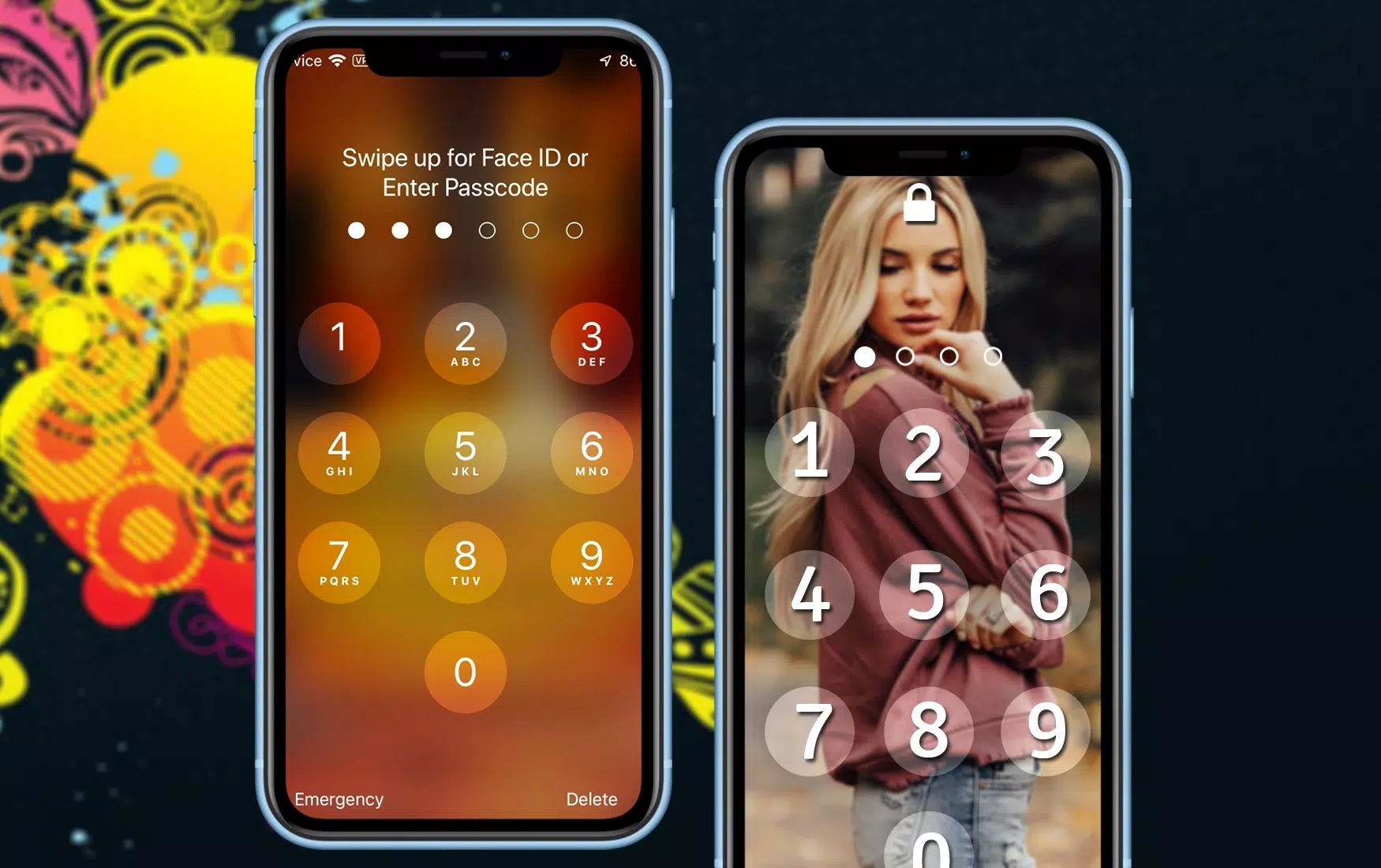
How To Screen Lock On IPhone 11

To set up a screen lock on iPhone 11, open Settings > Face ID & Passcode and tap Turn Passcode On. This creates a six-digit passcode by default, which is...

Where Is The Home Button On IPhone 11

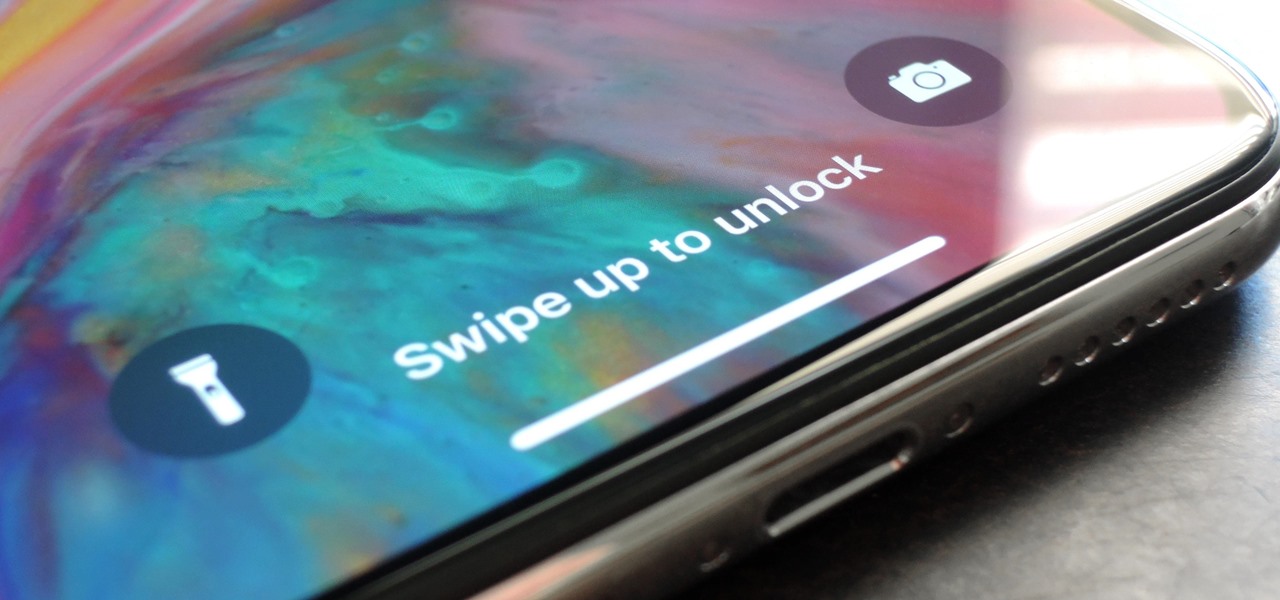
The iPhone 11 does not have a physical home button. If you are searching for a home button on iPhone 11, the direct answer is that there is no physical...

How Do You Access Siri On IPhone 14

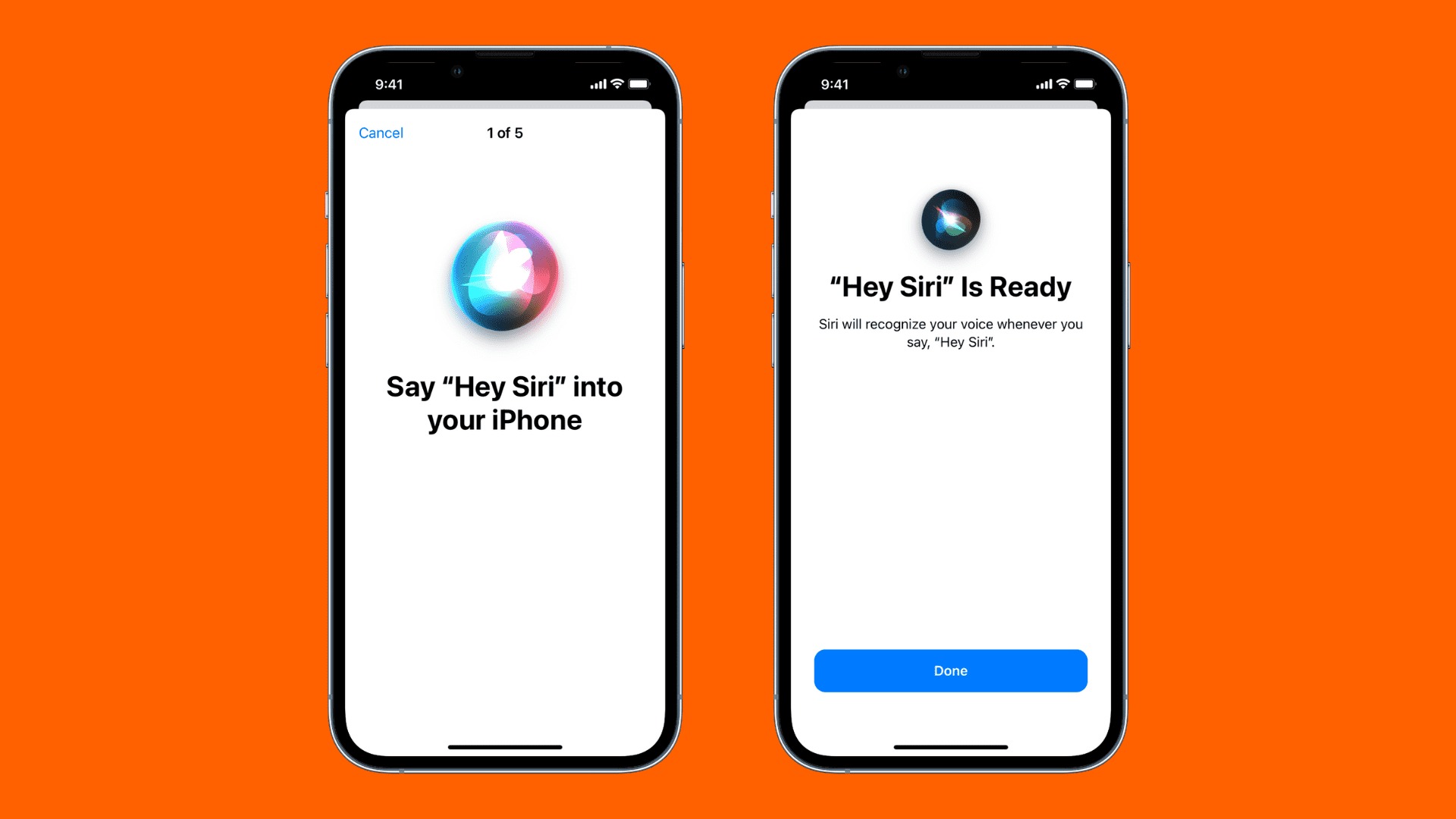
To access Siri on iPhone 14, you have two official methods: press and hold the side button, or use your voice by saying "Hey Siri" if that feature is enabled....

How To Setup Fingerprint On IPhone 13

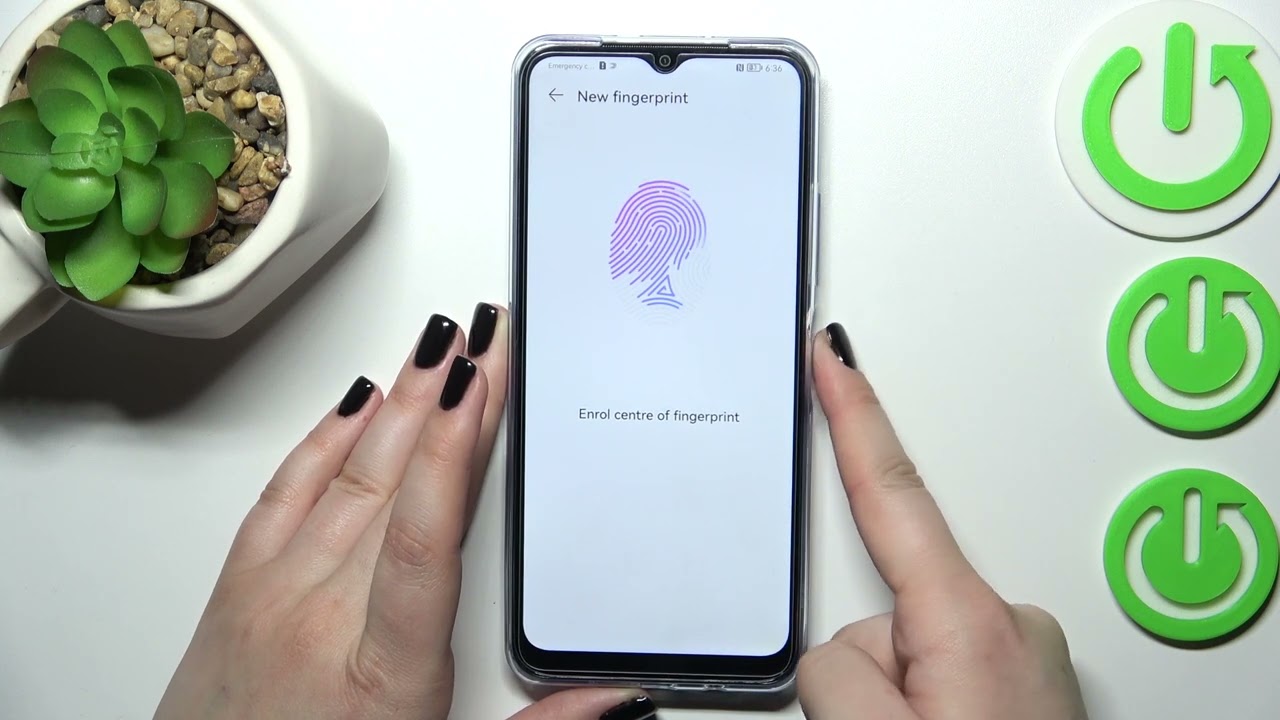
To set up Face ID on your iPhone 13, you need to use the front-facing camera system, not a fingerprint sensor. The iPhone 13 does not have a Touch ID...