This tag collects articles focused on resetting, unlocking, and troubleshooting a wide range of devices, from smartphones and tablets to wireless earbuds and game consoles. It is intended for anyone who has forgotten a password, is dealing with a frozen screen, or needs to wipe a device clean for resale or troubleshooting. The content covers both software-based resets and hardware recovery methods for various brands.

The articles address several clear themes. One major group helps with bypassing lock screens and recovering access, including guides on how to FRP bypass lock on any Android phone, how to unlock a ZTE phone password, and how to unlock a Coolpad phone without the password. Another set focuses on standard factory resets and data wipes, such as how to reset a Motorola phone that is locked, how to wipe an LG phone, and how to factory reset a T-Mobile hotspot. A third theme covers resets for accessories and peripherals, with instructions on how to reset Skullcandy wireless earbuds, how to reset a Pioneer Mixtrax touchscreen, and how to restart a docking station.

These articles help the reader regain control of a locked device, clear personal data before selling or recycling hardware, and fix common issues like unresponsive screens or forgotten PINs. Whether the problem is a Samsung phone that needs a hard reset or a Wii U gamepad that won't sync, the listed guides provide step-by-step solutions for restoring functionality.
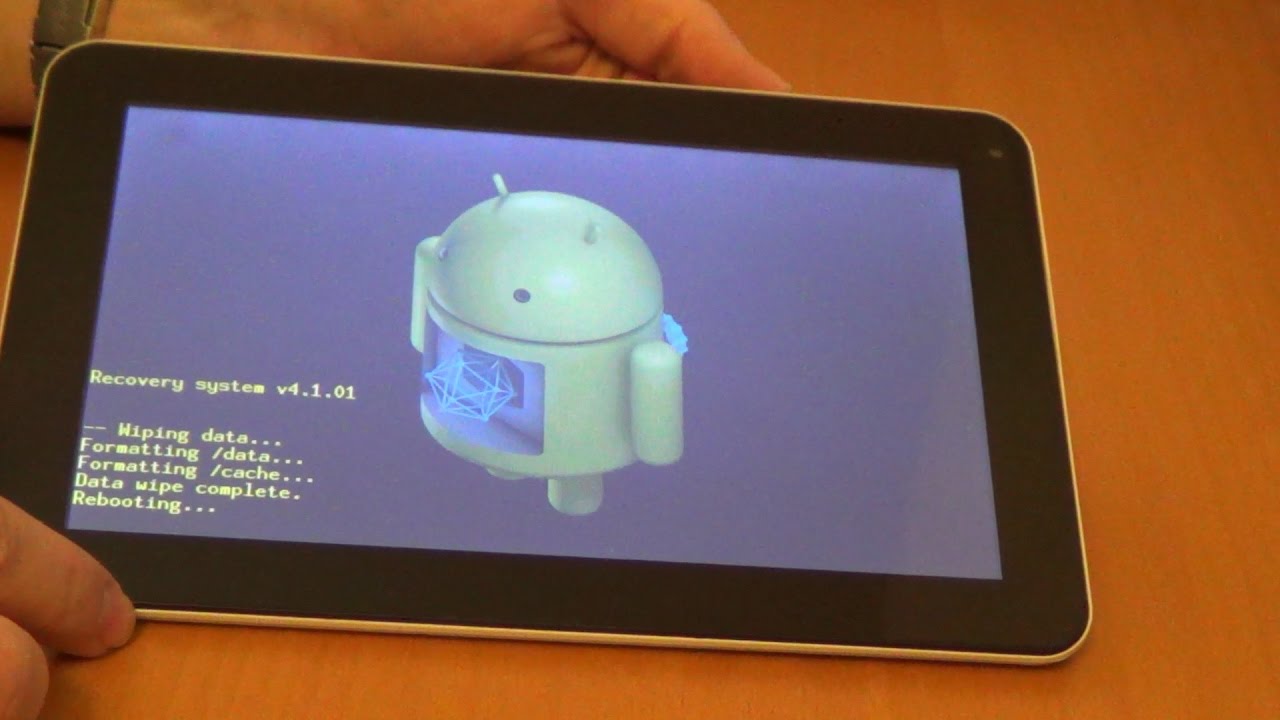
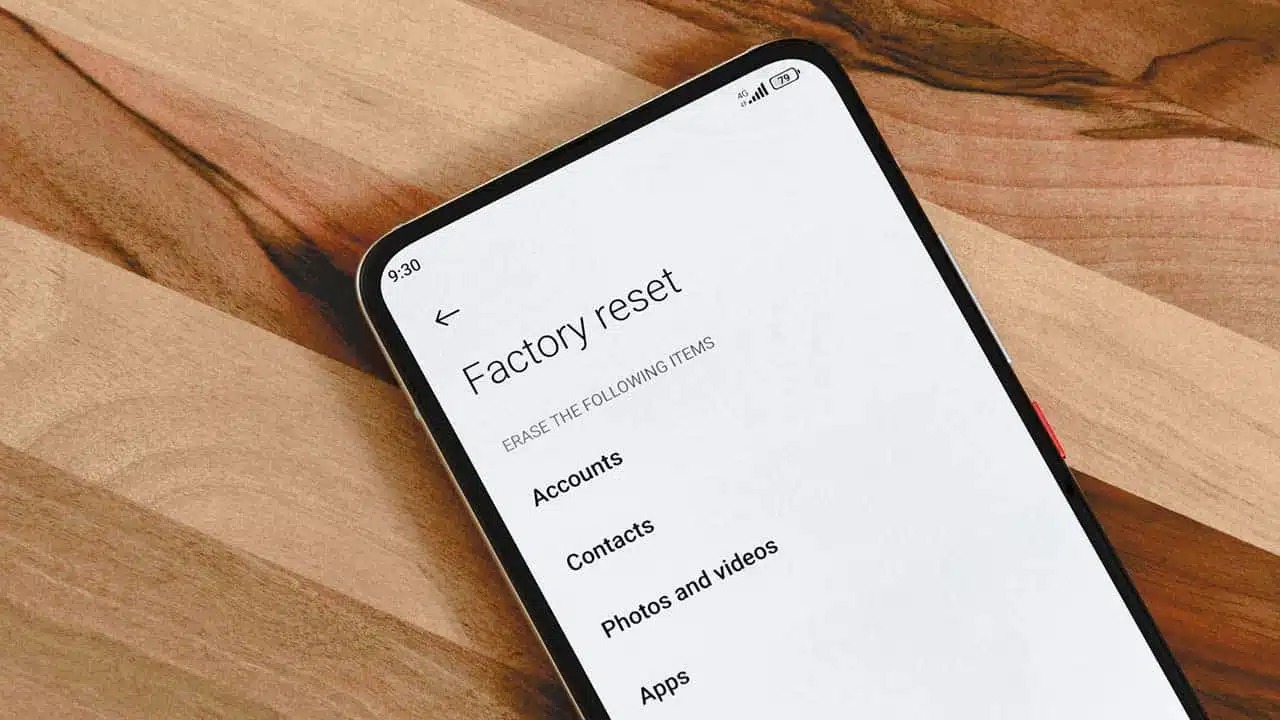
How To Reset Android Tablet

To reset an Android tablet, you can use the standard Settings menu to erase all data and restore factory settings, or use the hardware buttons when the screen is frozen...

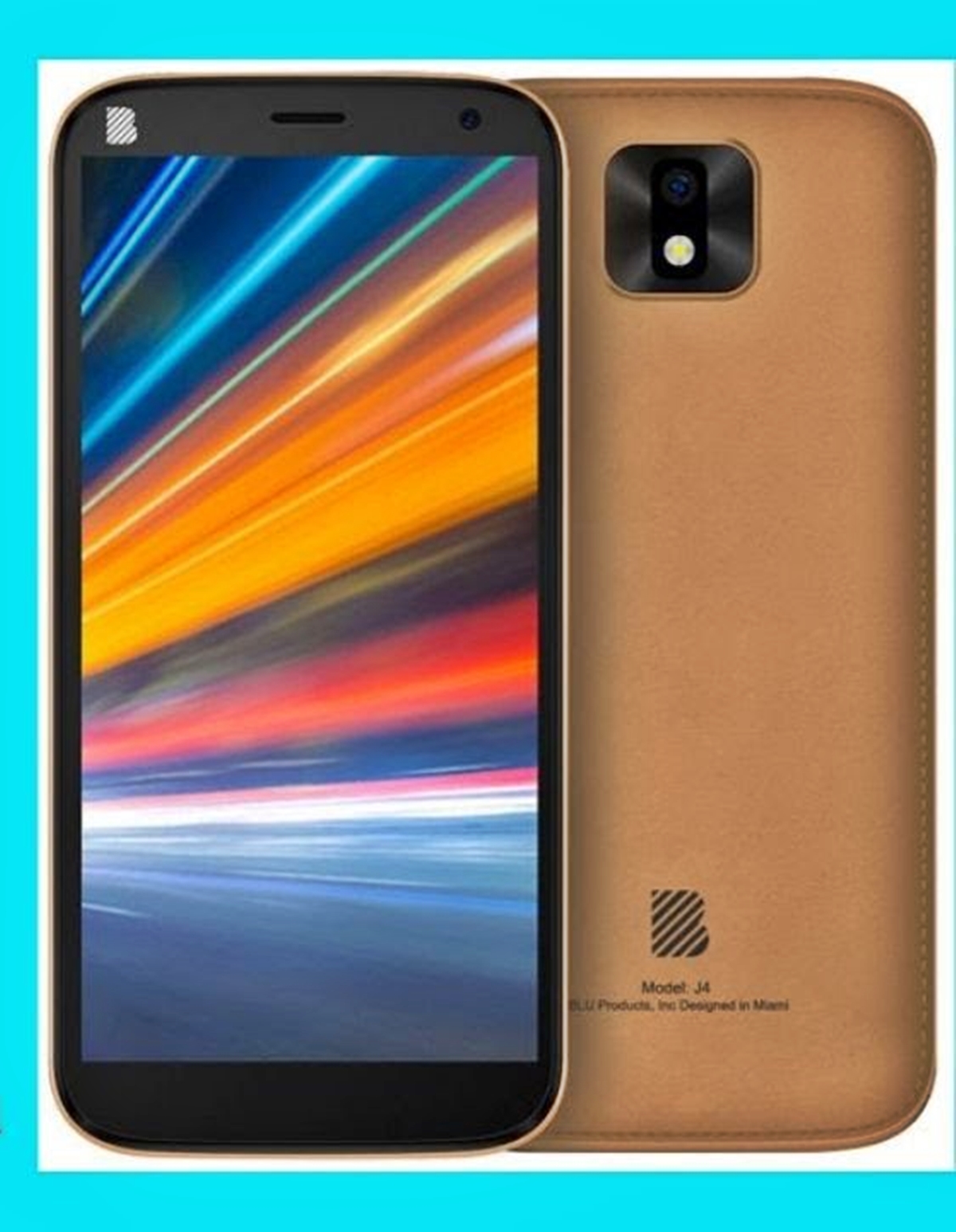
How To Unlock Blu Smartphone

To unlock Blu smartphone, you need to first understand what you are actually trying to do: remove a forgotten screen lock (PIN, pattern, or password) or carrier-unlock the device for...

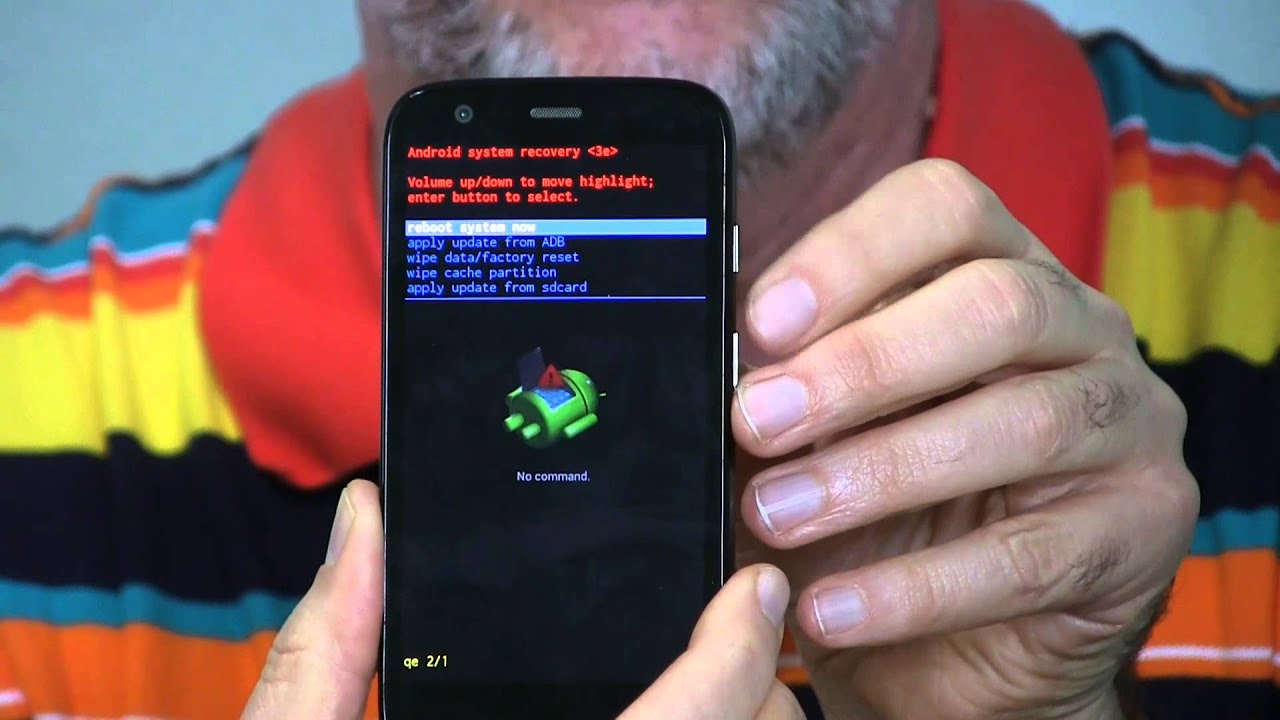
How To Erase Motorola Phone

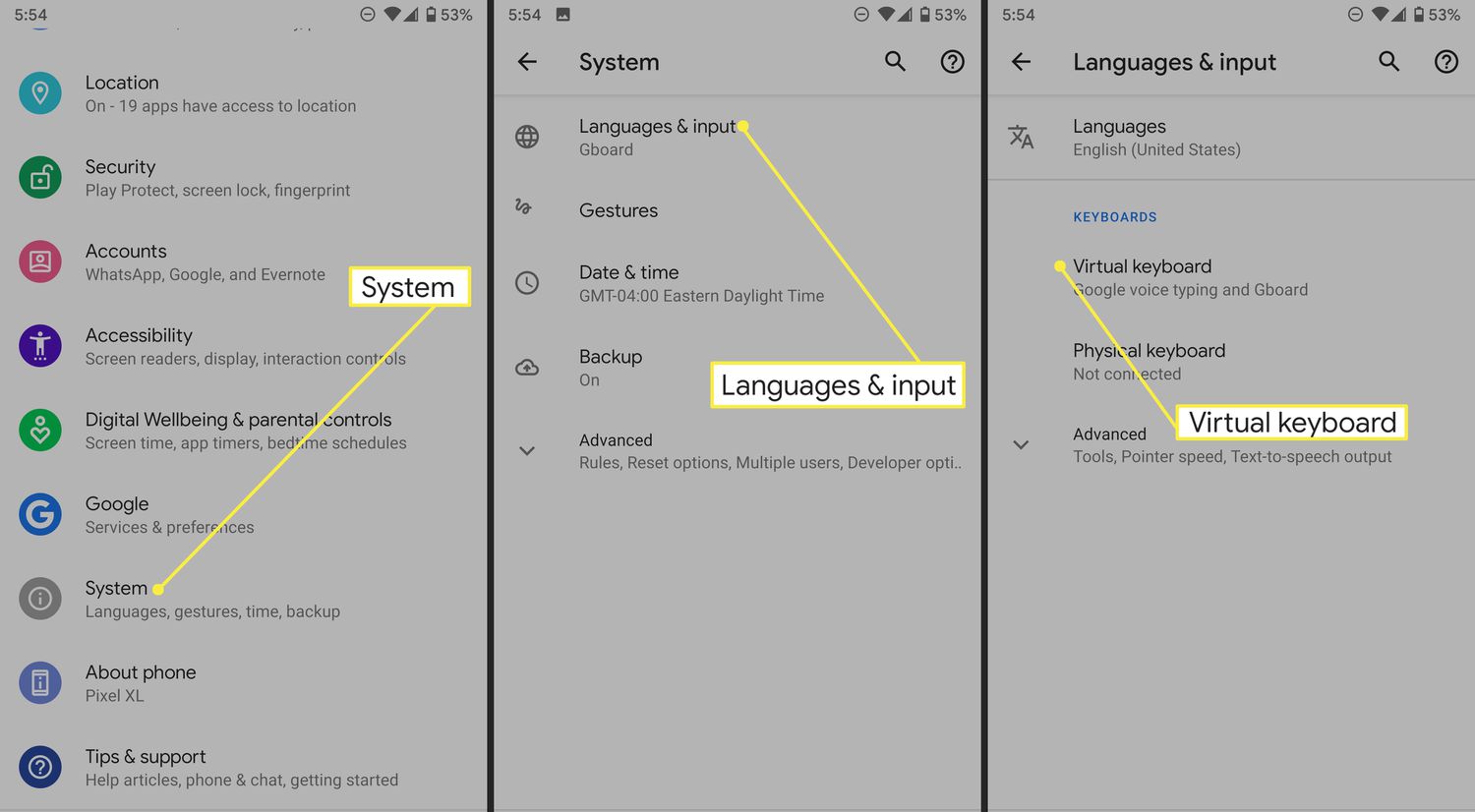
To erase a Motorola phone completely, use the on-device menu path Settings > System > Reset options > Erase all data (factory reset). This process wipes all personal data and...

How To Factory Reset A TCL Android Phone

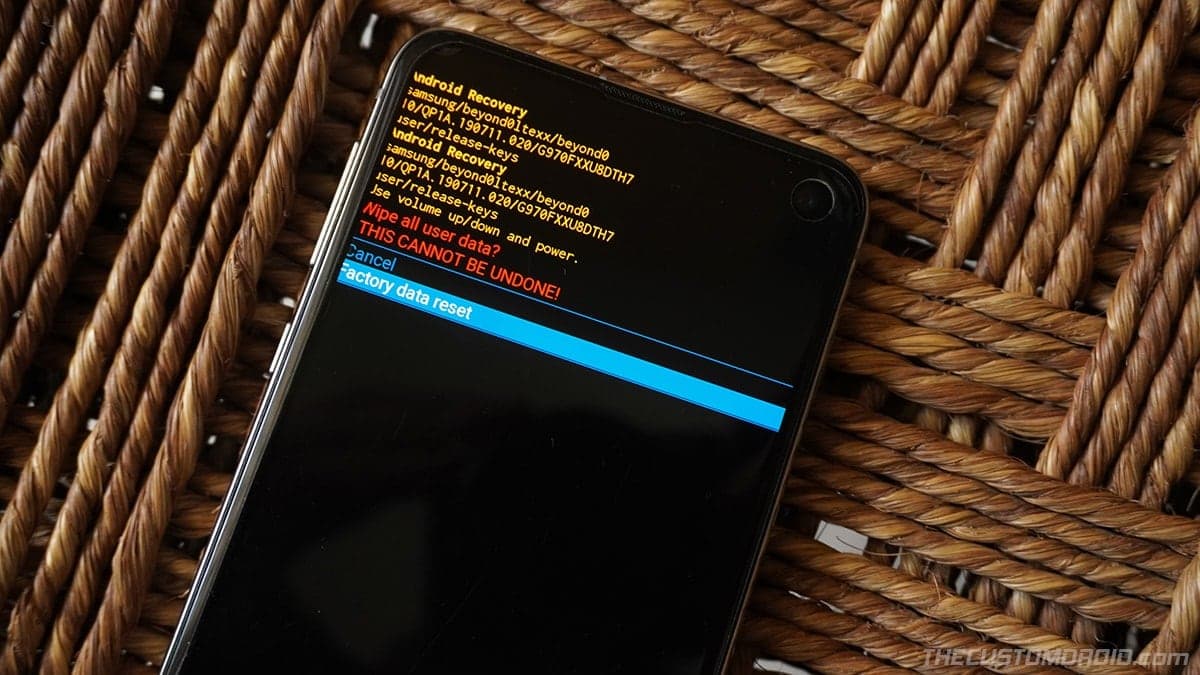
To factory reset a TCL Android phone, you can use the Settings menu or recovery mode, and the process works across TCL phone models. Before factory resetting phones, back up...

How To Factory Reset Walmart Work Phone

How to factory reset a Walmart work phone To factory reset a Walmart work phone, you use the device's built-in settings menu, with the exact path depending on whether it's...

How To Reset A Logitech Wireless Keyboard

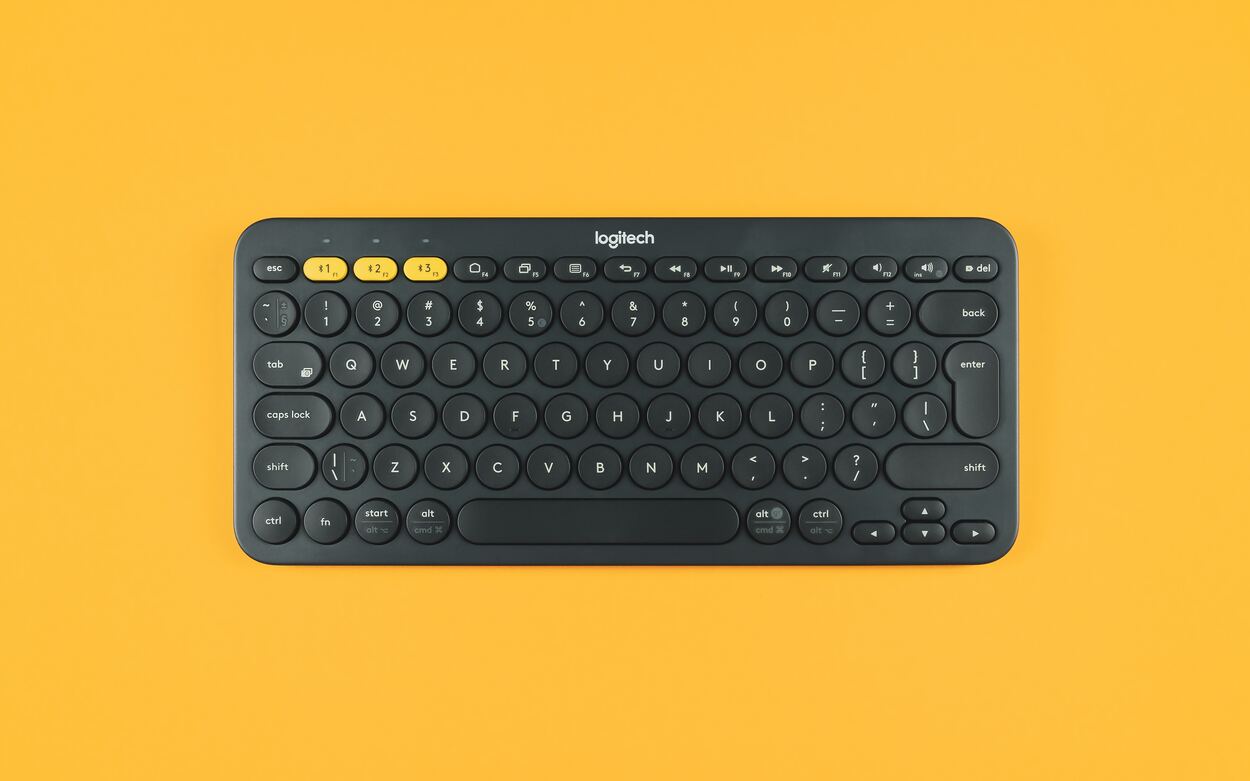
How To Reset A Logitech Wireless KeyboardTo reset a Logitech wireless keyboard, you'll typically either re-pair it with your computer to clear a connection glitch or perform a full factory...

How To Fix A Wireless Doorbell

To fix a wireless doorbell, start by power-cycling the device: disconnect its micro USB or AC power, wait a moment, and reconnect it. This simple restart resolves most temporary faults...

How To Resync Jlab Wireless Earbuds

To resync JLab wireless earbuds, first forget the earbuds in your device's Bluetooth settings, then tap each earbud 7 times while they are in the open charging case, remove the...