Welcome to the firmware update tag page on CellularNews. This collection brings together guides and troubleshooting articles focused on the software and hardware issues that arise with modern devices, from gaming peripherals to smart wearables. It is designed for anyone who needs clear, practical steps to resolve common problems with their phones, headsets, fitness trackers, and other connected gear, without wading through unnecessary jargon.
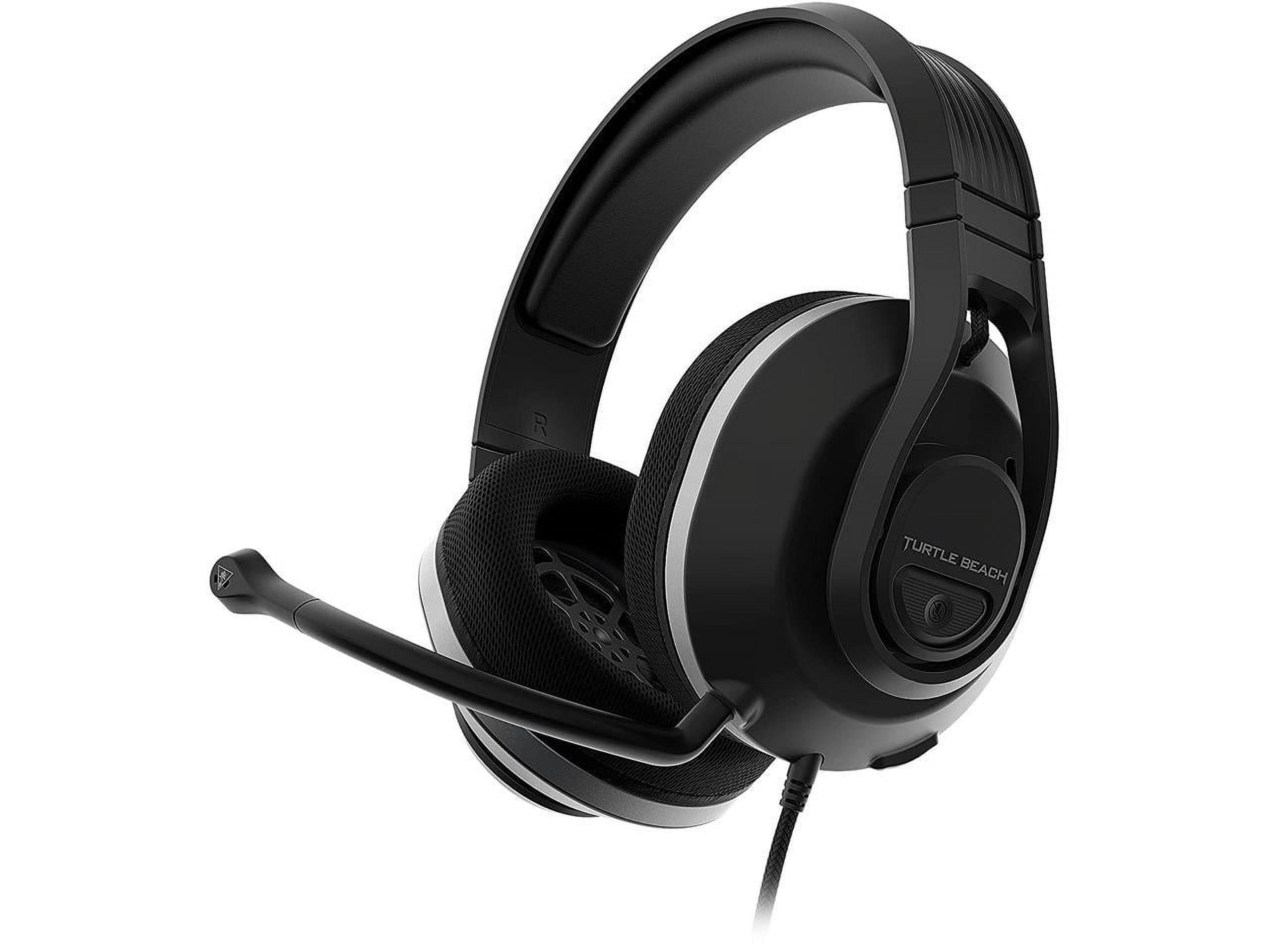
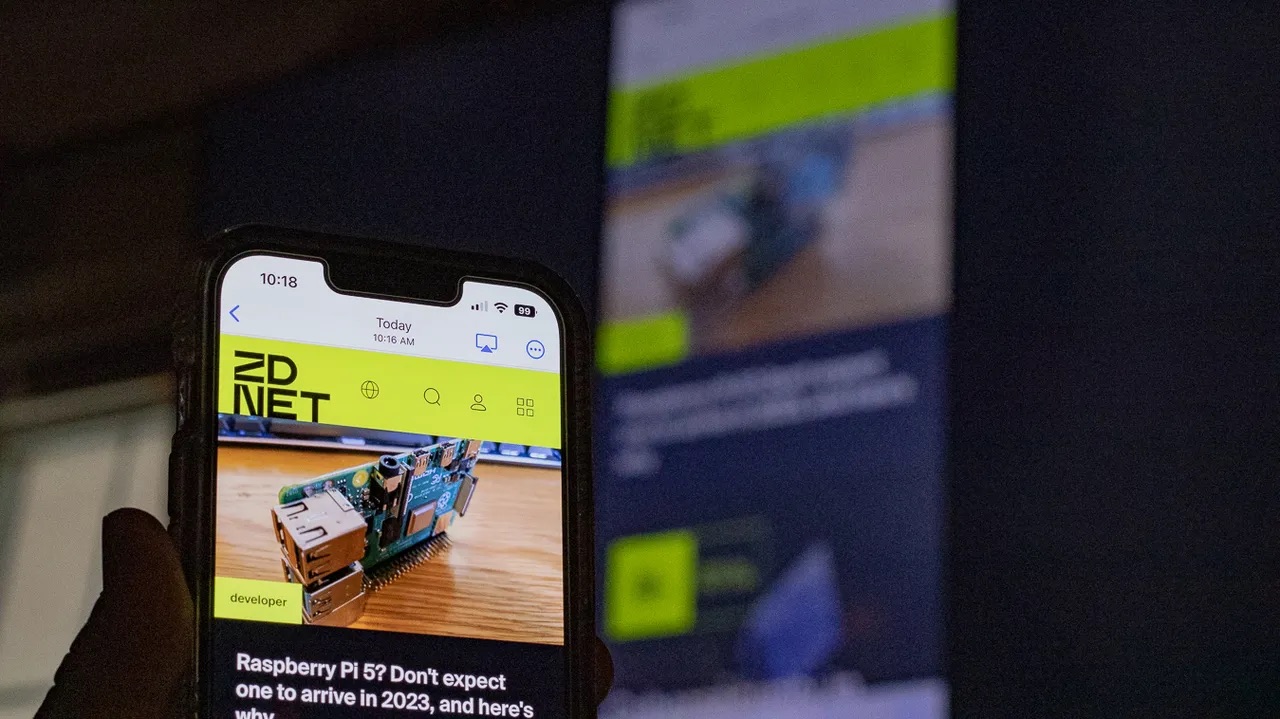
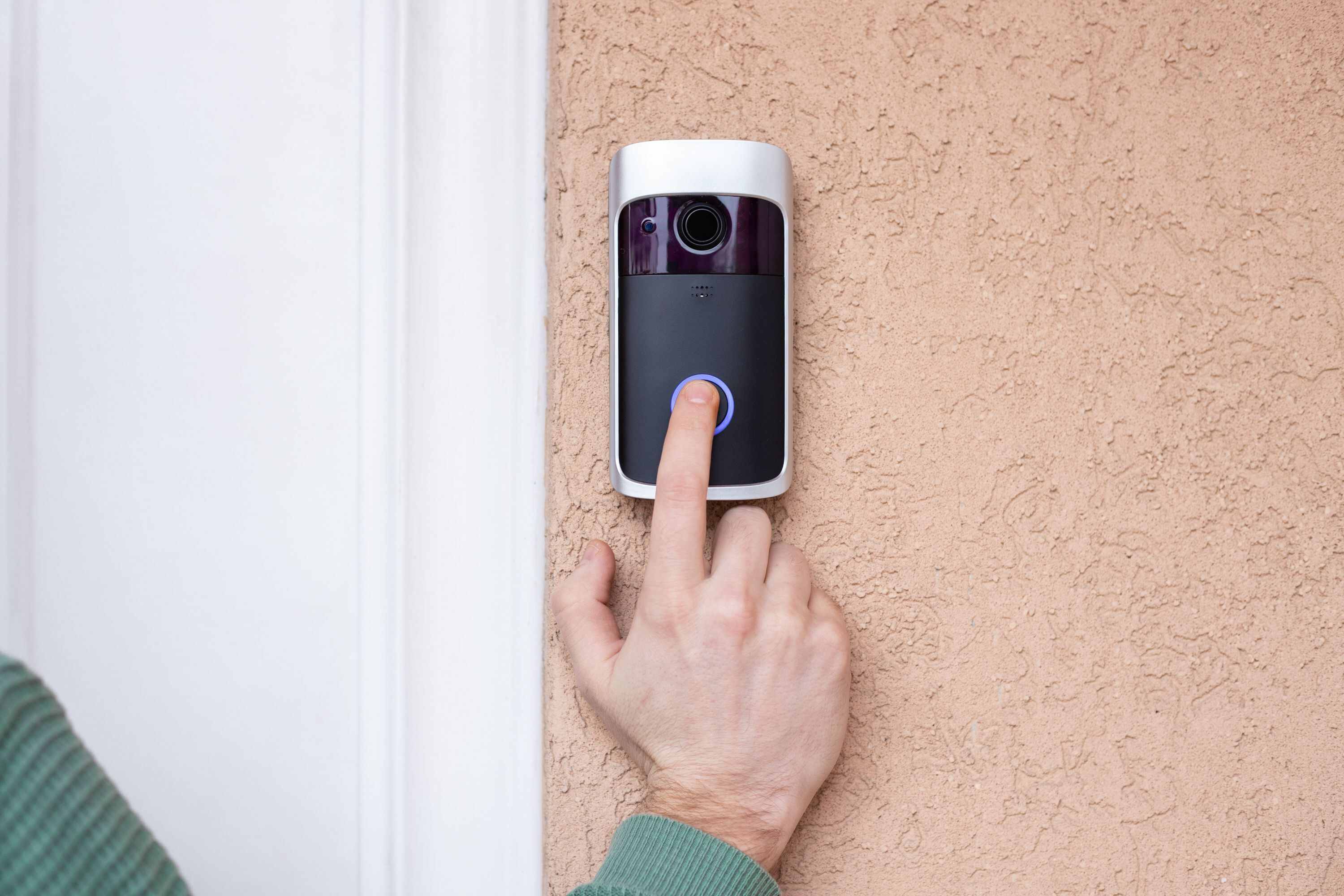
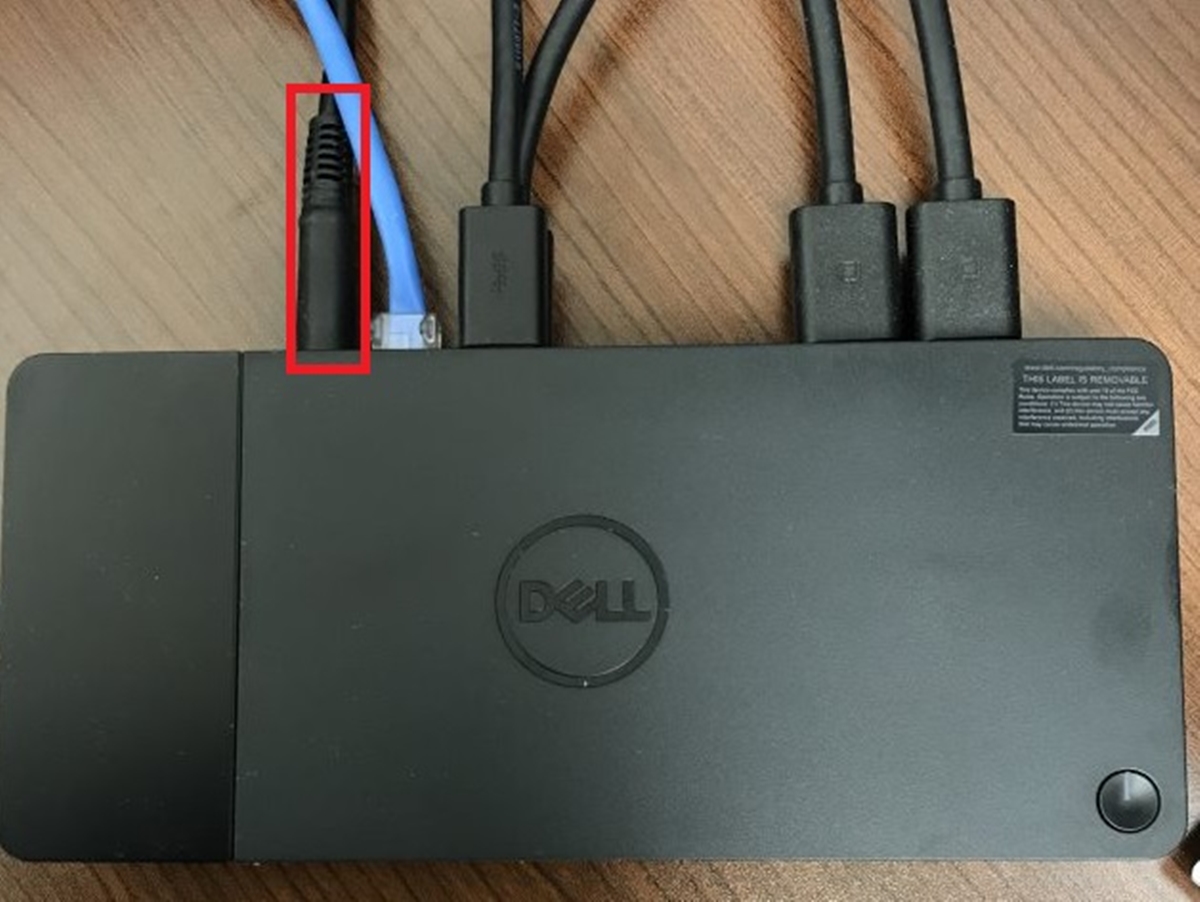
The articles here address two main themes: fixing unresponsive or malfunctioning hardware, and managing device software updates. For hardware issues, you will find solutions for controller joysticks that move by themselves, a Fitbit screen that is not working, or a Turtle Beach headset mic that has stopped functioning. On the software side, guides explain how to update a Fitbit or a Razer headset, and what to do when the Fitbit app is not showing your steps or when a red X appears on your Fitbit Versa. Other topics cover connecting your phone to a Samsung TV, restarting a docking station, and troubleshooting a wireless doorbell.
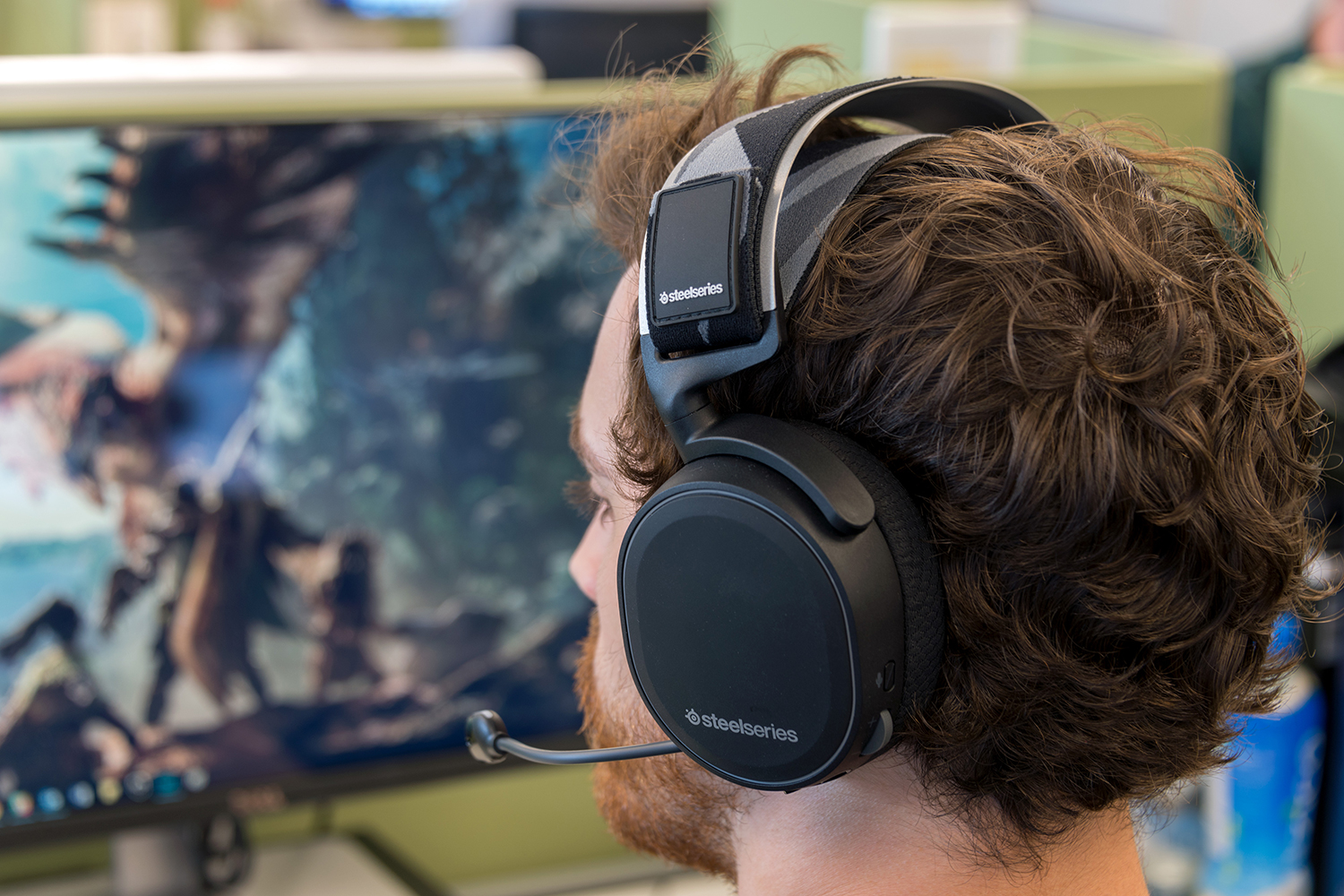
Ultimately, these articles help you diagnose and fix specific problems, perform necessary updates, and get your devices working correctly again. Whether you are dealing with an Xbox headset chat mixer issue or a Steelseries headset that will not connect, the goal is to provide straightforward, actionable advice you can follow immediately.