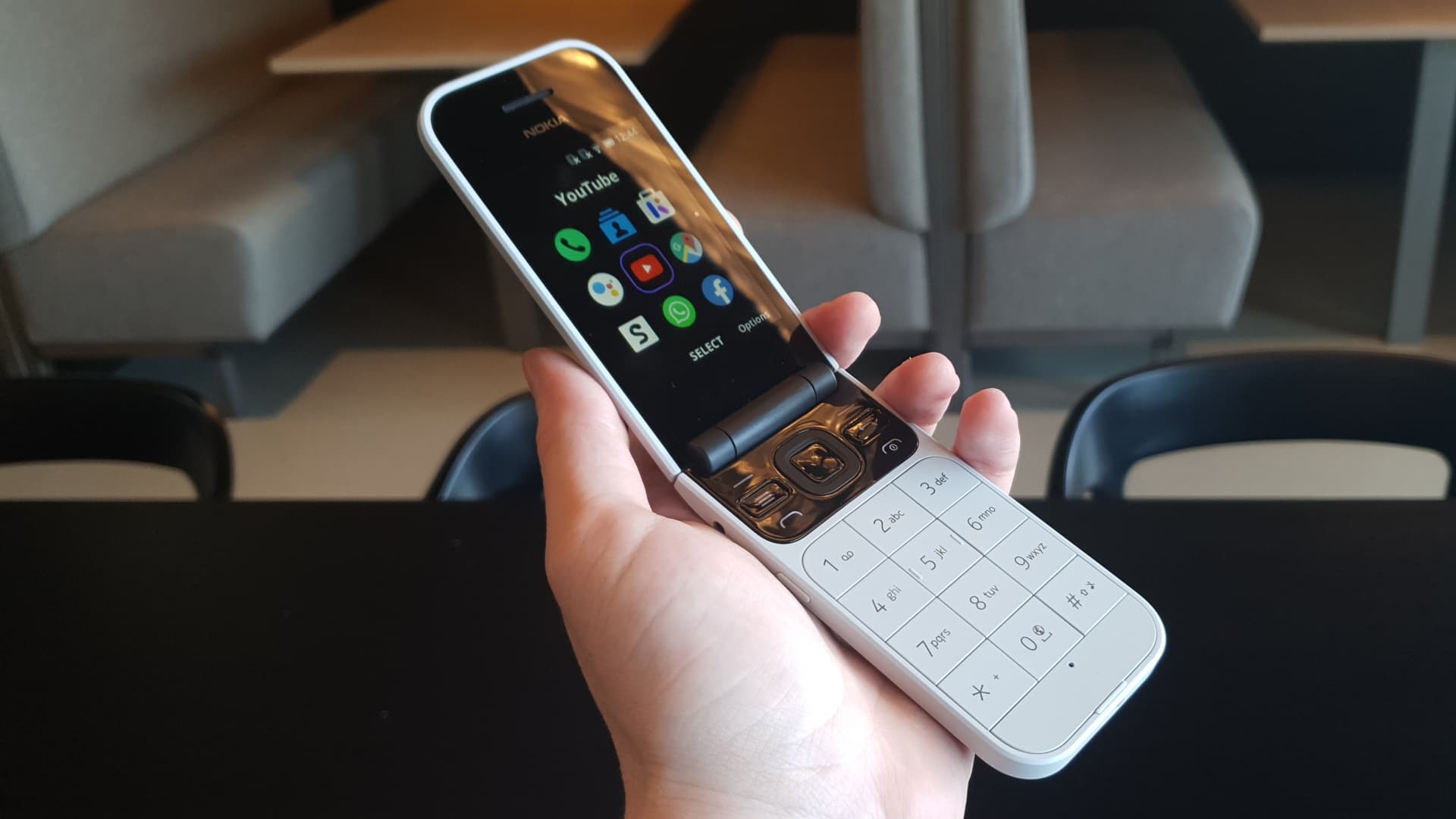
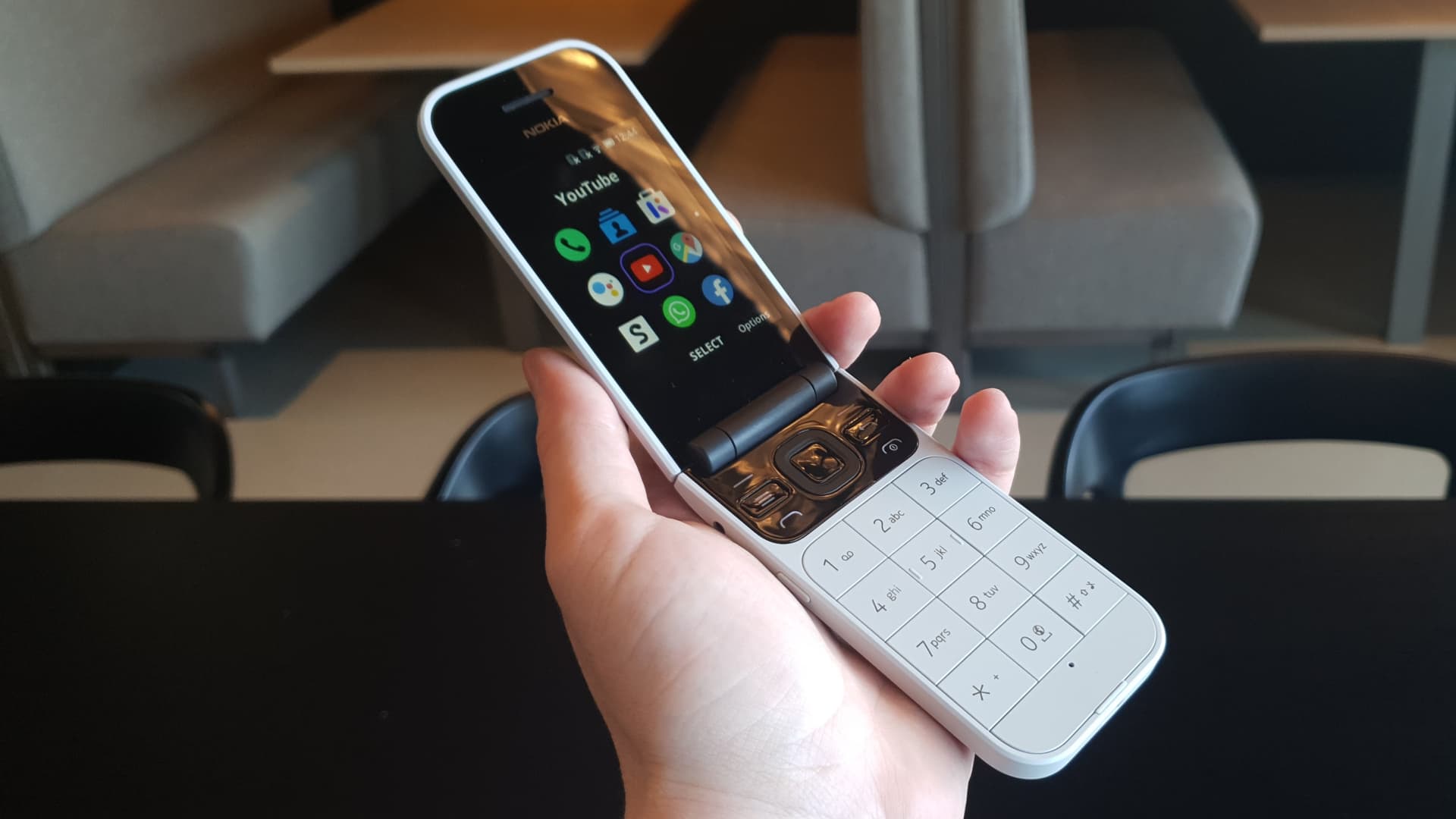
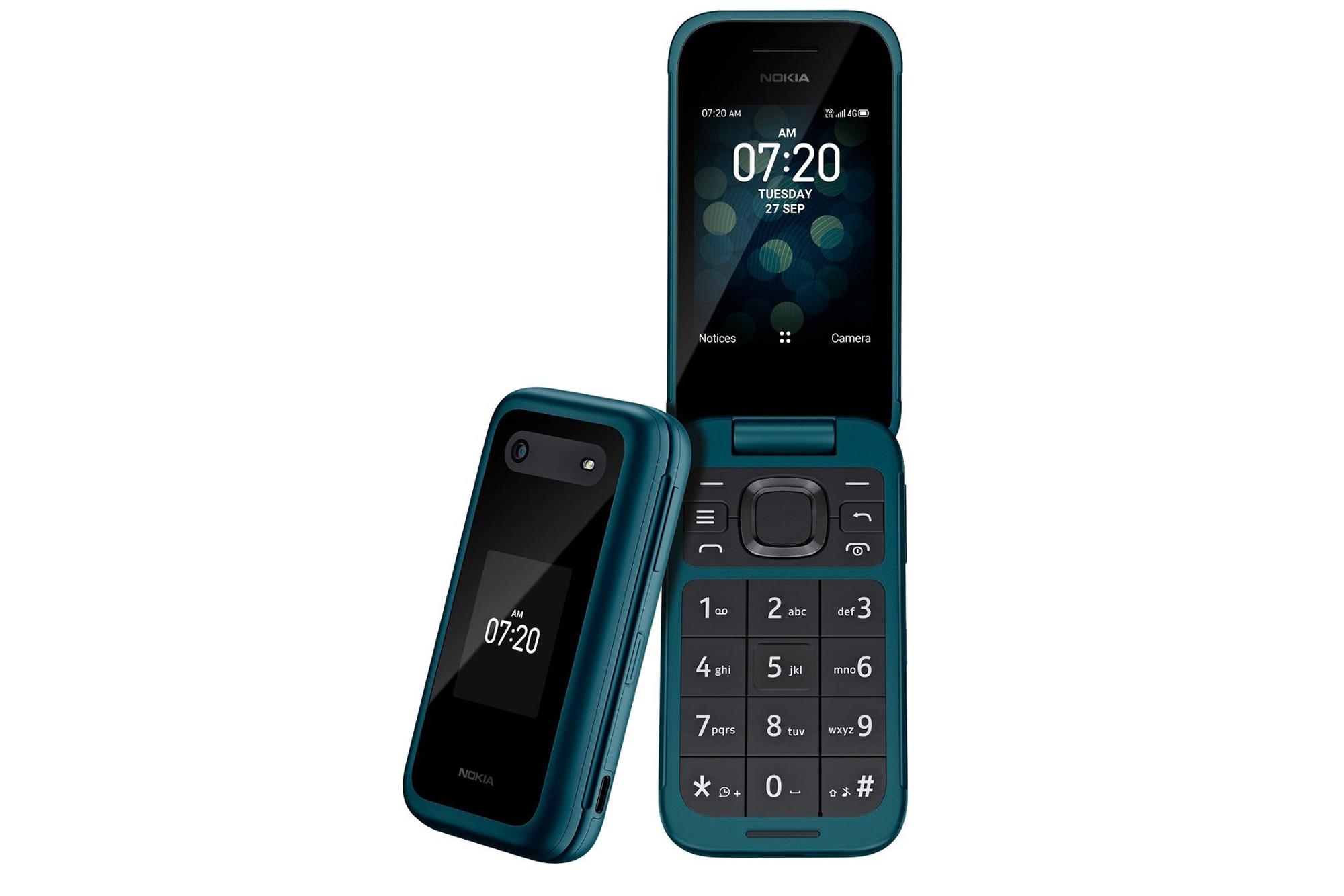
This tag collects all of CellularNews's articles dedicated to flip phones, a category that continues to appeal to users seeking simplicity, durability, or a digital detox. Whether you are a new adopter switching from a smartphone, a senior looking for an easy-to-use device, or someone troubleshooting a basic feature phone, these guides are built for you.

The articles here solve two main kinds of problems. First, they help with the very basics of getting started: turning on a wide range of models, from the TCL and Alcatel to the Jitterbug and Verizon Kyocera, and setting up essential functions like voicemail and speed dial. Second, they address common operational snags, such as how to unfreeze a Jitterbug flip phone, turn off airplane mode on a Consumer Cellular model, or delete call history. You will also find straightforward instructions for everyday tasks like typing, texting, putting a call on speaker, and even downloading pictures from your device.

If you are considering a switch, the collection includes a guide on how to switch to a flip phone and a roundup of the 13 best trendy models still available. For those already using a device, you can learn how to remove a SIM card from a Jitterbug, turn off CMAS alerts, or open an Alcatel flip phone. Each article focuses on a single, clear action so you can find the fix you need quickly.
How To Block Calls On Flip Phone

To block calls on flip phone, start by opening your call history or call log, selecting the unwanted number, and choosing an option like "Block Number," "Add to call rejection,"...

How To Clear Old Flip Phone

To clear an old flip phone, you need to perform a factory reset to erase all personal data, contacts, messages, and settings before selling, recycling, or disposing of the device....

How To Download Pictures From Flip Phone

To download pictures from a flip phone, you need to use a wired or wireless method that works with the phone's limited connectivity, since basic flip phones lack modern app...

How To Open Alcatel Flip Phone

To open an Alcatel flip phone, you must first power it off completely, then locate the notch or edge on the back cover specific to your model to pry it...

How To Text On TCL Flip Phone

To text on a TCL flip phone, open the Messages app from the Home screen using the dedicated Message Key (on supported models) or the Center Soft Key, then press...

How To Put A Flip Phone On Speaker

To put a flip phone on speaker, you typically press a designated "Speaker" button or soft key during an active call. The most common method across basic flip phones is...

How To Set Up Jitterbug Flip Phone

To set up Jitterbug flip phone, you must first activate it by creating a Lively account online at Lively.com/Activate or by calling 1-888-900-1367. Online activation costs $25, while activating over...

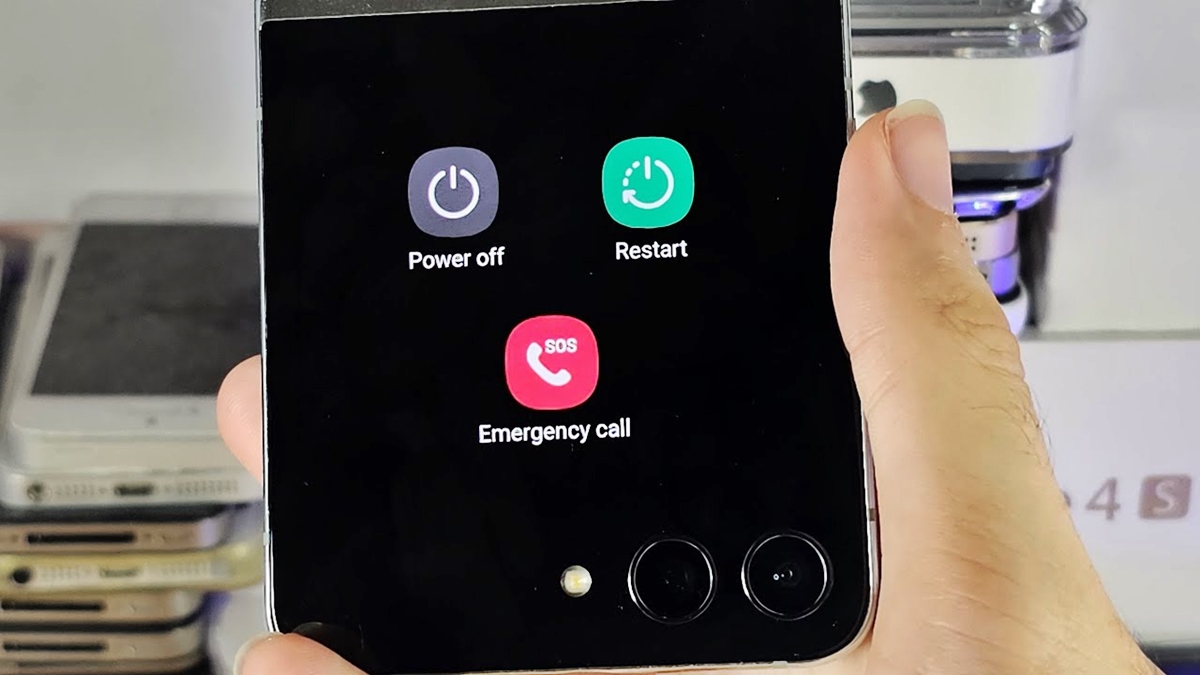
How To Shut Off Samsung Flip Phone

To shut off your Samsung flip phone, press and hold the Side key until the power menu appears on the screen, then tap "Power off" to shut down the device....

How To Switch To A Flip Phone

To switch to a flip phone, you need to complete two separate tasks: moving your data off the smartphone and moving or reactivating your phone number on the flip phone....