Guides, tips, and troubleshooting advice for playing games on your phone, console, and PC, with a strong focus on the mobile experience. This is for anyone who wants to get the most out of their favorite titles, whether you are a dedicated Minecraft builder, a Roblox explorer, or a competitive PUBG Mobile or COD Mobile player. The articles here solve real problems, from understanding in-game mechanics to making your hardware work the way you want.
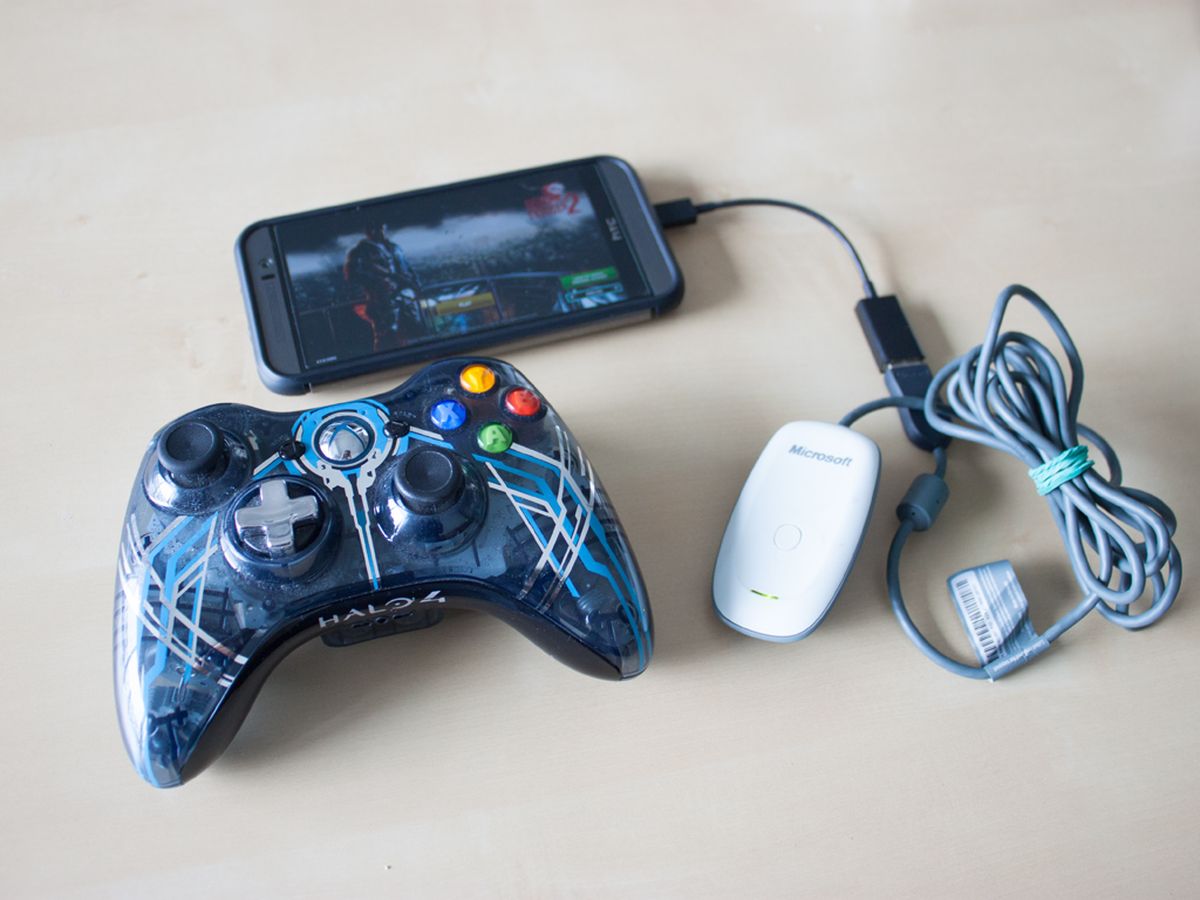
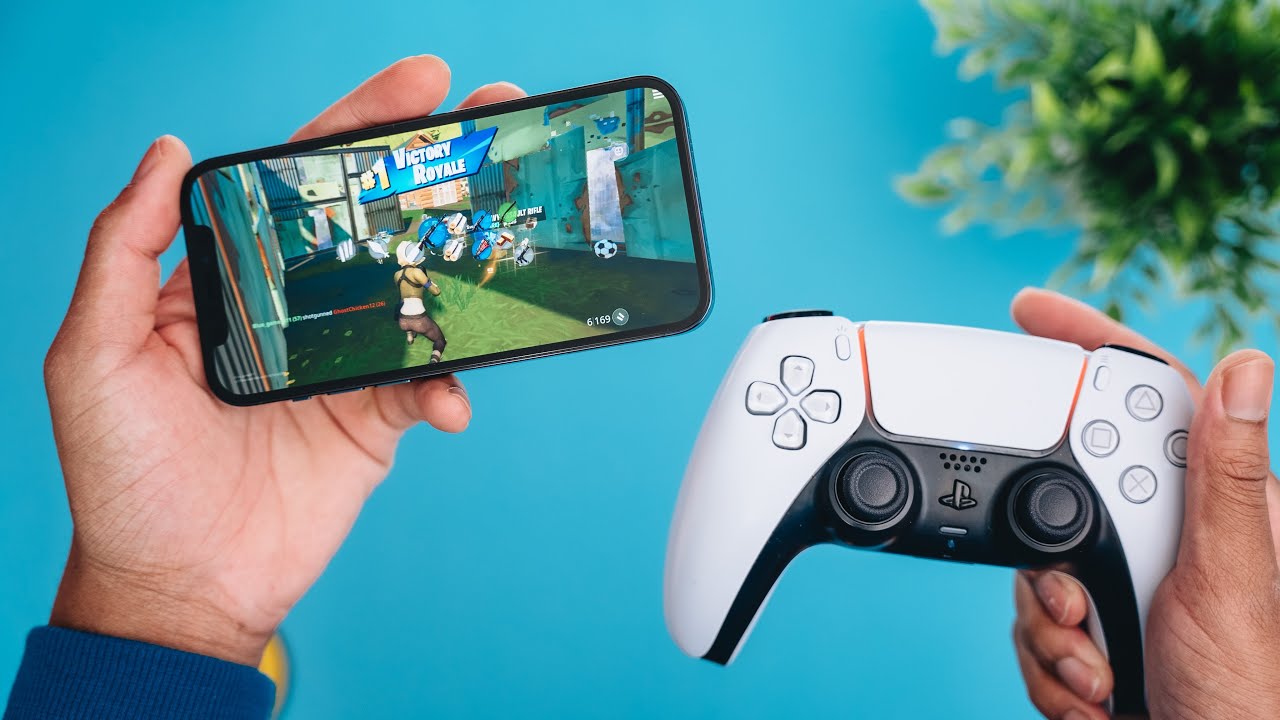
One clear theme is mastering specific games and their features. You will find help with the Minecraft enchanting table, how to use the Riptide enchantment on a trident, and even a ranking of all pickaxe enchantments from best to worst. For Roblox players, there is a guide on what a "noob" is and how to become one. Other articles break down concepts like what grinding means in gaming, what antialiasing does for graphics, and how emulation works. A second major theme is connectivity and hardware setup. These articles help you do things like connect a PS5 controller to your phone, pair a wireless Xbox controller to a Chromebook, or make a wired controller wireless. You can also learn how to add data packs to Minecraft, check your KD in COD Mobile, and even change the NAT type on a PS4 using your mobile hotspot.