Welcome to the Google Assistant tag page on CellularNews. This collection is specifically curated for Android phone users and smartwatch owners who want to master their voice-controlled assistant. Whether you are new to the platform or troubleshooting an existing setup, the articles here focus on the practical, day-to-day interactions you have with Google Assistant on your devices.
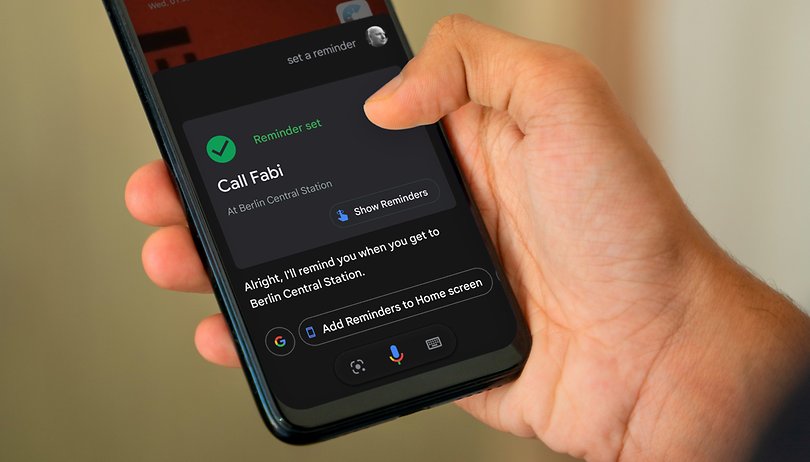
The articles are organized around two core themes. The first group helps you control how and when the assistant activates. You will find straightforward guides on how to turn off voice assistant on Android, how to turn off Google Assistant voice on Android, and how to activate Hey Google on my phone. The second theme centers on managing your phone’s notifications and settings, including how to use do not disturb mode in Android, how to set a reminder on Android, and where reminders are stored on my Google phone. A few articles also bridge the gap between your phone and wearable tech, such as how to set up Google Assistant on Fitbit Versa 3.
Beyond these themes, the page covers essential daily tasks like how to find an Android phone on silent, how to see your phone number on Samsung, and how to power off my Android phone. For those experiencing audio issues, the guide on fixing voice assistants and microphone settings provides direct troubleshooting. Each article is designed to help you take a specific action, from silencing your assistant to locating a lost device, without unnecessary complexity.