Welcome to the Google Assistant tag page on CellularNews. This collection is specifically curated for Android phone users and smartwatch owners who want to master their voice-controlled assistant. Whether you are new to the platform or troubleshooting an existing setup, the articles here focus on the practical, day-to-day interactions you have with Google Assistant on your devices.
Beyond these themes, the page covers essential daily tasks like how to find an Android phone on silent, how to see your phone number on Samsung, and how to power off my Android phone. For those experiencing audio issues, the guide on fixing voice assistants and microphone settings provides direct troubleshooting. Each article is designed to help you take a specific action, from silencing your assistant to locating a lost device, without unnecessary complexity.
Fix voice assistant settings when it won't listen When your phone ignores “Hey Siri” or “OK Google,” the first place to check is your voice assistant settings. On an iPhone,...
Where are reminders stored on my Google phone? The answer has changed: reminders you create with Google Assistant or Google Calendar are now stored as Google Tasks. This means your...
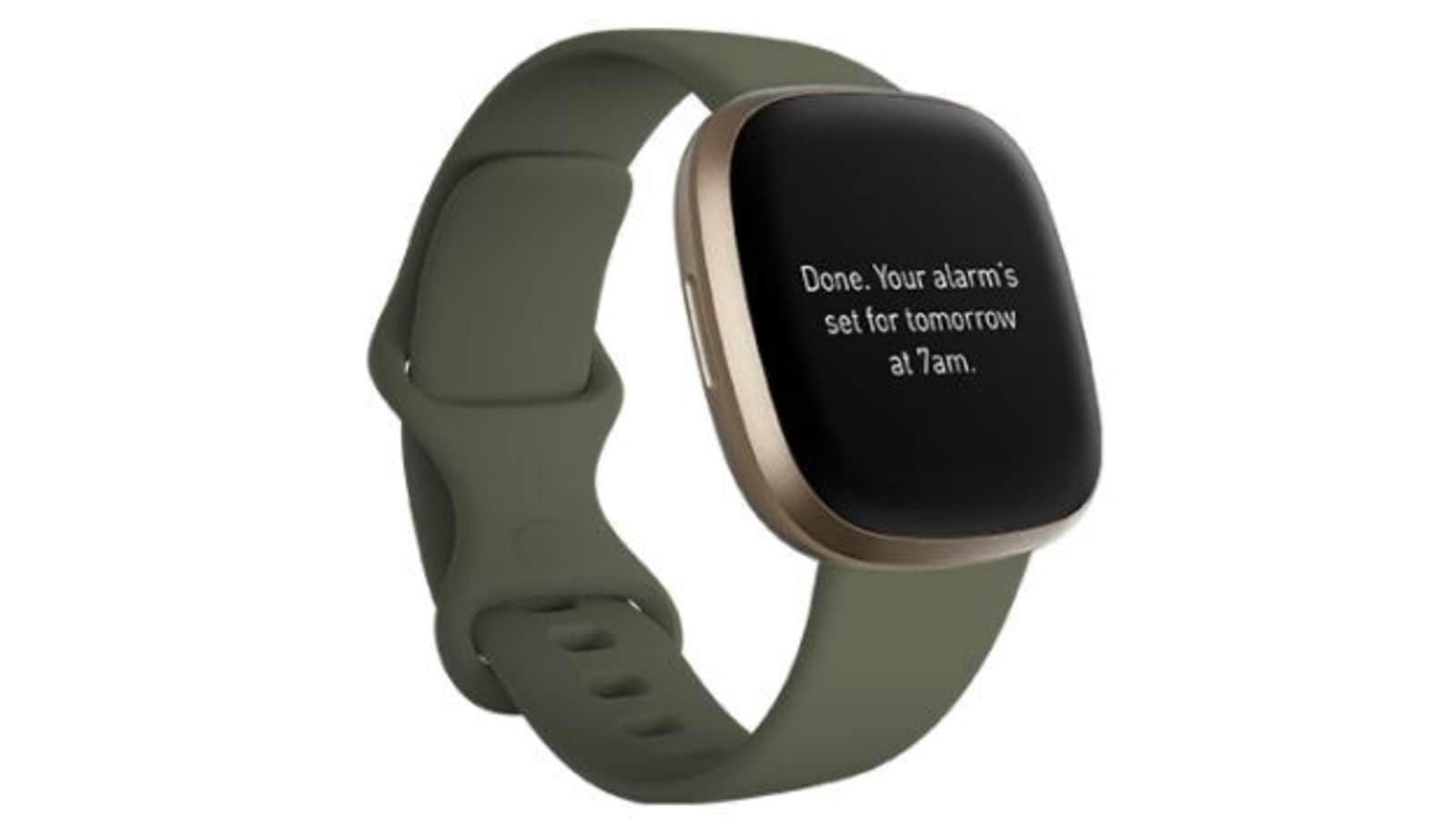
To set up Google Assistant on Fitbit Versa 3, open the Fitbit app, go to the Today tab, tap your profile picture, select your Versa 3 tile, then tap Voice...
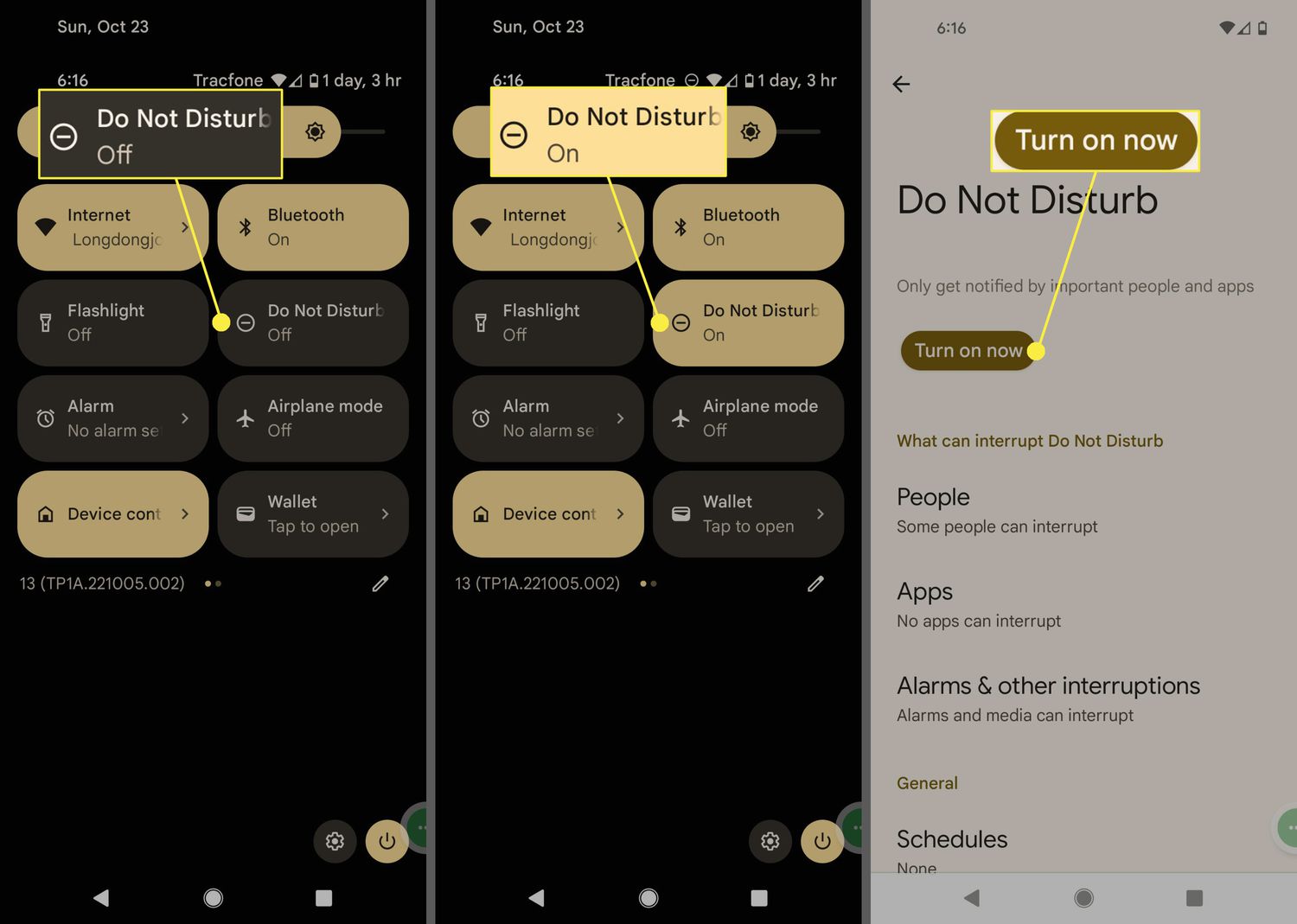
Do Not Disturb mode on Android silences most calls and notifications so you can focus or rest without interruptions. The two fastest ways to turn it on are from Quick...
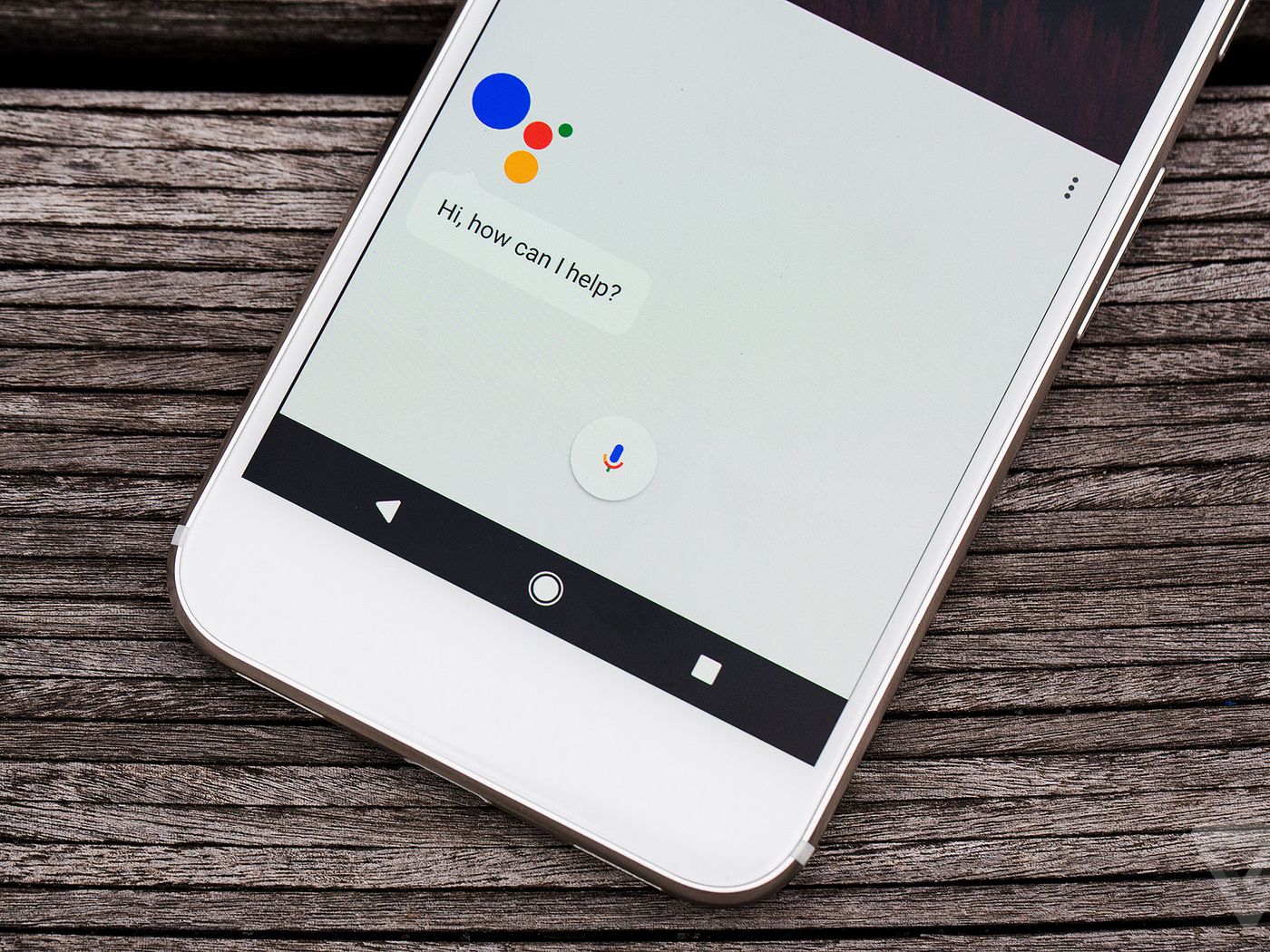
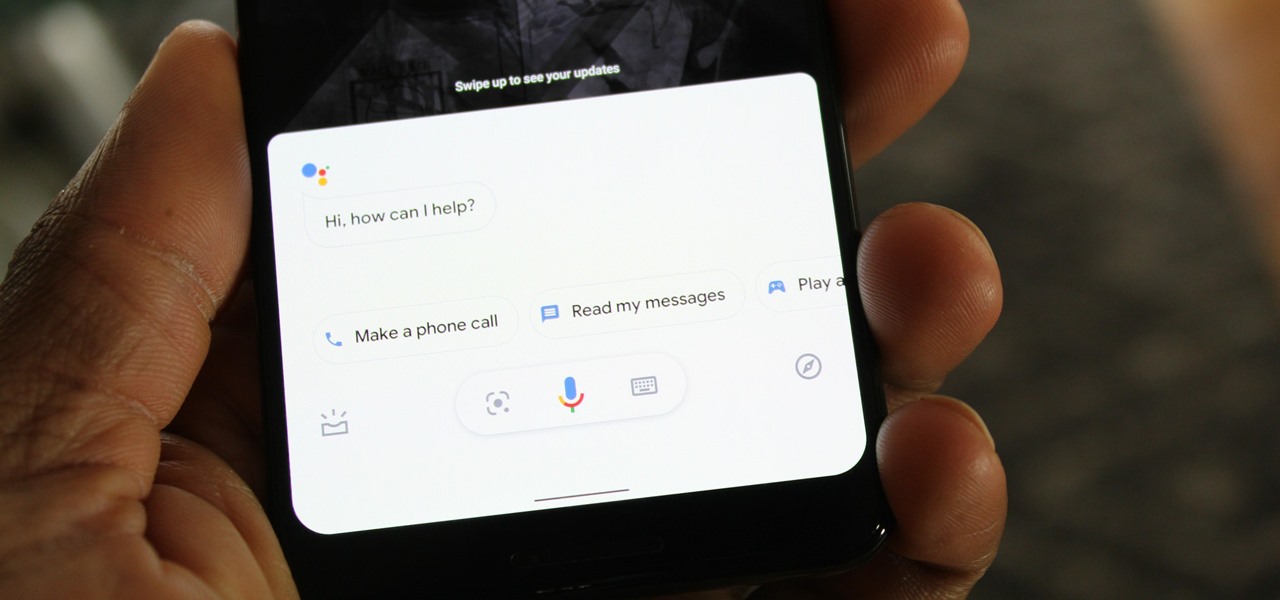
To activate Hey Google on your phone, you need to enable Google Assistant and set up Voice Match on Android, or download the Google Assistant app on iPhone. This hands-free...
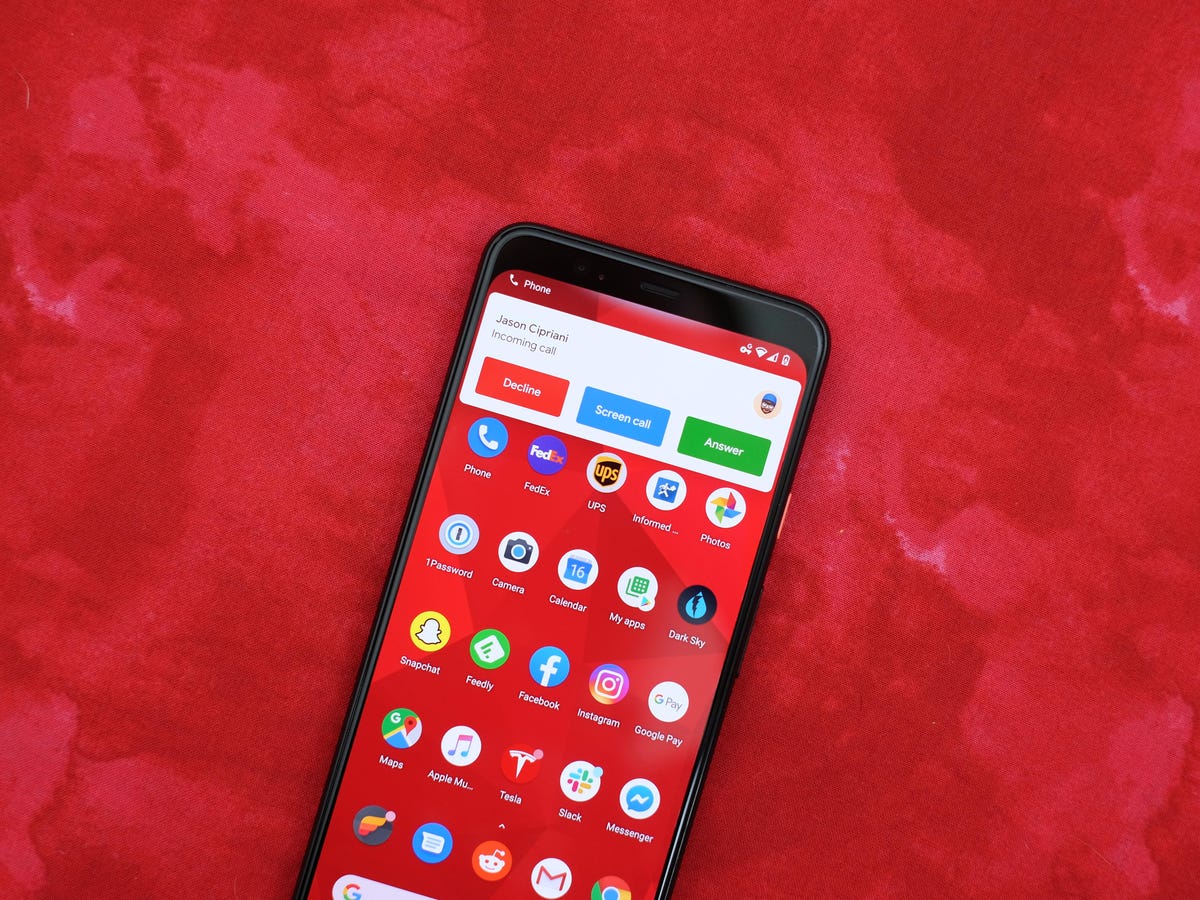
To answer an incoming call on an Android phone, swipe the green answer button across the screen. This is the primary, universal method for answering calls on almost all Android...
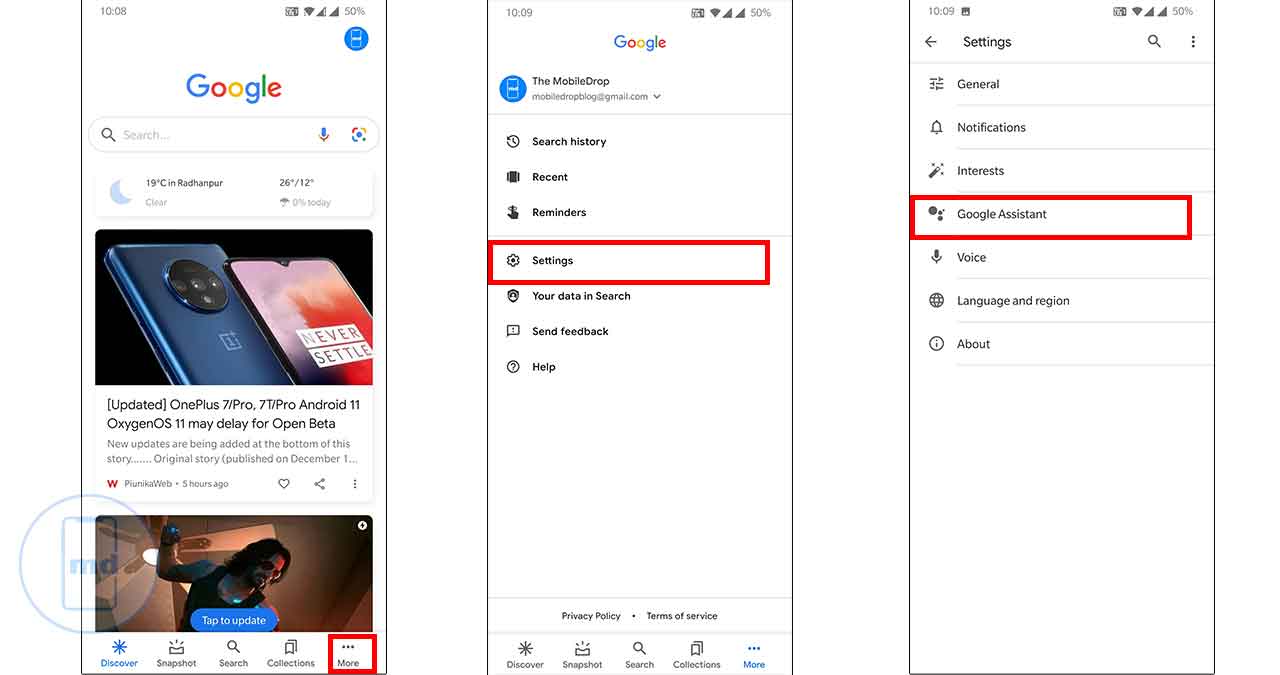
To turn off Google Assistant voice on Android, open the Google app, tap your profile picture, then go to Settings > Google Assistant > Assistant voice & sounds or Speech...
To use Google Assistant on Android, you need a compatible device running Android 5.0 or higher with at least 1.0GB of available memory (or Android 6.0+ with 1.5GB), a 720p...
To find an Android phone on silent, use Google's Find My Device (now called Find Hub) to force it to ring at full volume, or ask Google Assistant to ring...
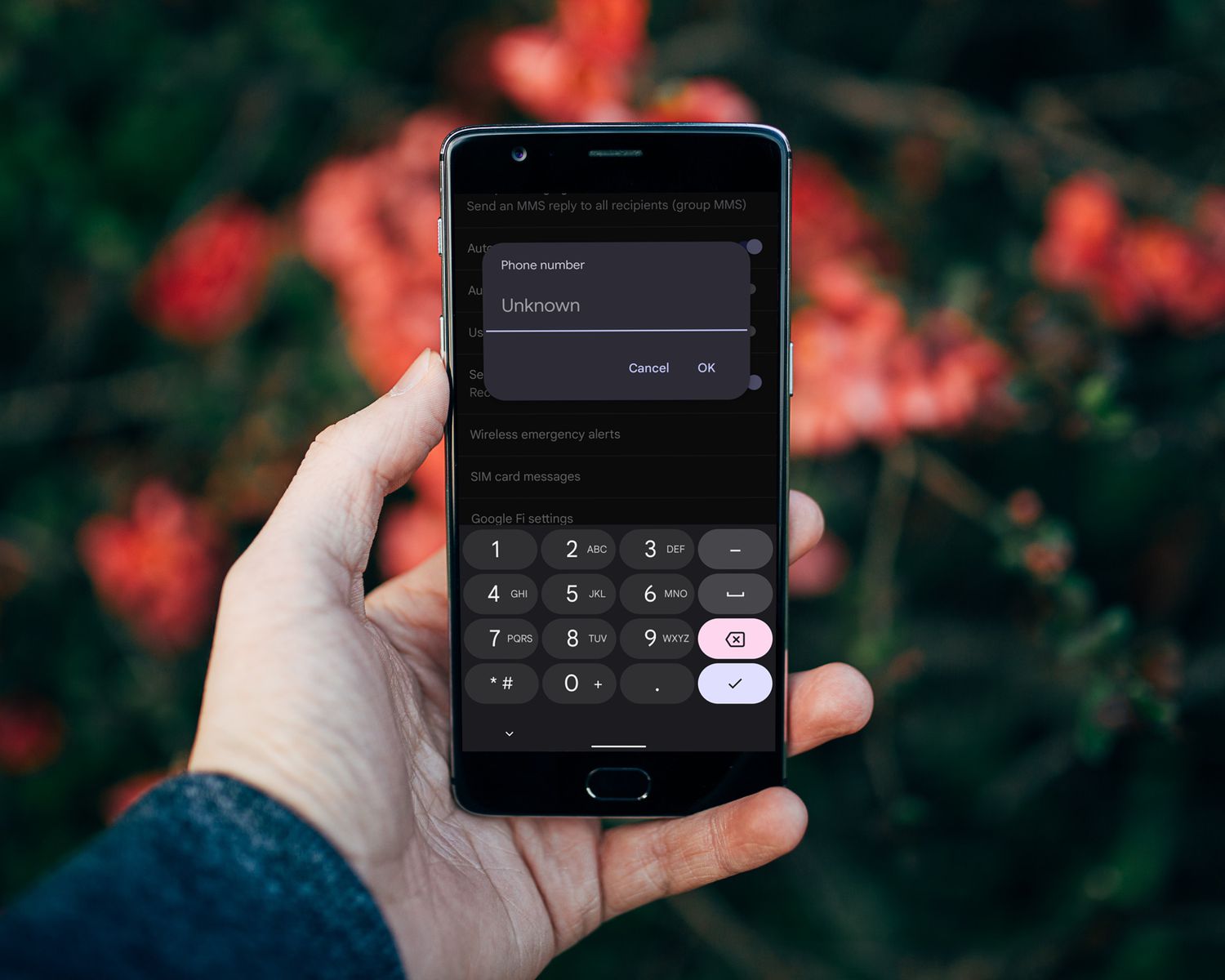
To quickly see your phone number on Samsung, open the Settings app and tap About phone; your number is listed in the Phone number field. This is the standard Android...
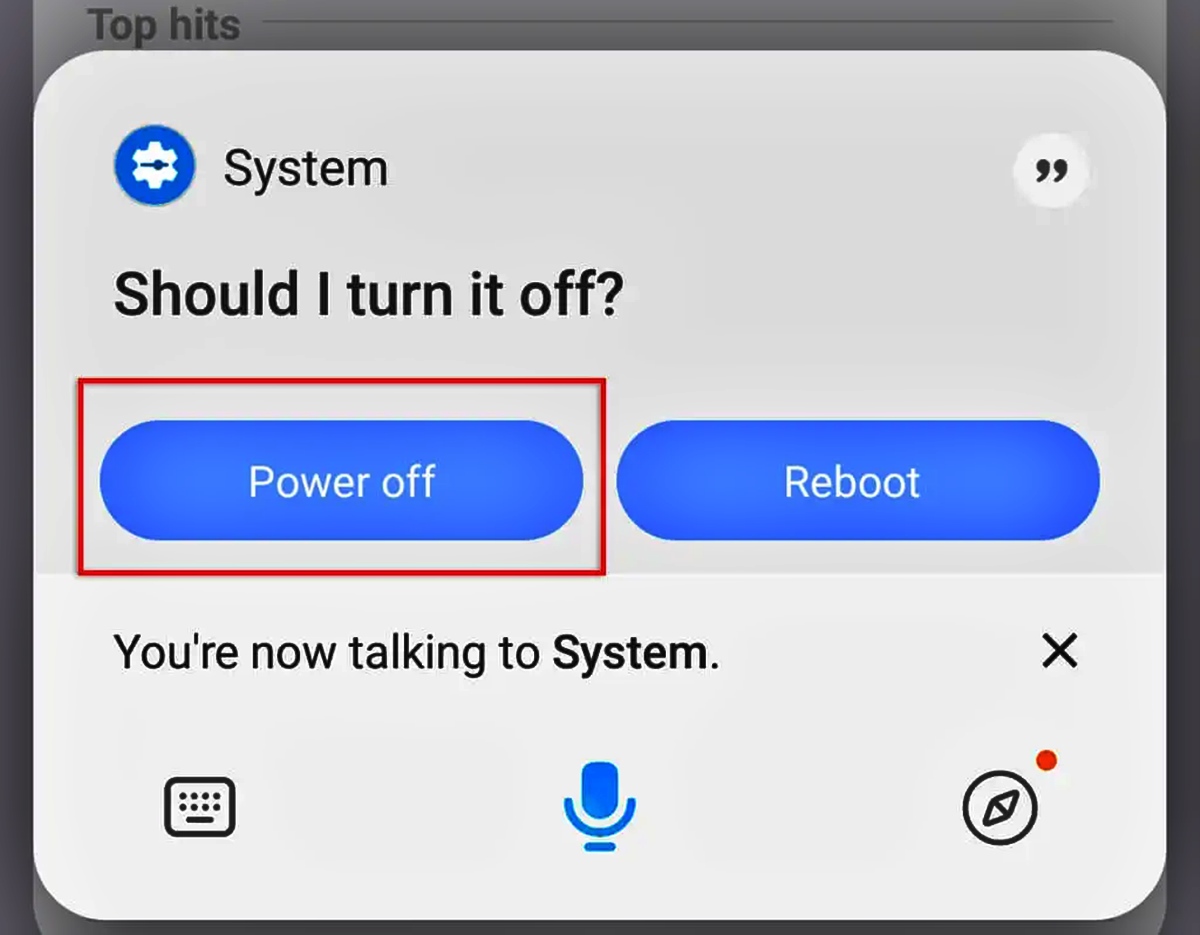
A long press of the power button alone often launches a digital assistant instead of the power menu to power off my Android phone on newer devices like Google Pixel...
To turn off voice assistant on Android, you need to disable the conversational assistant (like Google Assistant or Bixby) rather than the TalkBack accessibility screen reader. Users typically disable these...