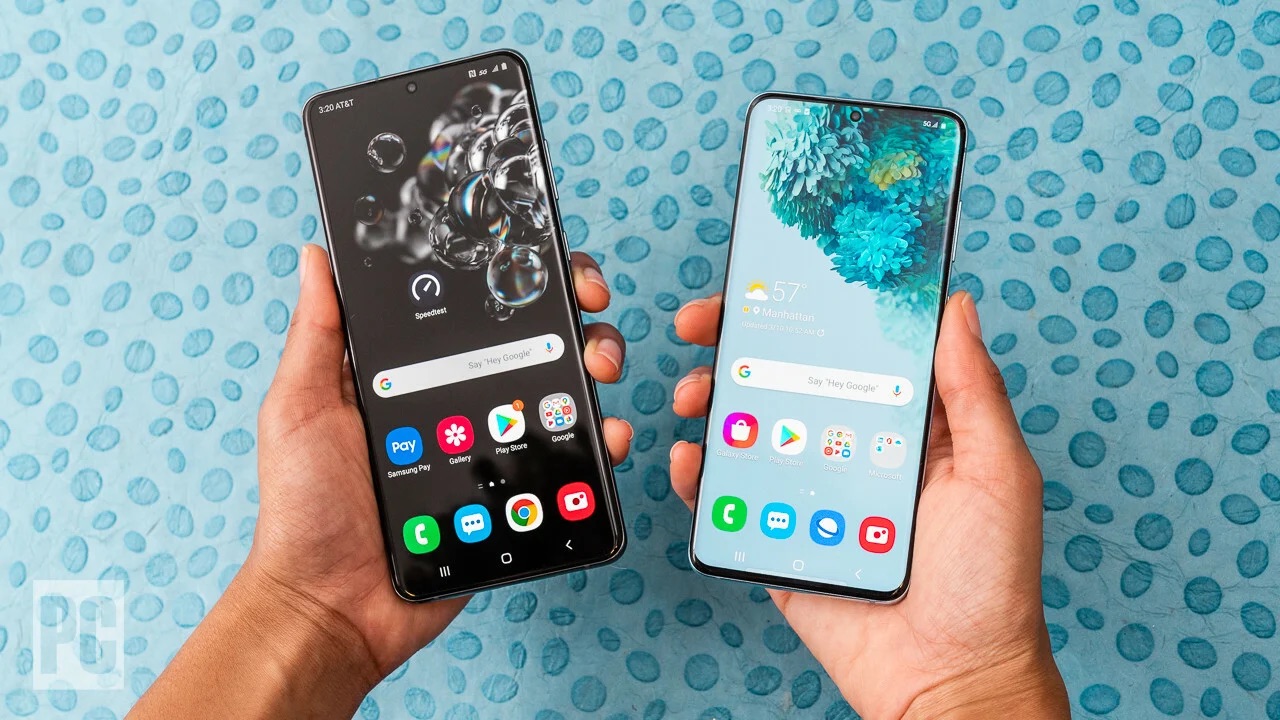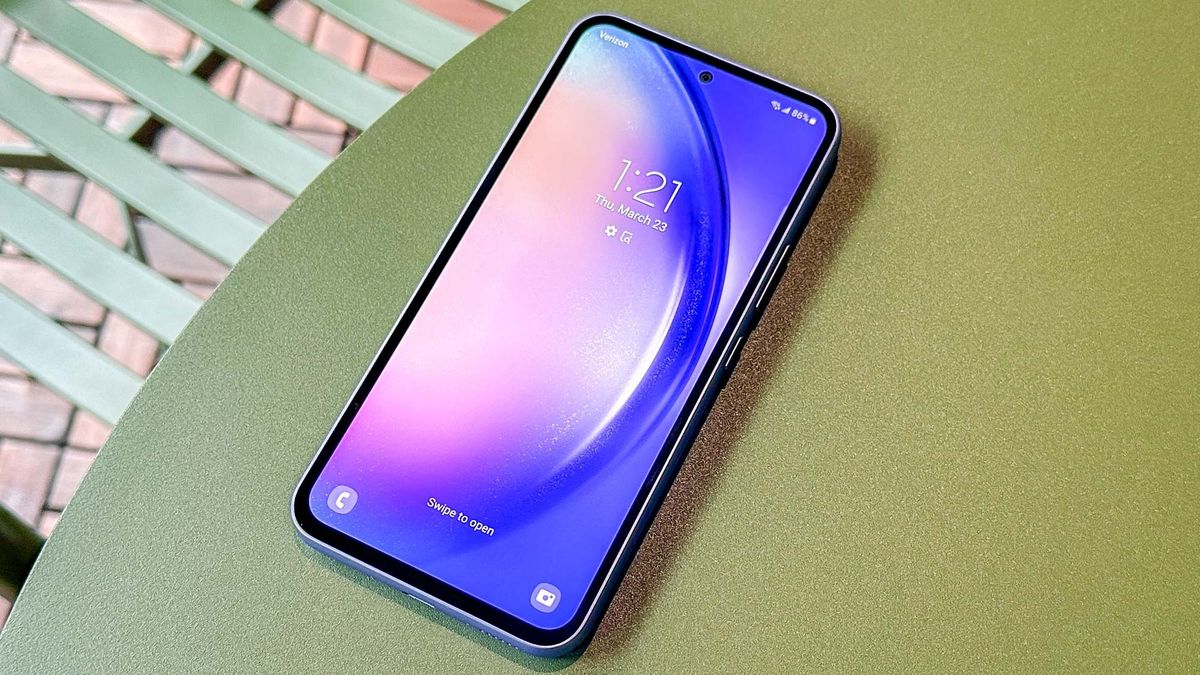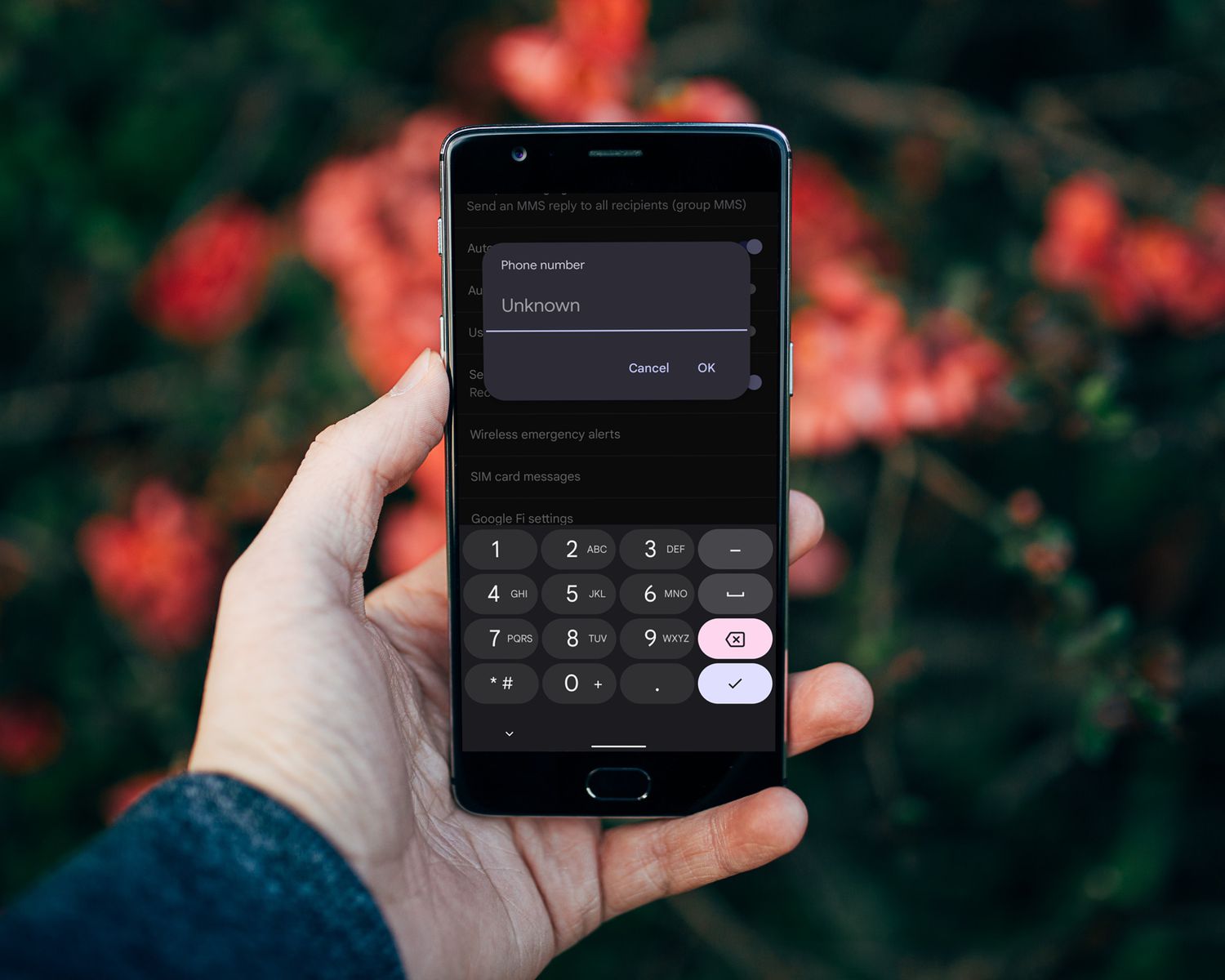
To quickly see your phone number on Samsung, open the Settings app and tap About phone; your number is listed in the Phone number field. This is the standard Android method documented by Google, not a Samsung-specific feature, and it works on any Samsung Galaxy device running stock Android.
See your phone number on Samsung: the quick way
The fastest path is through the Settings menu, which follows Google’s official Android documentation. You can also swipe down from the top of the screen and tap the gear icon to open Settings. Then scroll to and tap About phone, then look for the Phone number field. If your device uses two SIMs, you will see numbers for both SIM slots. This method is reliable on all Samsung Galaxy models and does not require a Samsung account or any additional apps.
Use Google Assistant to find your number
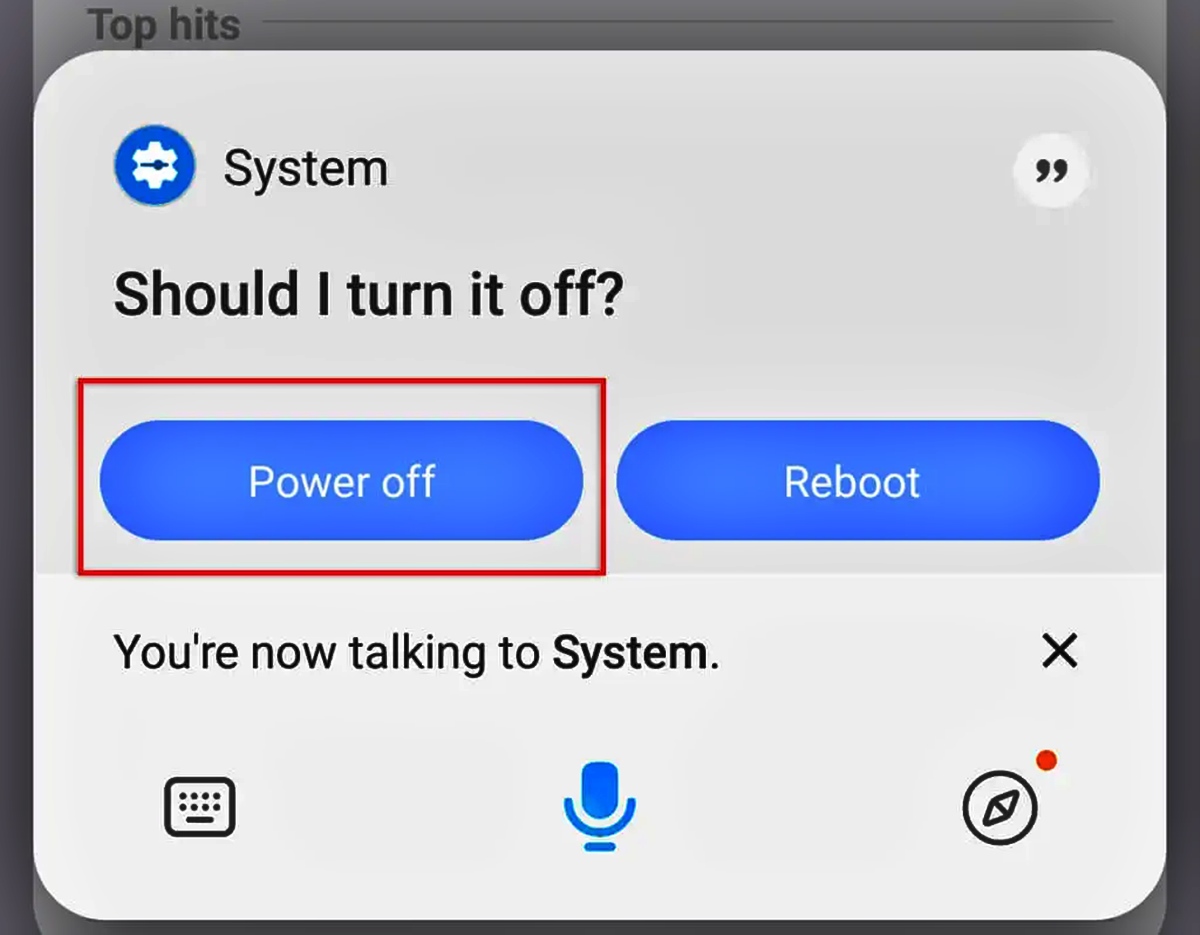
An alternative voice-command method is to use Google Assistant. Say “Ok Google” or press and hold the power button, then ask “What’s my phone number?”. Tap Device Information to see the Phone Number field. This route works on any Android smartphone and is especially useful when you cannot navigate the settings menu, such as when your hands are busy or the screen is damaged.
What if your number shows as Unknown?
If the Phone number field displays “Unknown” or is blank, first check your SIM card status. Go to Settings > Connections > SIM card manager or SIM card information to confirm that both SIMs (if applicable) are active. If the number still appears as Unknown, the issue is likely with your carrier, not your device. Contact your mobile service provider to verify that your phone number is correctly provisioned on your line. No official Samsung, Google, or carrier support page documents a universal dial code or a number printed on the SIM tray as a supported method for retrieving your own number.
Frequently Asked Questions
Can I find my number from the Phone app?
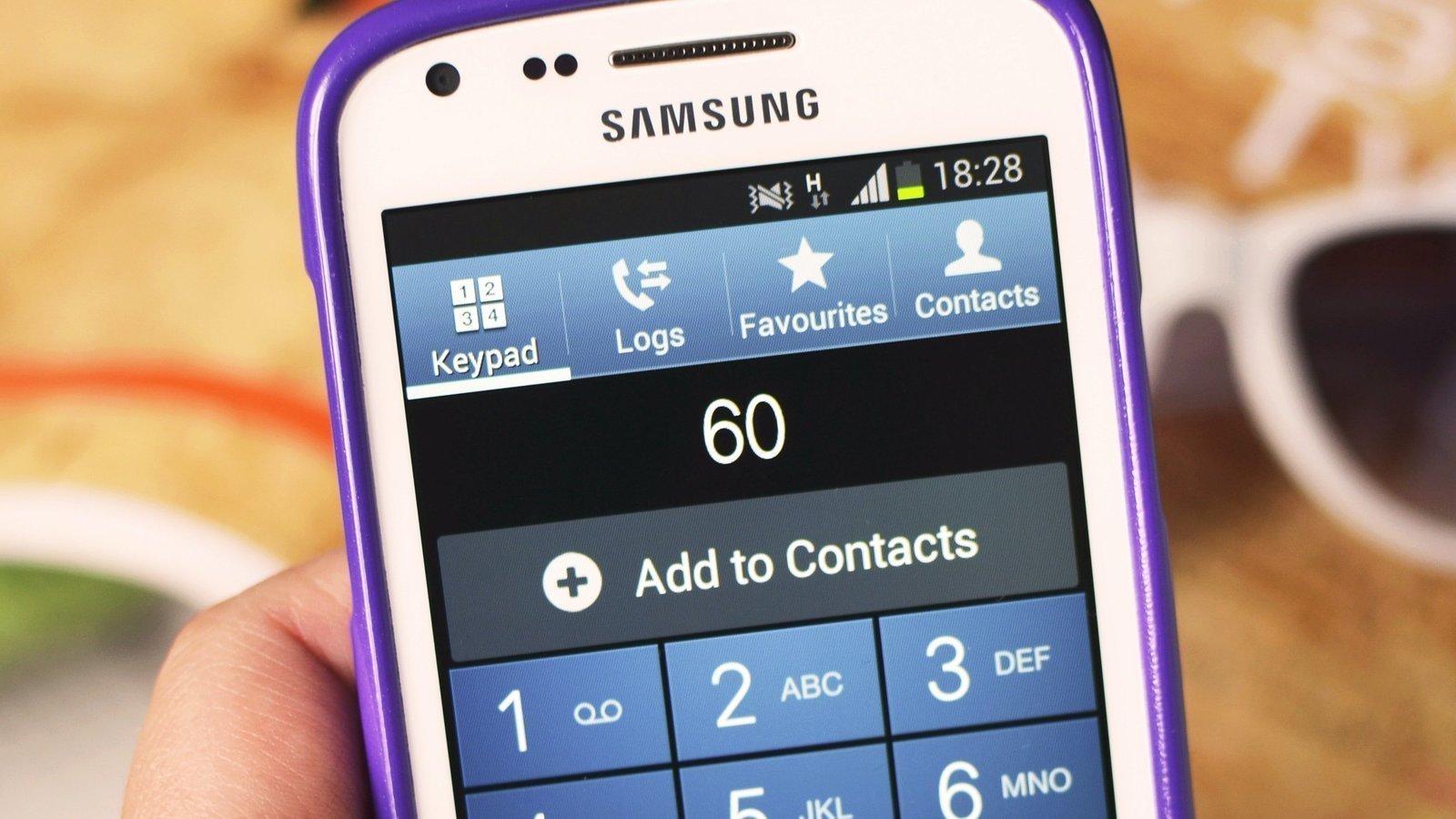
No official Samsung or Google documentation supports finding your phone number directly from the Phone app’s dialer. The Phone app is designed for making calls, not for displaying your own number. Use the Settings > About phone path or Google Assistant instead.
Does Samsung have its own number lookup?
Samsung’s current support pages focus on Find My Mobile and SmartThings Find, which are device-finding services, not phone-number display features. The only official phone-number lookup path retrieved is Google’s Android flow.
What if I have two SIMs?
If your Samsung device has two SIMs, the Settings > About phone path should display numbers for both SIM slots. If only one number shows or both appear as Unknown, check the SIM card manager under Settings > Connections > SIM card manager to ensure both lines are active. For persistent issues, contact your carrier.
Can I use a dial code to see my number?
No official Samsung, Google, Apple, or carrier help page documents a universal dial code for showing your own phone number. Codes like *#06# display the IMEI, not the phone number. One code that may display your number is *#62#.
Is my number printed on the SIM tray?
To check, use a SIM card removal tool or paperclip to eject the tray. Do not rely on this method for accuracy.
What should I do if none of these methods work?
If the Settings and Assistant methods show “Unknown” and your SIM is active, contact your carrier directly. Have your account details ready, including your name and account number, for verification. Carrier support is the only documented fallback when the device itself cannot retrieve the number.
For the wider topic, see finding account and PIN numbers.
Related reading: How To Power Off My Android Phone.