Practical guides for anyone who uses a phone to store, share, and manage files. This collection is for everyday smartphone users who need straightforward help with cloud storage, document handling, and data backups, whether they are on an iPhone or an Android device.
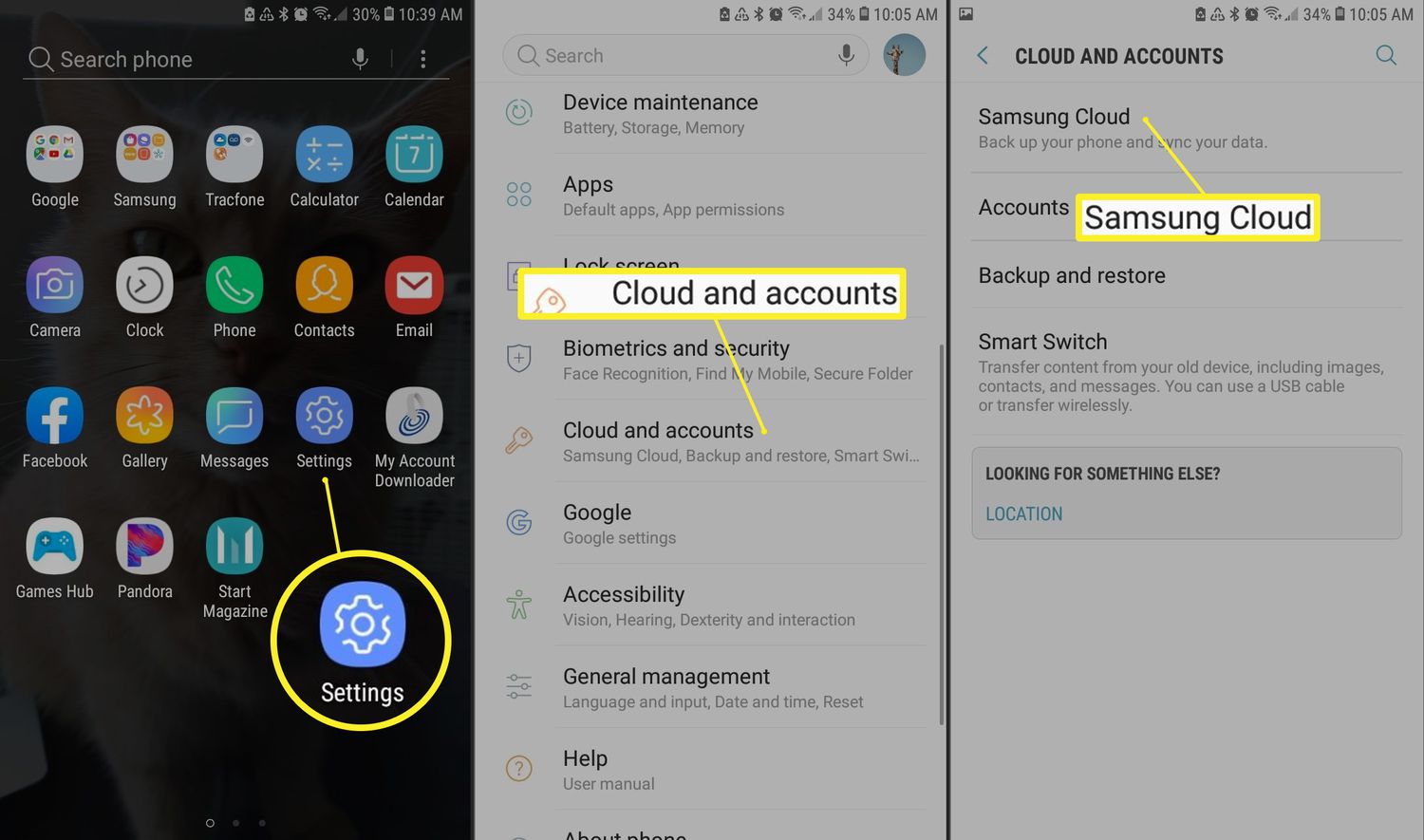
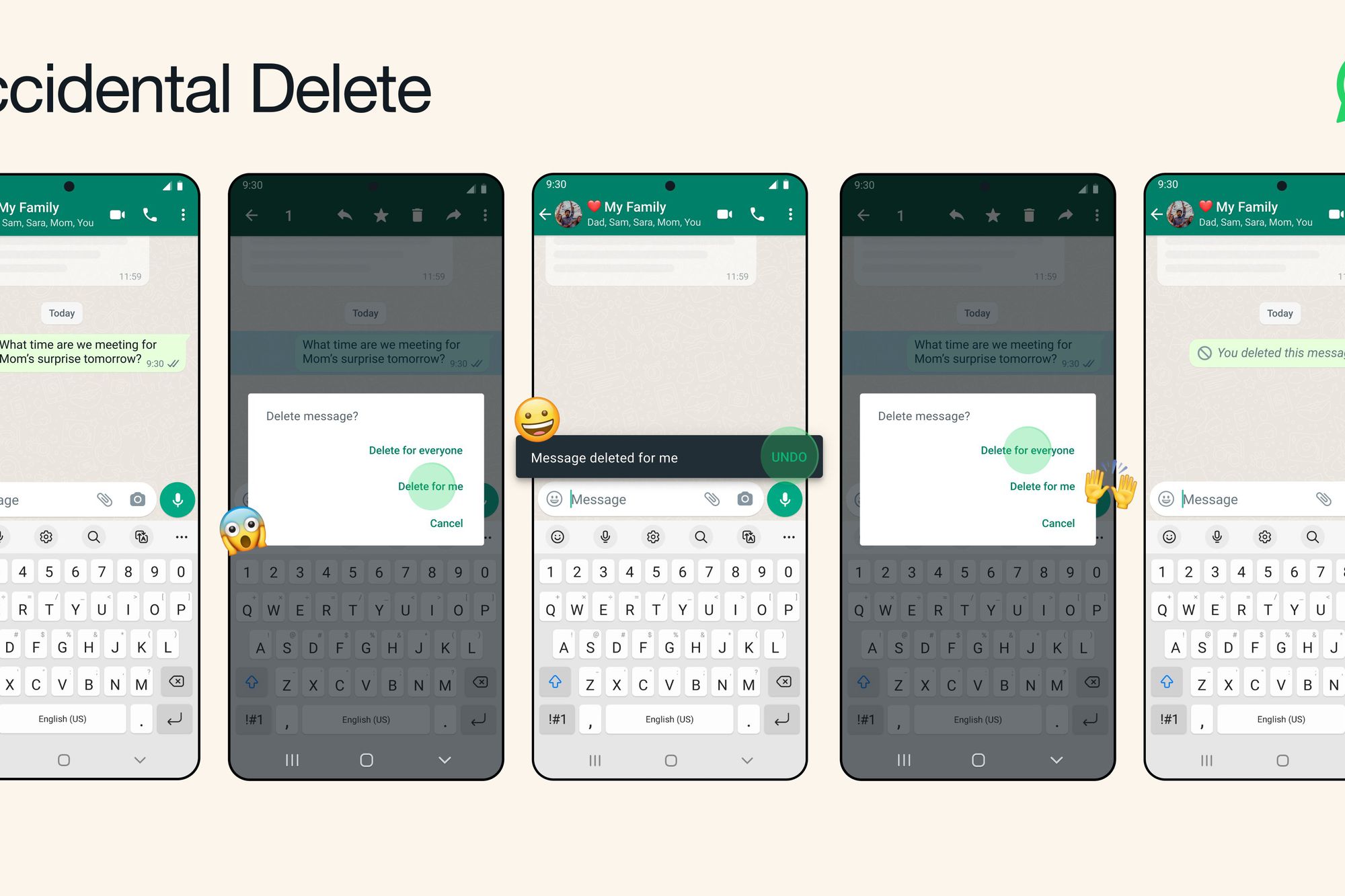
The articles here solve three common types of problems. First, they tackle file conversion and document creation on the go, showing you how to convert HEIC photos to JPG inside Google Drive, turn a picture into a PDF, and email a photo directly from your phone. Second, they cover uploading and accessing your content, with guides on how to upload documents on an Android phone, how to access the cloud on Android, and which file upload apps work best for iOS. Third, they help with backups and message recovery, including how to back up your phone, where Sony Xperia backups are saved, and even how to delete wrongly sent WhatsApp messages or recover deleted ones.
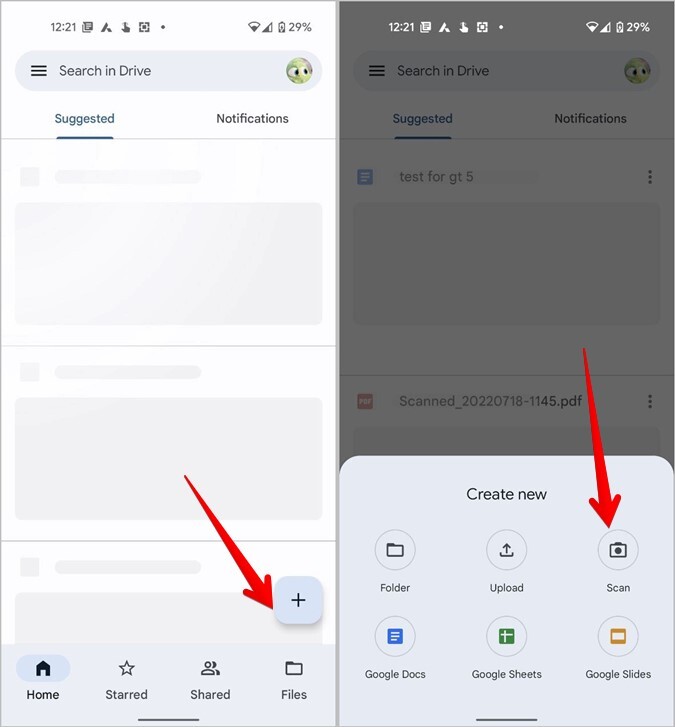
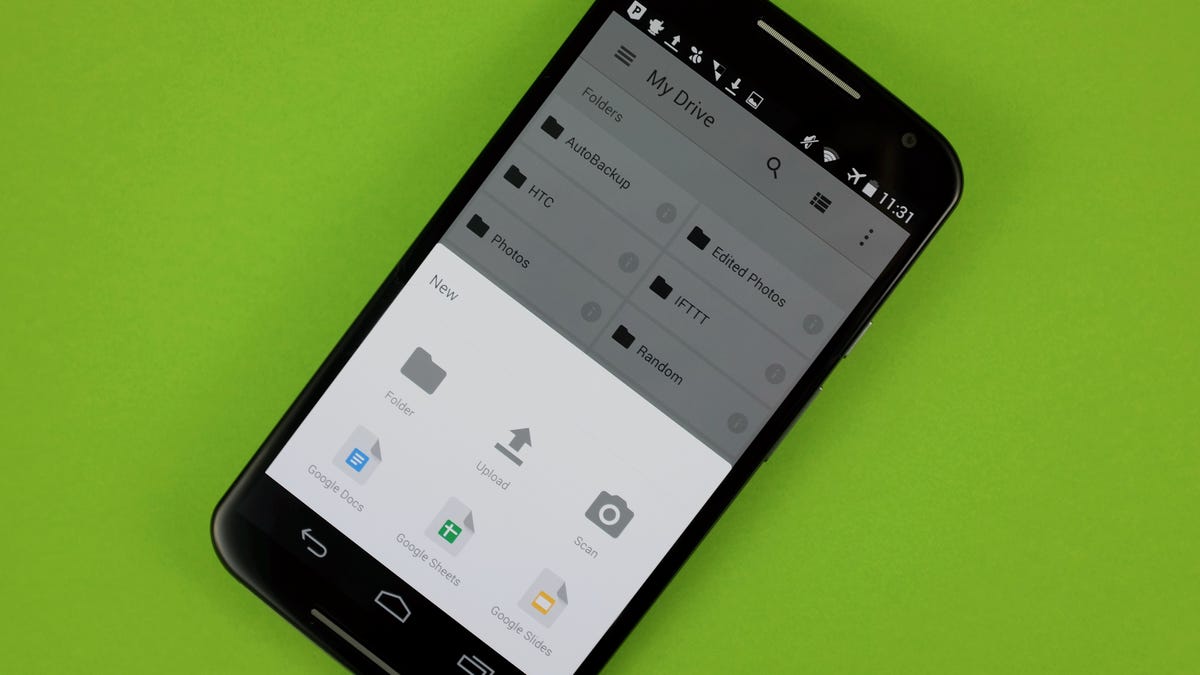
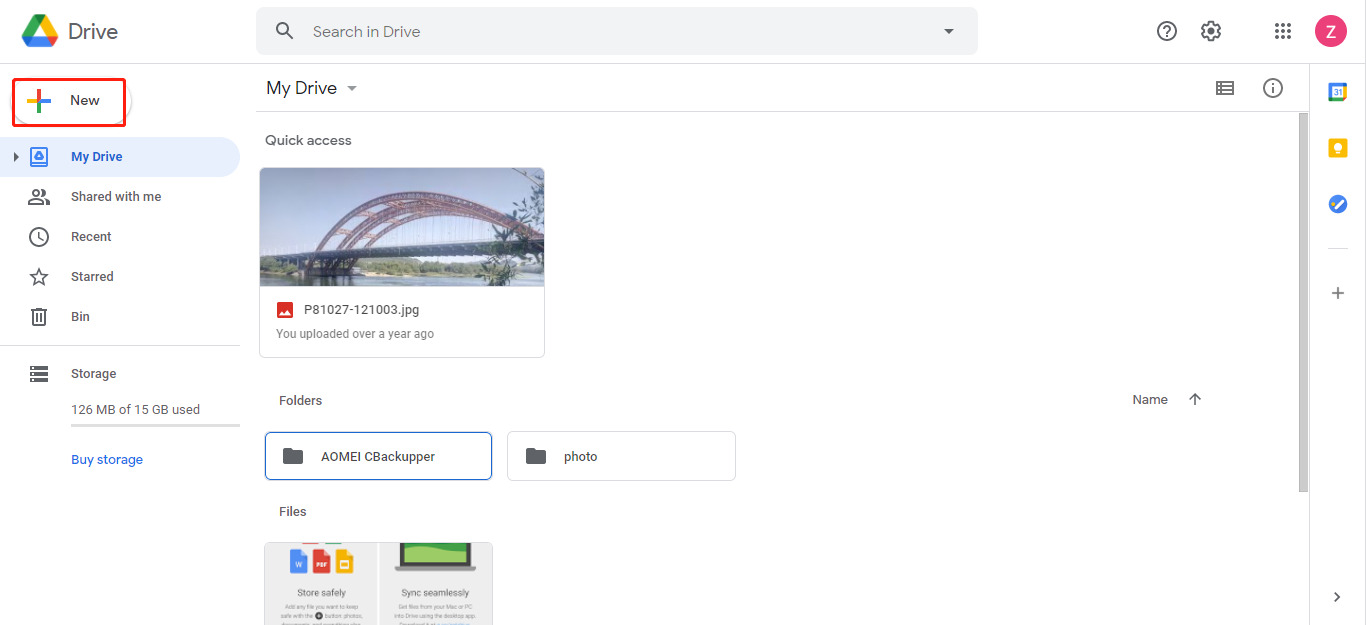
These articles help you perform specific tasks like scanning a document on an Android phone, downloading videos from Google Drive to your device, and adding a video from your camera roll into Google Slides. Each guide is built to solve a real-world phone problem without extra fluff.