The Google Messages tag page on CellularNews collects our library of guides and how-tos focused on the default texting app for most Android phones. This page is for anyone who uses Google Messages or a Samsung Messages app and wants to get more control over their texting experience, fix a problem, or understand a feature they have noticed on their screen.

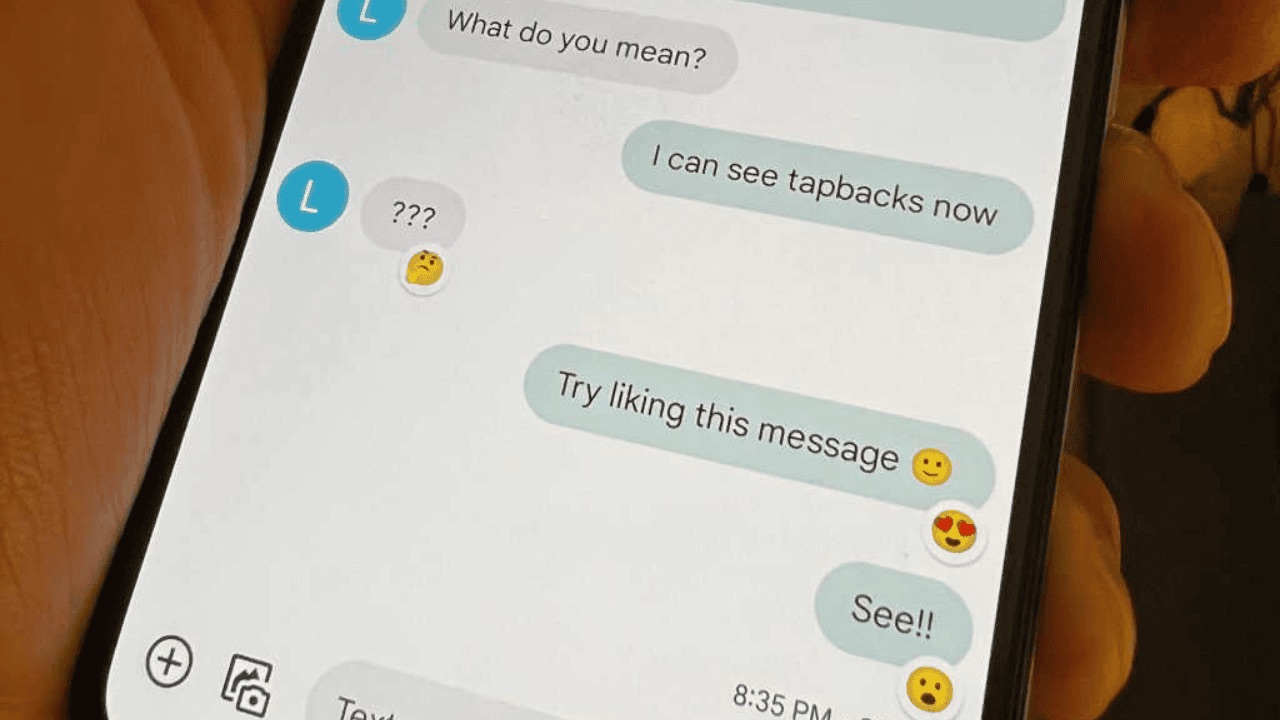
The articles here fall into a few clear themes. One major group helps you manage your message history and conversations: you can learn how to recover deleted texts on Android, how to unsend a text you just sent, and how to delete old phone messages. Another set of articles focuses on the modern messaging features that have changed how we text, such as how to enable RCS messaging on any carrier, how to turn off read receipts when you want privacy, and how to react to texts with a like or an emoji. A third group solves common visual mysteries, explaining what the blue dot near the phone icon means and what the blue dot on an Android text signifies.

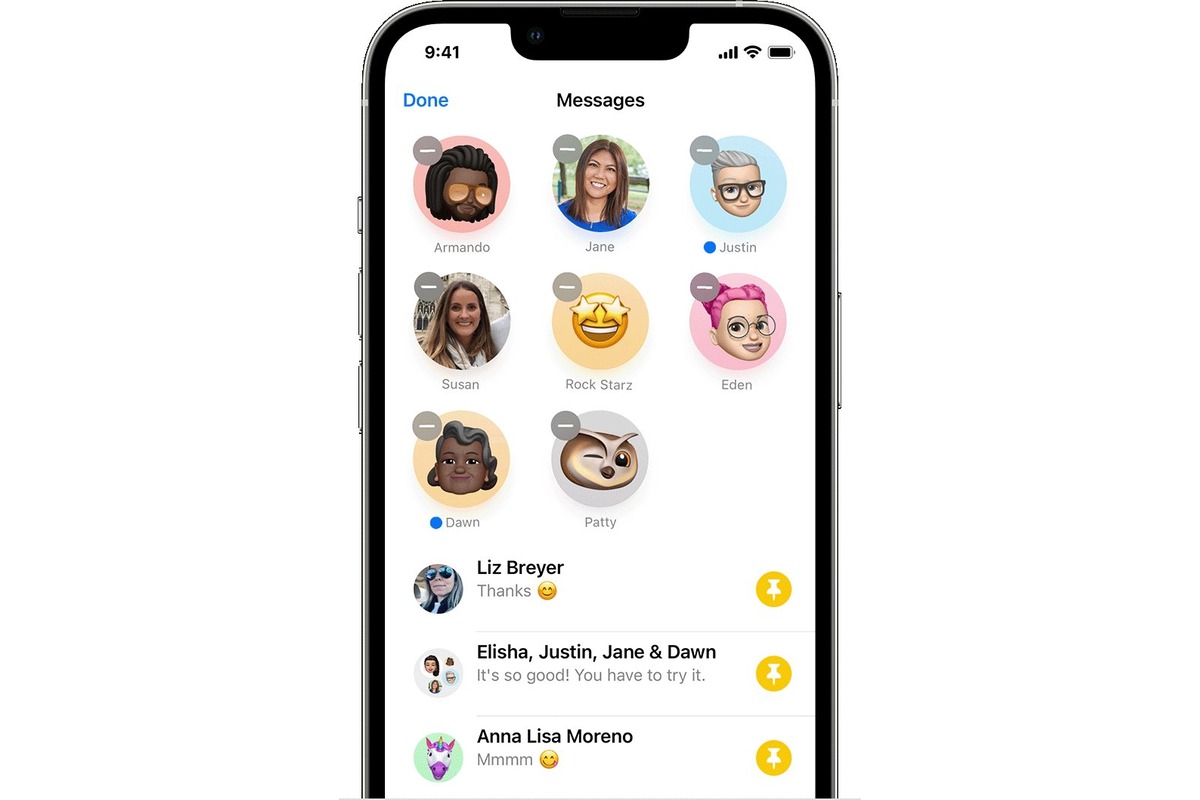
Specific topics covered include scheduling a text message for later, pinning important conversations so you can find them easily, changing your message color, and creating a group text on a Samsung phone. You will also find practical guides on how to know if an Android user has blocked you, how to send pictures from your Samsung device, and what a spam account actually is. Each article is written to help you perform a specific action or solve a particular issue with your messaging app.
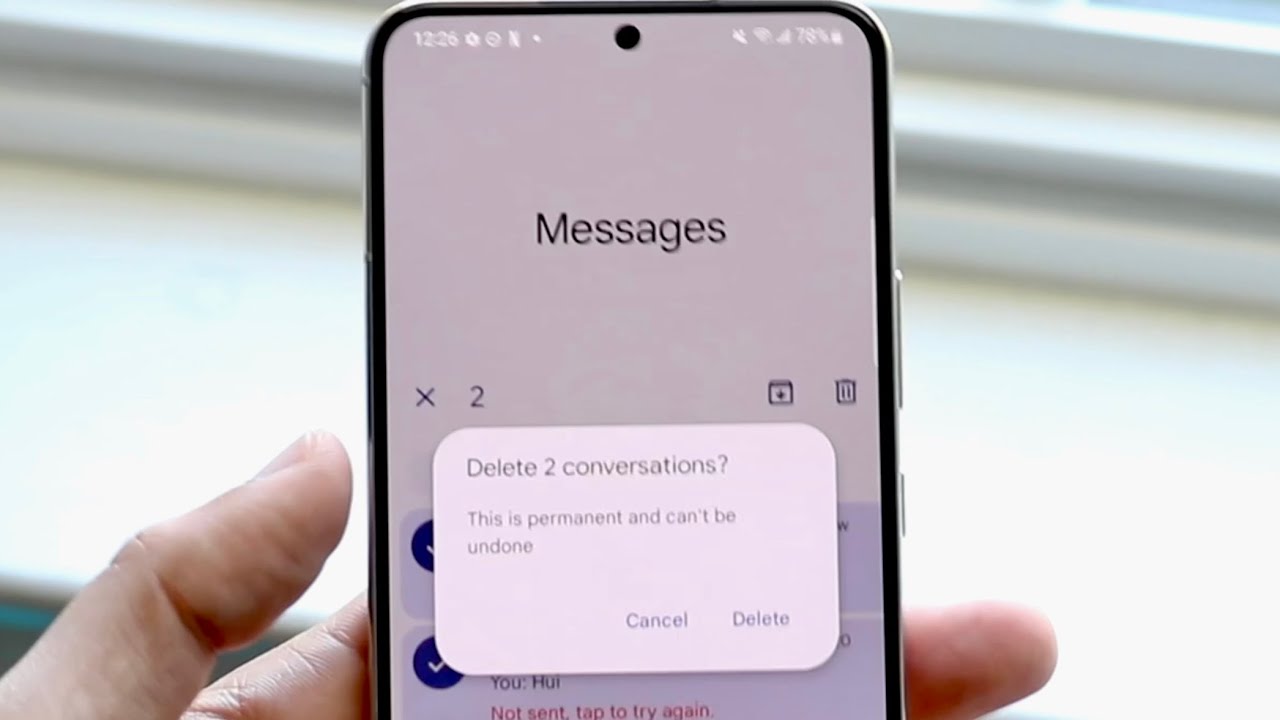
How To Delete Phone Messages On Android

To delete phone messages on Android, open the Google Messages app and delete entire conversations or individual messages. You can also use the Trash folder to recover deleted messages within...

How To Unsend A Text On Android

You can unsend a text on Android, but only if you and the recipient are both using Google Messages with RCS chats enabled. The built-in "Delete for everyone" feature in...

How To Turn Off Read Receipts On Android

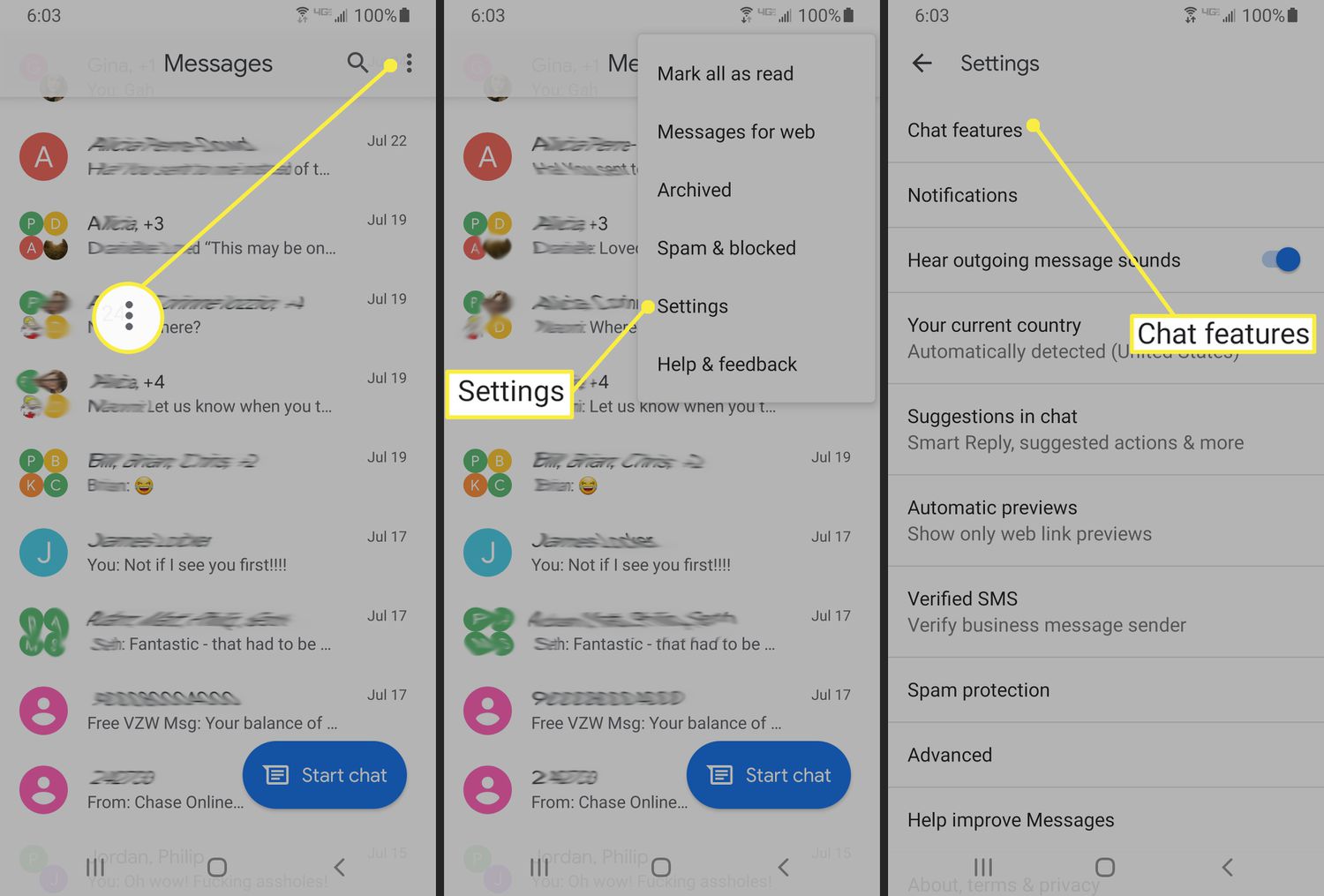
To turn off read receipts on Android, open the Google Messages app, tap your profile picture, go to Messages settings, then RCS chats, and toggle off "Send read receipts." This...

How To Change Message Color On Android

To change message color on Android, open the Google Messages app, enter a conversation, tap the three-dot menu or the contact or group name, then select "Change colors" and pick...

How To Disable Rcs On Android

To disable RCS on Android, open the Google Messages app, tap your profile picture in the top-right corner, and select "Messages settings." Then tap "RCS chats" and toggle the "Turn...

How To React To Texts On Android

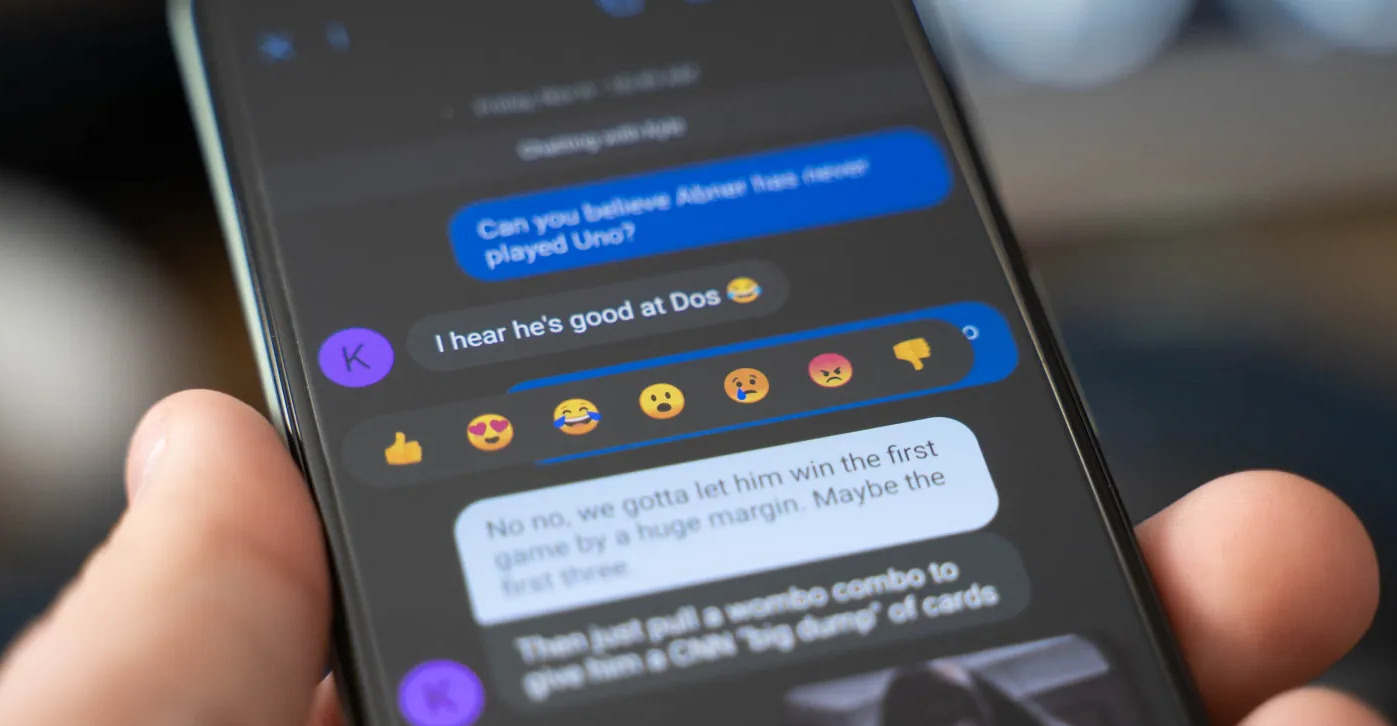
To react to texts on Android, open the Google Messages app and long-press any text message you have received. This action opens an emoji reaction menu from which you can...

How To Know If An Android Blocked You

To know if an Android blocked you, you must rely on clues rather than a direct notification, because Android does not send a "you are blocked" alert. The signs below,...

How To Like A Text On An Android Phone

To react to a text on your Android phone, you use emoji reactions in the Google Messages app, there is no dedicated “like” button. This feature lets you quickly acknowledge...

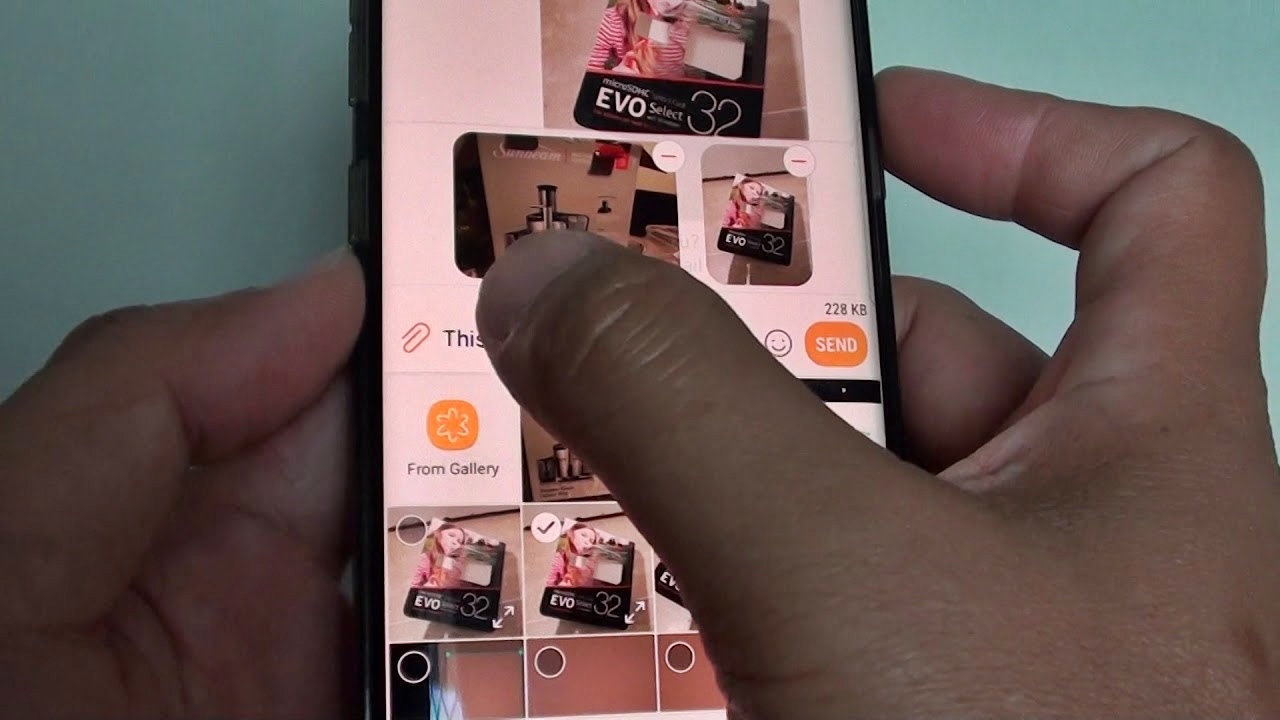
How To Send Pictures From Samsung Phone

To send pictures from a Samsung phone, the fastest built-in method is Bluetooth, which lets you share photos directly to another Samsung or Android device without an internet connection. For...