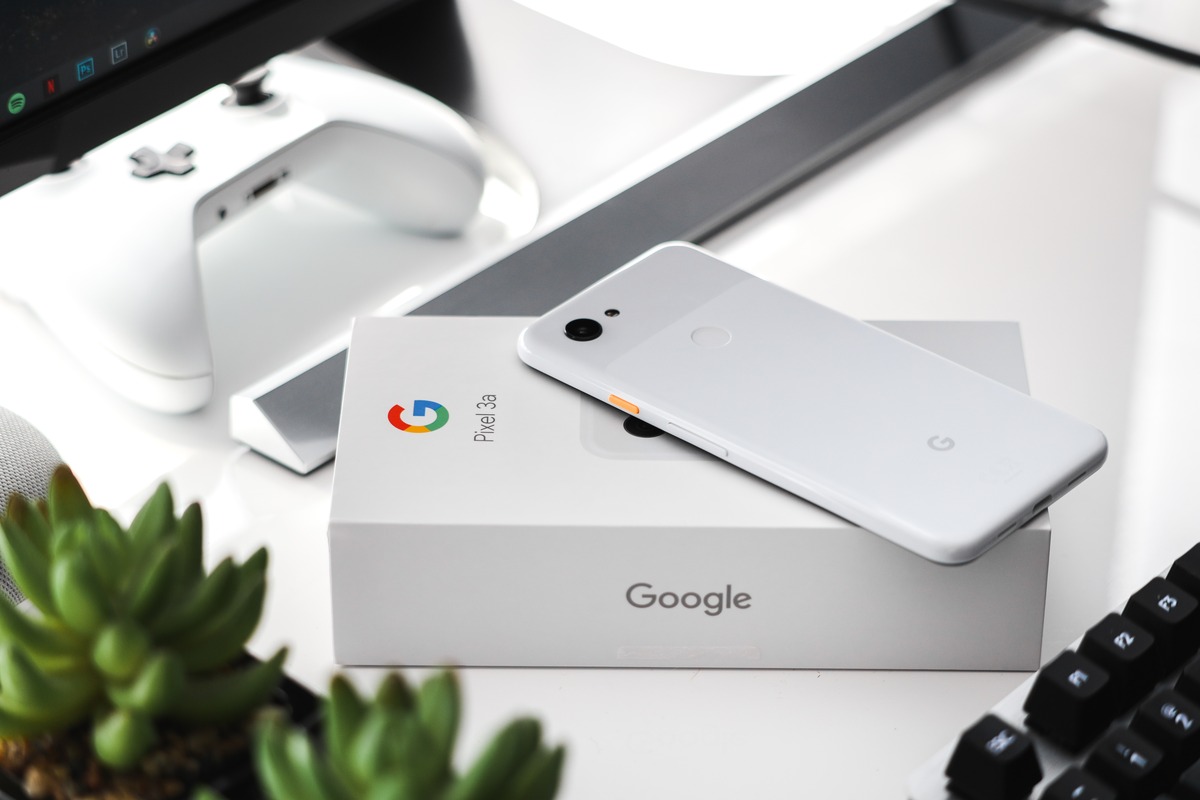
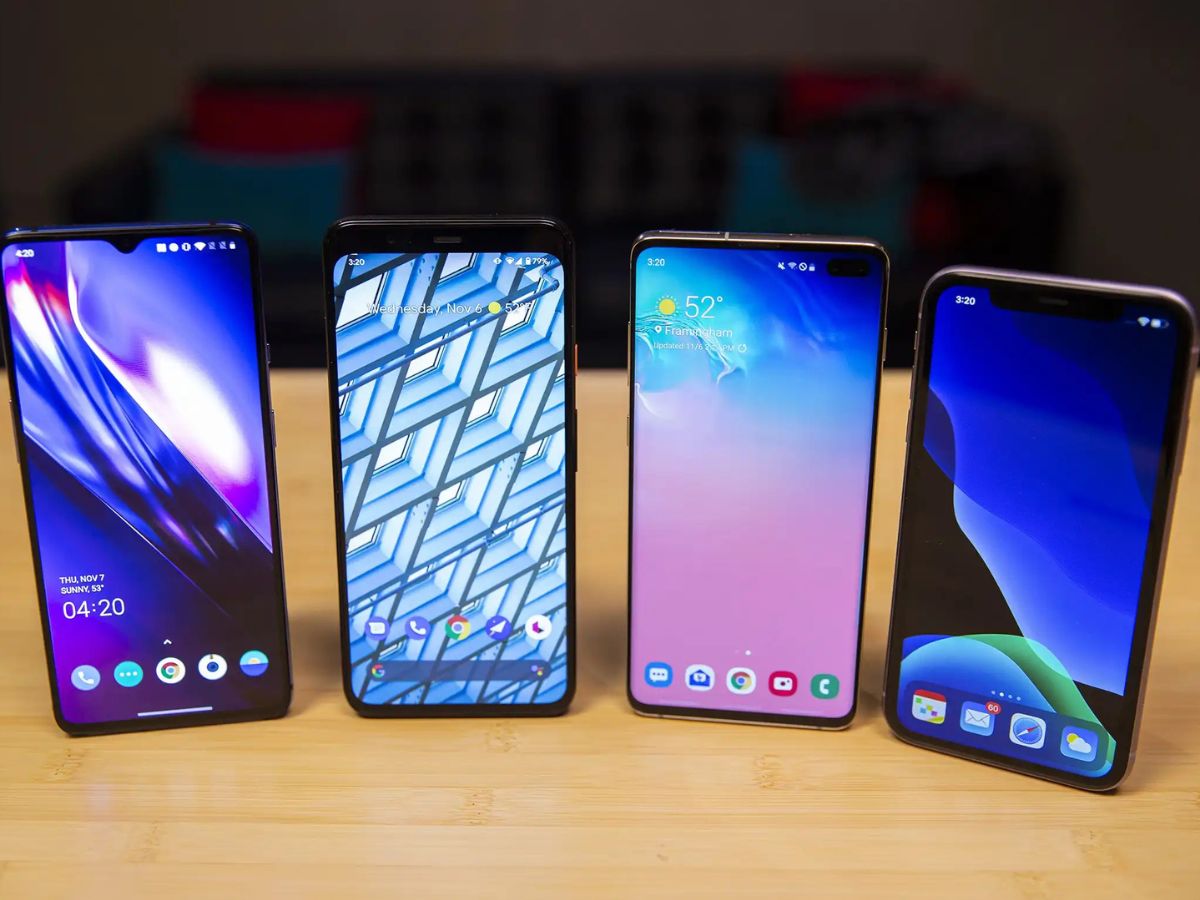
The Google Pixel tag page on CellularNews collects practical guides and troubleshooting articles specifically for Pixel and other Android phone users. This content is for anyone who owns a Google Pixel or an Android device and needs clear, step-by-step help with everyday phone tasks, carrier settings, and common software problems.
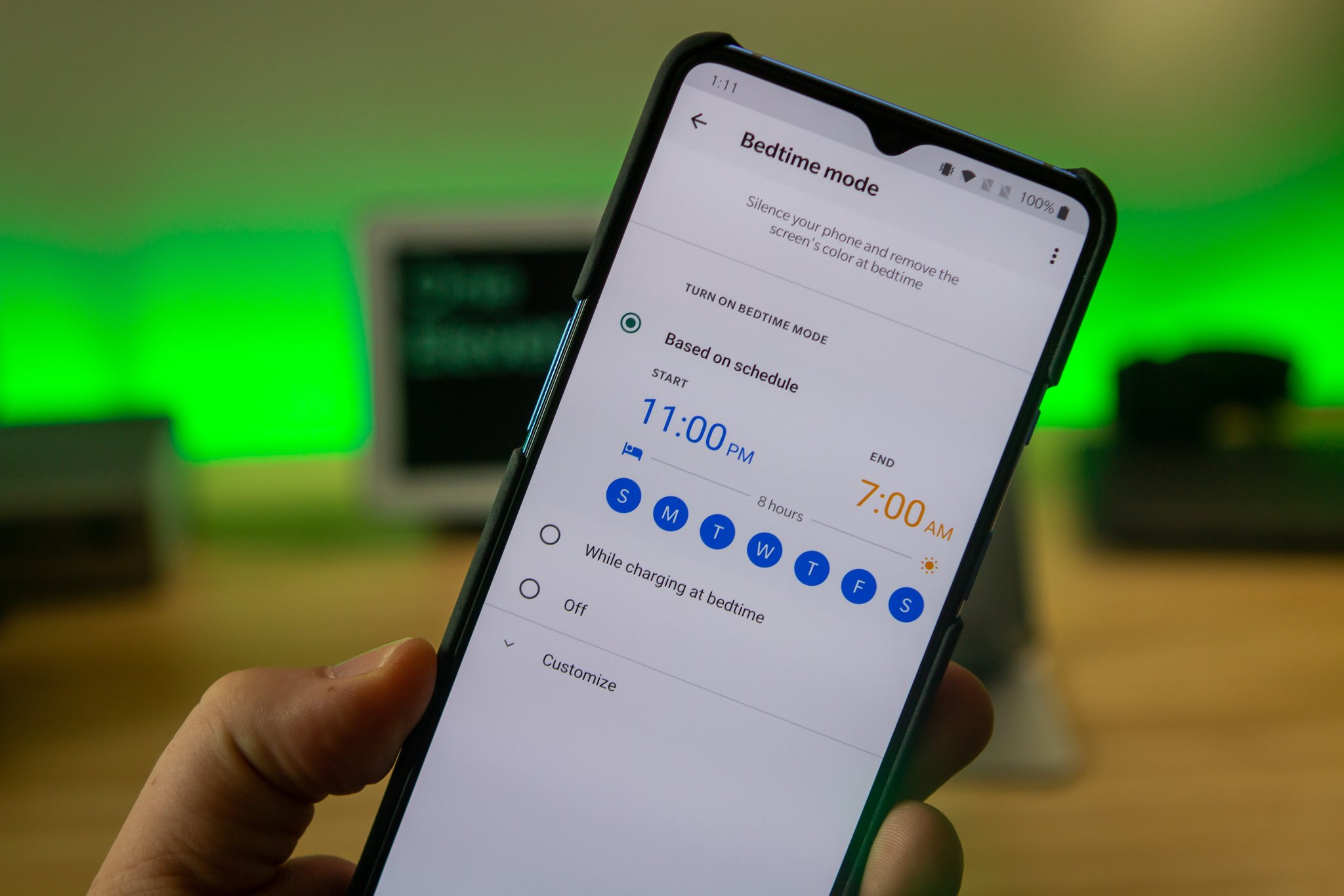
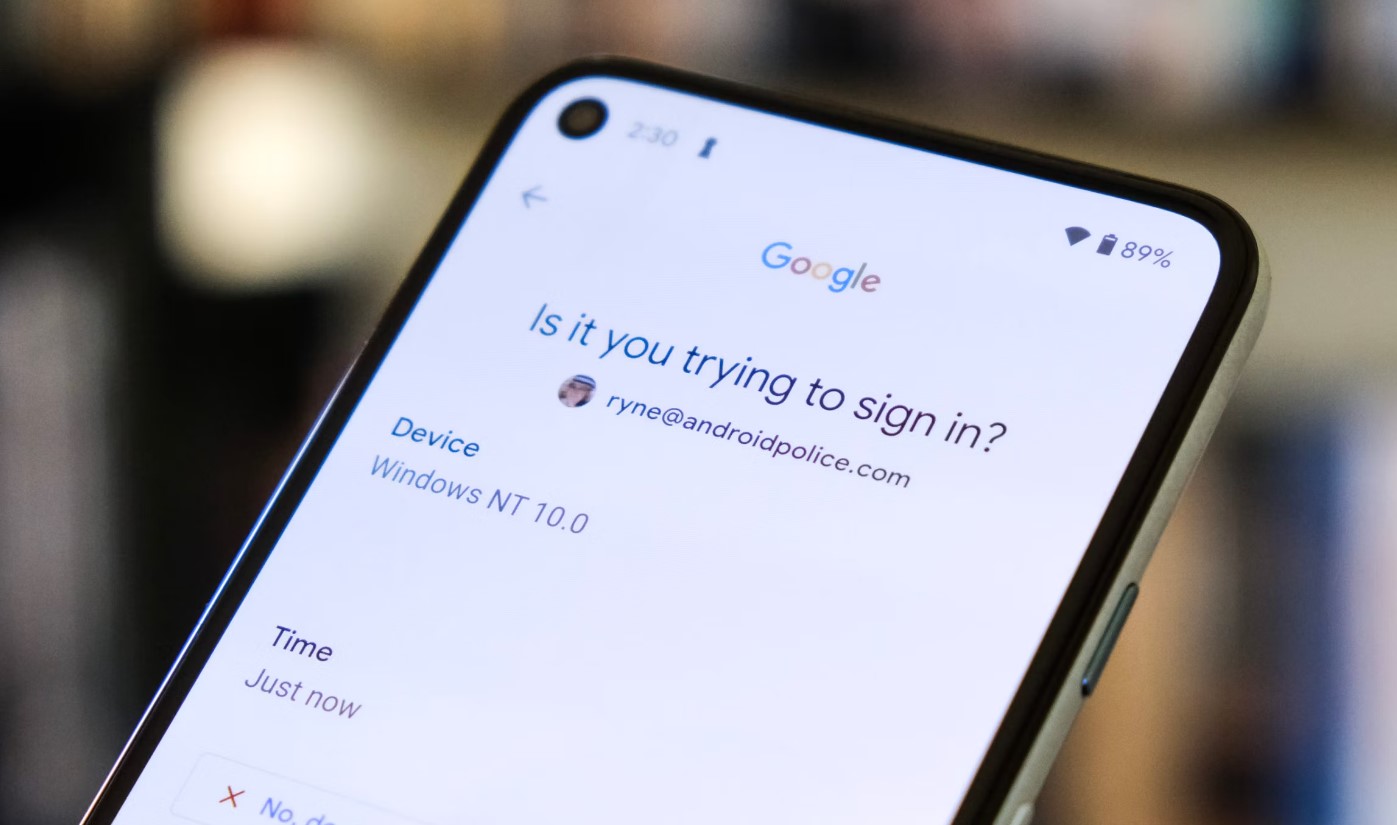
The articles here solve two main kinds of problems. First, there are many guides focused on essential phone settings and security features. For example, you can learn how to activate an eSIM on T-Mobile, how to set an emergency contact on Android, and how to turn off Emergency SOS or Wi-Fi calling. These help you control your phone’s core functions and protect your privacy. Second, a large group of articles addresses common glitches and hardware issues. You will find solutions for how to unfreeze a phone screen, how to get an Android out of Safe Mode, how to fix a green screen, and even how to stop your phone from being tapped or from talking unexpectedly.
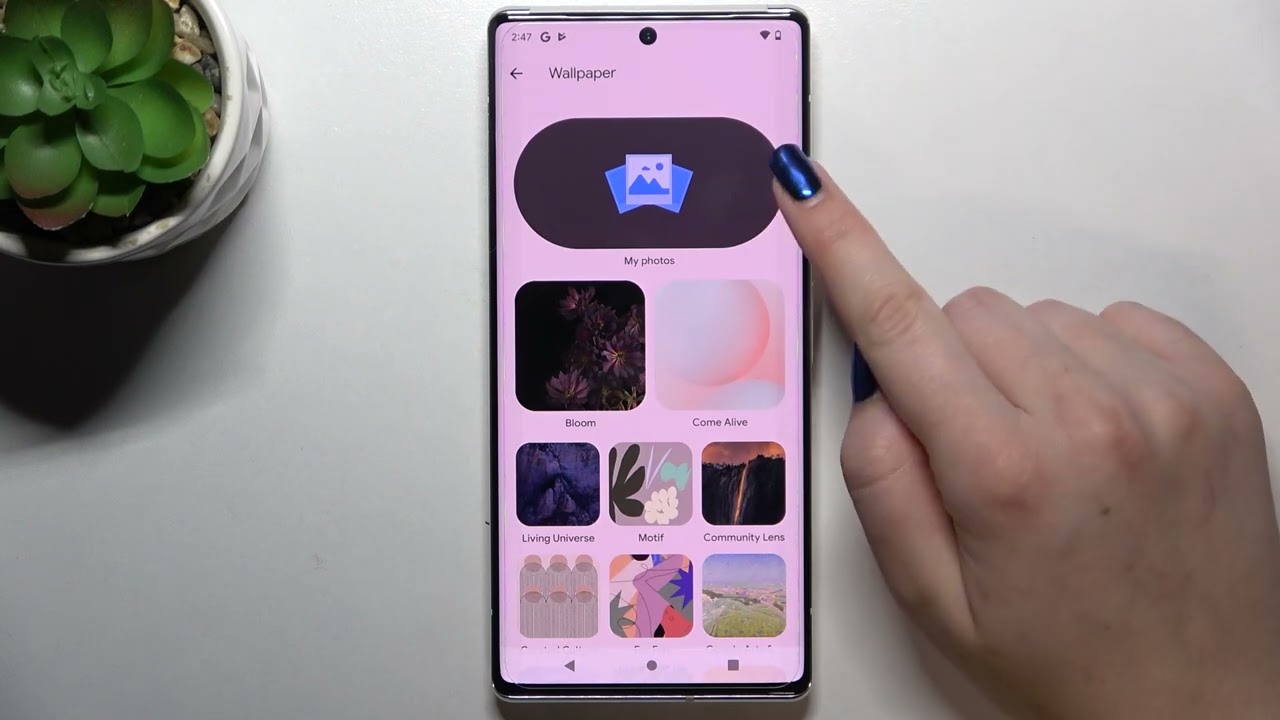
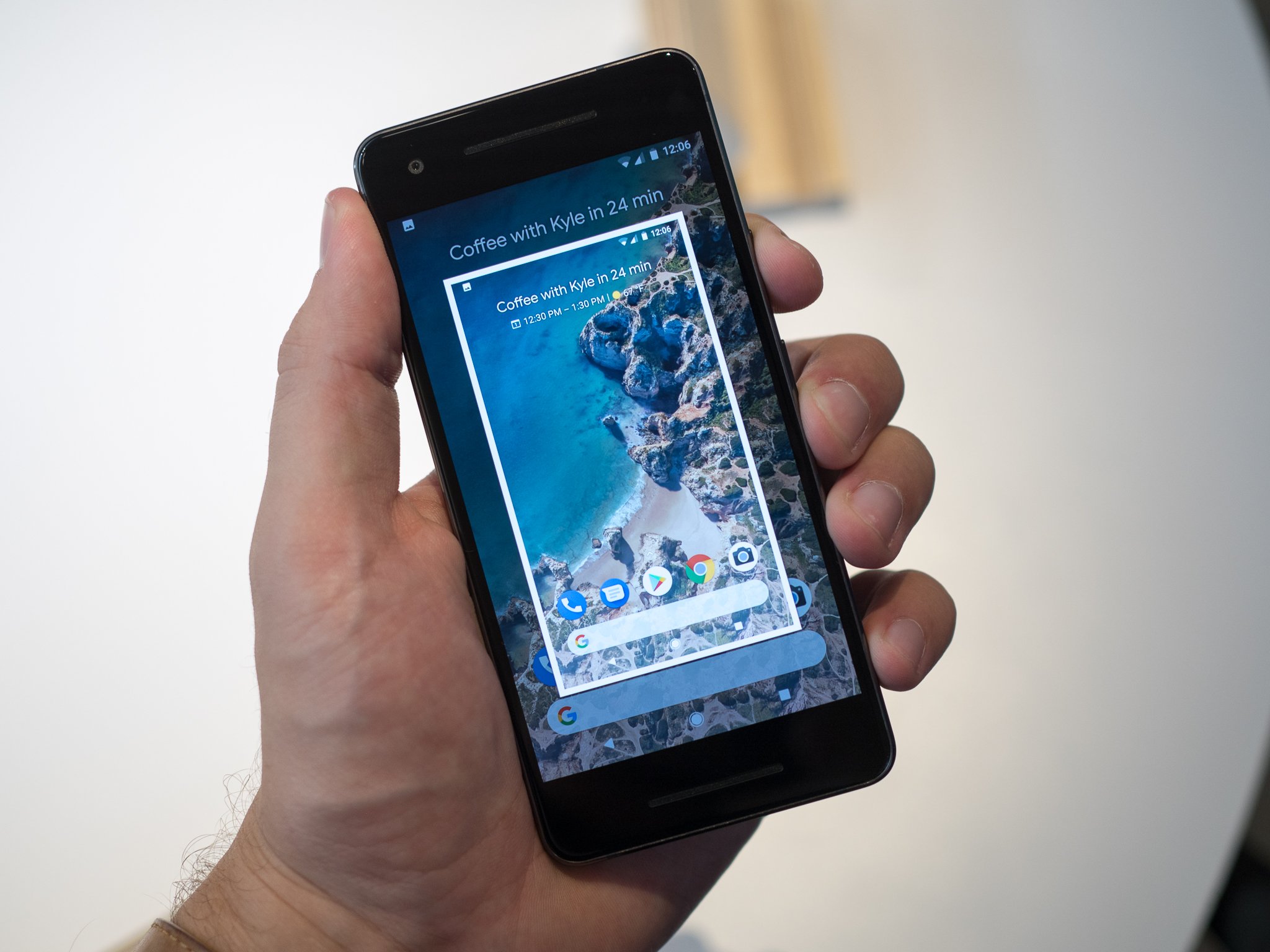
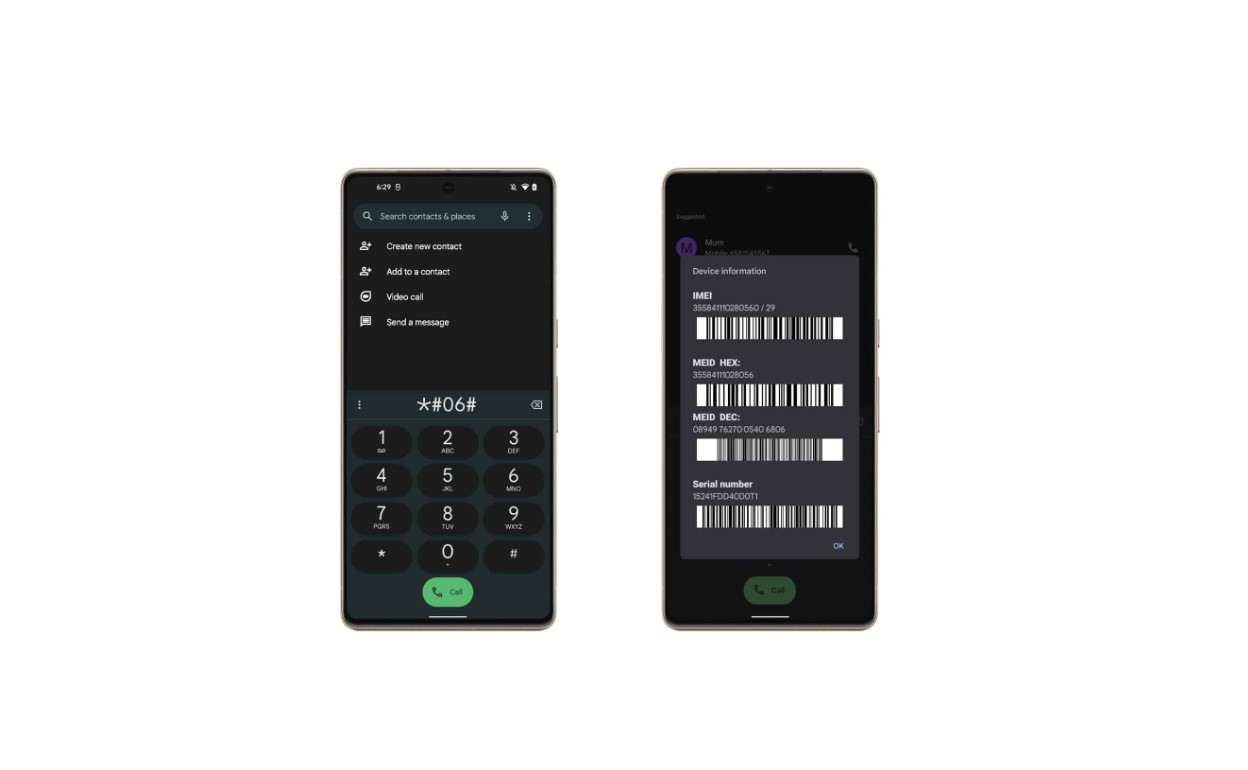
Beyond troubleshooting, the tag also covers everyday maintenance and customization. Articles show you how to apply a screen protector without bubbles, how to change the wallpaper on your Google phone, and how to check your phone’s temperature. Whether you need to record a phone call, find your IMEI on a Google Pixel 6, or simply learn how to power off your Android device, this tag provides direct, actionable steps for each task.