The Google Pixel tag page on CellularNews collects practical guides and troubleshooting articles specifically for Pixel and other Android phone users. This content is for anyone who owns a Google Pixel or an Android device and needs clear, step-by-step help with everyday phone tasks, carrier settings, and common software problems.

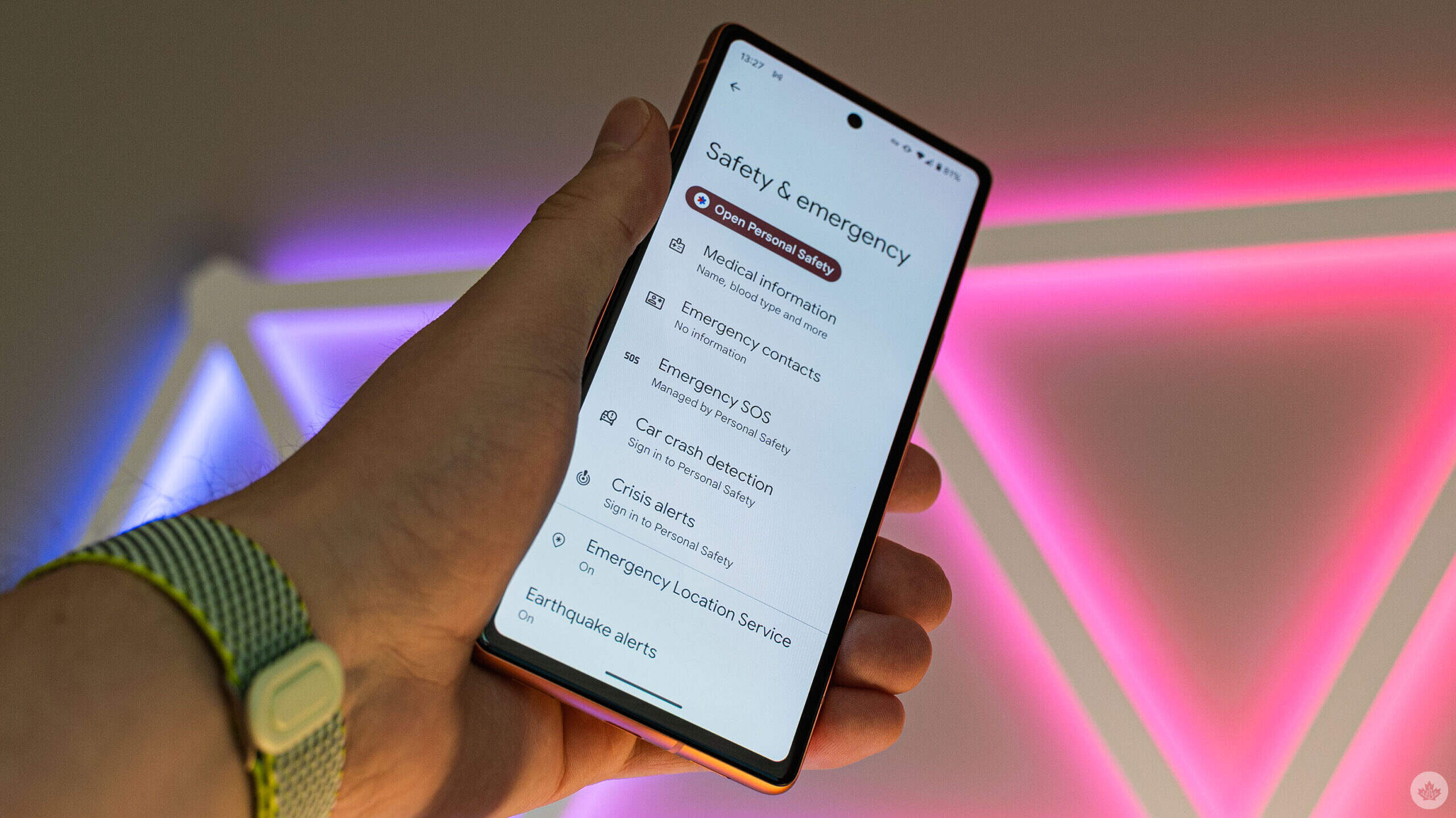
The articles here solve two main kinds of problems. First, there are many guides focused on essential phone settings and security features. For example, you can learn how to activate an eSIM on T-Mobile, how to set an emergency contact on Android, and how to turn off Emergency SOS or Wi-Fi calling. These help you control your phone’s core functions and protect your privacy. Second, a large group of articles addresses common glitches and hardware issues. You will find solutions for how to unfreeze a phone screen, how to get an Android out of Safe Mode, how to fix a green screen, and even how to stop your phone from being tapped or from talking unexpectedly.

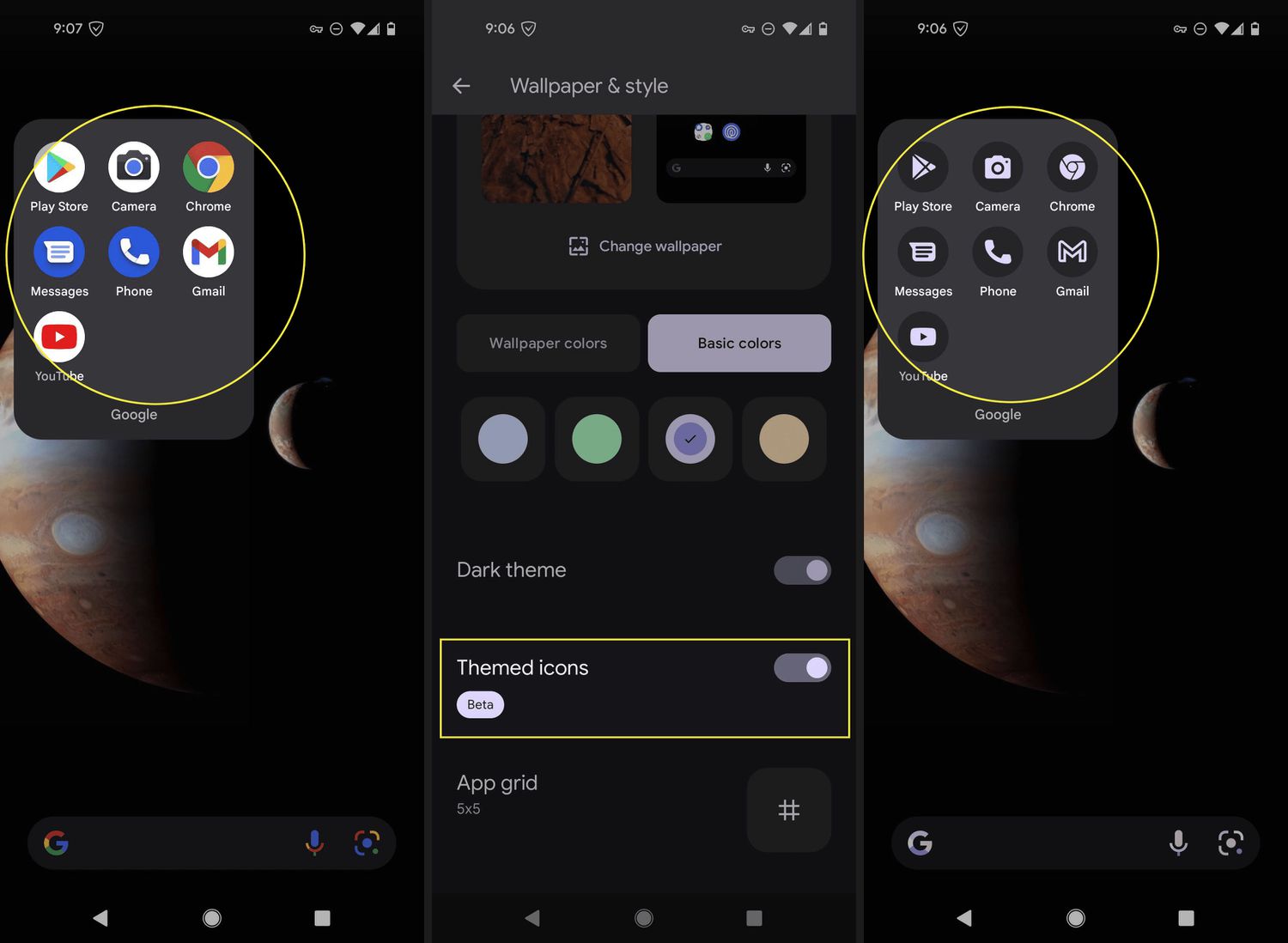
Beyond troubleshooting, the tag also covers everyday maintenance and customization. Articles show you how to apply a screen protector without bubbles, how to change the wallpaper on your Google phone, and how to check your phone’s temperature. Whether you need to record a phone call, find your IMEI on a Google Pixel 6, or simply learn how to power off your Android device, this tag provides direct, actionable steps for each task.
How To Turn Off A SIM Card

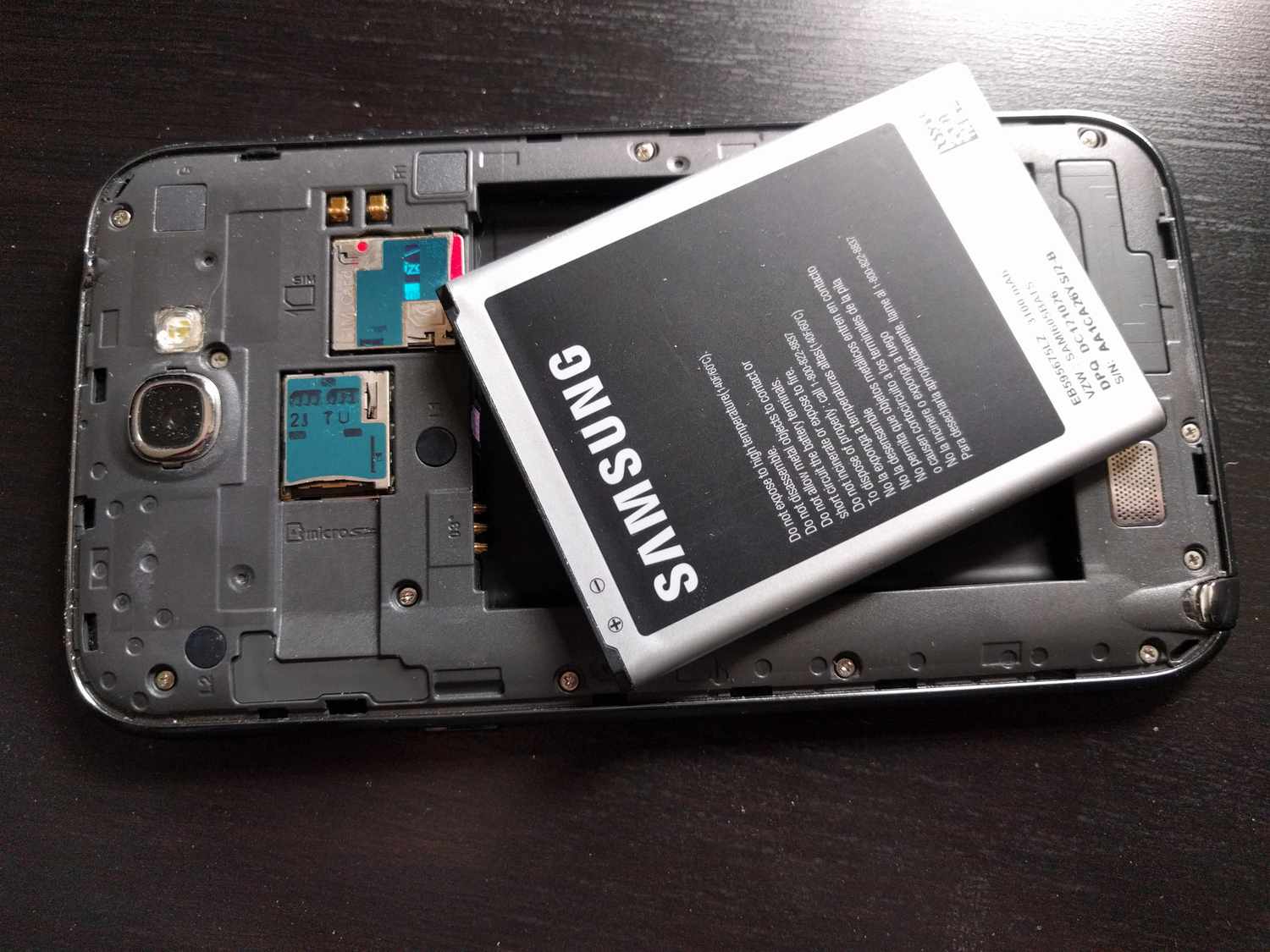
To turn off a SIM card, you can either disable it through your phone’s settings or physically remove it, depending on your device. This temporarily stops calls, texts, and mobile...

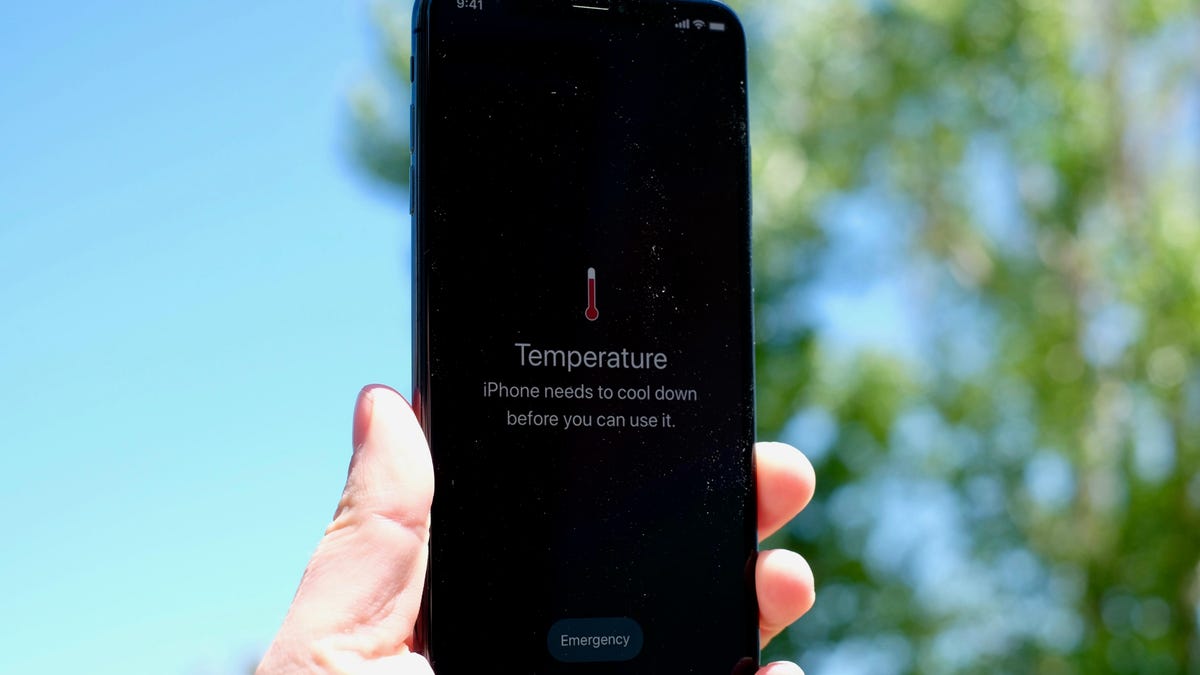
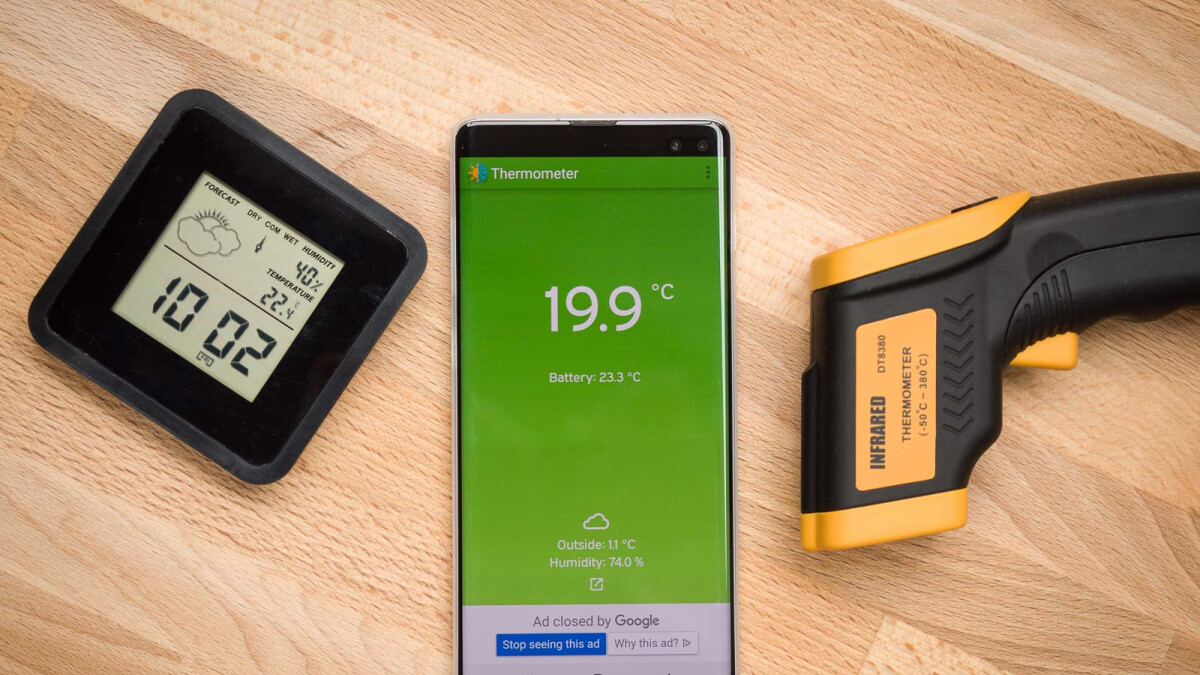
How To Check Temperature With Phone

Can your phone actually check temperature with phone sensors? No, most phones cannot measure temperature with built-in sensors. Only the Google Pixel 8 Pro, Pixel 9 Pro, Pixel 9 Pro...

How To Adjust Color On Android Phone

To adjust color on an Android phone, you need to know that the exact steps vary by manufacturer, with Samsung offering the most specific controls while stock Android (Google Pixel)...

How To Check Phone Temp

To check phone temp, start with your device's built-in settings, as many Android phones offer a direct path to temperature data. For Google Pixel phones (6a and later), navigate to...

How To Cut This Phone Off

To turn off your phone, the method depends entirely on your specific model. For most modern iPhones and Android devices, you press and hold a combination of hardware buttons, but...

How To Reset Android Tablet

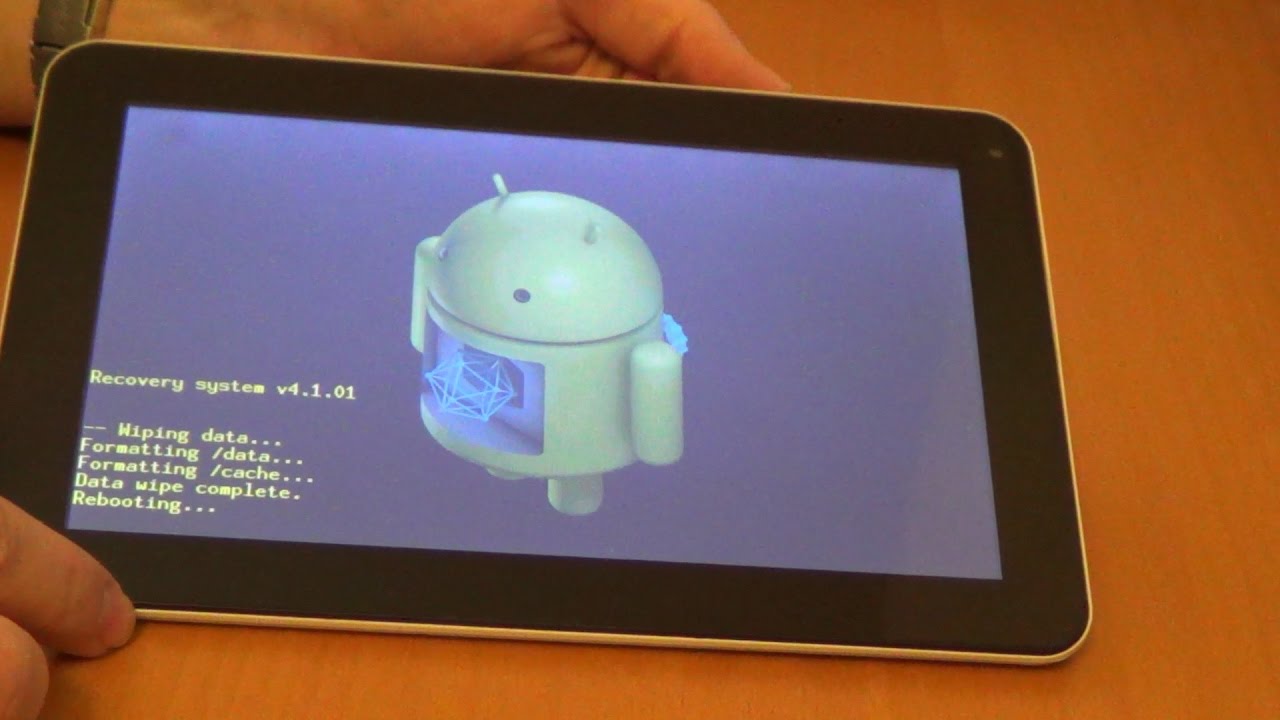
To reset an Android tablet, you can use the standard Settings menu to erase all data and restore factory settings, or use the hardware buttons when the screen is frozen...

How To Set Emergency Contact On Android

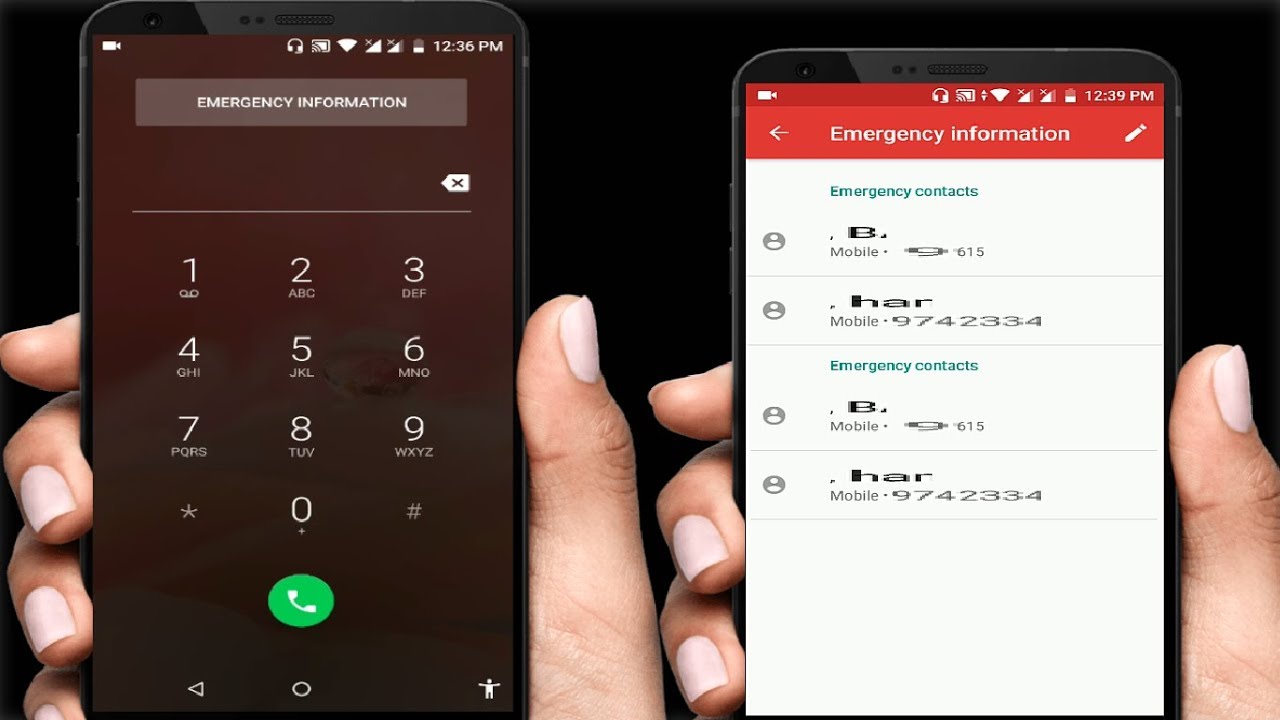
To set emergency contact on Android, the steps differ by manufacturer, so you need to know which phone you have. On a Samsung Galaxy, you use the system Settings; on...

How To Turn Off Wi-Fi Calling On Android

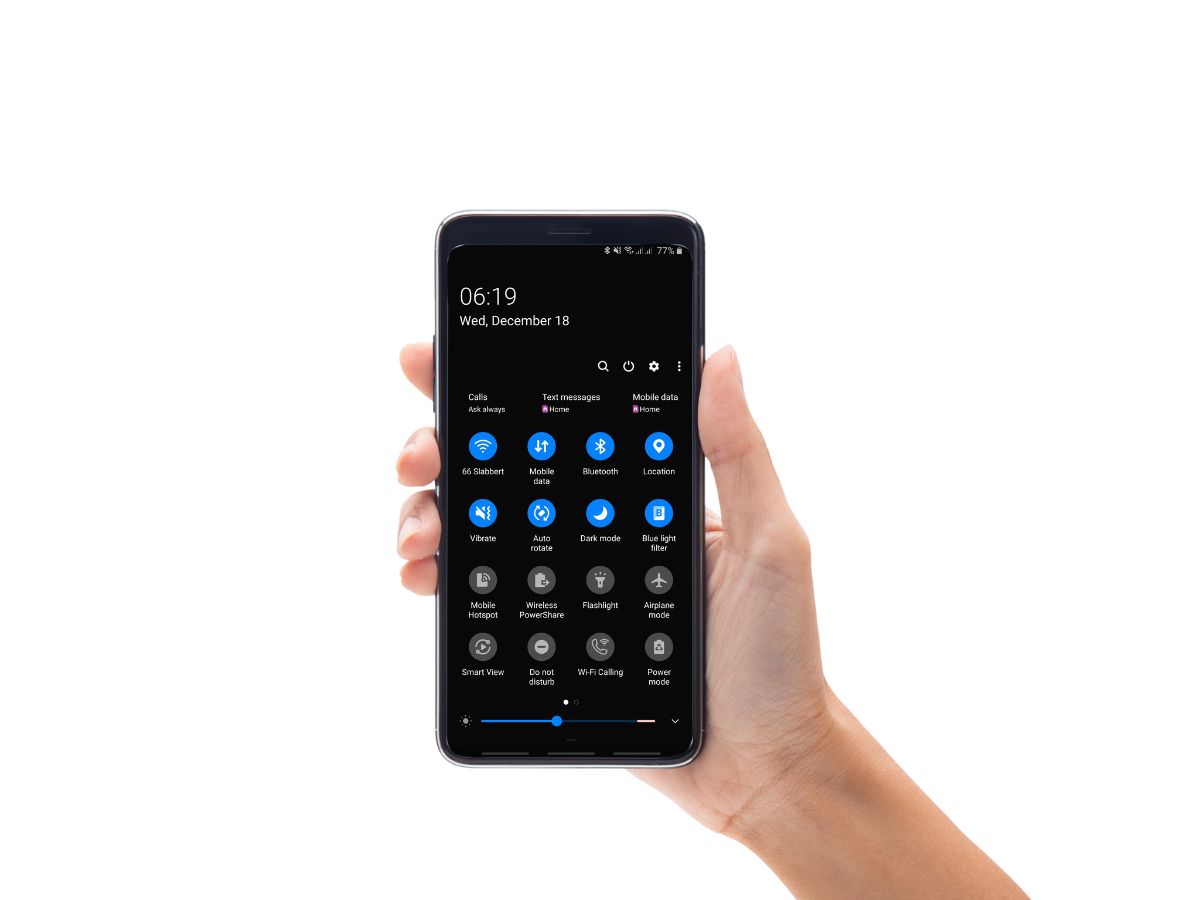
To turn off Wi-Fi calling on Android, open your phone's Settings and follow the path specific to your device model. Disabling Wi-Fi calling forces your phone to use the cellular...

How To Turn Off Emergency SOS On Android

To turn off Emergency SOS on Android, open your device’s Settings, then go to Safety and emergency and tap Emergency SOS. Under How it works, tap the Settings icon and...

How To Take A Screenshot On My Android

The basics of taking a screenshot on Android To take a screenshot on Android, open the content you want, then press and hold the Power and Volume Down buttons at...

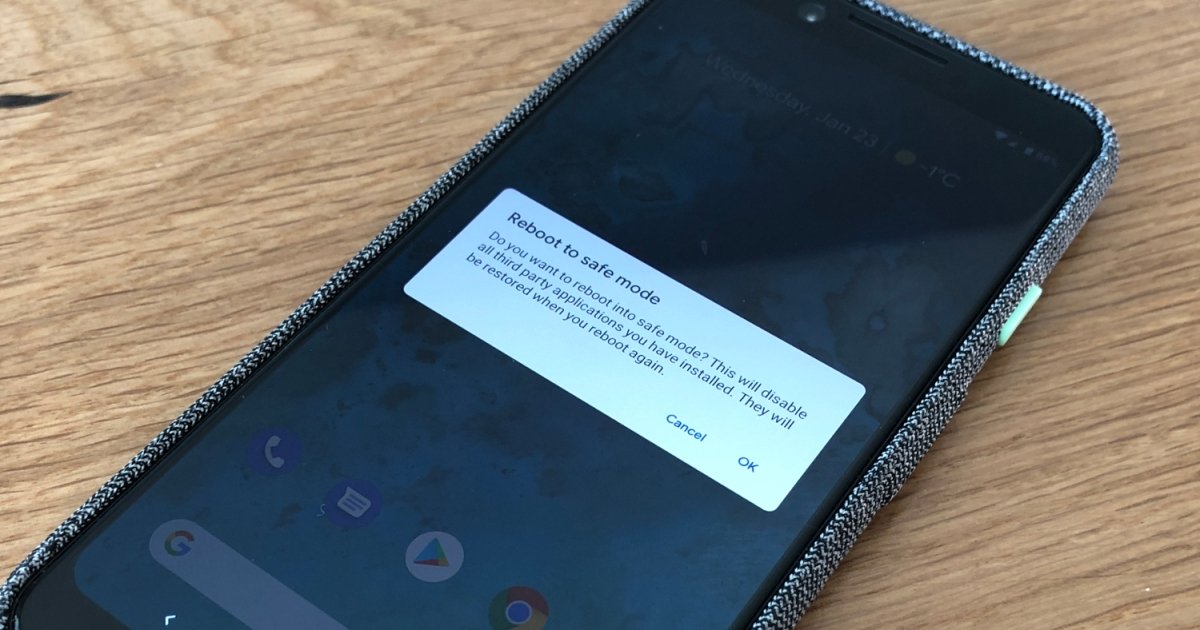
How To Get An Android Out Of Safe Mode

To get an Android out of Safe Mode, the quickest method is simply restarting the device. If a standard restart doesn't work, swipe down from the top of the screen...

How To Reboot My Android Phone

To reboot your Android phone, press and hold the Power button until the power menu appears, then tap "Restart" or "Reboot." This standard restart clears temporary glitches and refreshes the...