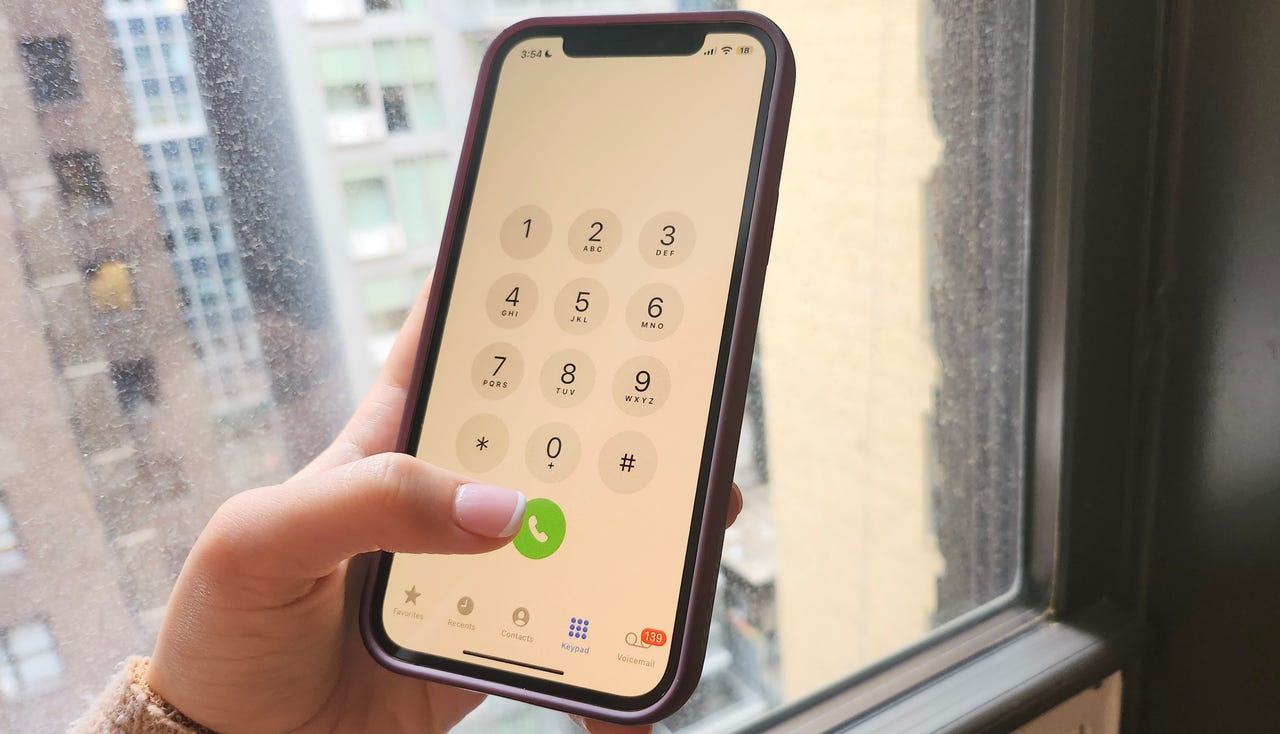
The Google Pixel tag page on CellularNews collects practical guides and troubleshooting articles specifically for Pixel and other Android phone users. This content is for anyone who owns a Google Pixel or an Android device and needs clear, step-by-step help with everyday phone tasks, carrier settings, and common software problems.

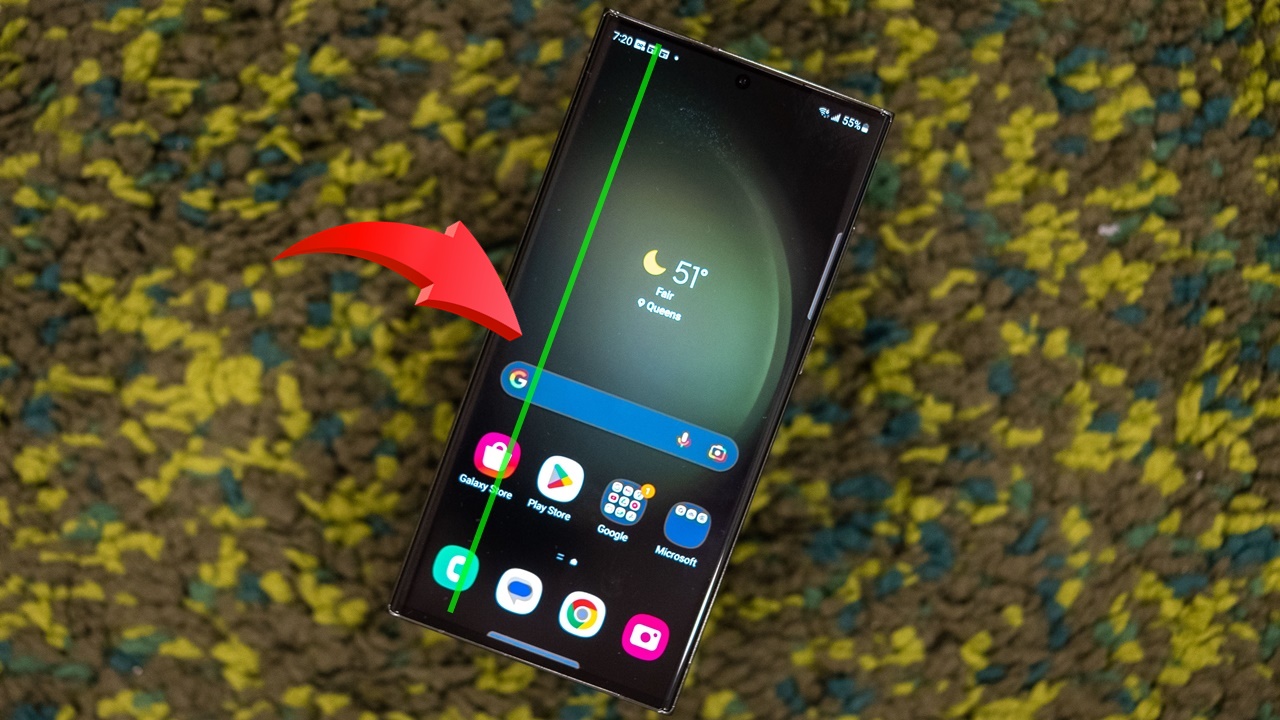
The articles here solve two main kinds of problems. First, there are many guides focused on essential phone settings and security features. For example, you can learn how to activate an eSIM on T-Mobile, how to set an emergency contact on Android, and how to turn off Emergency SOS or Wi-Fi calling. These help you control your phone’s core functions and protect your privacy. Second, a large group of articles addresses common glitches and hardware issues. You will find solutions for how to unfreeze a phone screen, how to get an Android out of Safe Mode, how to fix a green screen, and even how to stop your phone from being tapped or from talking unexpectedly.

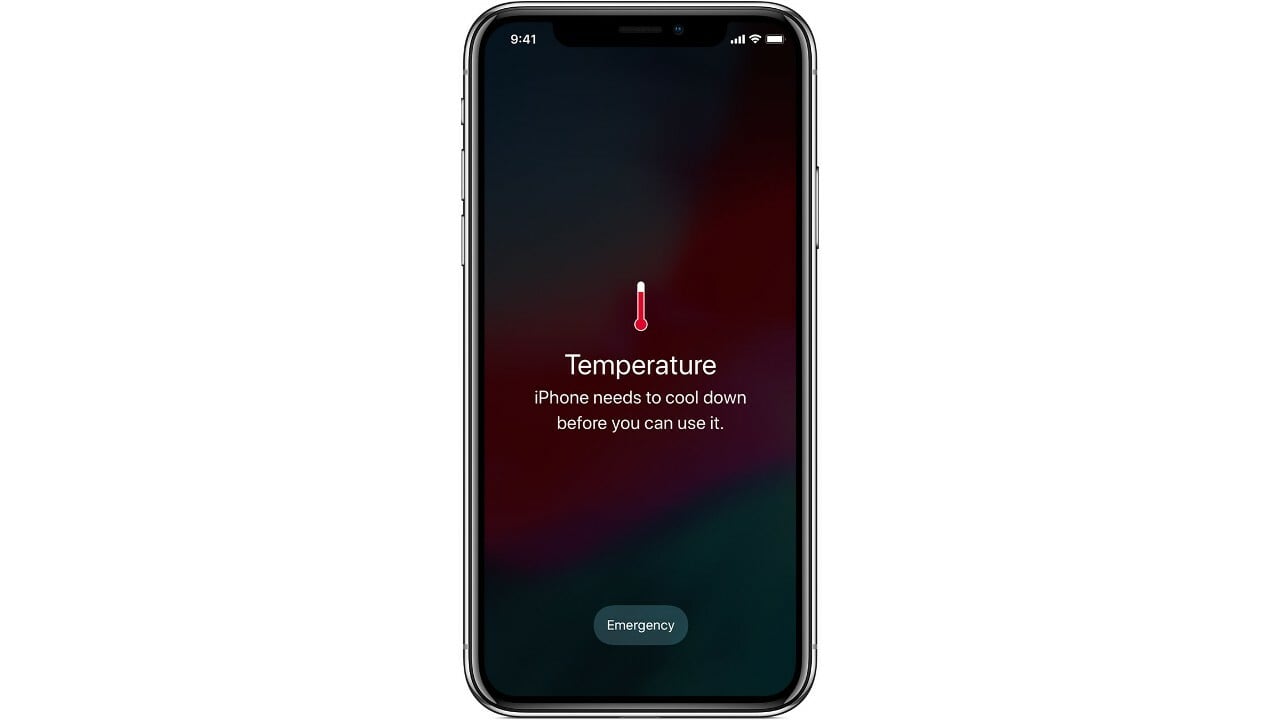
Beyond troubleshooting, the tag also covers everyday maintenance and customization. Articles show you how to apply a screen protector without bubbles, how to change the wallpaper on your Google phone, and how to check your phone’s temperature. Whether you need to record a phone call, find your IMEI on a Google Pixel 6, or simply learn how to power off your Android device, this tag provides direct, actionable steps for each task.
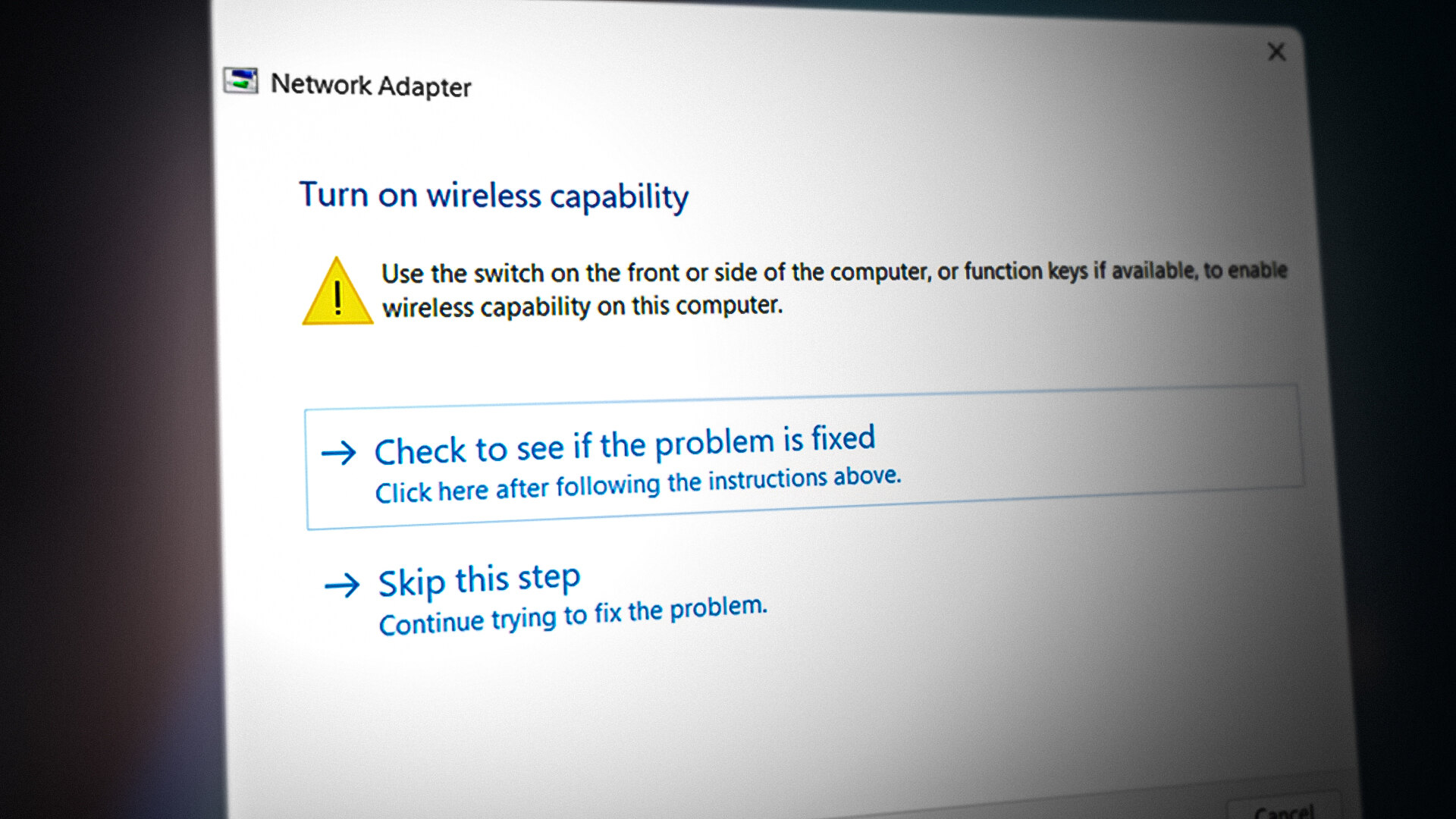
How To Turn Back On Wireless Capability

To turn back on wireless capability, you need to enable cellular data (mobile data) on your specific phone, not Wi-Fi. The exact steps depend on whether you use an iPhone,...

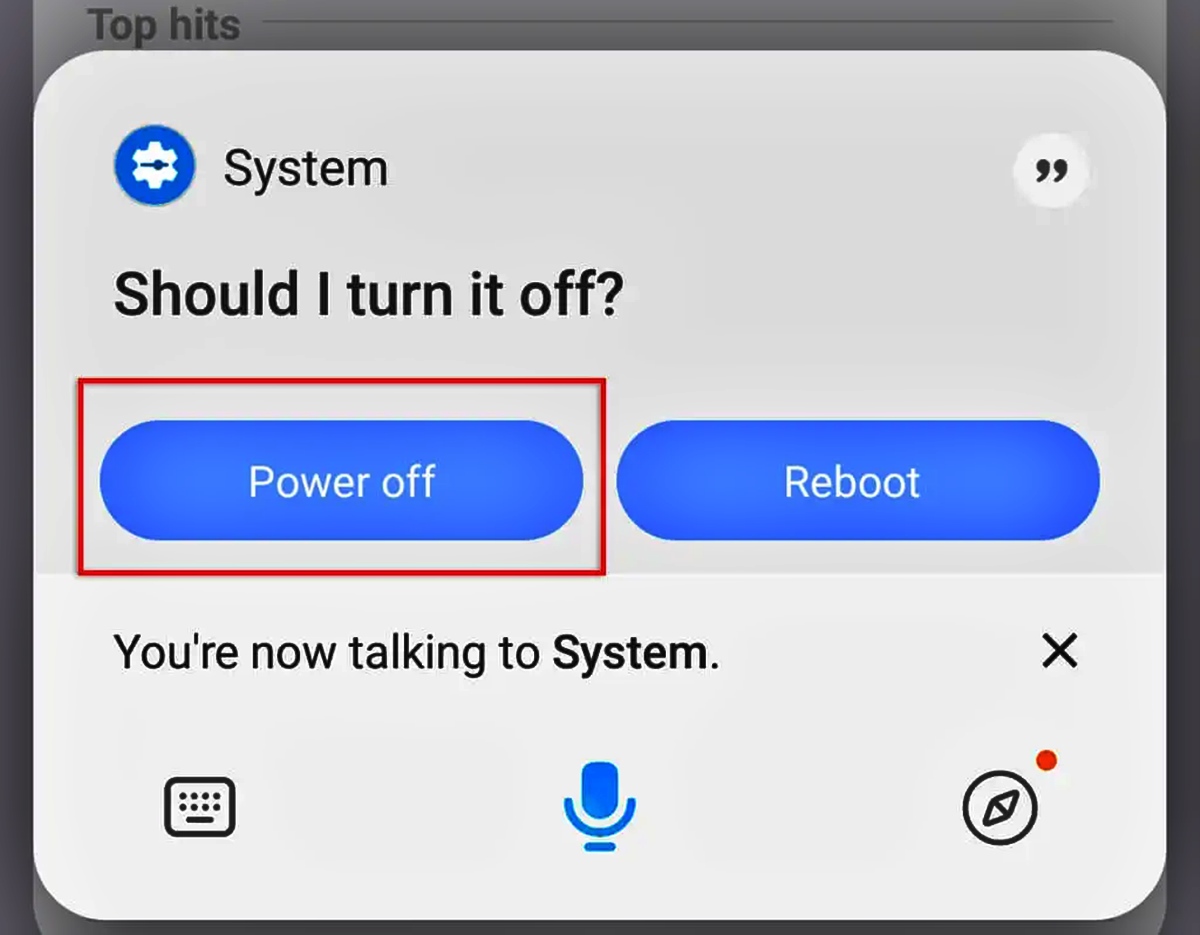
How To Power Off My Android Phone

A long press of the power button alone often launches a digital assistant instead of the power menu to power off my Android phone on newer devices like Google Pixel...

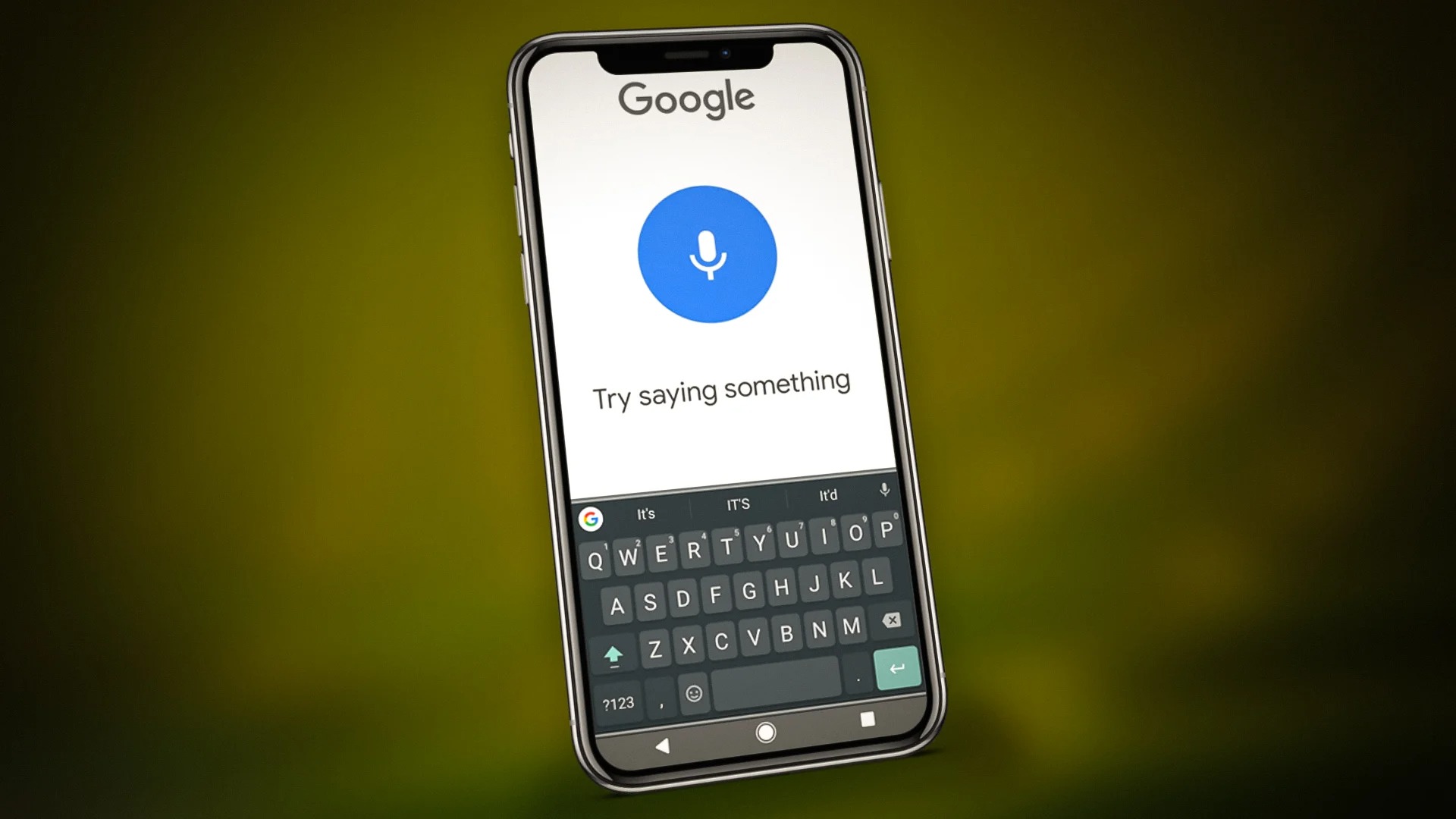
How To Stop Android Phone From Talking

To stop an Android phone from talking, turn off the TalkBack screen reader or the device's Voice Assistant. The quickest way to stop android phone from talking is to press...

How To Stop My Phone From Being Tapped

To stop your phone from being tapped, you need device-specific hardening steps that have been verified by the manufacturers themselves. For iPhones, Apple provides Lockdown Mode, an extreme protection feature;...

How To Unfreeze Phone Screen

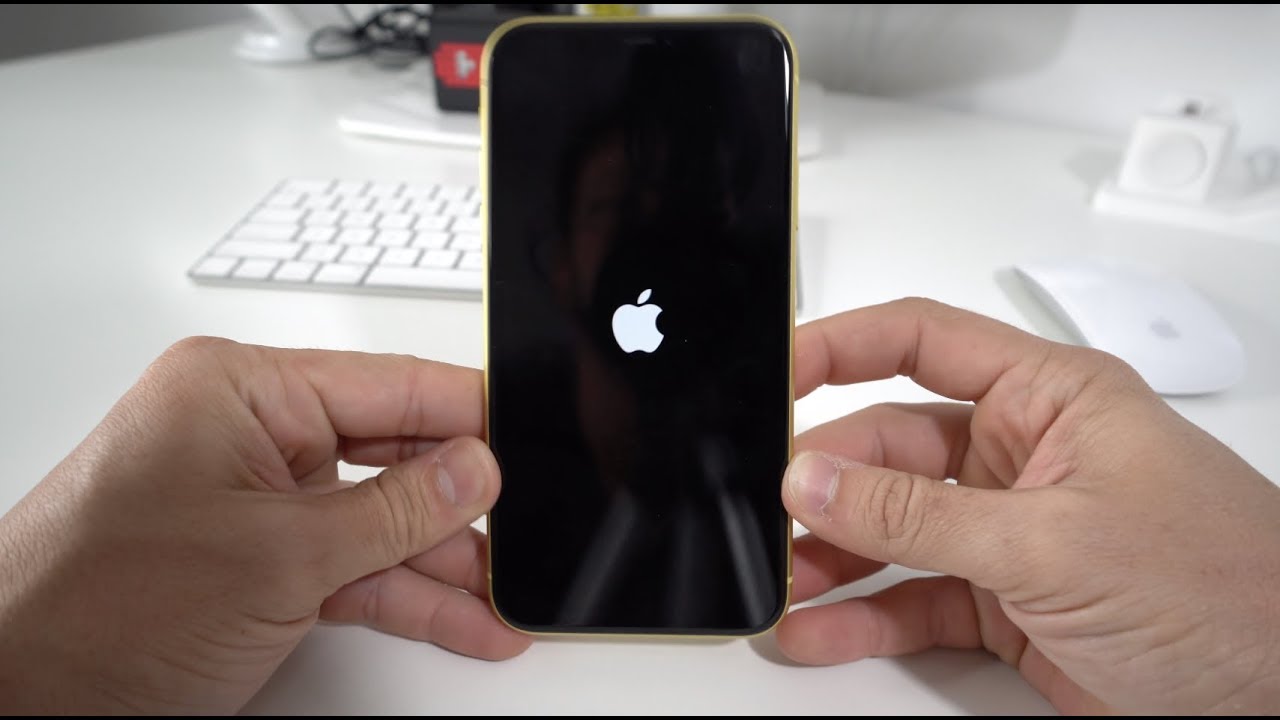
To unfreeze a phone screen, the only verified first step is a force restart, a specific button combination that forces the device to reboot without erasing any of your data....

How To Activate ESIM On T-Mobile

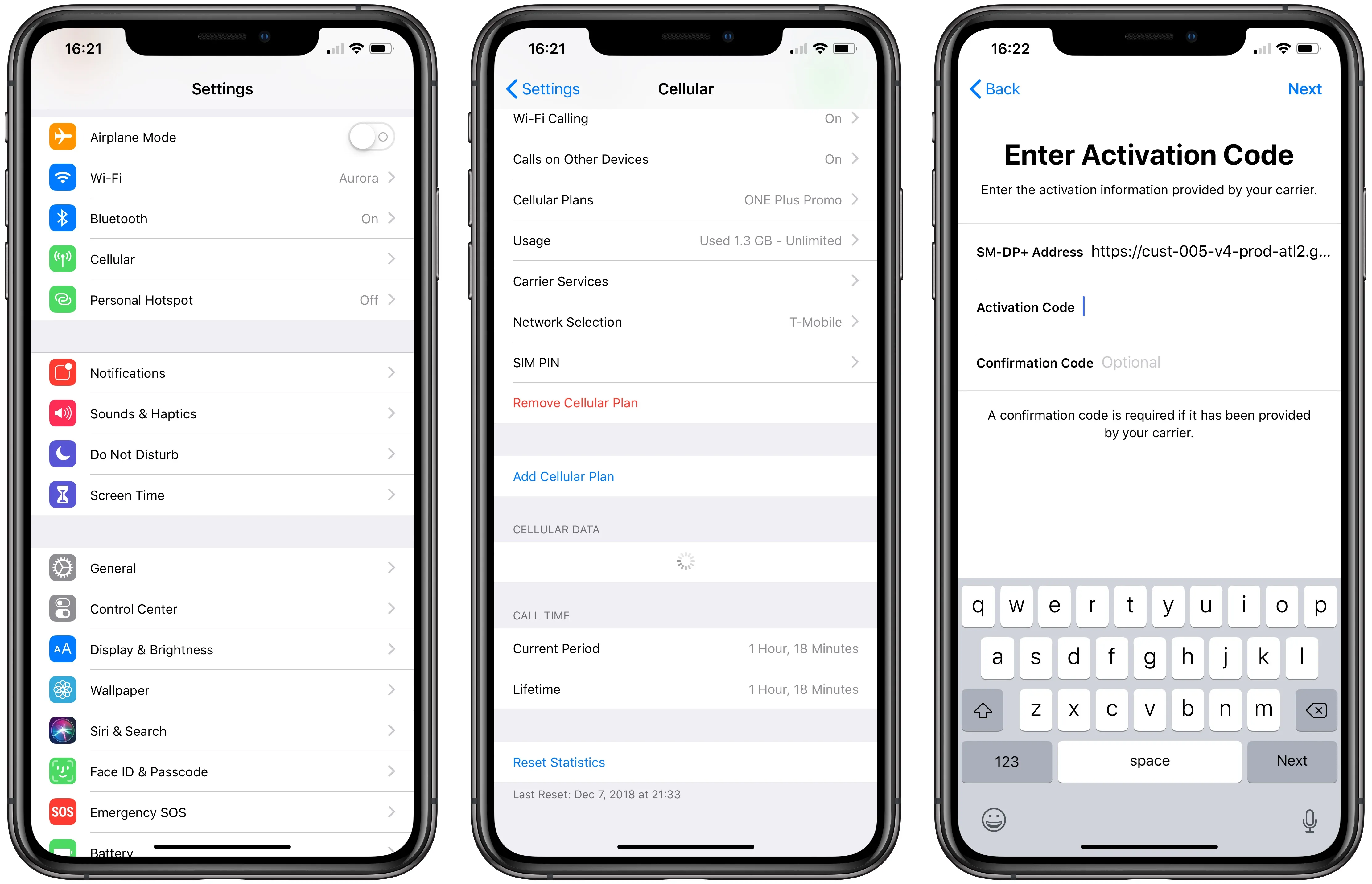
To activate eSIM on T-Mobile, you can use the T-Life app, scan a QR code, or set up automatically on a new iPhone, no store visit required. The method that...

What Is The Fastest Phone Charger

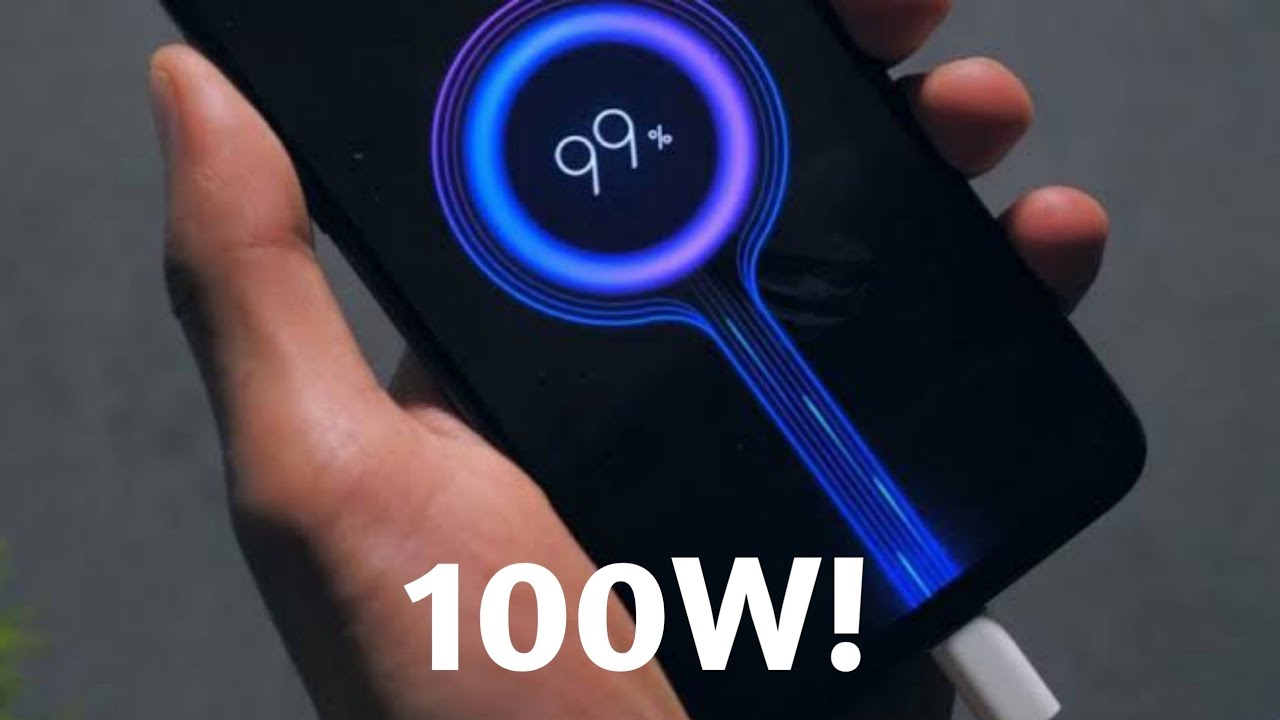
The fastest phone charger for your model is the one that matches your phone’s documented maximum charging speed, and that speed varies significantly between Apple, Google, and Samsung devices. For...

How Do You Record A Phone Call

To record a phone call on your iPhone or Android device, you can use the built-in call recording feature found on iOS 18.1+ iPhones, Google Pixel (6+), and Samsung Galaxy...