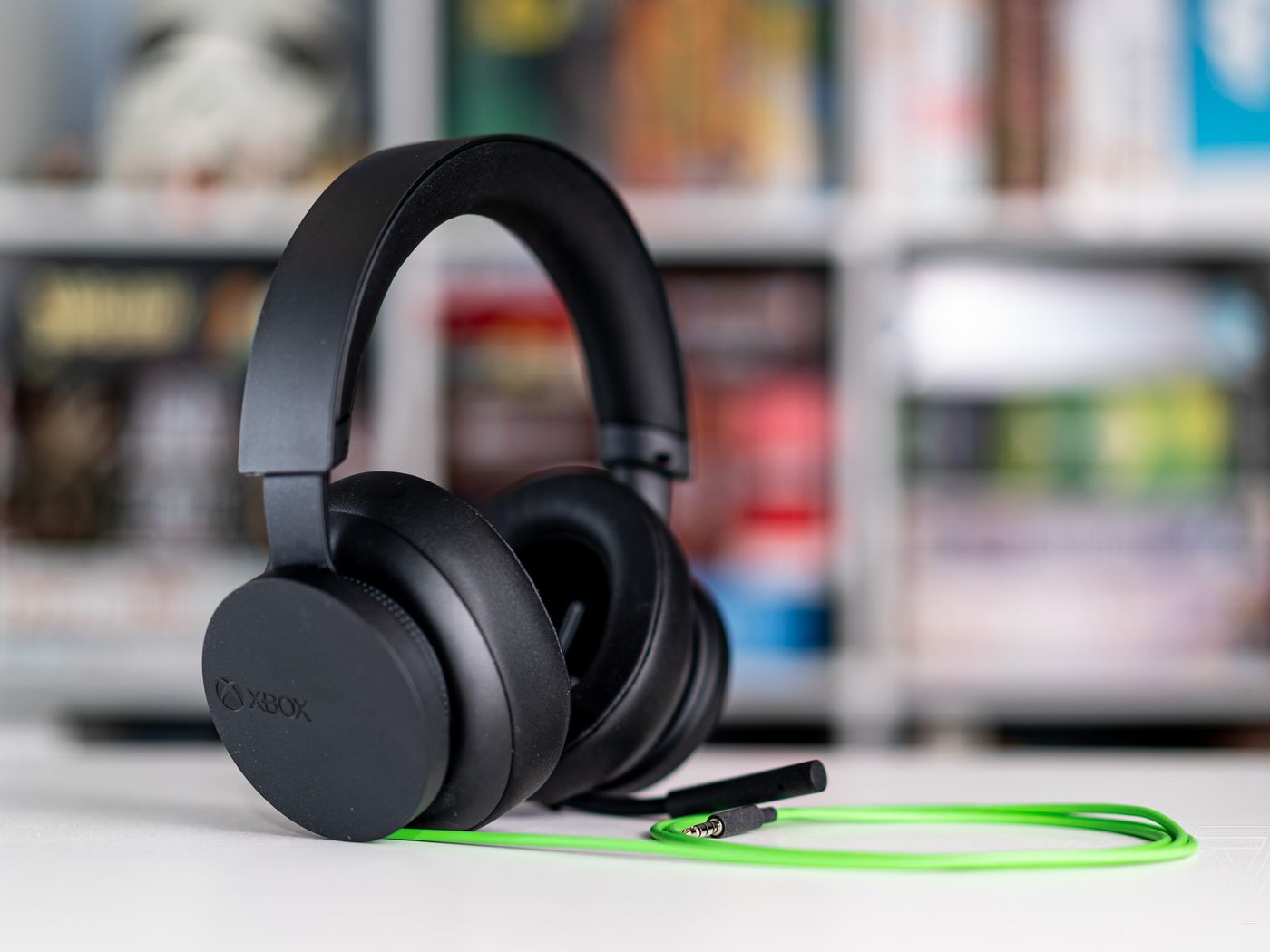
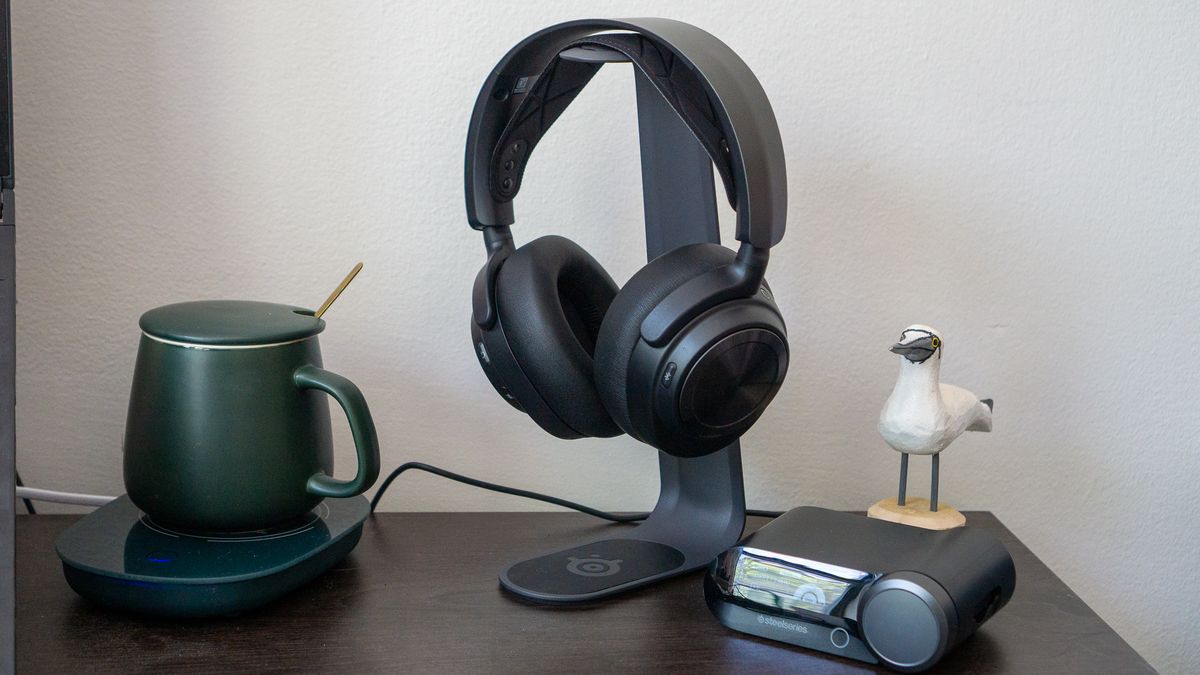
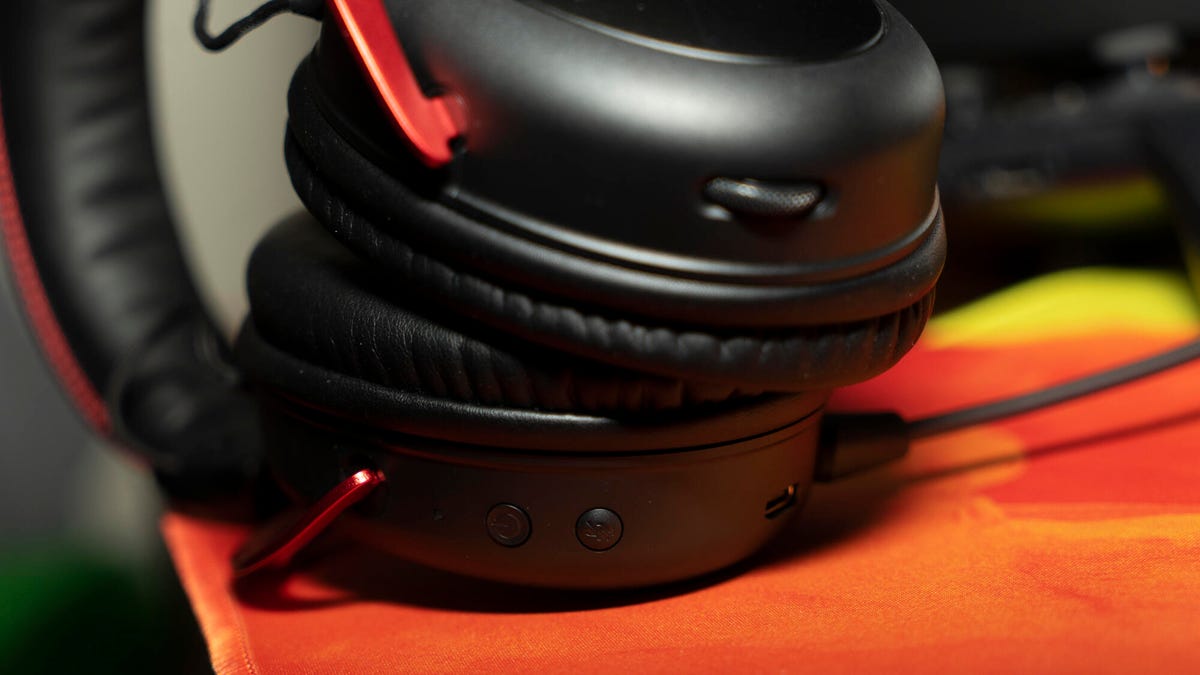
The practical side of using headsets with your phone, PC, and gaming consoles. This page is for anyone who owns a headset and needs straightforward guidance on setup, troubleshooting, and everyday use.
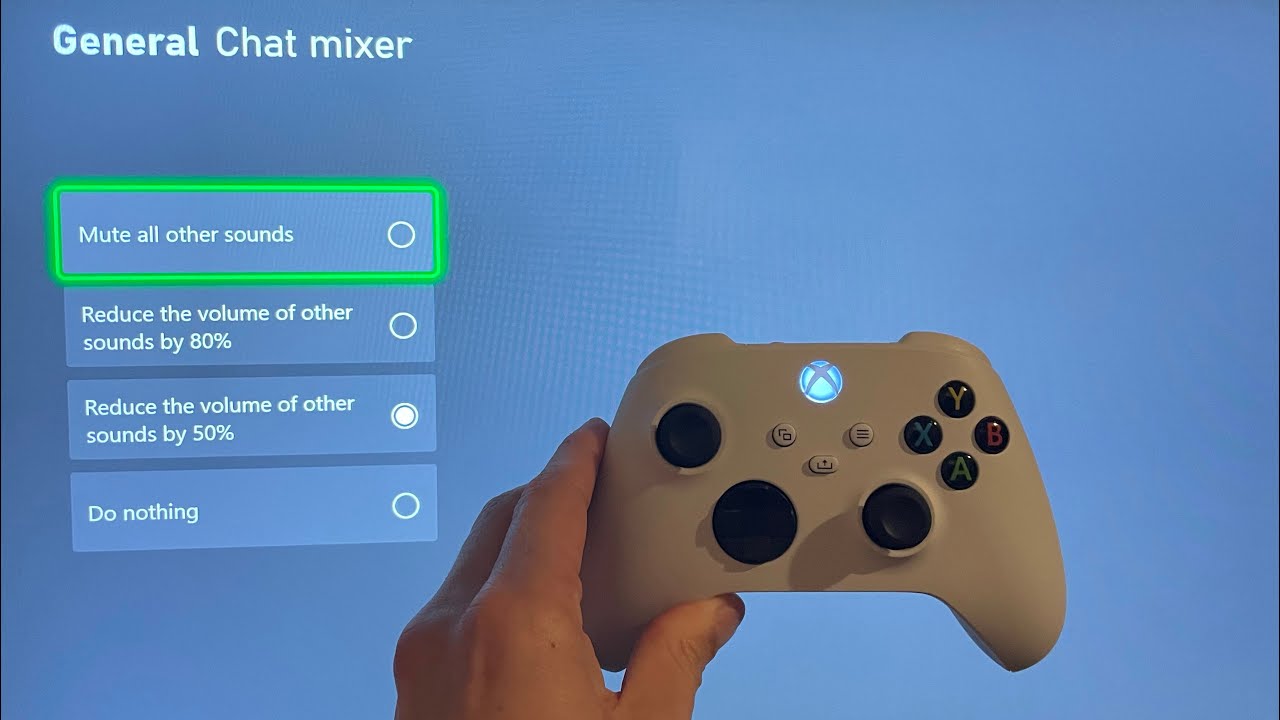
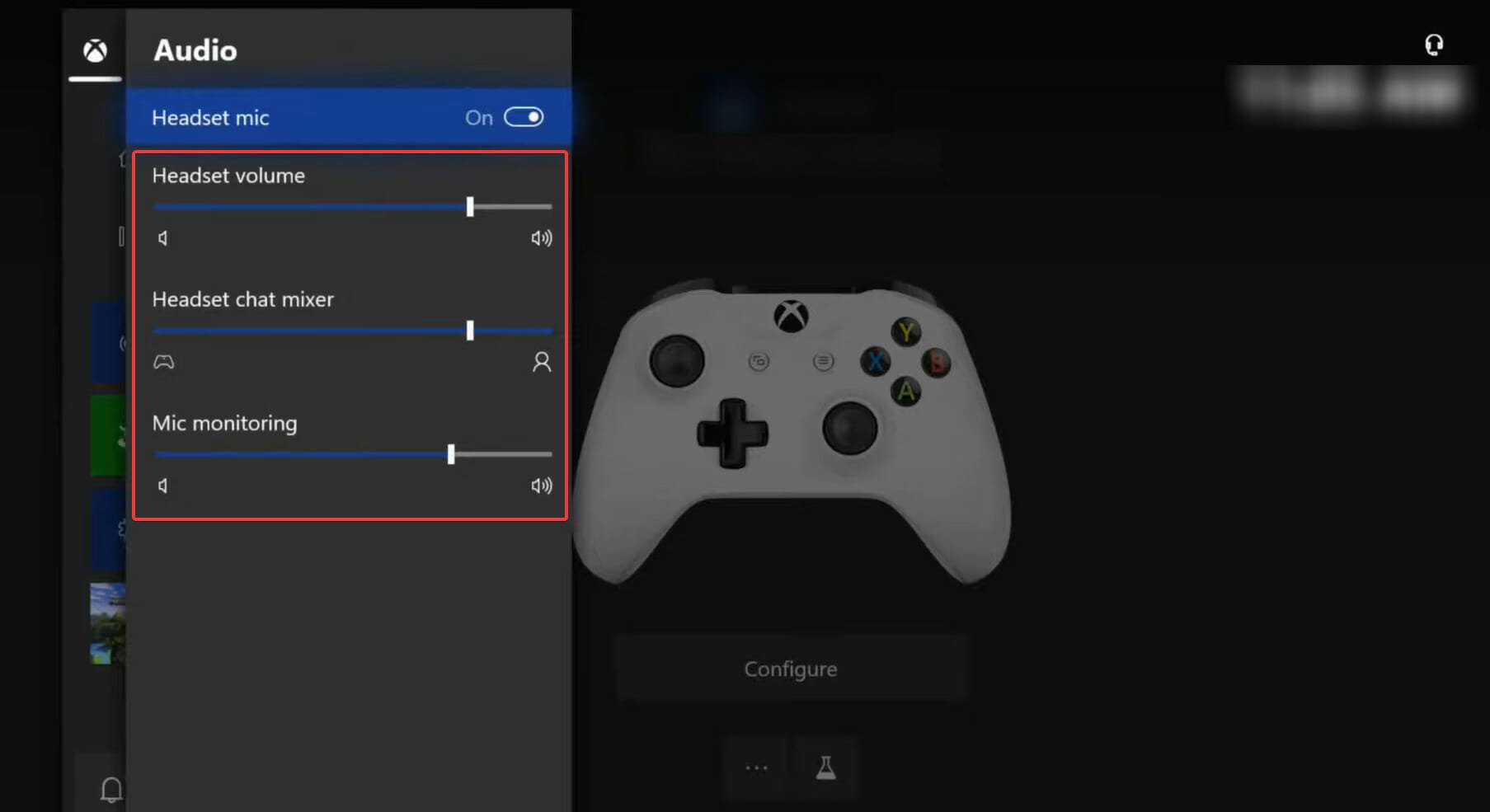
The articles here solve real-world problems, falling into a few clear themes. One major group covers connectivity and pairing, helping you get devices talking to each other. You will find guides on how to pair a Jabra headset with a USB dongle, how to connect a Bilt Bluetooth helmet to your phone, and how to pair a Cardo to your phone. Another set of articles focuses on fixing common issues and adjusting settings. These explain why you can only hear from one side of your headset, what to do if your headset is not working, and how to adjust volume on an Xbox headset. A third theme covers battery life and maintenance, with articles like how long it takes to charge a headset and how to reset a wireless Turtle Beach headset or an Astro A50.
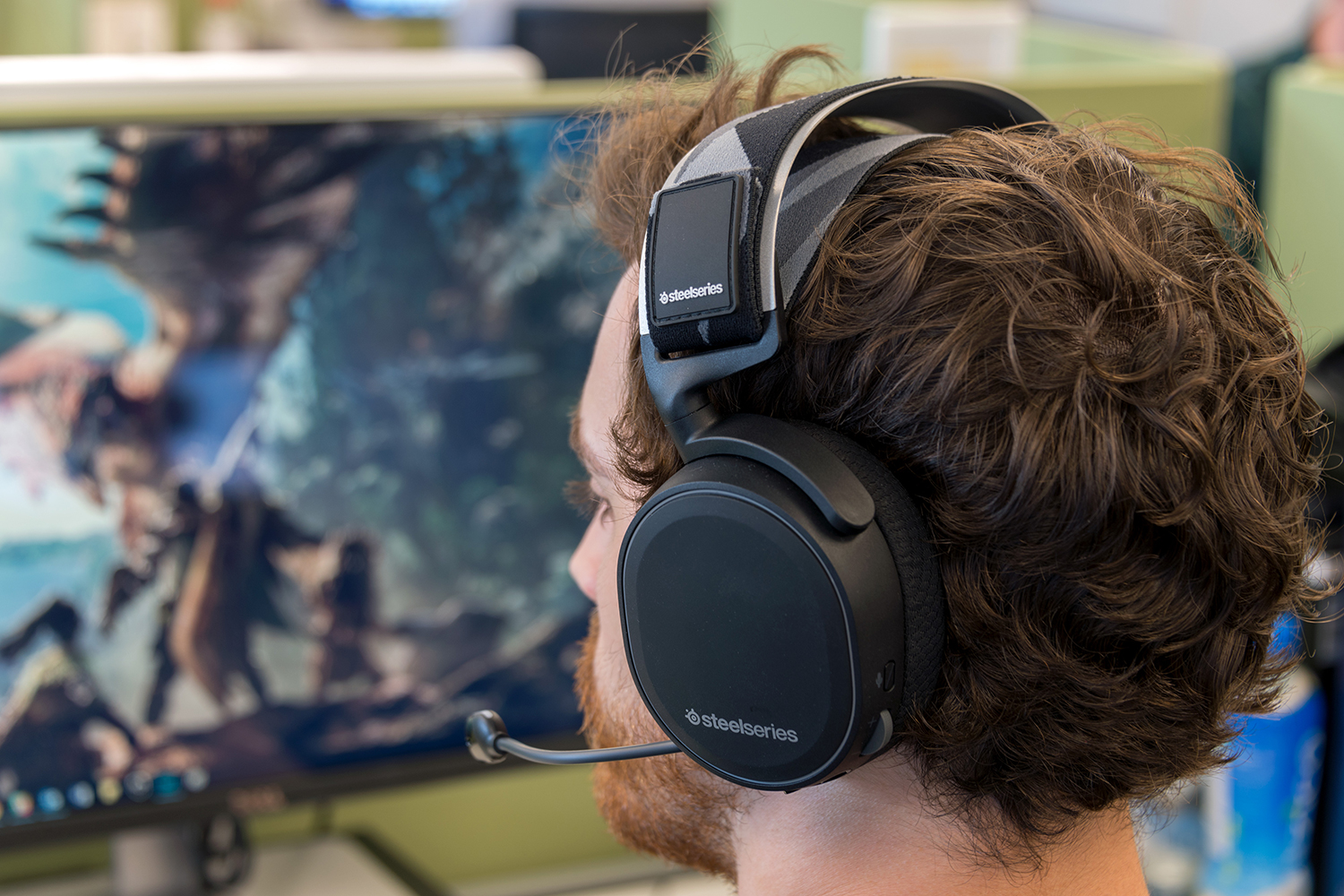
Overall, these articles help you do specific tasks: connect your headset to a PS5 or Xbox Series X, use a headset mic on Streamlabs, wear a headset properly, and even turn off a Corsair Virtuoso headset. Whether you are dealing with a Fortnite audio glitch or just learning how to use a wireless headset, this tag points you to the direct fix you need.